
#48 by installs
SVG Support
Securely upload SVG files to your media library, with built-in sanitization and advanced features for styling and animation.
- Installs
- 1+ million
- Rating
- 4.8 (356)
- Updated
- Today

Easily add SVG icons and graphics to the WordPress block editor.
| Last updated | September 14, 2026Updated in the last 3 months |
|---|---|
| Tested up to | WordPress 7.1.4Covers WordPress 7.1.4, the current release |
| Needs WordPress | 6.6 or newer |
| Needs PHP | 7.4 or newer |
| First published | September 25, 2021 |
| Support, last two months | 1 of 1 threads resolved (100%) |
5.0 / 5 from 29 reviews
| 5 stars | 29 |
|---|---|
| 4 stars | 0 |
| 3 stars | 0 |
| 2 stars | 0 |
| 1 star | 0 |
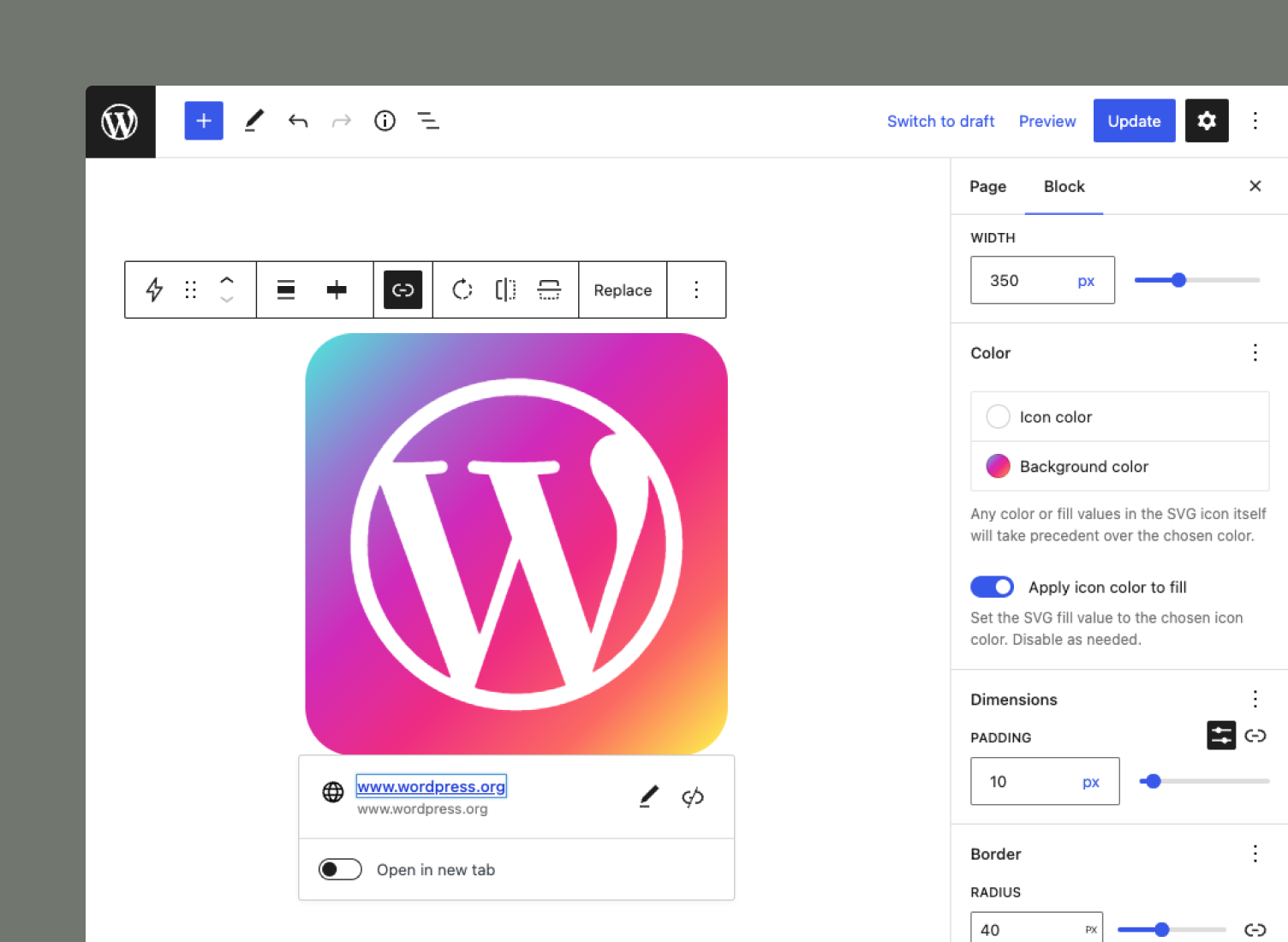
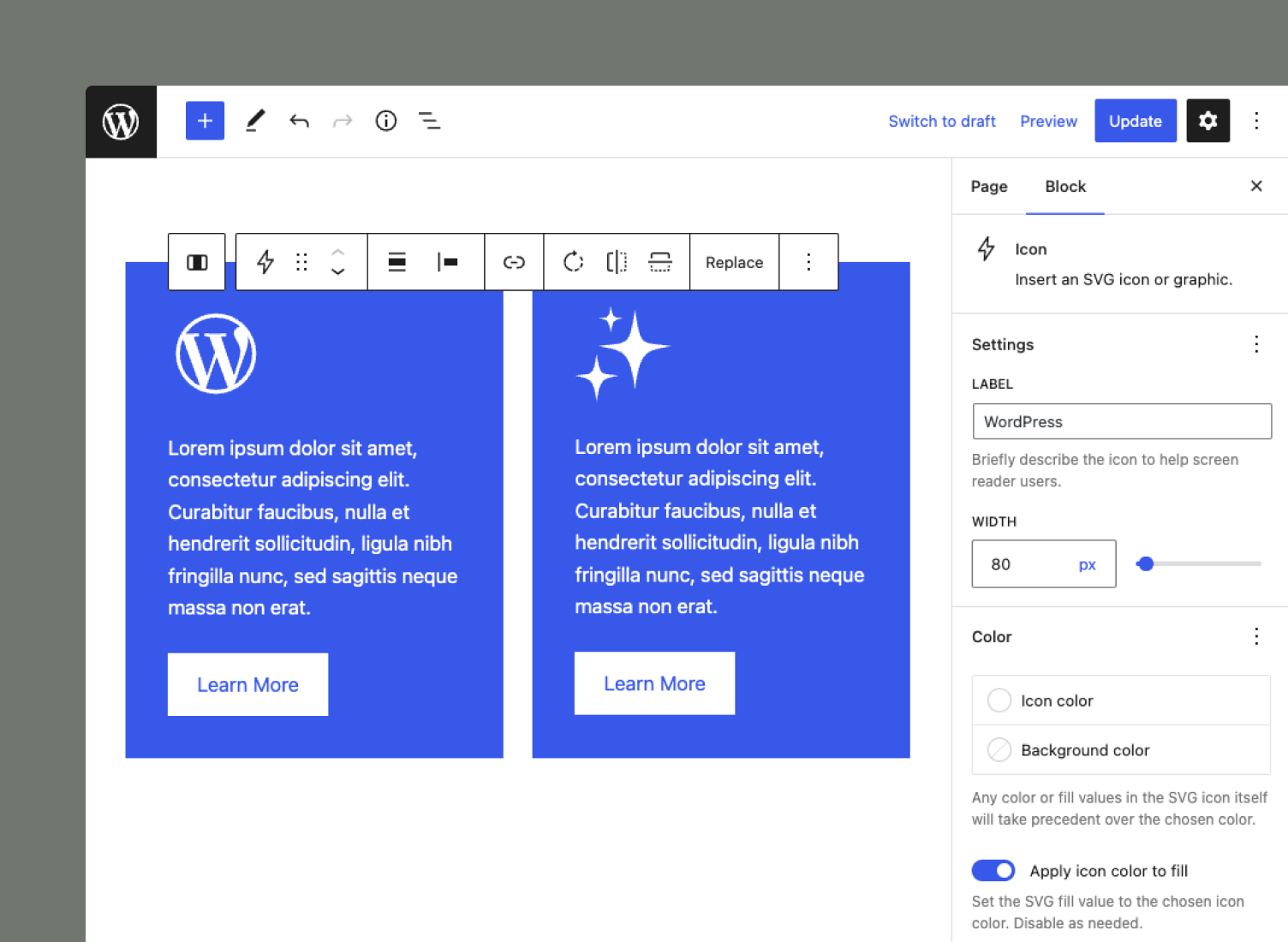
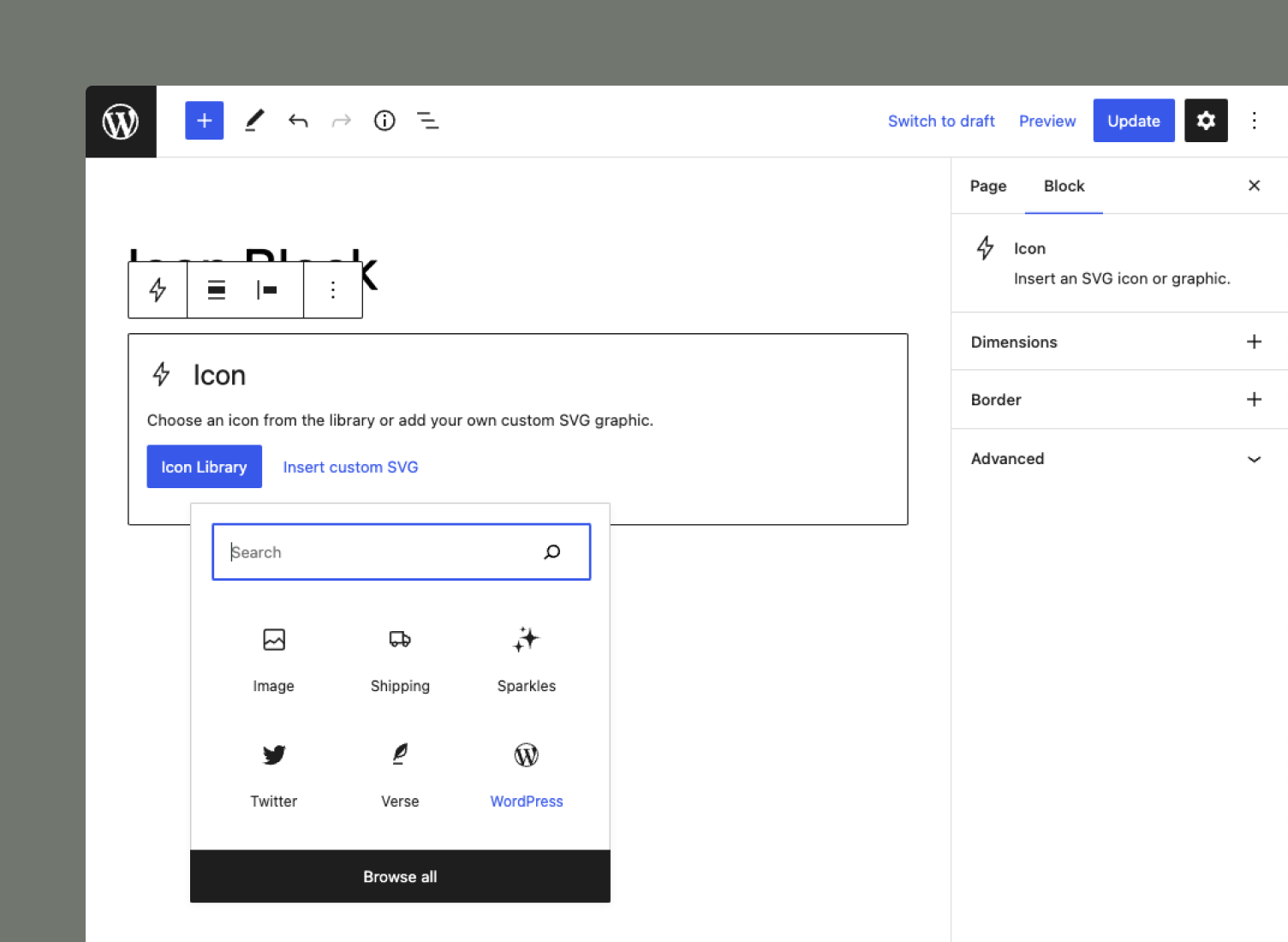
The Icon Block plugin registers a single, easy-to-use block that allows you to add custom SVG icons and graphics to the WordPress block editor (Gutenberg).
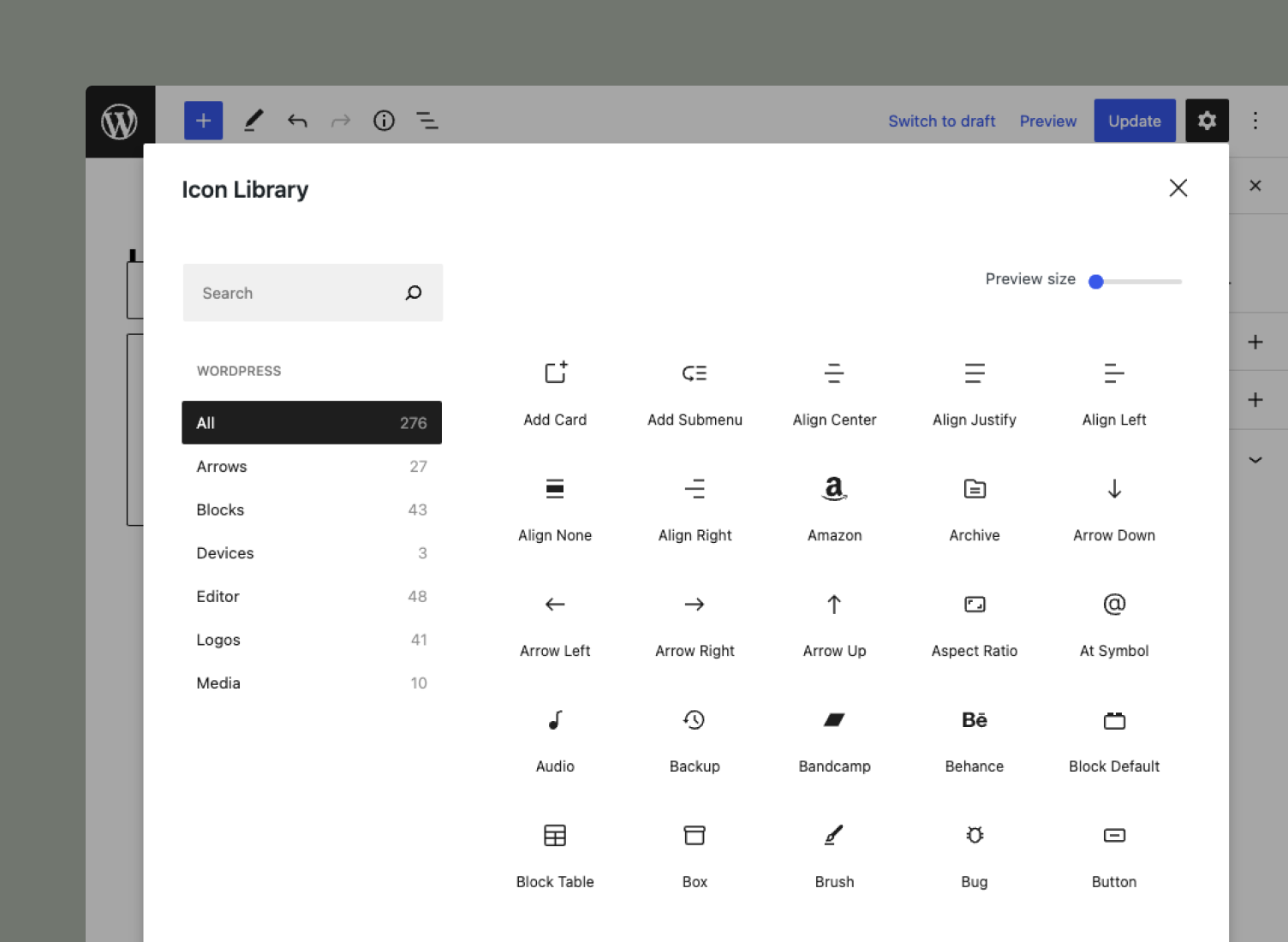
The plugin also includes the complete WordPress icon library with 290+ SVG icons.
Key features
Stay connected
The opening of the plugin's own description. The full text, installation notes and changelog are on its WordPress.org page.
Currently, the Icon Block only includes the WordPress icon library. That said, the plugin allows you to render any SVG-based icon by simply copying/pasting the code into the icon text area when using the “Add custom icon” option! See the screenshots for reference. This gives you complete flexibility and allows you to use practically any icon you want.
The Icon Block includes controls for the icon’s color and background. However, if your SVG icon has hard-coded color/fill values, the plugin will respect those instead of any applied custom colors.
By default, WordPress does not allow you to add SVG files to your Media Library, but you can enable this functionality using plugins like Safe SVG. If SVG uploads are enabled, you will see the option to insert icons from Media Library in the Icon Block.
WordPress only allows Administrators and Editors to save “Unfiltered HTML” content, which includes SVGs. The Icon Block will not work properly for users who are at the Author level or lower.
Note that WordPress multisite installations have additional restrictions. “Unfiltered HTML” is restricted to Super Admins on multisite.
Changed
Fixed
#48 by installs
Securely upload SVG files to your media library, with built-in sanitization and advanced features for styling and animation.

#54 by installs
Enable SVG uploads and sanitize them to stop XML/SVG vulnerabilities in your WordPress website.

#63 by installs
Gutenberg blocks for existing Spectra websites. Maintained, stable, and fully supported — no action needed on your part.

#80 by installs
Adds breadcrumb navigation showing the visitor's path to their current location.

#141 by installs
The official way to use Font Awesome Free or Pro icons on your WordPress site, brought to you by the Font Awesome team.

#190 by installs
Embed PDF files in WordPress posts and pages with a responsive PDF viewer block, live Block Editor preview, and no third-party services.
Read from the WordPress.org plugin API on , when WordPress 7.1.4 was the current release. WordPress.org rounds active installs into buckets. These are the directory's figures, not my verdict, and I haven't tested this plugin.