
#865 by installs
Icon Element – Icon Pack for Elementor Page Builder (6718 icons)
The ultimate icon-packs for elementor page builder.
- Installs
- 40,000+
- Rating
- 4.4 (7)
- Updated
- 6 months ago

The official way to use Font Awesome Free or Pro icons on your WordPress site, brought to you by the Font Awesome team.
| Last updated | August 13, 2026Updated in the last 3 months |
|---|---|
| Tested up to | WordPress 7.1.4Covers WordPress 7.1.4, the current release |
| Needs WordPress | 5.8 or newer |
| Needs PHP | 7.4 or newer |
| First published | September 18, 2012 |
| Support, last two months | 0 of 2 threads resolved (0%) |
3.6 / 5 from 61 reviews
| 5 stars | 36 |
|---|---|
| 4 stars | 3 |
| 3 stars | 2 |
| 2 stars | 4 |
| 1 star | 16 |
The official way to use Font Awesome Free or Pro icons on your WordPress site, brought to you by the Font Awesome team.
Features
Our official plugin makes it easy to add Font Awesome icons to your pages, posts, and templates and includes the following features:
How to Use
Install And Enable The Plugin
(See the Installation tab for details)
How to Add and Style Icons
Full docs on how to use the plugin and add icons are available on the Font Awesome Docs site.
Add Icons in the Block Editor
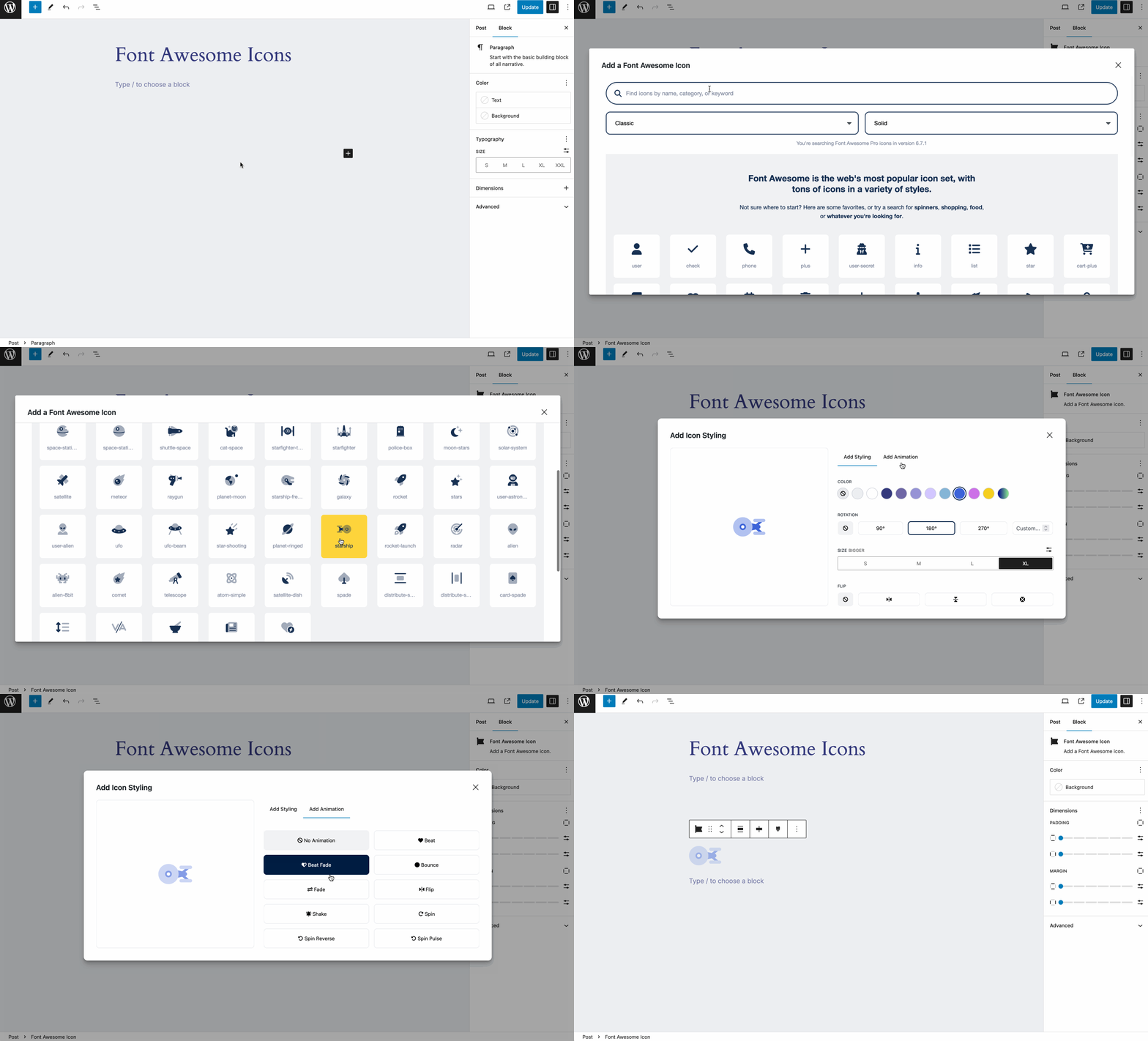
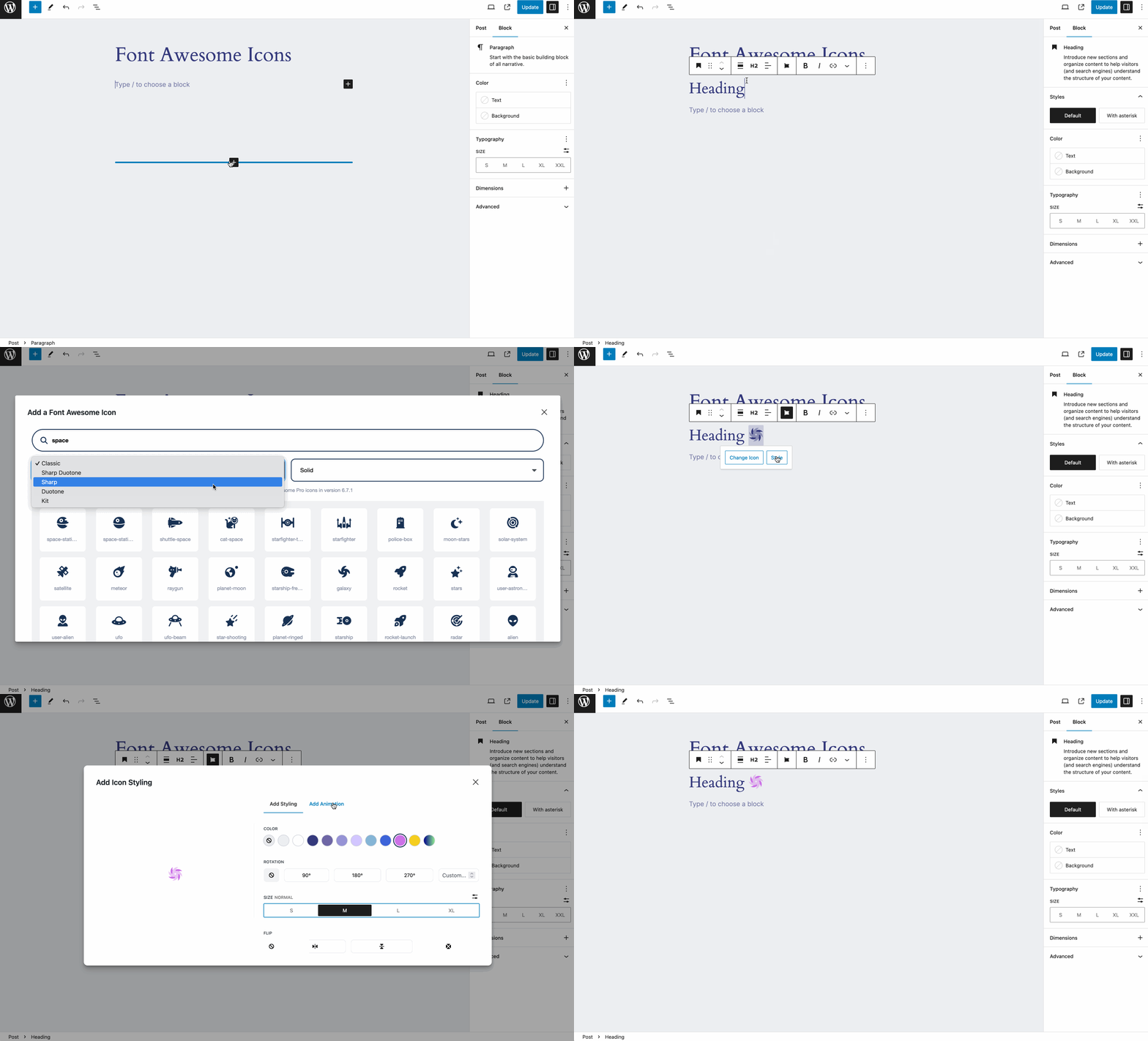
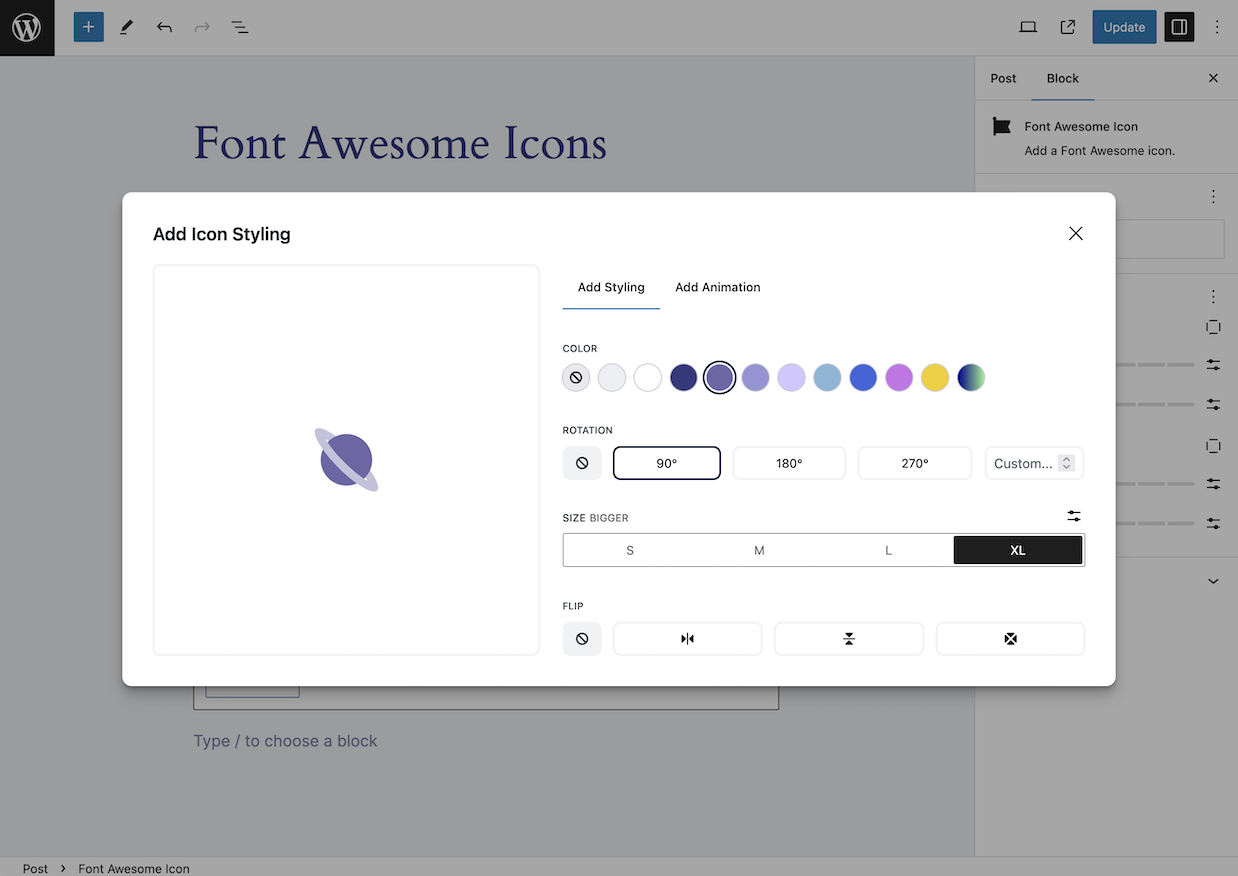
Once you’ve set up your plugin, you can add icons as blocks or inline with text.
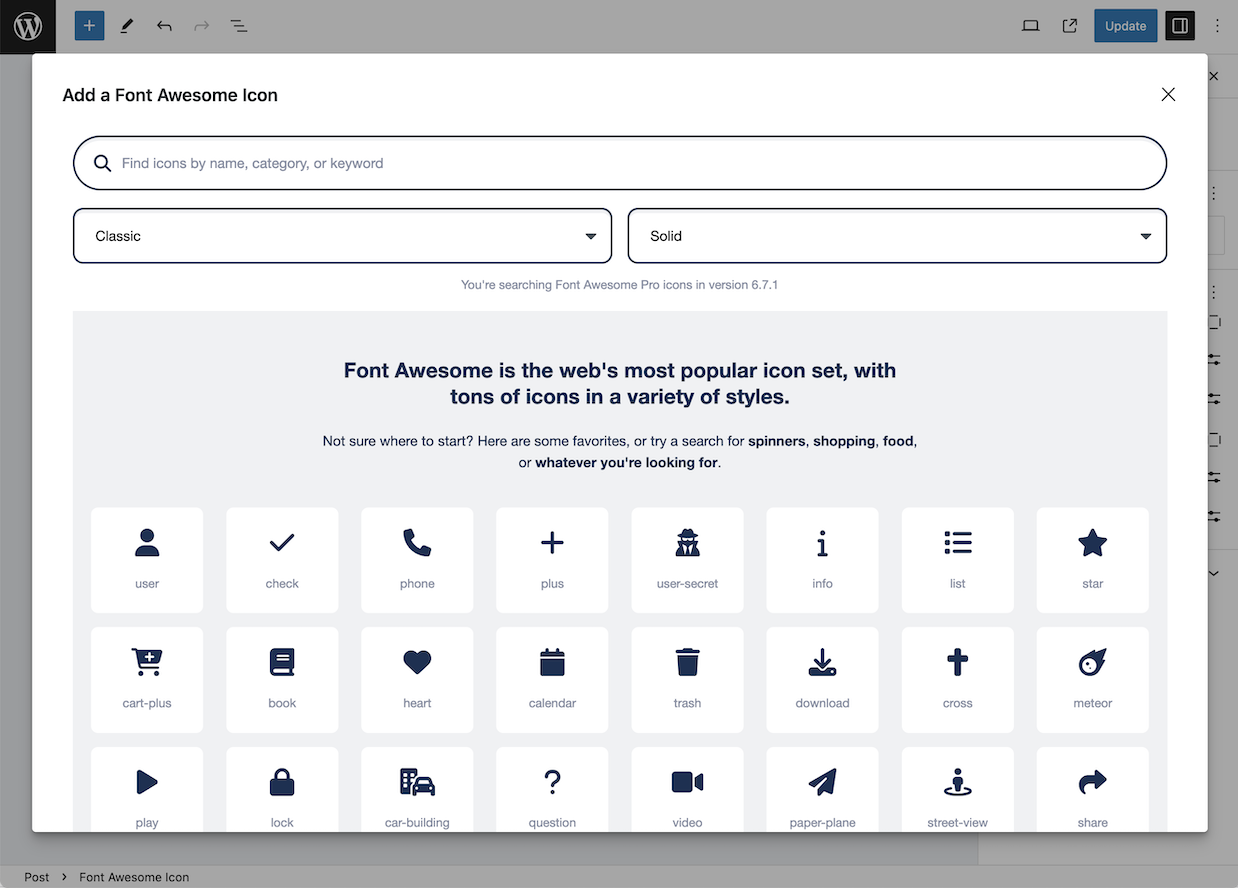
To add icons as blocks, select the “Font Awesome Icon” block, and then click the “Choose Icon button” to open the Icon Chooser.
The opening of the plugin's own description. The full text, installation notes and changelog are on its WordPress.org page.
correctly in the plugin’s admin interface.
#865 by installs
The ultimate icon-packs for elementor page builder.

#232 by installs
Create and install your favicon for all platforms: PC/Mac, iPhone/iPad, Android devices, Windows 8 tablets...

#485 by installs
Adds a new 'Font Awesome Icon' field to the popular Advanced Custom Fields plugin.

#891 by installs
Easily add SVG icons and graphics to the WordPress block editor.
Read from the WordPress.org plugin API on , when WordPress 7.1.4 was the current release. WordPress.org rounds active installs into buckets. These are the directory's figures, not my verdict, and I haven't tested this plugin.