
#141 by installs
Font Awesome
The official way to use Font Awesome Free or Pro icons on your WordPress site, brought to you by the Font Awesome team.
- Installs
- 400,000+
- Rating
- 3.6 (61)
- Updated
- 3 months ago

Create and install your favicon for all platforms: PC/Mac, iPhone/iPad, Android devices, Windows 8 tablets...
| Last updated | October 17, 2026Updated in the last 3 months |
|---|---|
| Tested up to | WordPress 7.1.4Covers WordPress 7.1.4, the current release |
| Needs WordPress | 3.5 or newer |
| Needs PHP | Not stated |
| First published | May 5, 2014 |
| Support, last two months | No threads opened |
4.9 / 5 from 802 reviews
| 5 stars | 785 |
|---|---|
| 4 stars | 5 |
| 3 stars | 3 |
| 2 stars | 4 |
| 1 star | 5 |
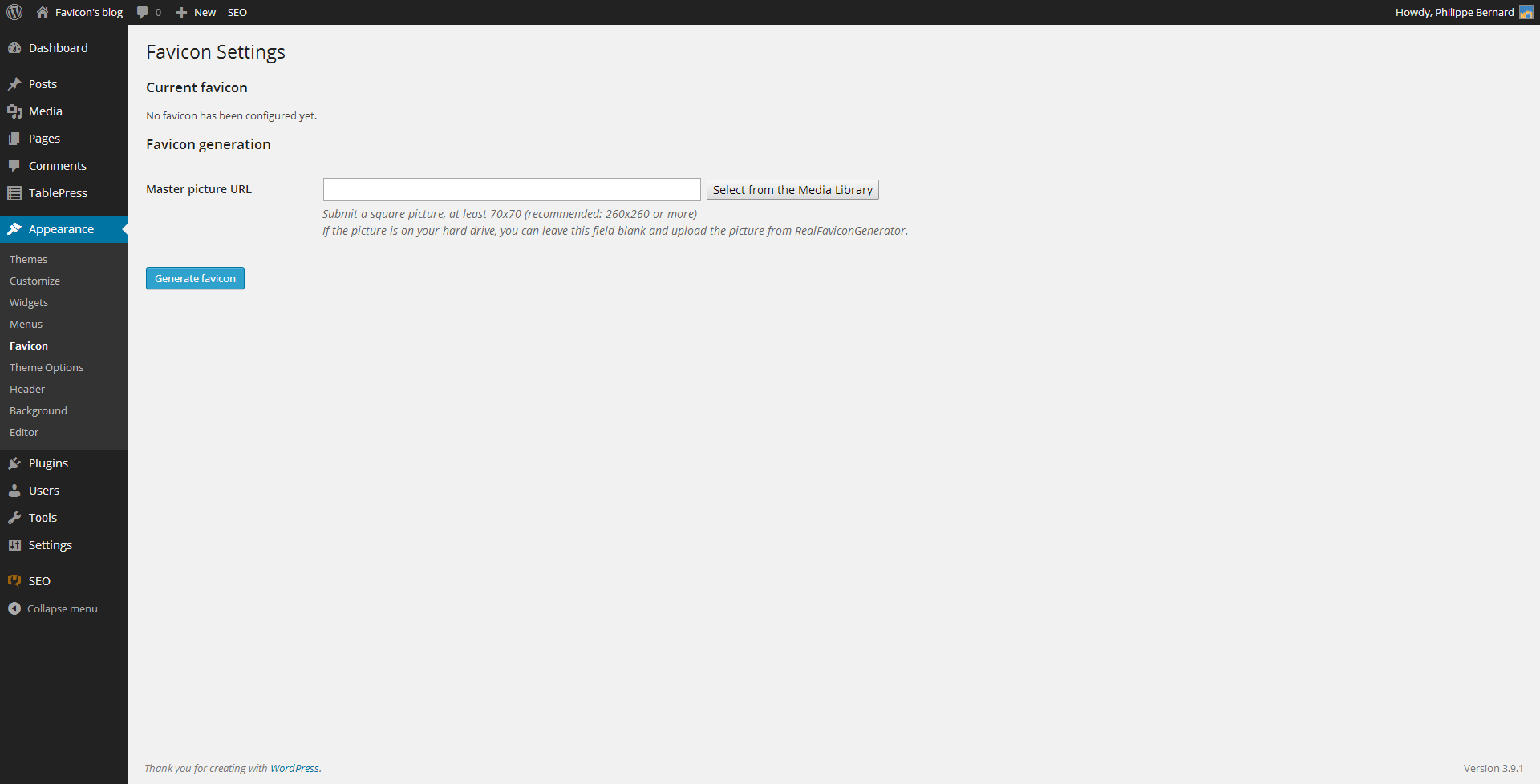
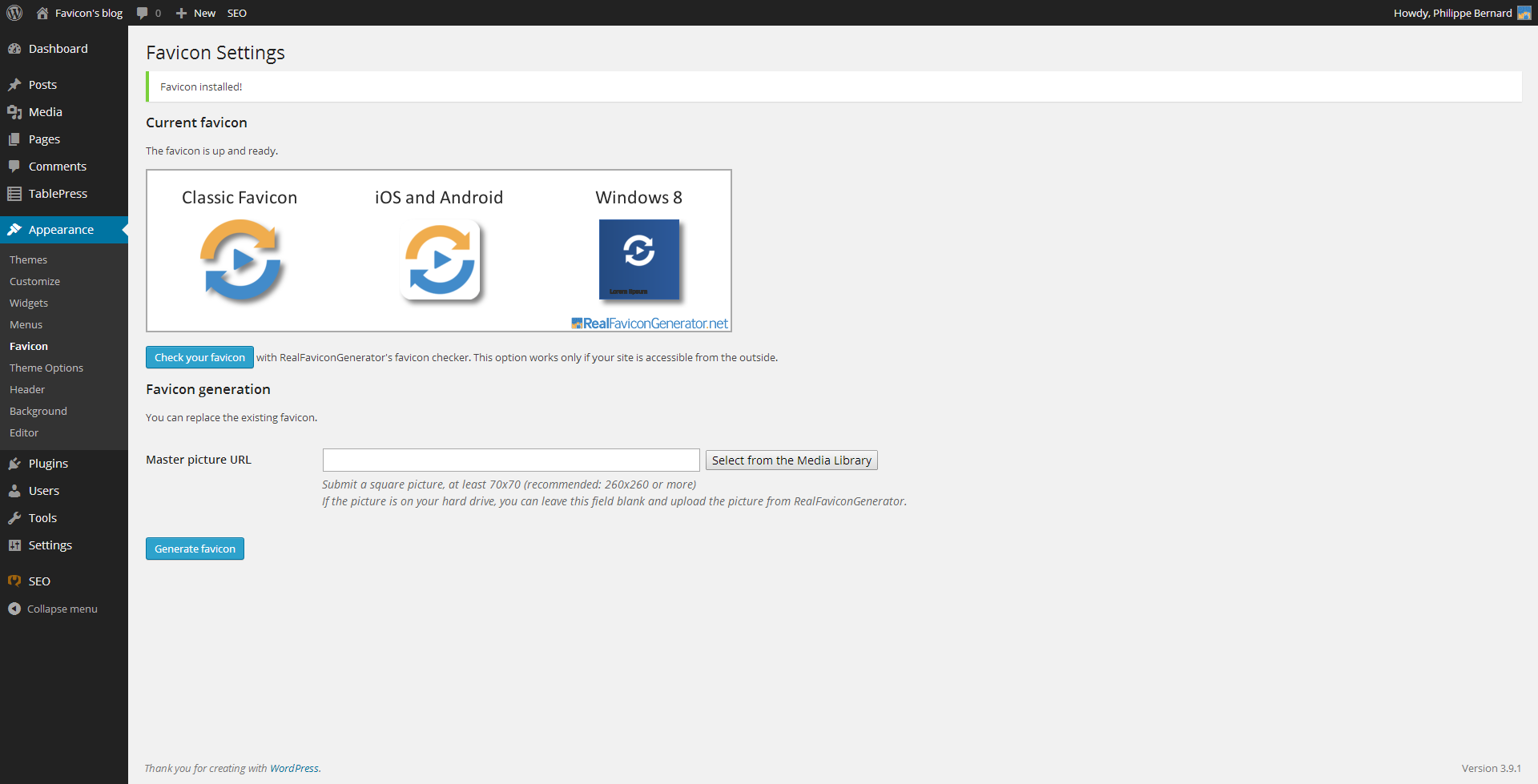
Generate and setup a favicon for desktop browsers, iPhone/iPad, Android devices, Windows 8 tablets and more. In a matter of seconds, design an icon that looks great on all major platforms.
Favicon is not just a single favicon.ico file dropped in the middle of your site. Nowadays, with so many different platforms and devices, you need a bunch of pictures to get the job done. With RealFaviconGenerator, generate all the icons you need for desktop browsers, iPhone/iPad, Android devices, Windows 8 devices, and more.
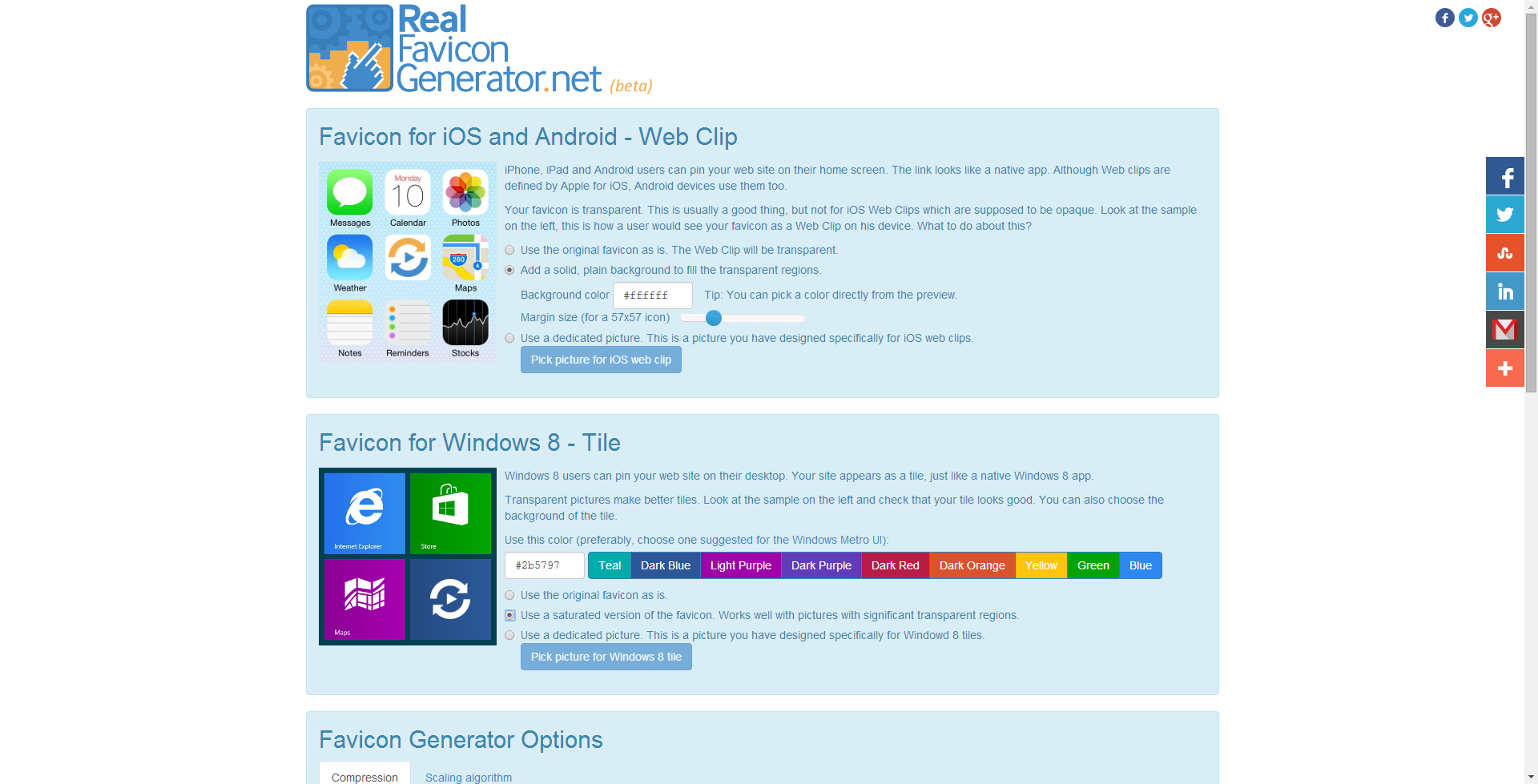
iOS devices use a high resolution Apple touch icon to illustrate bookmarks and home screen shortcuts. A first generation iPhone needs a 57×57 picture, whereas a brand new iPad with Retina screen looks for a 152×152 picture. Android Chrome also use these pictures if it finds them. Windows 8 takes another route with a dedicated set of icons and HTML declarations.
Favicon is not only a matter of pictures with different resolutions. The various platforms coms with different UI guidelines. For example, the classic desktop favicons often use transparency. But iOS requires opaque icons. And Windows 8 has its own recommendations.
Save hours of research and image edition with RealFaviconGenerator and its companion plugin. In a matter of seconds, you setup a favicon compatible with:
The opening of the plugin's own description. The full text, installation notes and changelog are on its WordPress.org page.
#141 by installs
The official way to use Font Awesome Free or Pro icons on your WordPress site, brought to you by the Font Awesome team.

#665 by installs
Easily add a Favicon to your site and the WordPress admin pages. Complete with upload functionality. Supports all three Favicon types (ico,png,gif).

#792 by installs
With just a few clicks, make your WordPress website mobile-friendly (iPhone, Android, and more). Recommended by Google, it will instantly enable a mob …

#865 by installs
The ultimate icon-packs for elementor page builder.

#891 by installs
Easily add SVG icons and graphics to the WordPress block editor.

#908 by installs
Customize the logo on the WP login screen by simply dropping a file named login-logo.png into your WP content directory. CSS is automatic!
Read from the WordPress.org plugin API on , when WordPress 7.1.4 was the current release. WordPress.org rounds active installs into buckets. These are the directory's figures, not my verdict, and I haven't tested this plugin. The author takes donations at their donate page.