
#556 by installs
hCaptcha for WP
The strongest CAPTCHA. Switch from reCAPTCHA and Turnstile for free. Works with 60+ integrations: Contact Form 7, Elementor, WooCommerce, Divi, etc.
- Installs
- 70,000+
- Rating
- 4.6 (88)
- Updated
- 1 day ago

Protect WordPress website forms from spam entries with Google reCAPTCHA.
| Last updated | April 24, 2026Updated in the last year |
|---|---|
| Tested up to | WordPress 7.0.8Older than WordPress 7.1.4, the current release |
| Needs WordPress | 6.5 or newer |
| Needs PHP | Not stated |
| First published | February 7, 2014 |
| Support, last two months | 3 of 3 threads resolved (100%) |
3.9 / 5 from 391 reviews
| 5 stars | 266 |
|---|---|
| 4 stars | 15 |
| 3 stars | 12 |
| 2 stars | 16 |
| 1 star | 82 |
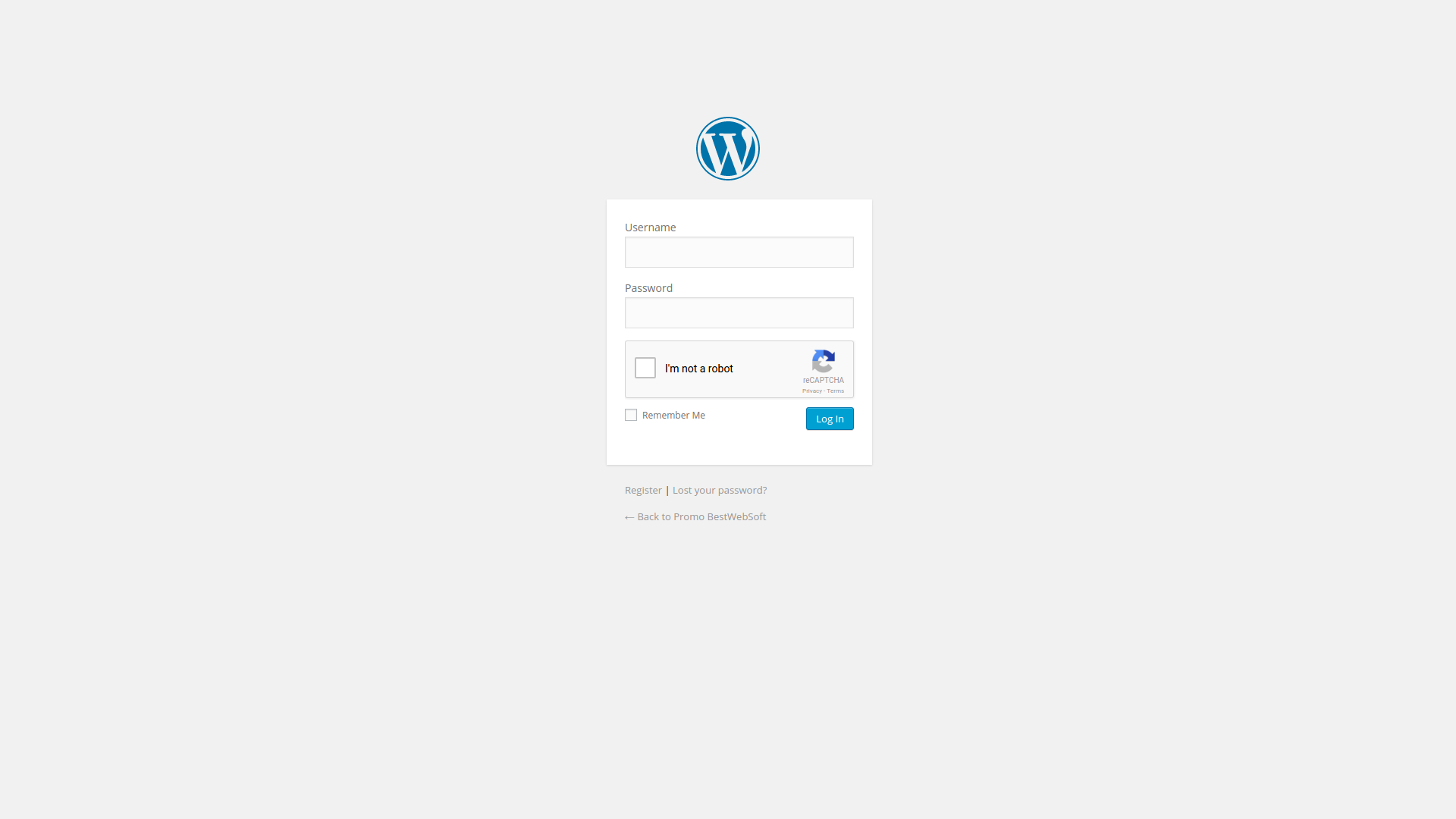
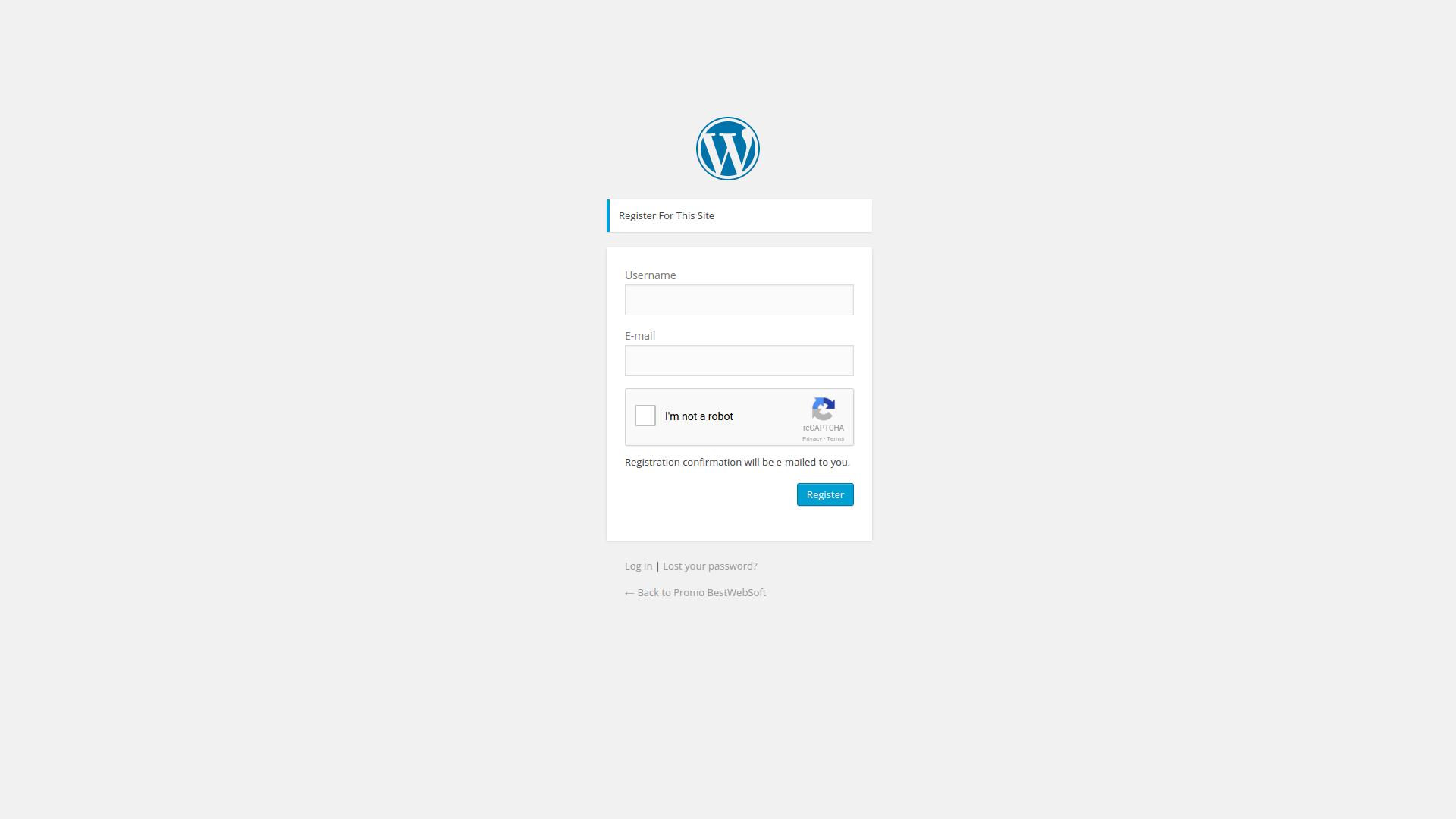
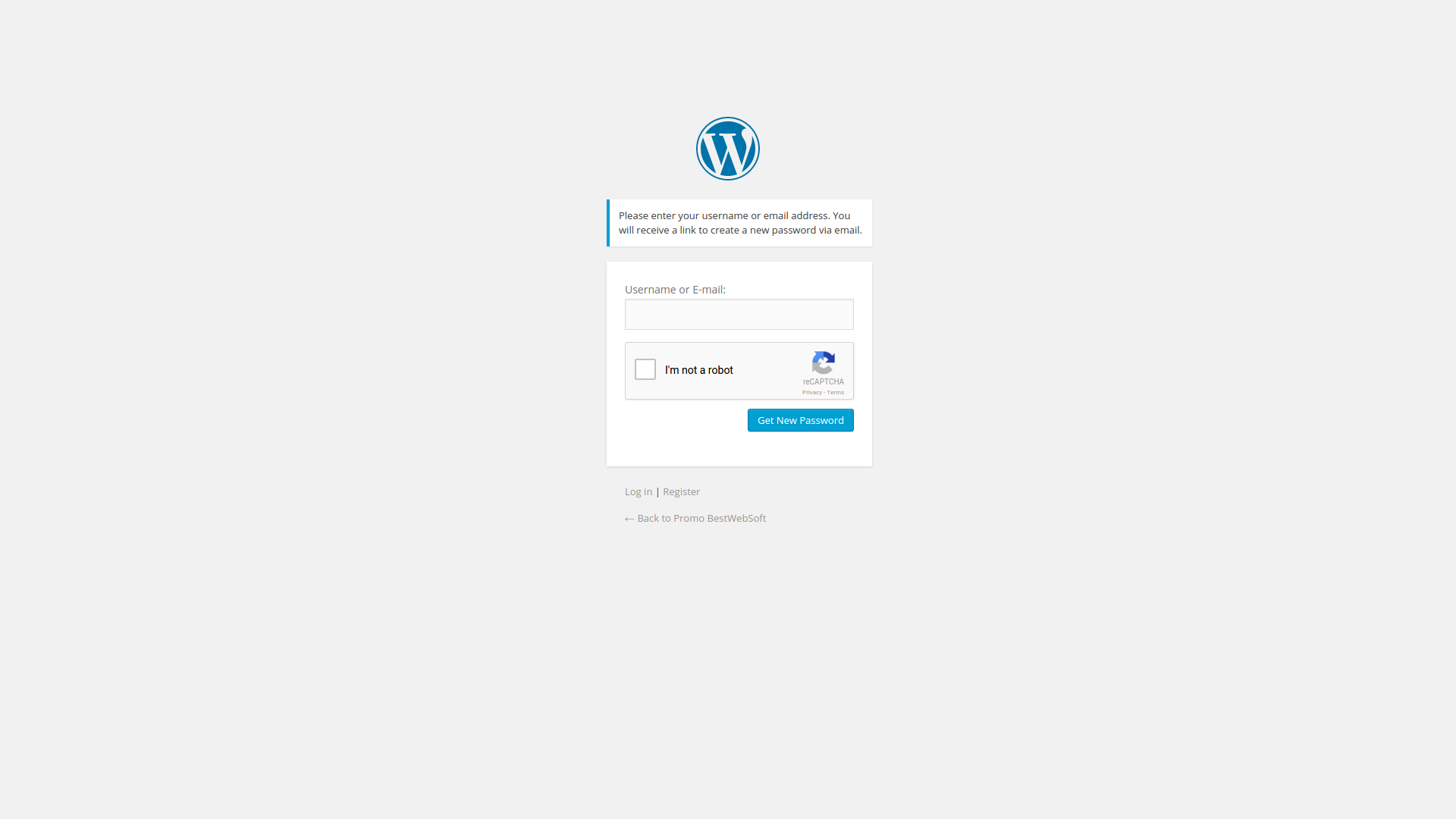
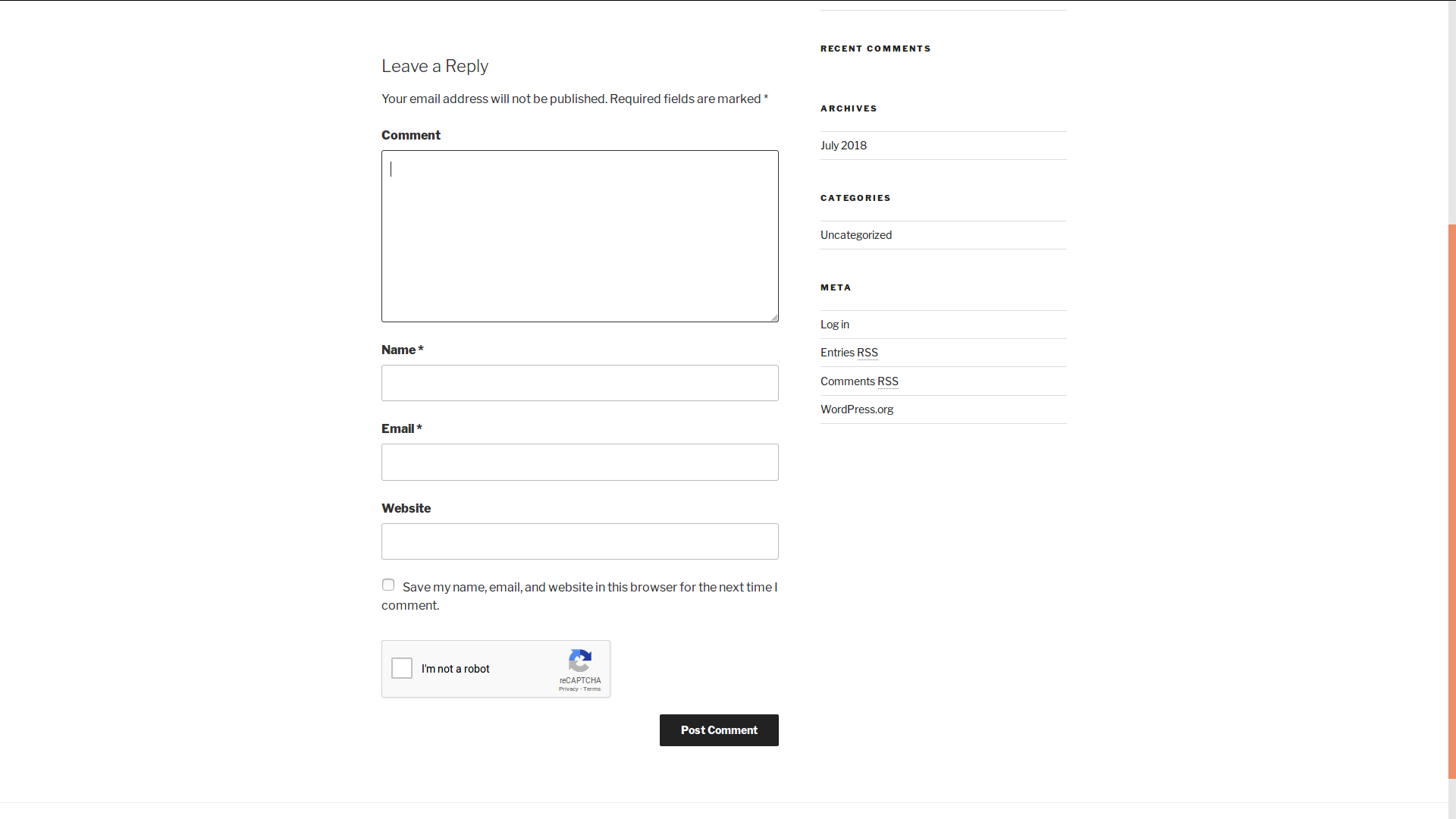
reCaptcha plugin is an effective security solution that protects your WordPress website forms from spam entries while letting real people pass through with ease. It can be used for login, registration, password recovery, comments, popular contact forms, and other. reCAPTCHA Version 3, Version 2, Invisible are included.
Users are required to confirm that they are not a robot before the form can be submitted. It’s easy for people and hard for bots.
View Demo
Free Features
Pro Features
The opening of the plugin's own description. The full text, installation notes and changelog are on its WordPress.org page.
Follow the next steps in order to get and enable reCaptcha protection using the official Google Captcha keys:
1. Open your WordPress admin dashboard.
2. Navigate to the plugin Settings page.
3. Click the “Get the API Keys” link.
4. Enter your domain name and click “Create Key” button.
5. You will see your public and private keys. Copy them and paste to the appropriate fields on plugin Settings page.
You should go to the Settings page and select the roles, for which you want to hide reCaptcha. Then you must click “Save Changes” button.
Follow the next steps in order to change the appearance of the reCaptcha:
1. Open your WordPress admin dashboard.
2. Navigate to the plugin Settings page.
3. Select reCAPTCHA version.
4. Find the “Theme” option (only available for versions 1 and 2) and select the necessary style from the drop-down list.
5. Save changes and check the result.
You might have a theme where “comments.php” is coded incorrectly. WordPress version matters.
(WP2 series): Make sure that you theme contains a tag <?php do_action('comment_form', $post->ID); ?> inside the file /wp-content/themes/[your_theme]/comments.php.
Most WP2 themes already have it. The best place to put this tag is before the comment text area, you can move it up if it is below the comment text area.
It depends on the comments form. If the hook call by means of which captcha works (‘after_comment_field’ or something like this) is present in the file comments.php, you can change captcha positioning by moving this hook call. Please find the file ‘comments.php’ in the theme and change position of the line
do_action( 'comment_form_after_fields' );
or any similar line – place it under the Submit button.
Follow the instructions below in order to add reCaptcha plugin to your custom PHP or HTML form:
1. Install the reCaptcha plugin and activate it.
2. (Optional) If you would like to have an ability to enable and disable the reCAPTCHA for your custom form on the plugin settings page, please add the following code to the ‘functions.php’ file of your theme:
#556 by installs
The strongest CAPTCHA. Switch from reCAPTCHA and Turnstile for free. Works with 60+ integrations: Contact Form 7, Elementor, WooCommerce, Divi, etc.

#212 by installs
Captcha protection against spam comments & brute force login attacks using Google reCAPTCHA.

#437 by installs
Use CAPTCHA to stop spam and allow customers & users to interact with your website easily. Block fake accounts and orders. Avoid false positives.

#446 by installs
GDPR compatible captcha anti-spam protection for login form, comments form, registration form & lost password form. Eliminate spam with captcha.

#455 by installs
Protect Contact Form 7 forms from spam with Google reCAPTCHA v2, reCAPTCHA v3, hCaptcha or Cloudflare Turnstile.

#554 by installs
Use reCaptcha v2 by Google to combat spam at your login and registration forms, WooCommerce account forms, contact forms, and more!
Read from the WordPress.org plugin API on , when WordPress 7.1.4 was the current release. WordPress.org rounds active installs into buckets. These are the directory's figures, not my verdict, and I haven't tested this plugin. The author takes donations at their donate page.