
#341 by installs
reCaptcha by BestWebSoft
Protect WordPress website forms from spam entries with Google reCAPTCHA.
- Installs
- 100,000+
- Rating
- 3.9 (391)
- Updated
- 6 months ago

The strongest CAPTCHA. Switch from reCAPTCHA and Turnstile for free. Works with 60+ integrations: Contact Form 7, Elementor, WooCommerce, Divi, etc.
| Last updated | October 30, 2026Updated in the last 3 months |
|---|---|
| Tested up to | WordPress 7.1.4Covers WordPress 7.1.4, the current release |
| Needs WordPress | 6.0 or newer |
| Needs PHP | 7.4 or newer |
| First published | May 2, 2019 |
| Support, last two months | 6 of 6 threads resolved (100%) |
4.6 / 5 from 88 reviews
| 5 stars | 75 |
|---|---|
| 4 stars | 3 |
| 3 stars | 2 |
| 2 stars | 2 |
| 1 star | 6 |
The strongest CAPTCHA. Switch from reCAPTCHA and Turnstile for free.
Unique REST API protection: In our October 2026 review of the 10 most-installed WordPress.org plugins tagged captcha, none offered this combination: hCaptcha protects selected content in WordPress REST post, page, collection, and search responses; requires hCaptcha for native REST comments; and blocks REST post-password attempts. Each safeguard applies when its corresponding protection is enabled.
A built-in Migration Wizard helps you move from Google reCAPTCHA or Cloudflare Turnstile to hCaptcha in just a few clicks.
hCaptcha is a drop-in replacement for reCAPTCHA that puts user privacy first.
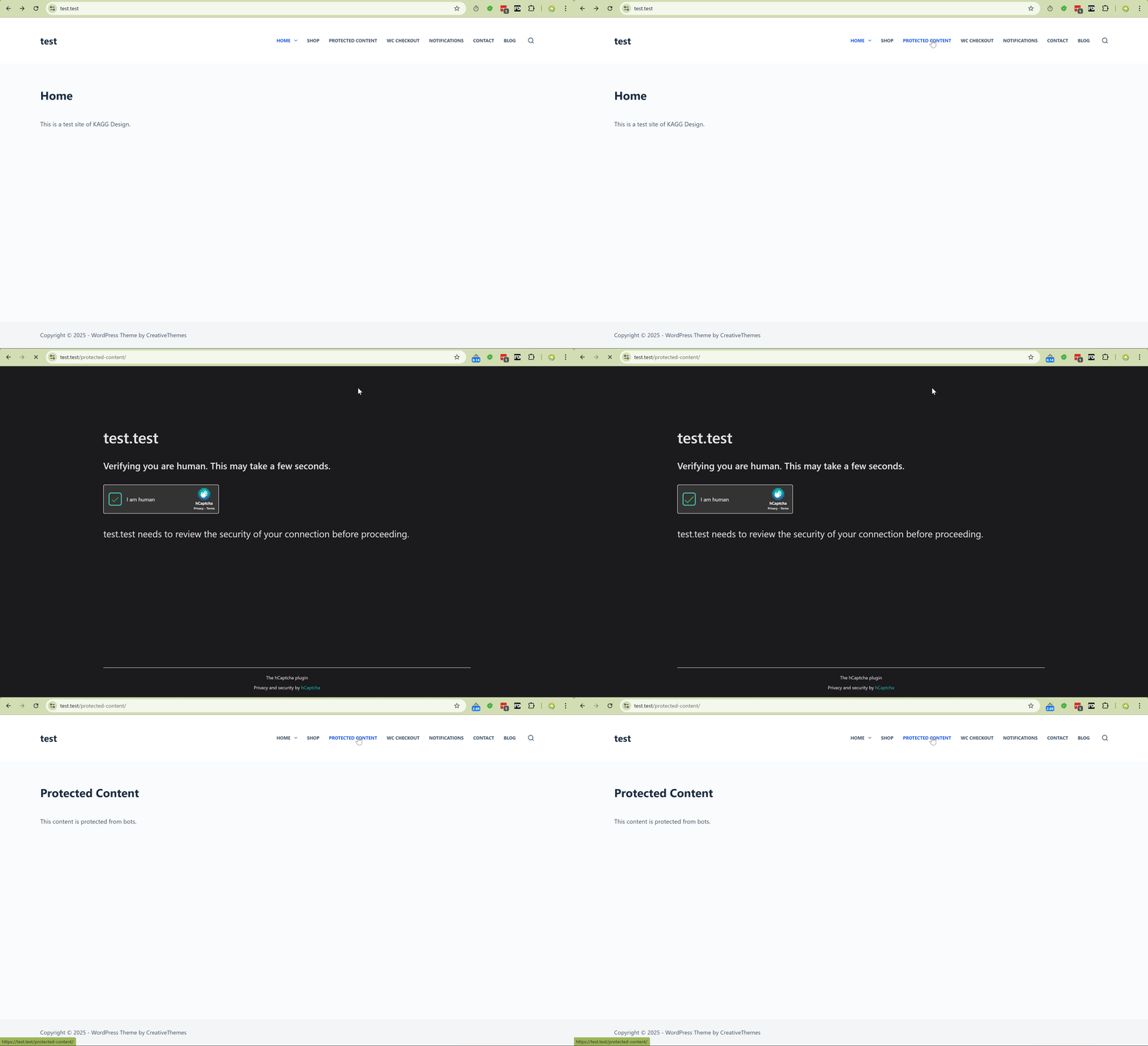
Need to keep out bots? hCaptcha protects privacy while offering better protection against spam and abuse. Help build a better web.
hCaptcha for WP makes security easy with broad integration support, detailed analytics, and strong protection. Start protecting logins, forms, and more in minutes.
Benefits
The opening of the plugin's own description. The full text, installation notes and changelog are on its WordPress.org page.
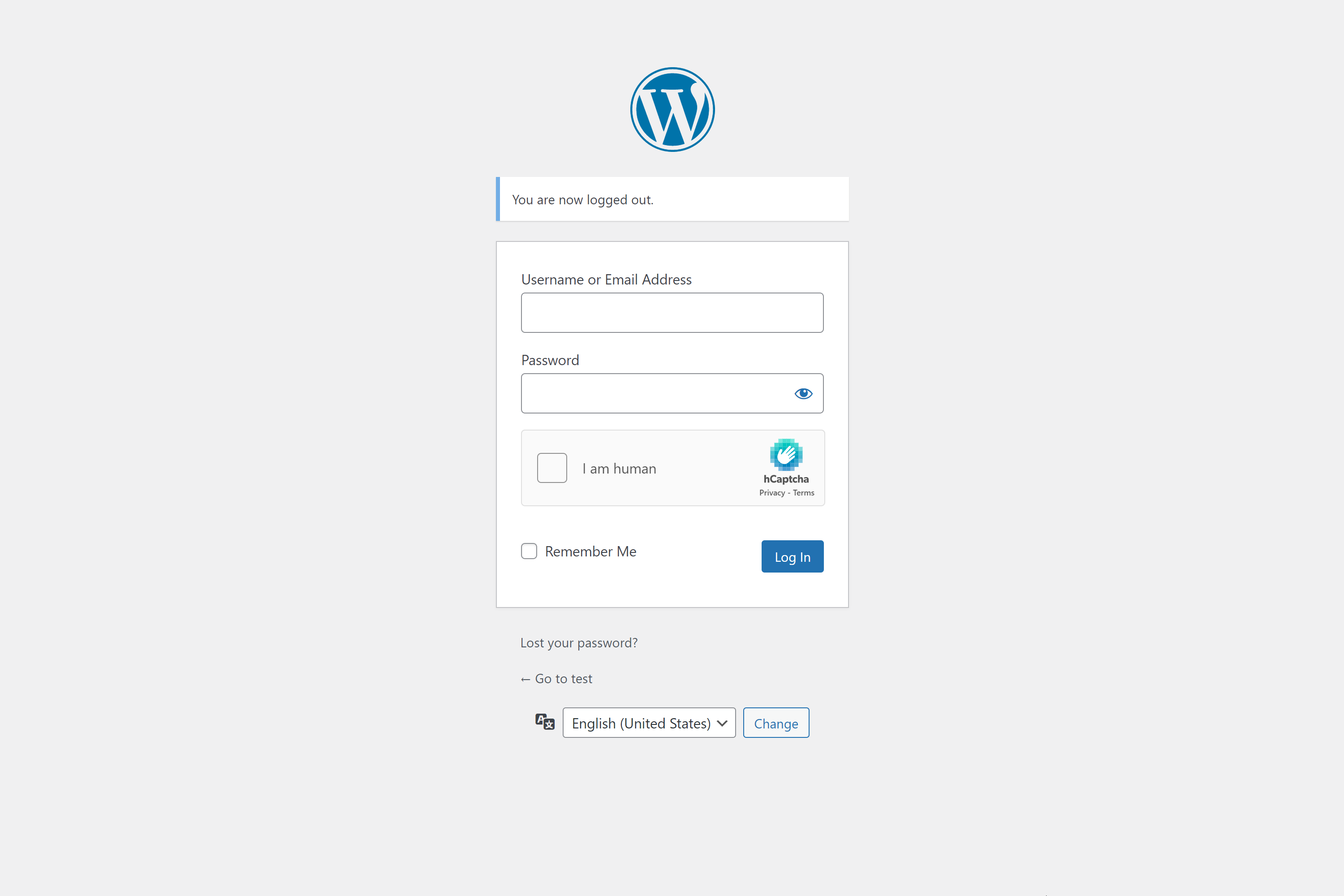
The hCaptcha plugin supports WordPress core and many plugins with forms automatically. You should select the supported forms on the hCaptcha Integrations settings page.
For non-standard cases, you can use the [hcaptcha] shortcode provided by the plugin.
Go to Settings → hCaptcha → Tools and use the Migration Wizard.
It scans your site for existing CAPTCHA providers, shows what can be migrated, and applies the changes in one click.
hCaptcha exposes selected security actions via the WordPress Abilities API for use with automation tools, WP-CLI, and AI agents, making it suitable for agencies managing multiple WordPress sites. Requires WordPress 6.9 or newer.
The typical workflow consists of two steps: inspect threats and block offenders.
** 1. Inspect recent threat activity **
The plugin also adds the wp hcaptcha export and wp hcaptcha import commands.
Export settings
`
wp hcaptcha export –pretty > hcaptcha-settings.json
wp hcaptcha export –include-keys –file=./hcaptcha-settings.json
`
Parameters:
* --include-keys — include the site_key and secret_key values.
* --pretty — pretty-print JSON for readability.
* --file=<path> — write JSON to a file instead of STDOUT.
Open a PR on GitHub: or just email the authors of plugin X. Adding hCaptcha support is typically quite a quick task for most plugins.
Full list of arguments:
[hcaptcha action="my_hcap_action" name="my_hcap_name" auto="true|false" ajax="true|false" force="true|false" theme="light|dark|auto" size="normal|compact|invisible" honeypot="true|false"]
The shortcode adds not only the hCaptcha div to the form but also a nonce field. You can set your own nonce action and name. For this, use arguments in the shortcode:


#341 by installs
Protect WordPress website forms from spam entries with Google reCAPTCHA.

#437 by installs
Use CAPTCHA to stop spam and allow customers & users to interact with your website easily. Block fake accounts and orders. Avoid false positives.

#455 by installs
Protect Contact Form 7 forms from spam with Google reCAPTCHA v2, reCAPTCHA v3, hCaptcha or Cloudflare Turnstile.

#8 by installs
The best anti-spam protection to block spam comments and spam in a contact form. The most trusted antispam solution for WordPress and WooCommerce.

#212 by installs
Captcha protection against spam comments & brute force login attacks using Google reCAPTCHA.

#228 by installs
Adds reCaptcha v2 from Contact Form 7 5.0.5 that was dropped on Contact Form 7 5.1
Read from the WordPress.org plugin API on , when WordPress 7.1.4 was the current release. WordPress.org rounds active installs into buckets. These are the directory's figures, not my verdict, and I haven't tested this plugin.