
Type to search.

#753 by installs

Embed Any Document – Embed PDF, Word, PowerPoint and Excel Files

by awsm.inVersion 2.7.14

Embed PDF, DOC, PPT and XLS documents easily on your WordPress website with the help of Google Docs Viewer or Microsoft Office Online.

Active installs
50,000+
#753 of 1,000
Downloads, all time
1.2M
1,231,356
Downloads, 30 days
8.2K
2K in the last 7
Rating
4.2 / 5
92 reviews
Last updated
3 months ago
Aug 7, 2026
Version
2.7.14
22 releases

Upkeep and compatibility

Last updatedAugust 7, 2026Updated in the last 3 months
Tested up toWordPress 7.0.8Older than WordPress 7.1.4, the current release
Needs WordPress6.0 or newer
Needs PHPNot stated
First publishedNovember 10, 2014
Support, last two months0 of 1 threads resolved (0%)

Reviews

4.2 / 5 from 92 reviews

Reviews by star rating
5 stars64
4 stars7
3 stars6
2 stars4
1 star11

Downloads, last 30 days

Low 122 a dayHigh 521 a day

What the author says it does

Embed Any Document WordPress plugin lets you embed your PDF, Word, PowerPoint and Excel documents easily in your WordPress website. The plugin integrates Google Docs Viewer and Microsoft Office Online to display your documents on your website.

Embed Any Document works just perfectly with Gutenberg as well as the classic editor. Support for more site builders are on its way! It also lets you add a Download link below your embed optionally.

🆕 NEW IN VERSION 2.7.0

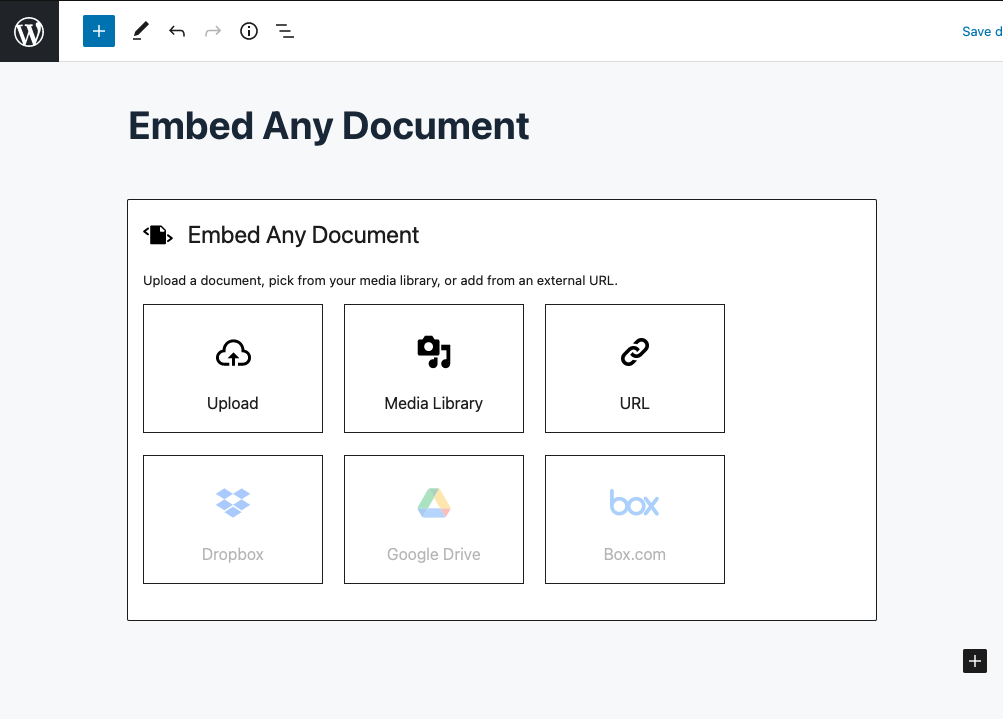
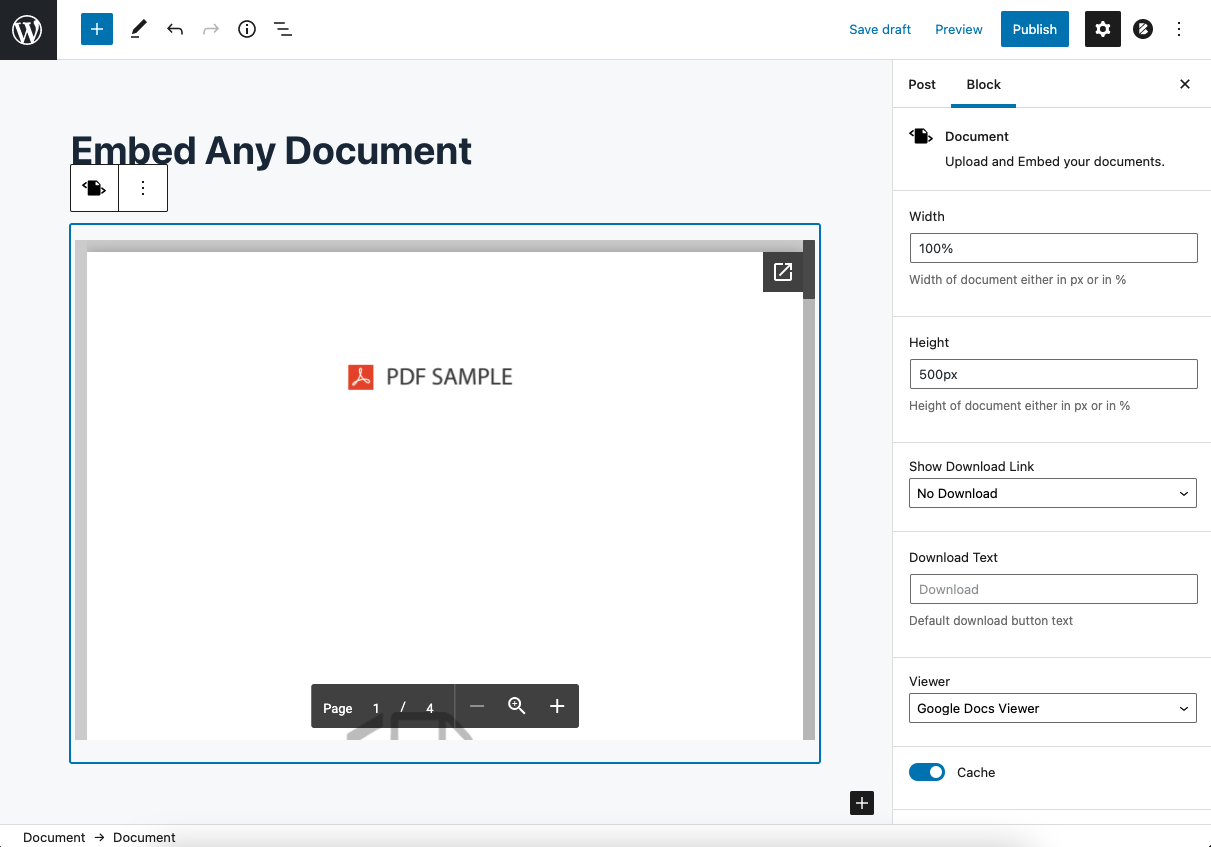
• Embedding documents is now easier than ever in the block editor! The whole new Document block lets you embed the documents quicker than ever

• The EAD-Exclusive document pre-loader helps you with better performance and better User Experince

Live Demo

📂 Supported file types

  • Microsoft Word (DOC, DOCX, DOCM, DOTM, DOTX)
  • Microsoft Excel (XLS, XLSX, XLSB, XLSM)
  • Microsoft PowerPoint (PPT, PPTX, PPSX, PPS, PPTM, POTM, PPAM, POTX, PPSM)
  • Adobe Portable Document Format (PDF)

📋 Supported Viewers

  • Google Docs Viewer (PDF & Office Documents)
  • Microsoft Office Online (Office Documents Only)
  • Browser Native (PDF Only)
  • [PLUS VERSION] Google Drive Viewer (Stable and high performance viewer for documents hosted with Google Drive)
  • [PLUS VERSION] One Drive Viewer (Document viewer for documents hosted in OneDrive)

The opening of the plugin's own description. The full text, installation notes and changelog are on its WordPress.org page.

Questions the author answers

How do I add documents?

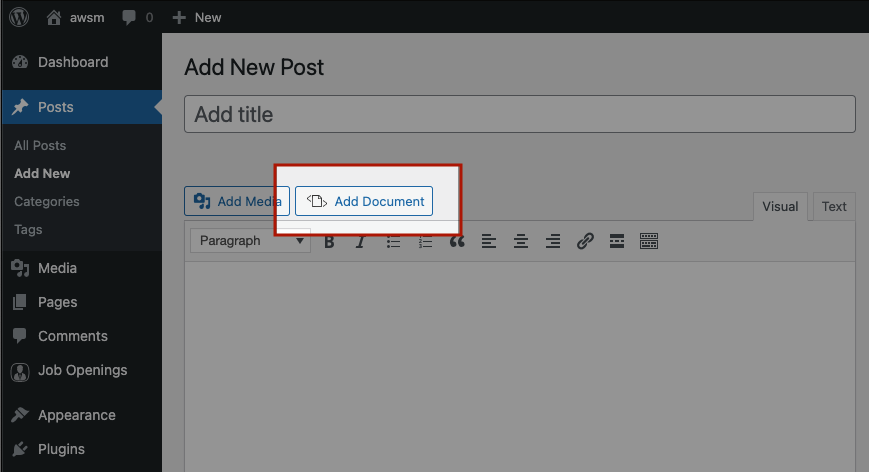
Once the plugin is activated you can find ‘Add Document’ button in your WordPress visual editor. Just click on that and follow your heart.

File not found error in my localhost site!

The viewers (Google Docs Viewer and Microsoft Office Online) do not support locally hosted files. Your document has to be available online for the viewers to access.

I have another question that you must add in your FAQ.

Great. Send it to [email protected]. We will answer it as soon as we can.

Latest changelog entry

V 2.7.14 – 2026-08-07

  • FIX: Stored XSS vulnerability in the bundled PDFObject library.

Screenshots

First 4 of 8, from WordPress.org.

Tagged

Plugins that share its tags

Where this page's numbers come from

Read from the WordPress.org plugin API on , when WordPress 7.1.4 was the current release. WordPress.org rounds active installs into buckets. These are the directory's figures, not my verdict, and I haven't tested this plugin.