
3D FlipBook is PDF Viewer, allowing to browse images, PDFs or HTMLs as flipbook. Flipbook attracts user attention and makes more impression on him.
- Installs
- 70,000+
- Rating
- 4.8 (182)
- Updated
- 2 months ago

DearFlip creates a PDF Flipbook, 3D Flipbook, PDF viewer, PDF embed for WordPress sites. Create impressive and realistic 3D flipbooks with PDFs.
| Last updated | September 9, 2026Updated in the last 3 months |
|---|---|
| Tested up to | WordPress 7.1.4Covers WordPress 7.1.4, the current release |
| Needs WordPress | 4.6 or newer |
| Needs PHP | 5.3 or newer |
| First published | September 26, 2017 |
| Support, last two months | 3 of 4 threads resolved (75%) |
4.9 / 5 from 194 reviews
| 5 stars | 185 |
|---|---|
| 4 stars | 2 |
| 3 stars | 1 |
| 2 stars | 1 |
| 1 star | 5 |
Introducing DearFlip, the user-friendly 3D flipbook WordPress plugin. Provide the PDF link, and DearFlip will transform your PDF into an immersive 3D flipbook. It’s the simplest solution for creating captivating flipbooks in WordPress. Choose from various flipbook styles, including 3D flipbook, 2D flipbook, image flipbook, PDF flipbook, and portfolio flipbooks.
Engage with Dynamic 3D Flipbooks! Transform your flat PDFs into captivating and immersive 3D Flipbooks. With DearFlip, you can effortlessly create a visually stunning and realistic 3D Flipbook presentation that will grab your audience’s attention. Say goodbye to static documents and bring your PDFs to life!
QuickLinks
WordPress Flipbook Live Demo
Online Documentation
WordPress Flipbook Pro Version
Viewer Modes available in DearFlip
The opening of the plugin's own description. The full text, installation notes and changelog are on its WordPress.org page.
Please check the installation tab for details.
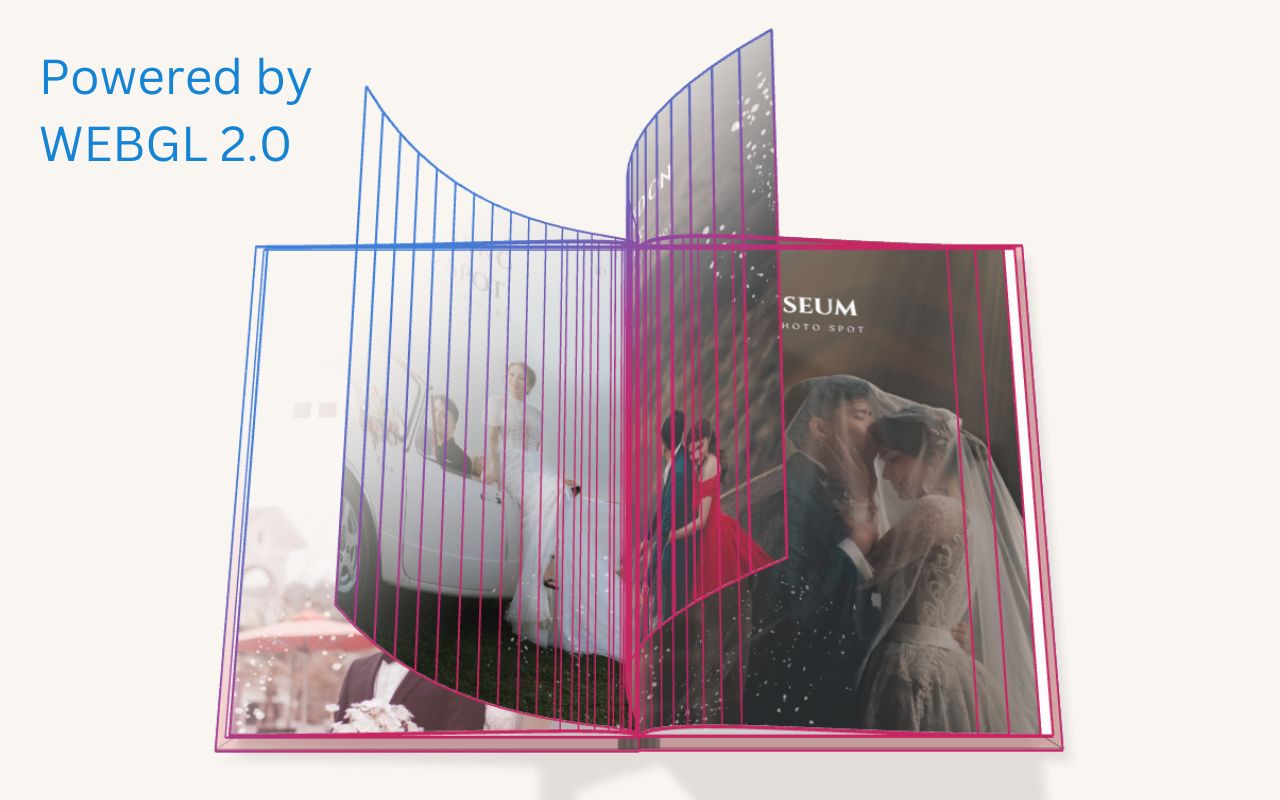
DearFlip – 3D Flipbook uses PDF.js to render the PDF pages. At any given time it requires only six pages of data at max. So the number of pages in a PDF file doesn’t really affect the 3D Flipbook. Also, it only loads six Pages of data to start the flipbook and this makes it a resource-friendly and traffic-friendly 3D flipbook. Other 3D flipbooks might crash with huge files, DearFlip will last longer.
[dflip source=”Path\To\PdfFile.pdf”]
For more details visit the Online Documentation

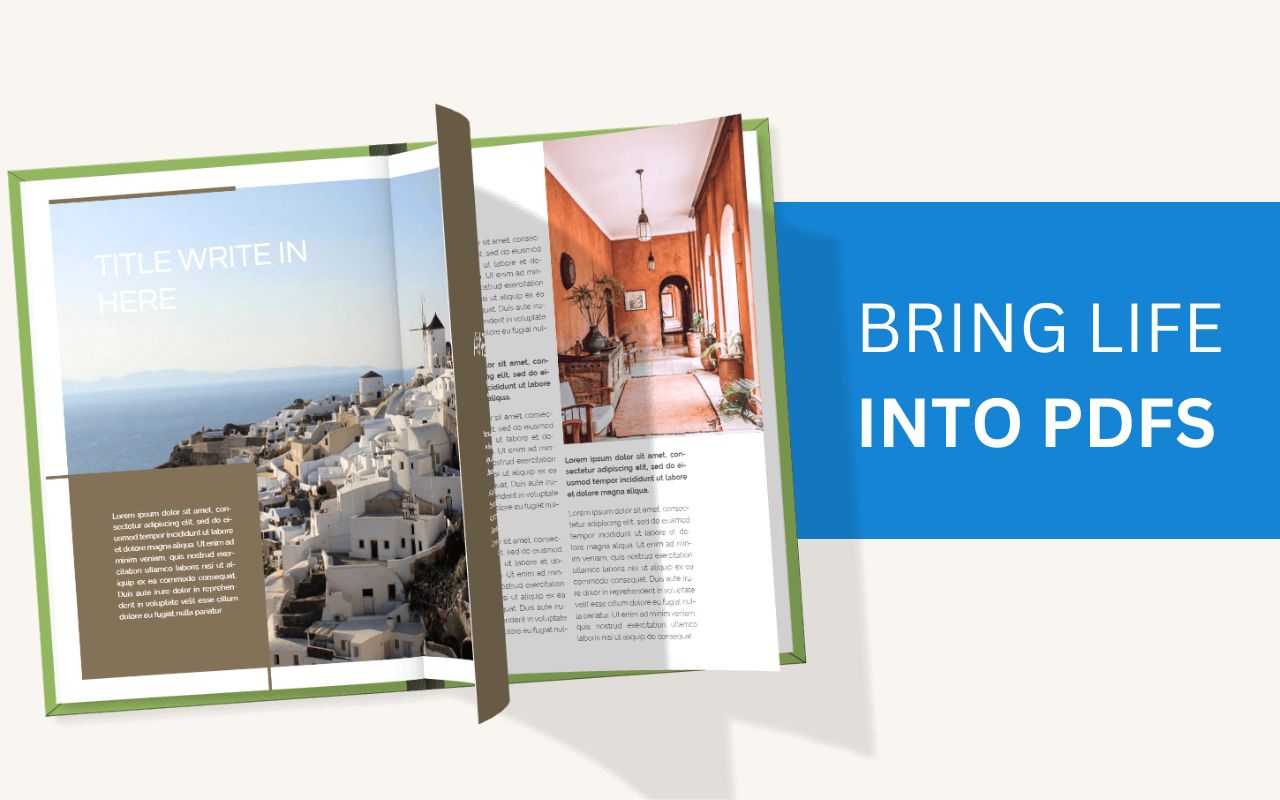

3D FlipBook is PDF Viewer, allowing to browse images, PDFs or HTMLs as flipbook. Flipbook attracts user attention and makes more impression on him.

#190 by installs
Embed PDF files in WordPress posts and pages with a responsive PDF viewer block, live Block Editor preview, and no third-party services.

#753 by installs
Embed PDF, DOC, PPT and XLS documents easily on your WordPress website with the help of Google Docs Viewer or Microsoft Office Online.
Read from the WordPress.org plugin API on , when WordPress 7.1.4 was the current release. WordPress.org rounds active installs into buckets. These are the directory's figures, not my verdict, and I haven't tested this plugin.