
#257 by installs
Firelight Lightbox
Formerly Easy Fancybox. The most popular WordPress lightbox plugin. Simple, fast, and responsive. Opens images, videos, PDFs, and custom popups.
- Installs
- 200,000+
- Rating
- 4.8 (361)
- Updated
- 26 days ago

Allows to add watermark to images automatically on upload or manually.
| Last updated | August 25, 2025Not updated for over a year |
|---|---|
| Tested up to | WordPress 6.8.12Older than WordPress 7.1.4, the current release |
| Needs WordPress | 4.6 or newer |
| Needs PHP | 5.6 or newer |
| First published | March 21, 2013 |
| Support, last two months | No threads opened |
3.7 / 5 from 159 reviews
| 5 stars | 94 |
|---|---|
| 4 stars | 12 |
| 3 stars | 7 |
| 2 stars | 10 |
| 1 star | 36 |
Easy Watermark can automatically add watermark to images as they are uploaded to wordpress media library. You can also watermark existing images manually (all at once or an every single image). Watermark can be an image, text or both.
See the demo
Plugin features
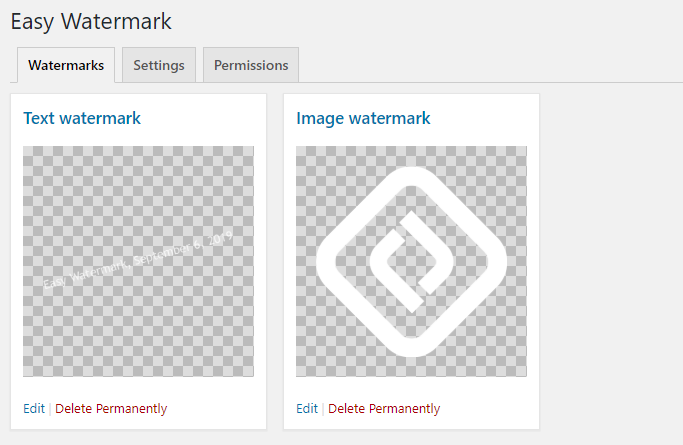
On one image you can have two watermarks! One of them can be text watermark and the other image watermark. You can control their position and size and apply them to your media independently.
Image watermark
Easy Watermark supports three most popular image formats for watermark: JPG, PNG and GIF. For JPG watermarks you can control the opacity as well.
Watermark can be applied in on of the 9 positions on the image and you can controll the exact sizing of it.
Text watermark
The opening of the plugin's own description. The full text, installation notes and changelog are on its WordPress.org page.
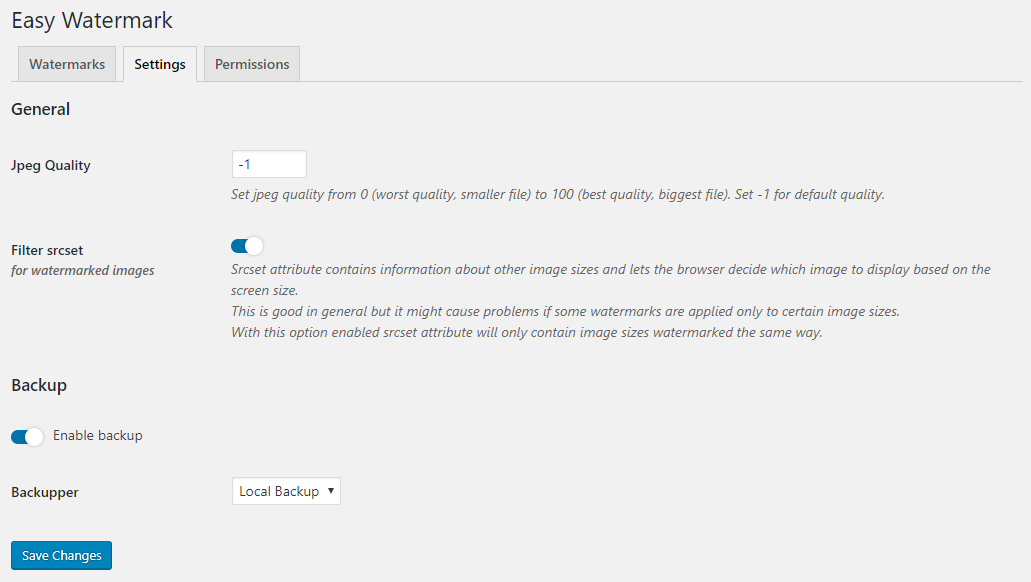
Yes, since version 0.6.0 there is an option to “remove” watermark by restoring the original image. Backup feature is enabled by default, you can disable it on the “Tools > Easy Watermark” screen. Note: this will use more space on your server due to the fact that the images will be stored twice.
Only the fullsize image is stored in backup, thumbnails are regenerated during the restoring process.
The plugin doesn’t restore your images on deactivation/removal. Please consider to install the plugin again and restore your images before uninstalling.
If you don’t have a possibility to do this, you can manually restore your images. Just go to wp-content/ew-backup in your wordpress main directory. You will see there are folders in the same order like in uploads, images are stored as /year/month/imagename.jpg|png.
You can go to “Tools > Easy Watermark > Tools” screen and use bulk action options.
Watermark position can be adjusted vertically and horizontally by selecting alignment (left, center, right, top, middle, bottom). You can also define horizontal and vertical offset.
Yes, there is a posibility to add only image, only text or both.
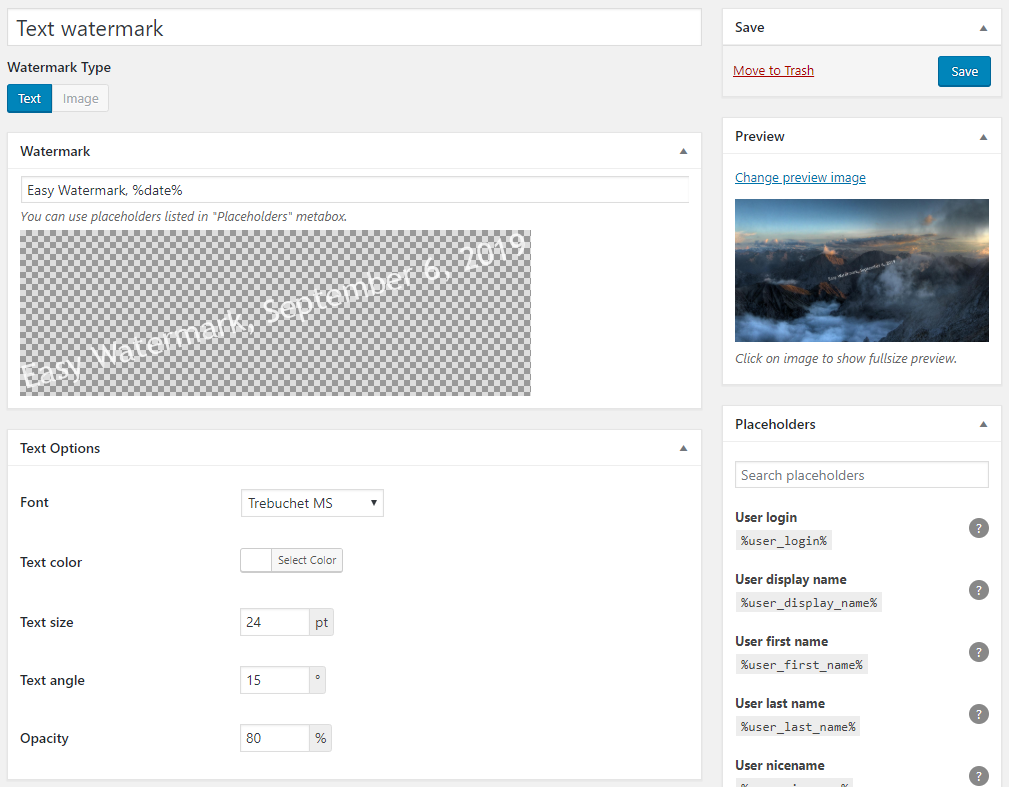
You can choose text font from the list of ten fonts included to this plugin. You can also set font size, color, angle and opacity. Position of text watermark can be adjusted exactly like the image watermark position.

#257 by installs
Formerly Easy Fancybox. The most popular WordPress lightbox plugin. Simple, fast, and responsive. Opens images, videos, PDFs, and custom popups.

#650 by installs
Improve the quality of re-sized images by replacing standard GD library with ImageMagick.

#705 by installs
Add a Default Featured Image for all posts & pages.

#750 by installs
The Phoenix Media Rename plugin allows you to easily rename (and retitle) your media files, once uploaded.

#853 by installs
Apply image or text watermarks to new uploads and existing Media Library images.

#906 by installs
Simple, lightweight lightbox plugin for WordPress. Formerly the WP JQuery Lightbox.
Read from the WordPress.org plugin API on , when WordPress 7.1.4 was the current release. WordPress.org rounds active installs into buckets. These are the directory's figures, not my verdict, and I haven't tested this plugin. The author takes donations at their donate page.