
#4 by installs
Classic Editor
Enables the previous "classic" editor and the old-style Edit Post screen with TinyMCE, Meta Boxes, etc. Supports all plugins that extend this screen.
- Installs
- 8+ million
- Rating
- 4.9 (1.3K)
- Updated
- 5 months ago

A responsive modern carousel slider for the Gutenberg block editor that lets you add any blocks to your slides. Easily create sliders for hero section …
| Last updated | October 12, 2026Updated in the last 3 months |
|---|---|
| Tested up to | WordPress 7.1.4Covers WordPress 7.1.4, the current release |
| Needs WordPress | 6.1 or newer |
| Needs PHP | 7.0 or newer |
| First published | February 3, 2019 |
| Support, last two months | 1 of 2 threads resolved (50%) |
4.8 / 5 from 59 reviews
| 5 stars | 52 |
|---|---|
| 4 stars | 5 |
| 3 stars | 1 |
| 2 stars | 1 |
| 1 star | 0 |
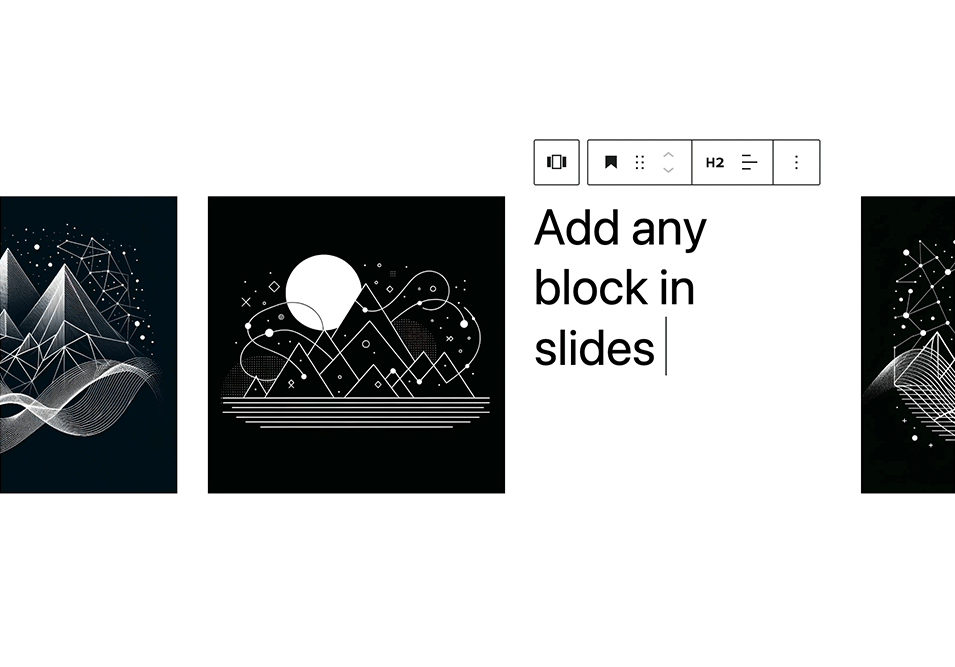
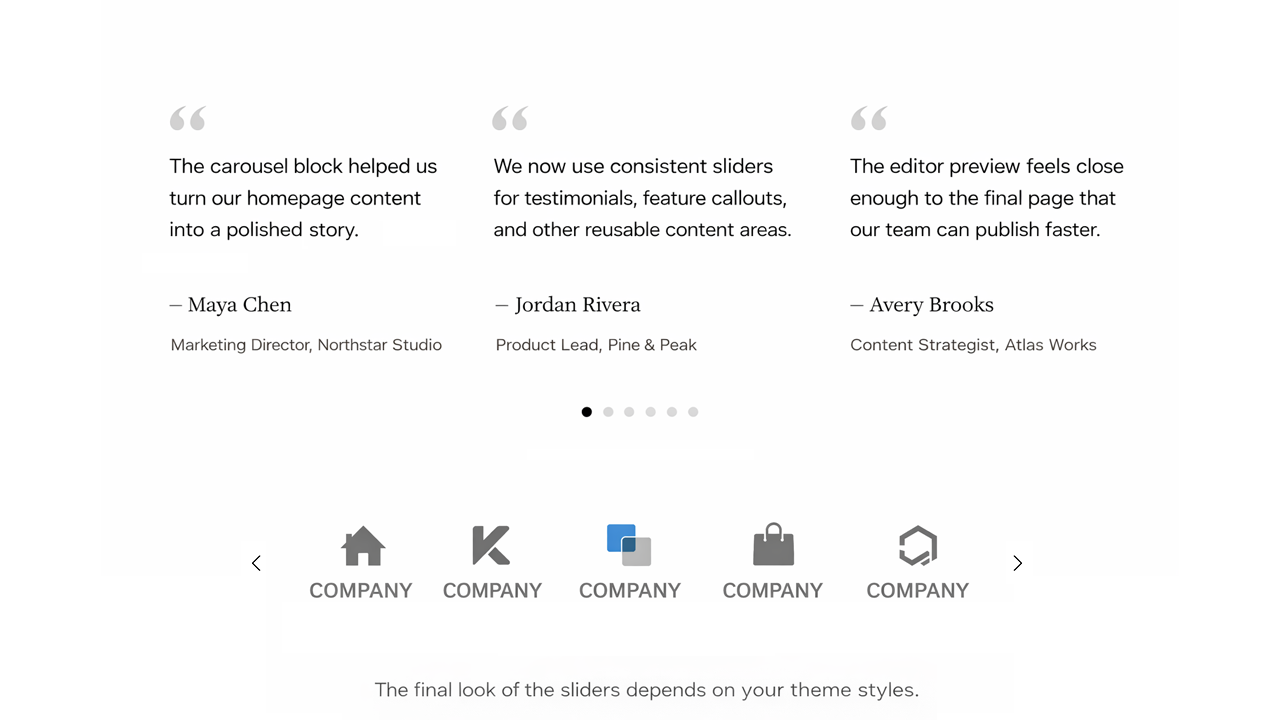
A responsive modern carousel slider for the Gutenberg block editor that lets you add any blocks to your slides. Easily create sliders for hero sections, testimonials, products, and anything else using Gutenberg blocks.
🚀 Carousel Slider Version 2 is built on the modern Swiper.js library for improved performance and better mobile compatibility.
Plugin site: carouselblock.com
Features
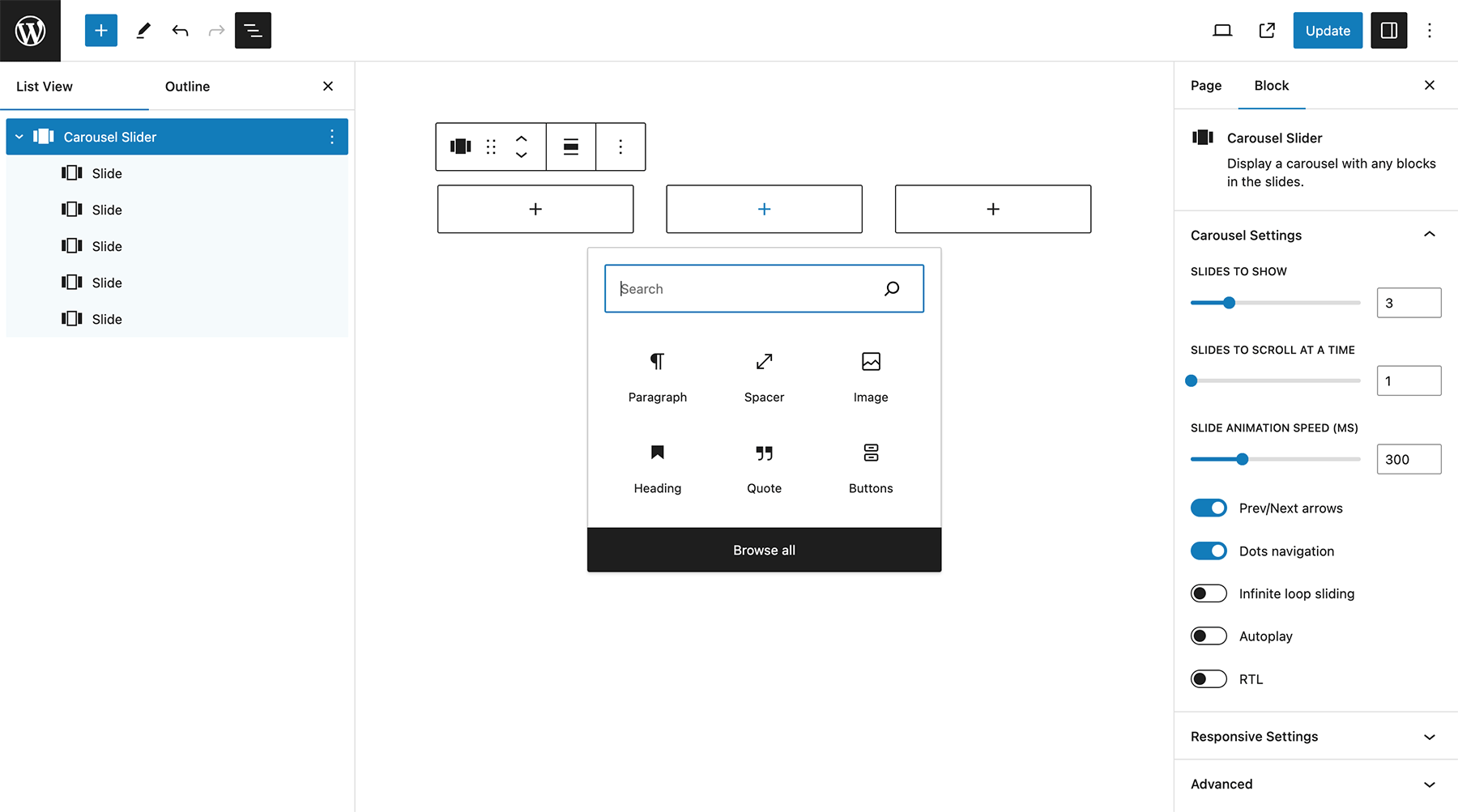
Settings
Advanced Settings
For dynamic layouts where the slider or its surrounding layout changes after load, such as tabs, accordions, or lazy-loaded content.
Plugin Settings
Plugin settings are available from Settings > Carousel Slider in the WordPress admin.
Available options include showing legacy carousel blocks, hiding the legacy warning notice, and loading the full Swiper bundle instead of the default custom Swiper build.
Included Patterns
The opening of the plugin's own description. The full text, installation notes and changelog are on its WordPress.org page.
Gutenberg is the name of the new block based editor introduced in WordPress 5. Gutenberg makes it easy to create content within the editor using blocks.
Select the Carousel Slider block from the Design category.
Select the Carousel Slider block. Click the plus button to add slides to the carousel.
Add the Carousel Slider block from the block inserter and upload images or create slides inside the block. Each slide can contain images, text, or other blocks.
Yes. You can add multiple Carousel Slider blocks to a page or post and each carousel will work independently.
Yes. Each slide can contain images, text, buttons, or other blocks depending on how you want to design your carousel.

#4 by installs
Enables the previous "classic" editor and the old-style Edit Post screen with TinyMCE, Meta Boxes, etc. Supports all plugins that extend this screen.

#25 by installs
Enables the previous "classic" widgets settings screens in Appearance - Widgets and the Customizer. Disables the block editor from managing widgets.

#30 by installs
Extends and enhances the block editor (Gutenberg) and the classic editor (TinyMCE).

#63 by installs
Gutenberg blocks for existing Spectra websites. Maintained, stable, and fully supported — no action needed on your part.

#102 by installs
20+ Gutenberg Blocks with endless options, enabling top-notch efficiency for high-performance dynamic website creation.

#117 by installs
Disable Gutenberg Block Editor and restore the Classic Editor and original Edit Post screen (TinyMCE, meta boxes, etc.).
Read from the WordPress.org plugin API on , when WordPress 7.1.4 was the current release. WordPress.org rounds active installs into buckets. These are the directory's figures, not my verdict, and I haven't tested this plugin. The author takes donations at their donate page.