
#62 by installs
One Click Demo Import
Import your demo content, widgets and theme settings with one click. Theme authors! Enable simple theme demo import for your users.
- Installs
- 1+ million
- Rating
- 4.3 (79)
- Updated
- 6 months ago

Astra theme customizer offers several settings for header/footer layout, sidebar and blog designs, colors, backgrounds, typography and much more.
| Last updated | August 24, 2026Updated in the last 3 months |
|---|---|
| Tested up to | WordPress 7.1.4Covers WordPress 7.1.4, the current release |
| Needs WordPress | 4.4 or newer |
| Needs PHP | 5.4 or newer |
| First published | March 25, 2019 |
| Support, last two months | No threads opened |
4.7 / 5 from 6 reviews
| 5 stars | 5 |
|---|---|
| 4 stars | 0 |
| 3 stars | 1 |
| 2 stars | 0 |
| 1 star | 0 |
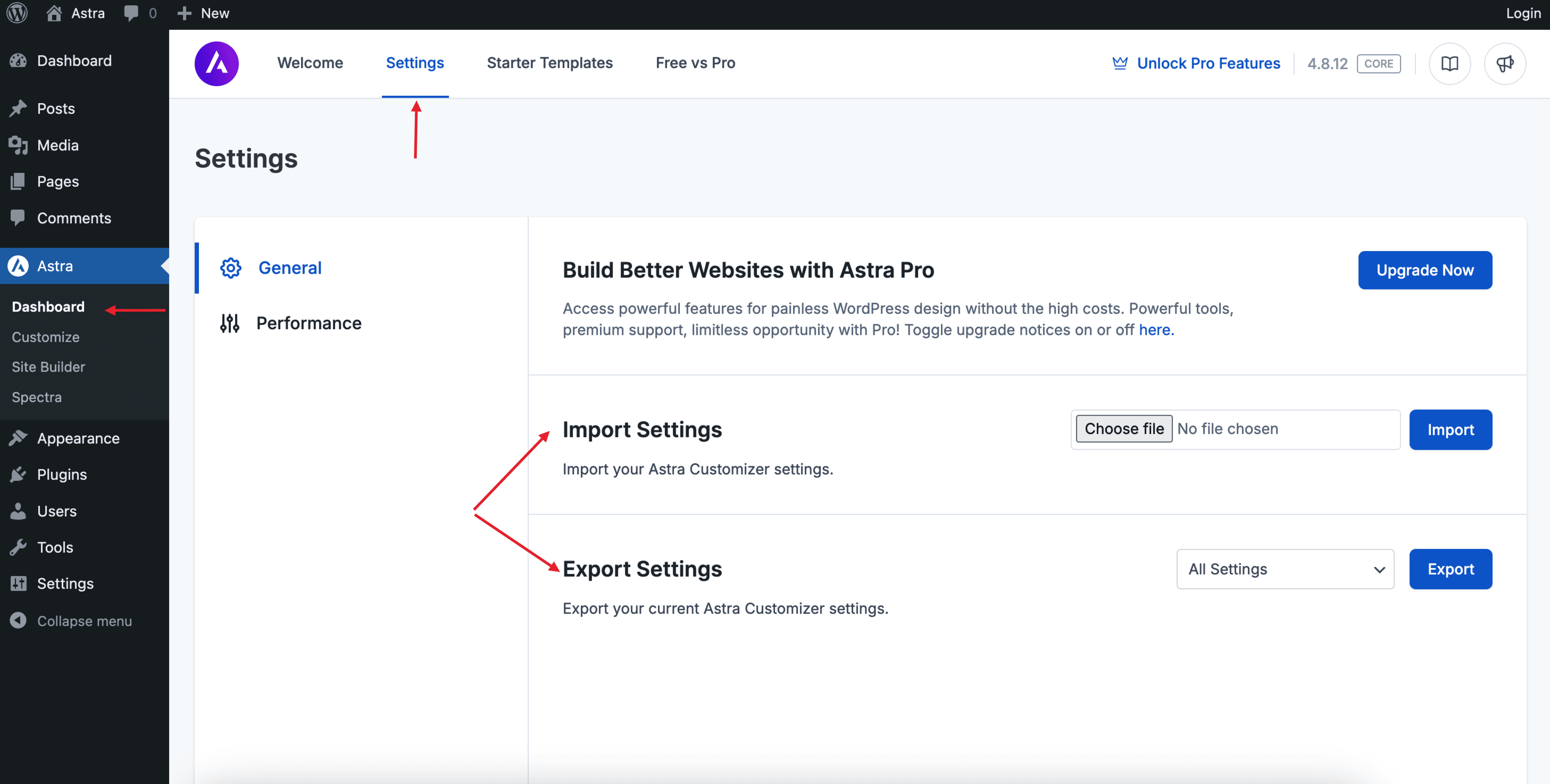
Astra theme customizer offers several settings for header/footer layout, sidebar and blog designs, colors, backgrounds, typography and much more. You need to tweak the number of settings to make your site look flawless. These settings can be moved to other Astra sites easily with Import / Export Customizer Settings plugin. It will save repetitive work to arrange all customizer settings for each new Astra site or while moving the site from local to live.
It is an easy-to-use plugin for the Astra theme that lets you import-export customizer settings.
Note:
This Import/Export plugin is created only for the Astra theme. You should have the Astra theme installed and activated on your website.
Try it out on a free dummy site
The opening of the plugin's own description. The full text, installation notes and changelog are on its WordPress.org page.
No! This plugin will only work with the Astra theme.
Yes! Astra Pro settings that are available with customizer can be imported/exported with this plugin.
#62 by installs
Import your demo content, widgets and theme settings with one click. Theme authors! Enable simple theme demo import for your users.

#192 by installs
CMB2 is a metabox, custom fields, and forms library for WordPress that will blow your mind.

#264 by installs
Import and export your widgets.

#309 by installs
Easily export or import your WordPress customizer settings!

#362 by installs
Search & Replace data in your database with WordPress admin, replace domains/URLs of your WordPress installation.

#685 by installs
Add From Server is designed to help ease the pain of bad web hosts, allowing you to upload files via FTP or SSH and later import them into WordPress.
Read from the WordPress.org plugin API on , when WordPress 7.1.4 was the current release. WordPress.org rounds active installs into buckets. These are the directory's figures, not my verdict, and I haven't tested this plugin. The author takes donations at their donate page.