
#264 by installs
Widget Importer & Exporter
Import and export your widgets.
- Installs
- 200,000+
- Rating
- 4.7 (117)
- Updated
- 16 days ago

Import your demo content, widgets and theme settings with one click. Theme authors! Enable simple theme demo import for your users.
| Last updated | April 22, 2026Updated in the last year |
|---|---|
| Tested up to | WordPress 6.9.11Older than WordPress 7.1.4, the current release |
| Needs WordPress | 5.5 or newer |
| Needs PHP | 7.4 or newer |
| First published | March 25, 2016 |
| Support, last two months | 1 of 1 threads resolved (100%) |
4.3 / 5 from 79 reviews
| 5 stars | 64 |
|---|---|
| 4 stars | 2 |
| 3 stars | 1 |
| 2 stars | 0 |
| 1 star | 12 |
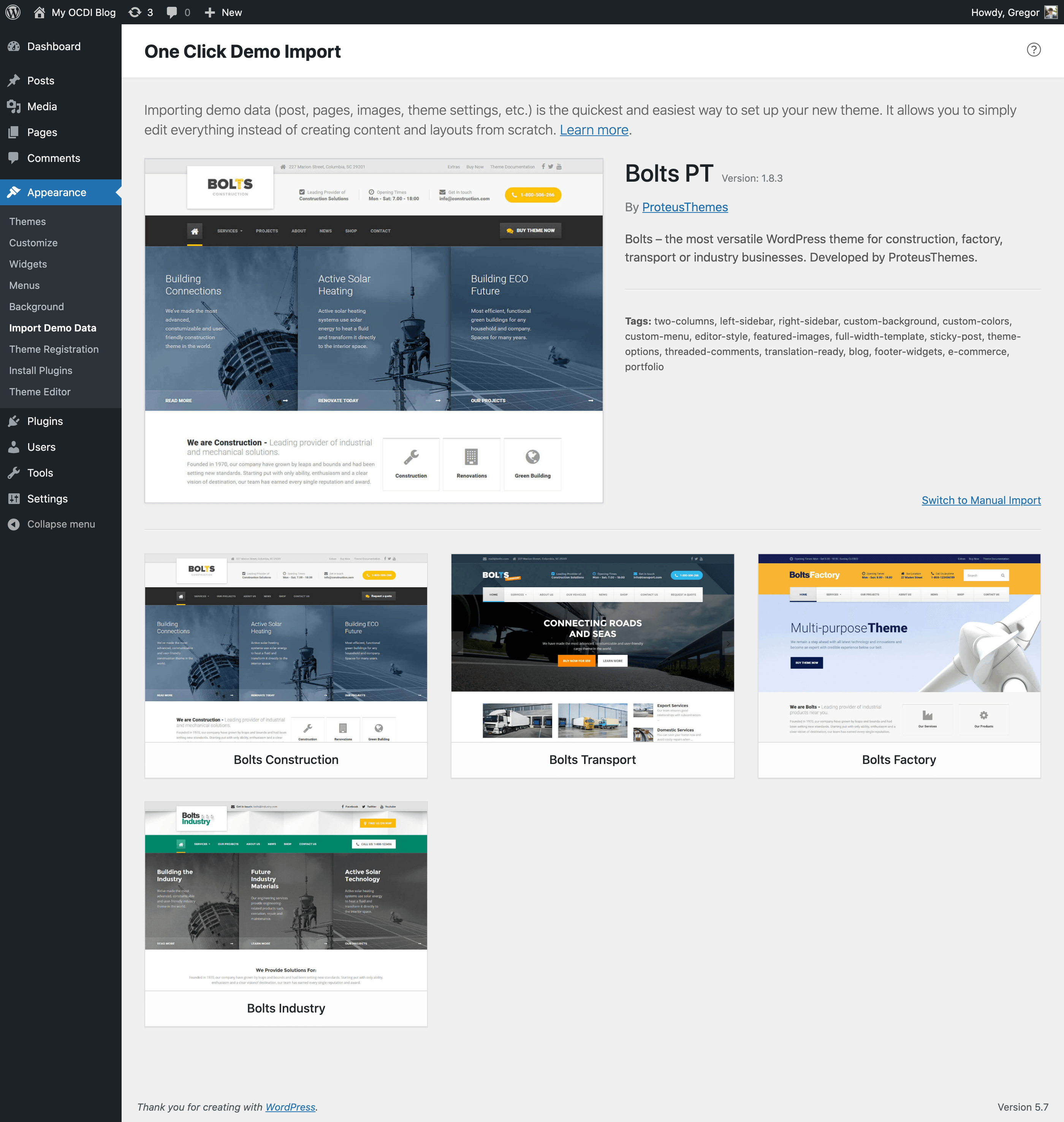
The best feature of this plugin is, that theme authors can define import files in their themes and so all you (the user of the theme) have to do is click on the “Import Demo Data” button.
Are you a theme author?
Setup One Click Demo Imports for your theme and your users will thank you for it!
Follow this easy guide on how to setup this plugin for your themes!
Are you a theme user?
Contact the author of your theme and let them know about this plugin. Theme authors can make any theme compatible with this plugin in 15 minutes and make it much more user-friendly.
“Where can I find the theme author contact?“
Please take a look at our plugin documentation for more information on how to import your demo content.
This plugin is using the modified version of the improved WP import 2.0 that is still in development and can be found here: https://github.com/humanmade/WordPress-Importer.
NOTE: There is no setting to “connect” authors from the demo import file to the existing users in your WP site (like there is in the original WP Importer plugin). All demo content will be imported under the current user.
Do you want to contribute?
Please refer to our official GitHub repository.
The opening of the plugin's own description. The full text, installation notes and changelog are on its WordPress.org page.
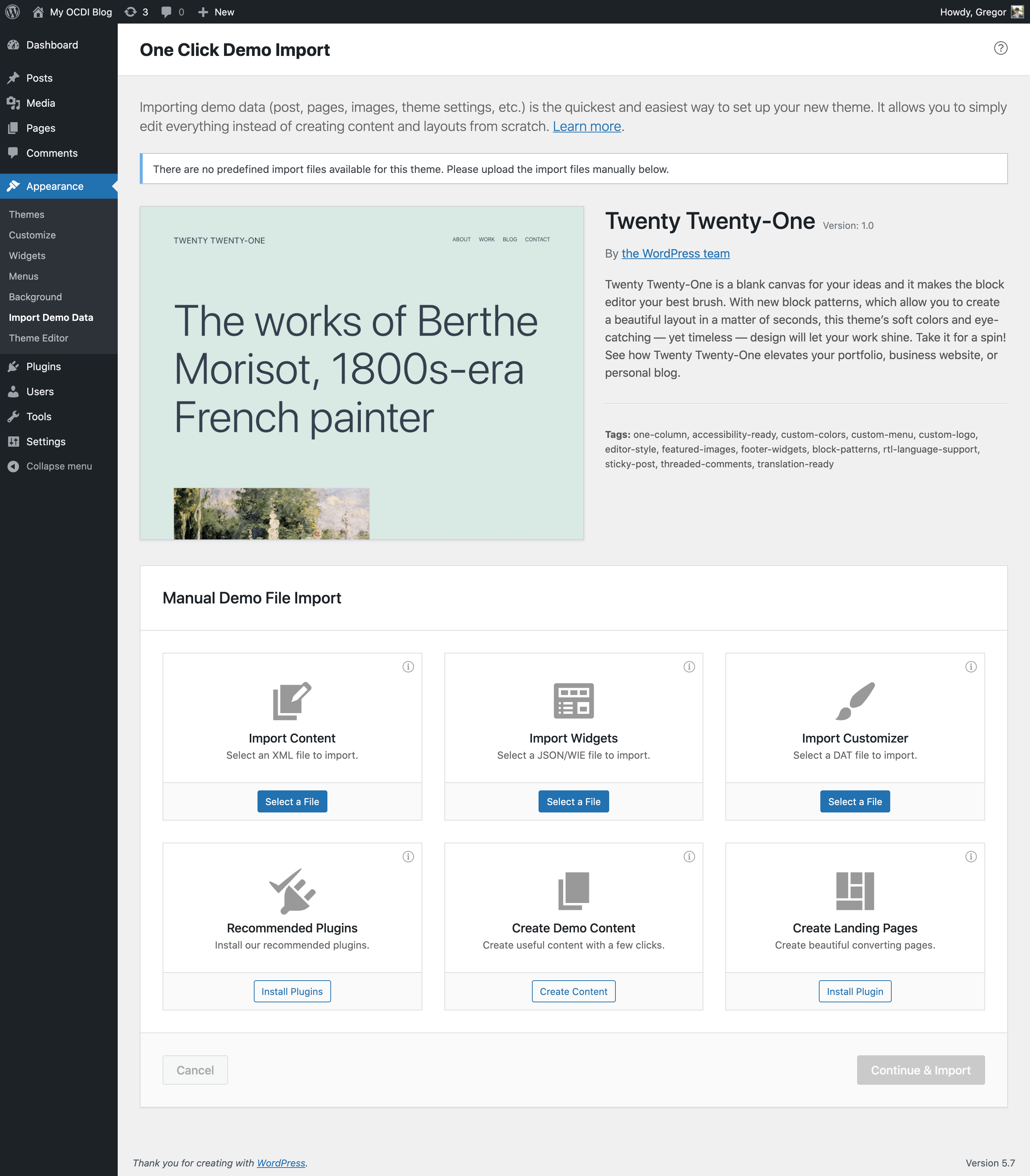
You will find the import page in wp-admin -> Appearance -> Import Demo Data.
The files used in the demo import will be saved to the default WordPress uploads directory. An example of that directory would be: ../wp-content/uploads/2023/03/.
The log file will also be registered in the wp-admin -> Media section, so you can access it easily.
This question is for theme authors. To predefine demo imports, you just have to add the following code structure, with your own values to your theme (using the ocdi/import_files filter):
function ocdi_import_files() { return array( array( 'import_file_name' => 'Demo Import 1', 'categories' => array( 'Category 1', 'Category 2' ), 'import_file_url' => 'http://www.your_domain.com/ocdi/demo-content.xml',…
You can do that, with the ocdi/after_import action hook. The code would look something like this:
function ocdi_after_import_setup() { // Assign menus to their locations. $main_menu = get_term_by( 'name', 'Main Menu', 'nav_menu' );
set_theme_mod( 'nav_menu_locations', array( 'main-menu' => $main_menu->term_id, // replace 'main-menu' here with the menu location identifier from register_nav_menu() function ) );
You have to use the same filter as in above example, but with a slightly different array keys: local_*. The values have to be absolute paths (not URLs) to your import files. To use local import files, that reside in your theme folder, please use the below code. Note: make sure your import files are readable!
This question might be asked by a theme author wanting to implement different after import setups for multiple predefined demo imports. Lets say we have predefined two demo imports with the following names: ‘Demo Import 1’ and ‘Demo Import 2’, the code for after import setup would be (using the ocdi/after_import filter):
Release Date – 22th April 2026


#264 by installs
Import and export your widgets.

#738 by installs
Astra theme customizer offers several settings for header/footer layout, sidebar and blog designs, colors, backgrounds, typography and much more.

#70 by installs
Redux is a simple, truly extensible, and fully responsive options framework for WordPress themes and plugins. It ships with an integrated demo.

#130 by installs
The ultimate companion for OceanWP. Adds local Google Fonts, mega menus, site templates, and per-page settings for total design authority.

#146 by installs
Essential elements for modern websites. Add buttons, sliders, heroes, maps, images, carousels, features, icons, more. Create dynamic pages easily.

#163 by installs
The official companion plugin for Blocksy theme, packed with starter sites, extra features, and integrations.
Read from the WordPress.org plugin API on , when WordPress 7.1.4 was the current release. WordPress.org rounds active installs into buckets. These are the directory's figures, not my verdict, and I haven't tested this plugin.