
WooCommerce Product Addons Add custom fields to your WooCommerce product page. With an easy-to-use Custom Form Builder.
- Installs
- 30,000+
- Rating
- 4.9 (474)
- Updated
- 11 days ago

Add options (addons) to your WooCommerce products so your customers can personalize their products. Product forms for everyone!
| Last updated | October 30, 2026Updated in the last 3 months |
|---|---|
| Tested up to | WordPress 7.1.4Covers WordPress 7.1.4, the current release |
| Needs WordPress | 4.5 or newer |
| Needs PHP | 7.0 or newer |
| First published | August 7, 2019 |
| Support, last two months | 3 of 3 threads resolved (100%) |
4.8 / 5 from 284 reviews
| 5 stars | 264 |
|---|---|
| 4 stars | 3 |
| 3 stars | 1 |
| 2 stars | 3 |
| 1 star | 13 |
Create customizable WooCommerce products without coding.
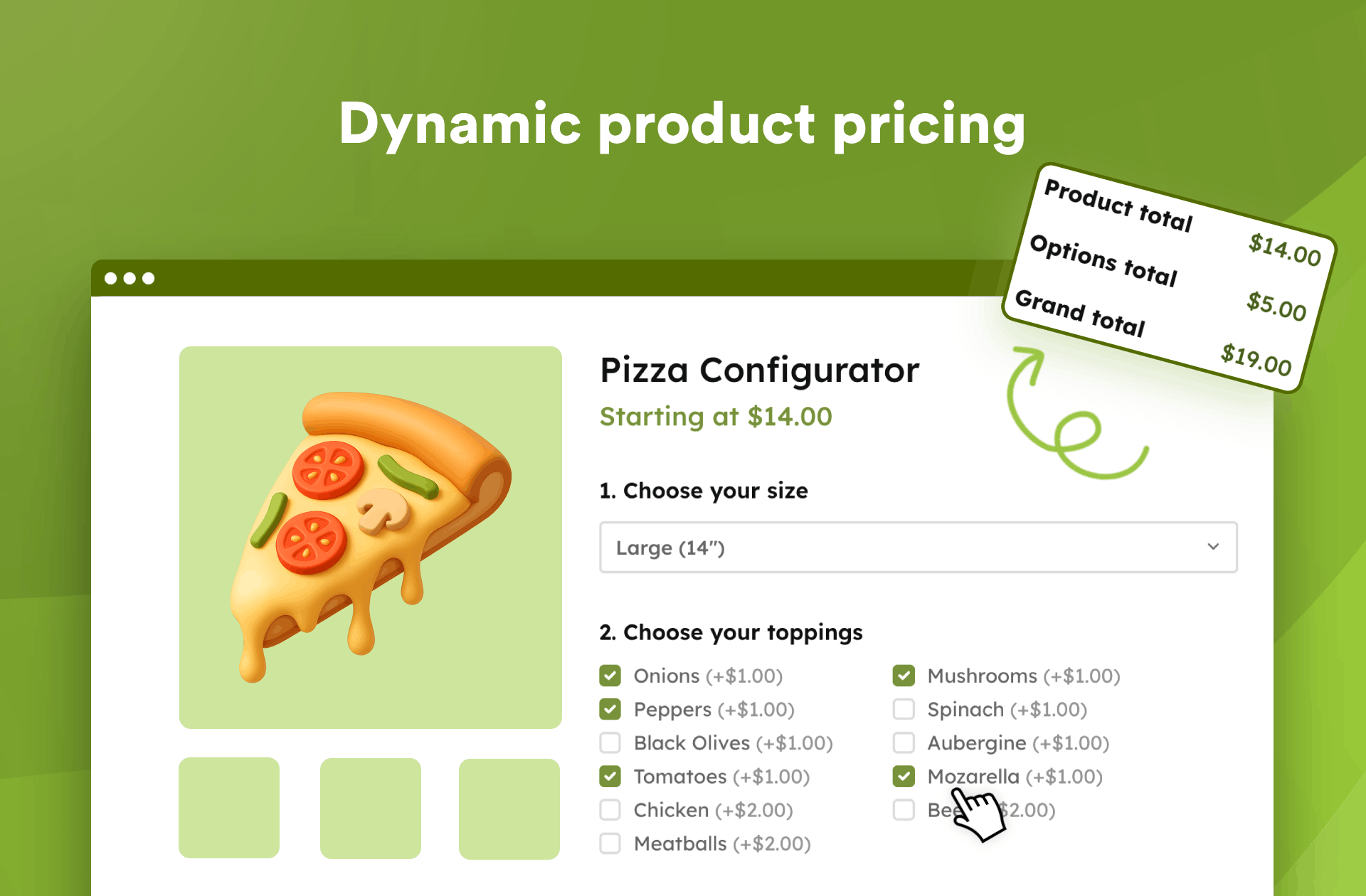
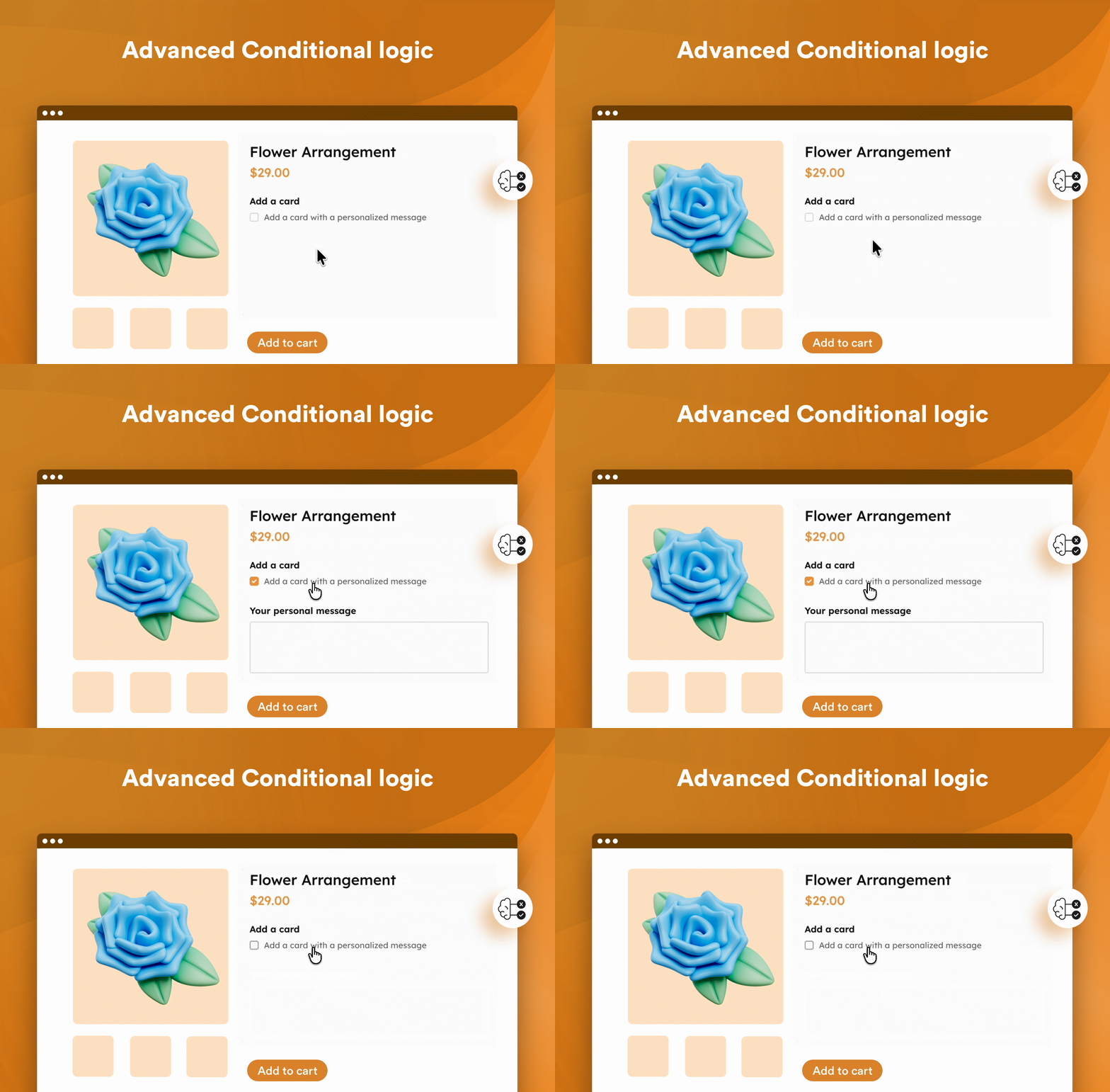
Add text fields, dropdowns, checkboxes, radio buttons, and other options to your products. Let customers personalize their purchases, charge extra for selected options, and show or hide fields based on their choices.
✅ Solves many use-cases while remaining lightweight & fast (it’s our priority)!
❤️ Trusted by 50,000+ store owners and rated 4.8/5
💻 View Demos | 🔥 Pro Version | 📃 Documentation
Whether you’re selling personalized gifts, custom T-shirts, or build-your-own pizzas, Advanced Product Fields helps you offer more choices to your customers.
Selected options and any additional costs are automatically reflected in the cart and checkout, with the customer’s choices saved to the order.
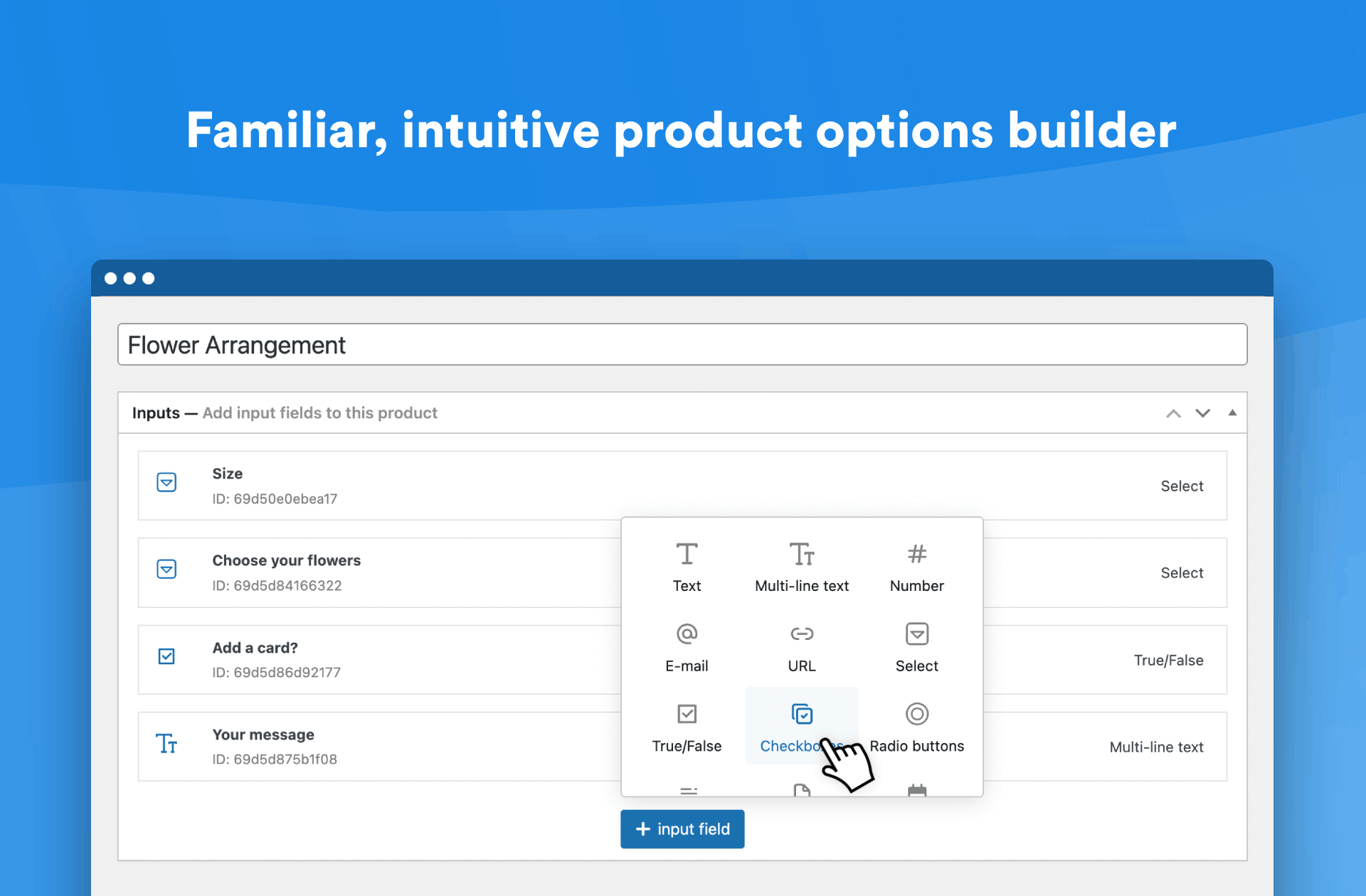
Setting everything up is easy thanks to our intuitive field builder, inspired by Advanced Custom Fields (ACF).
👉️ Introduction to Advanced Product Fields for WooCommerce!
👉️ Features
The opening of the plugin's own description. The full text, installation notes and changelog are on its WordPress.org page.
Once the plugin is installed, go to WooCommerce > Product Input Fields to start adding options to your products! Alternatively, you can also add input fields via each “Edit Product” page in WooCommerce.
No, APF is designed with performance in mind. We prioritize speed and efficiency, ensuring it remains lightweight without compromising on features (something other plugins overlook).
We regularly check our plugin against competitors and our code remains small, lightweight, and among the fastest!
No, APF is a no-code solution that’s intuitive and easy to use, so you don’t need any coding experience.
Yes, you can create unlimited product options with APF, giving you full flexibility to customize your products however you need.
You’ll need WooCommerce 6.0 or higher, WordPress 6.0 or higher, and PHP 7.0 or higher to make this plugin work.
WooCommerce Product Addons Add custom fields to your WooCommerce product page. With an easy-to-use Custom Form Builder.

#74 by installs
Native integration with Google that allows merchants to easily display their products across Google’s network.

#82 by installs
PayPal's latest payment processing solution. Accept PayPal, Pay Later, credit/debit cards, alternative digital wallets and bank accounts.

#85 by installs
Accept debit and credit cards in 135+ currencies, many local methods like Alipay, ACH, and SEPA, and express checkout with Apple Pay and Google Pay.

#115 by installs
We’re here to help with tax rates: collect accurate sales tax, automatically.

#154 by installs
The WooCommerce Legacy REST API, which is now part of WooCommerce itself but will be removed in WooCommerce 9.0.
Read from the WordPress.org plugin API on , when WordPress 7.1.4 was the current release. WordPress.org rounds active installs into buckets. These are the directory's figures, not my verdict, and I haven't tested this plugin.