Type to search.

#984 by installs

Product Addons for Woocommerce – Product Options with Custom Fields

by acowebsVersion 3.1.9

WooCommerce Product Addons Add custom fields to your WooCommerce product page. With an easy-to-use Custom Form Builder.

Active installs
30,000+
#984 of 1,000
Downloads, all time
1.6M
1,642,174
Downloads, 30 days
39.8K
6.4K in the last 7
Rating
4.9 / 5
474 reviews
Last updated
11 days ago
Oct 20, 2026
Version
3.1.9
78 releases

Upkeep and compatibility

Last updatedOctober 20, 2026Updated in the last 3 months
Tested up toWordPress 7.1.4Covers WordPress 7.1.4, the current release
Needs WordPress4.0 or newer
Needs PHP7.2 or newer
First publishedJanuary 28, 2018
Support, last two months2 of 2 threads resolved (100%)

Reviews

4.9 / 5 from 474 reviews

Reviews by star rating
5 stars460
4 stars2
3 stars1
2 stars4
1 star7

Downloads, last 30 days

Low 153 a dayHigh 8.6K a day

What the author says it does

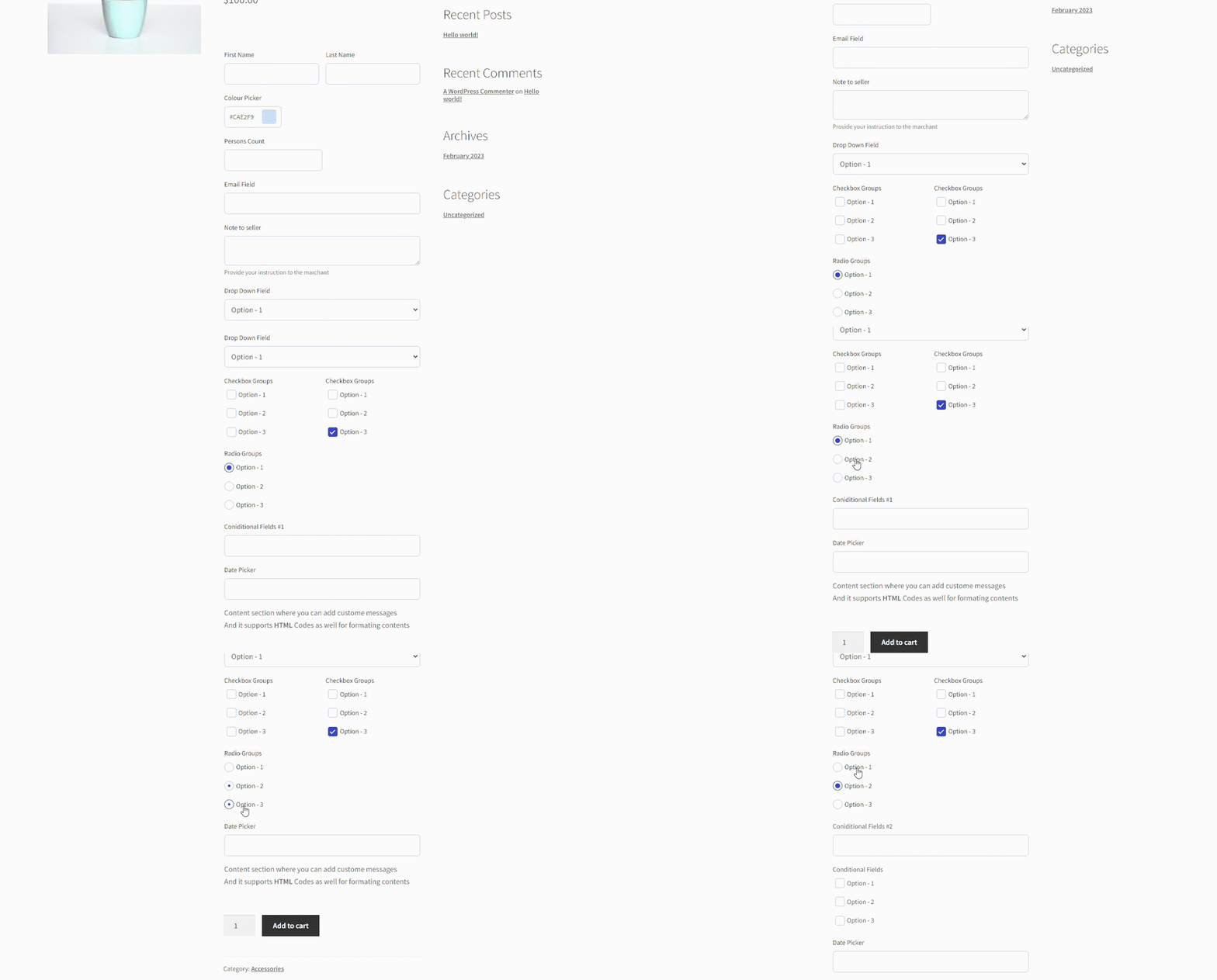
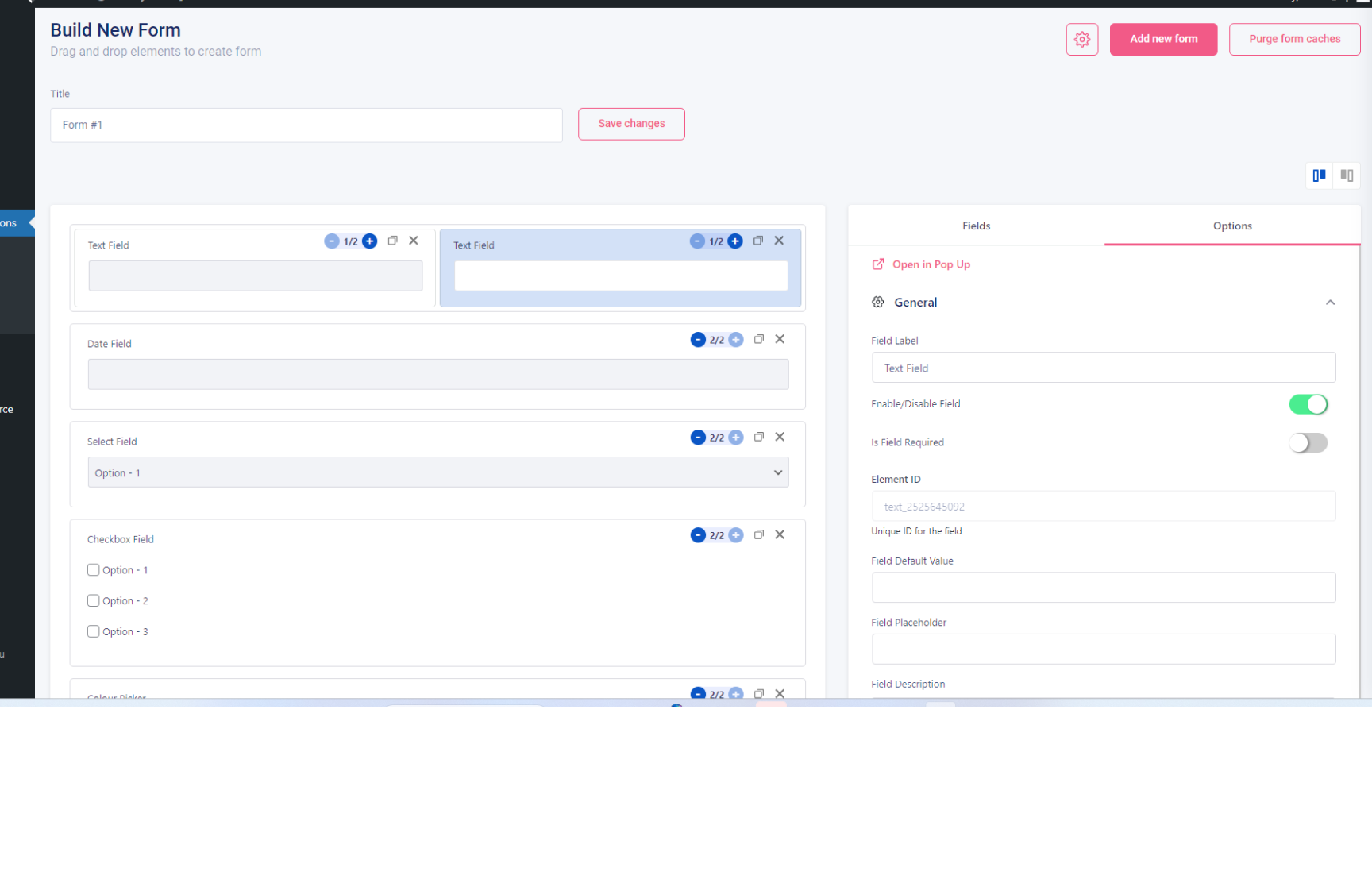
A lightweight WooCommerce product addon plugin that makes adding custom fields to the WooCommerce product page simpler. With an easy-to-use custom form builder, now you can add extra product options quickly.

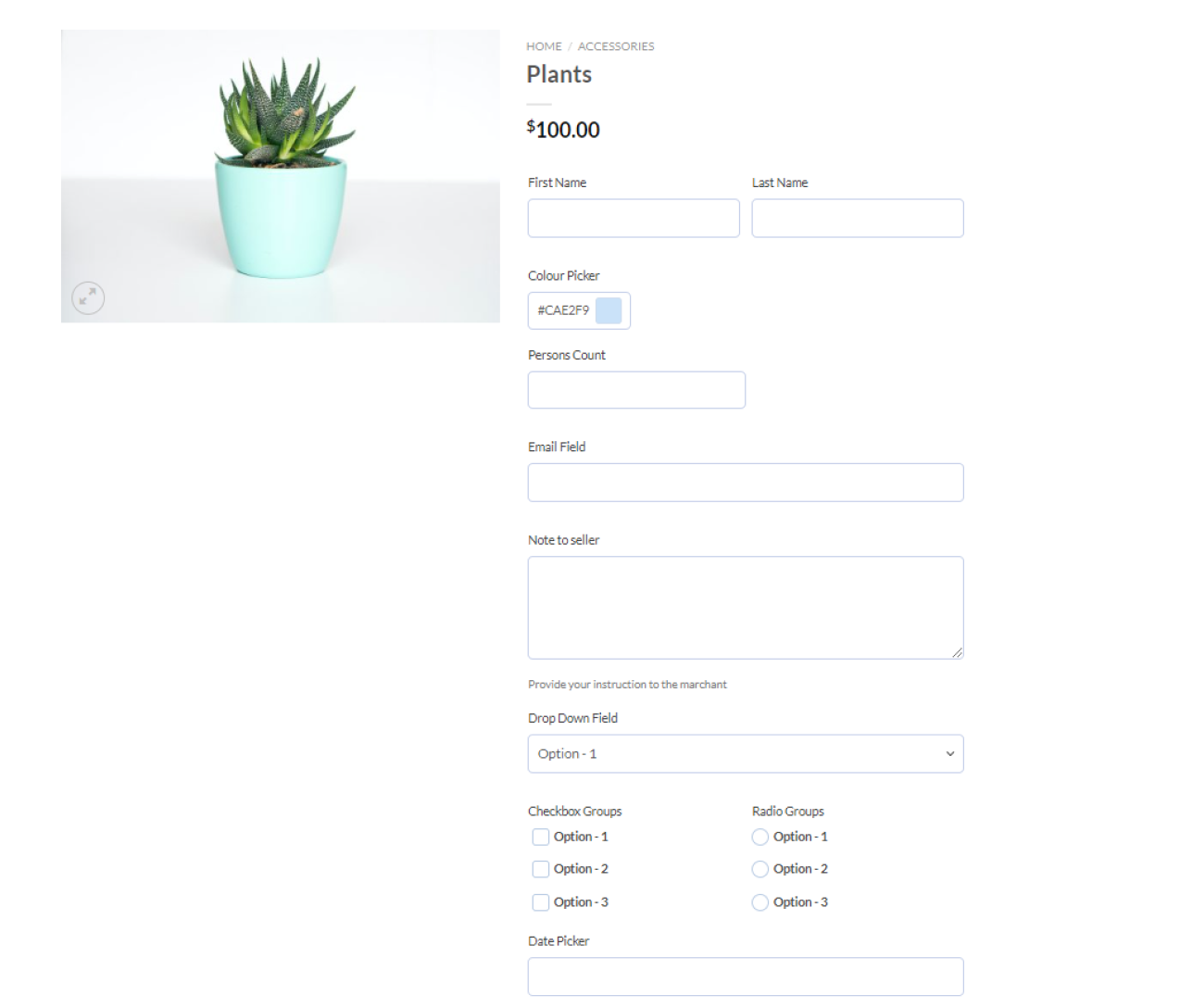
You can easily personalize the WooCommerce product ordering page (with custom product options or custom fields) and this extra form data submitted by customers will be shown in website backend and also will be enclosed along with the order details. The right WooCommerce product options can turn a generic product page into a personalized buying experience, and that directly impacts your conversions. Stores using WooCommerce product addons report fewer back-and-forth emails with customers and faster order fulfillment.

How is it useful?

The opening of the plugin's own description. The full text, installation notes and changelog are on its WordPress.org page.

Questions the author answers

Fields are showing twice in product page?

This can be due to older version of WooCommerce. Please try updating to latest version of WooCommerce.

If your WooCommerce is already up to date, the issue can be due to old WooCommerce template file included in your theme.

You can try replacing the file manually as described below or ask support from your theme vendor.

Please replace file

Fields are not showing in product page

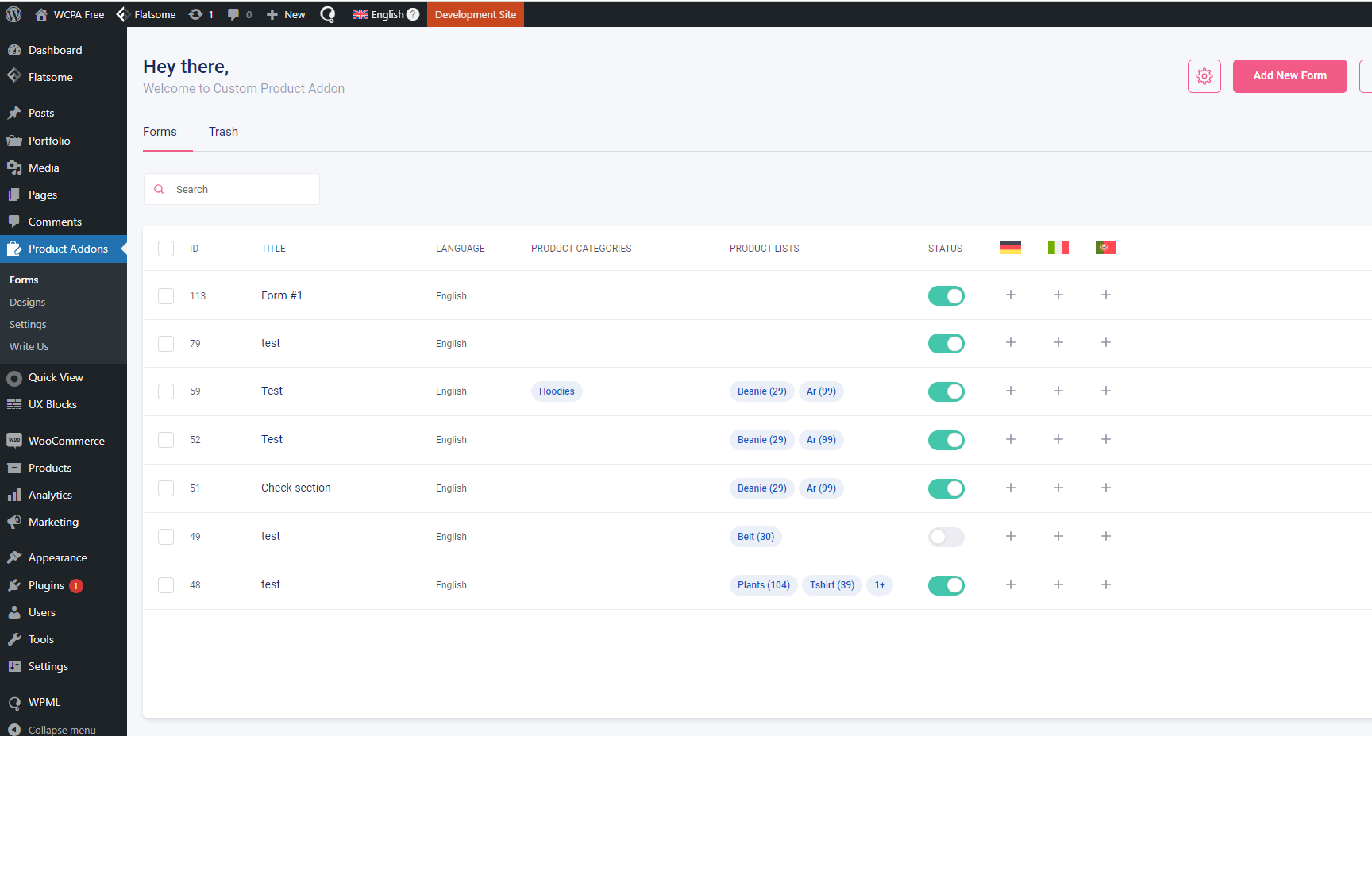
Ensure you have added the forms and have assigned it correctly to the product.

If still the issues happen, Please ensure you have provide the price for the product.

Inorder to show the Woocommerce product options plugin fields, it is mandatory to have the product purchasable.

That means, it must have price set and must be in stock

Does this plugin support conditional logic?

Yes! The woocommerce product addons plugin support conditional logic, enabling you to show or hide custom product options on your woocommerce product page. This makes your WooCommerce product addons smarter and keeps the product page clean for customers.

Does the plugin support file uploads for custom products?

Yes, the Woocommerce custom fields allow file uploads,enabling customers to upload images and file to personalise products.

( File uploads is only available in pro version. get WooCommerce custom product addons pro ), This is one of the most requested WooCommerce custom fields features among store owners selling personalised products.

How to calculate the price based on dimensions of the product?

To calculate the price with the Woocommerce product addons follow these simple steps in the video ( only available in pro version. getWooCommerce custom product addons pro )

Latest changelog entry

3.1.9

  • Security – Escape and restrict the field type shown in the cart
  • Fix – WPML: the language set before the add-on form lookup is restored afterwards
  • Fix – WPML: forms assigned by category appear on translated products
  • Fix – Form editor does not save while field errors are shown, and warns before leaving with unsaved changes
  • Fix – Form changes take effect on sites with a persistent object cache
  • Fix – URL fields accept long domain endings such as .solutions
  • Fix – Language flags in the form editor are shown at their normal size with current WPML

Screenshots

First 4 of 5, from WordPress.org.

Tagged

Plugins that share its tags

Where this page's numbers come from

Read from the WordPress.org plugin API on , when WordPress 7.1.4 was the current release. WordPress.org rounds active installs into buckets. These are the directory's figures, not my verdict, and I haven't tested this plugin.