
#413 by installs
TI WooCommerce Wishlist
Boost your sales with a free WooCommerce Wishlist feature. Let your customers save and share their favorite products!
- Installs
- 100,000+
- Rating
- 4.7 (503)
- Updated
- 9 days ago

YITH WooCommerce Wishlist add all Wishlist features to your website. Needs WooCommerce to work. WooCommerce 11.2.x compatible.
| Last updated | October 19, 2026Updated in the last 3 months |
|---|---|
| Tested up to | WordPress 7.1.4Covers WordPress 7.1.4, the current release |
| Needs WordPress | 6.9 or newer |
| Needs PHP | 8.0 or newer |
| Needs plugins | woocommerce |
| First published | May 29, 2013 |
| Support, last two months | 0 of 5 threads resolved (0%) |
3.9 / 5 from 262 reviews
| 5 stars | 169 |
|---|---|
| 4 stars | 14 |
| 3 stars | 14 |
| 2 stars | 12 |
| 1 star | 53 |
The wishlist is one of the most powerful and popular tools in an ecommerce shop. Thanks to the wishlist, users can:
This means that you’ll be able to loyalise customers, push them to buy and attract new customers any time a wishlist is shared. Not bad for one plugin only, don’t you think?
Our YITH WooCommerce Wishlist has more than 900,000 active installations and that’s why it’s the most popular wishlist plugin ever.
To celebrate this record and say thanks to all the plugin users, we’ve decided to release a new 3.0 version that has improved the design tremendously and added many new options.
If you like the new design, please, leave a review to help the plugin grow!
Free version live demo >
Documentation >
Basic features
The opening of the plugin's own description. The full text, installation notes and changelog are on its WordPress.org page.
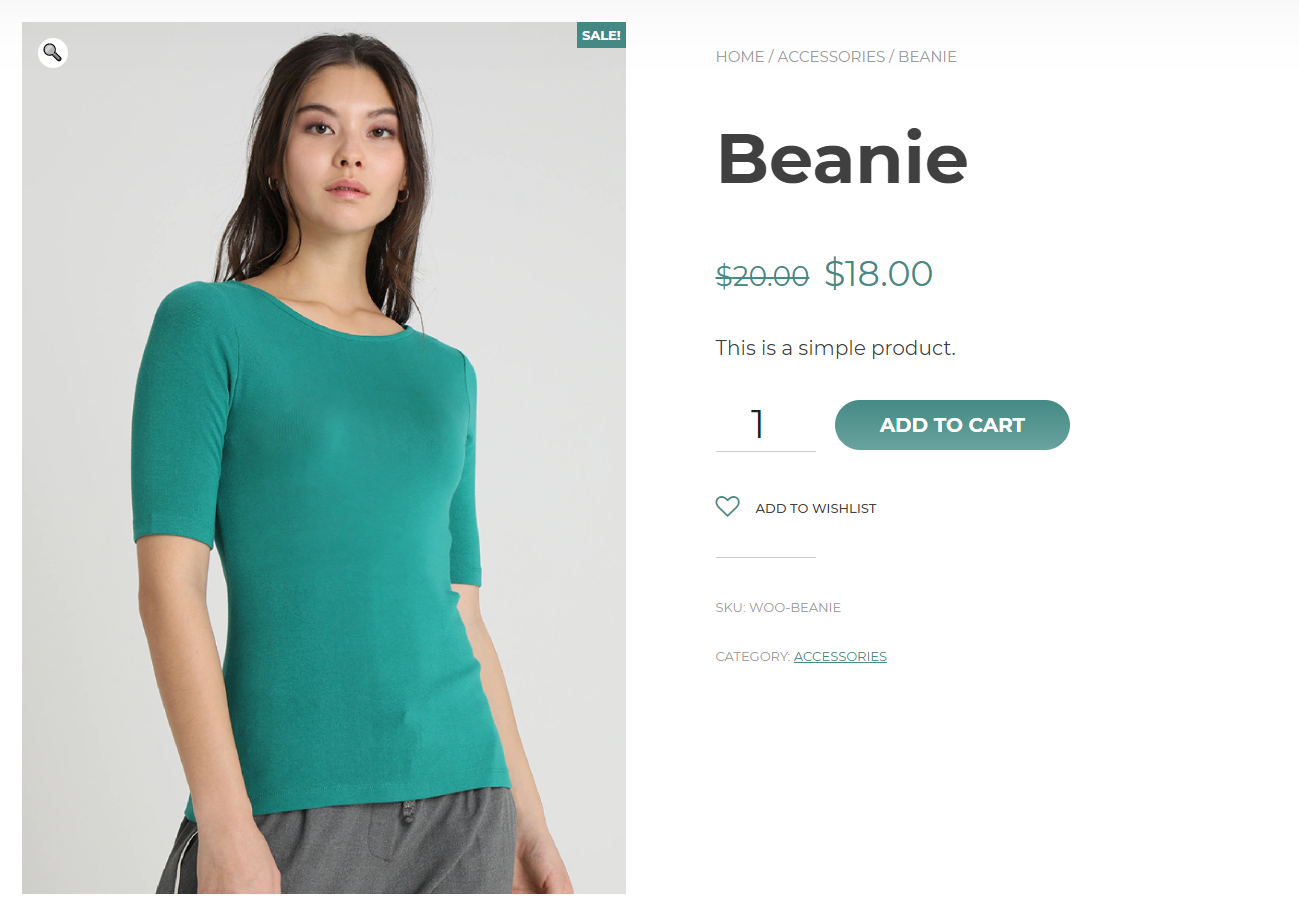
Yes, from version 3.0 the plugin also allows showing the Add to wishlist button on your shop page, category pages, product shortcodes, product sliders, and all the other places where the WooCommerce products’ loop is used.
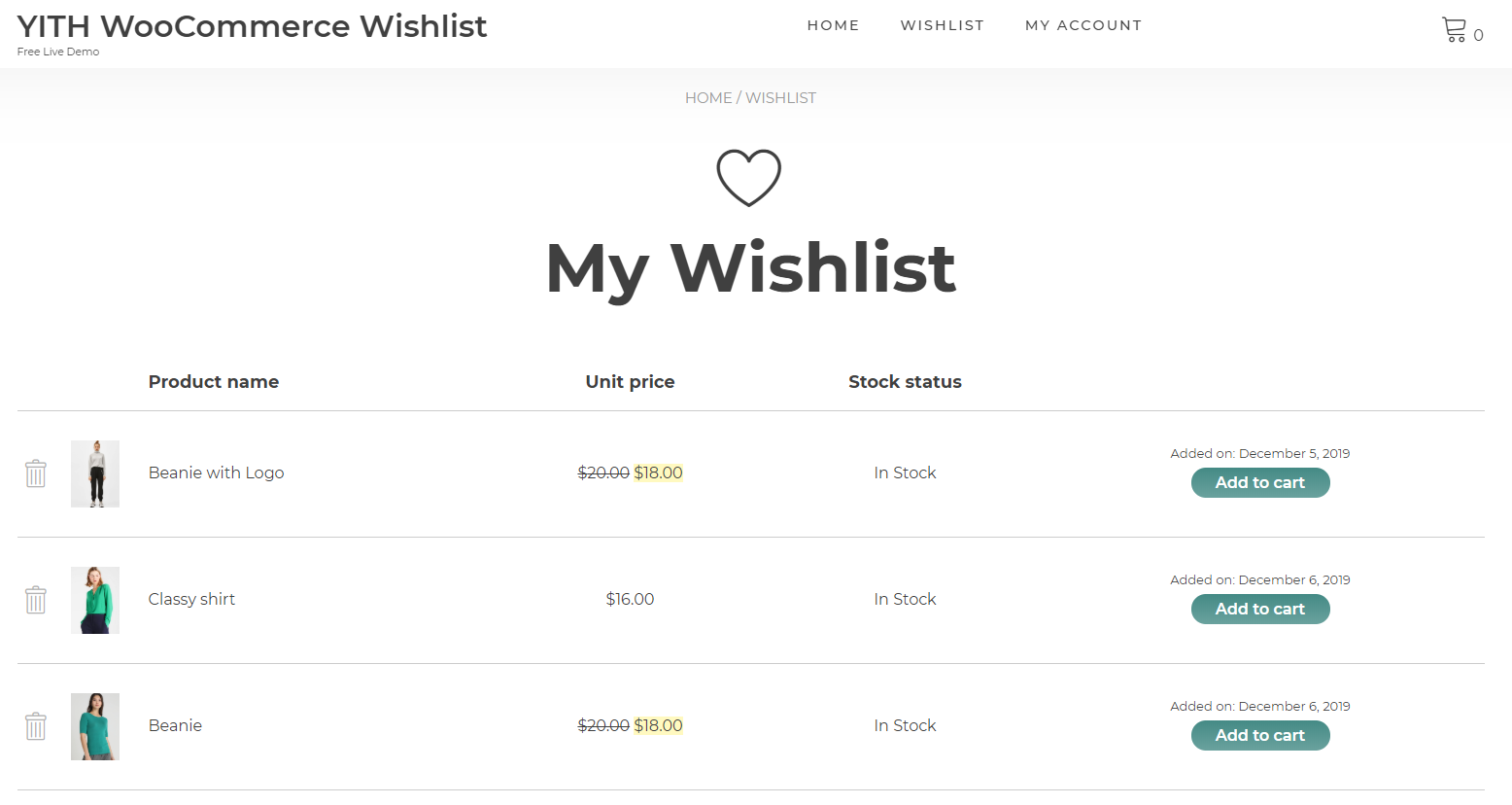
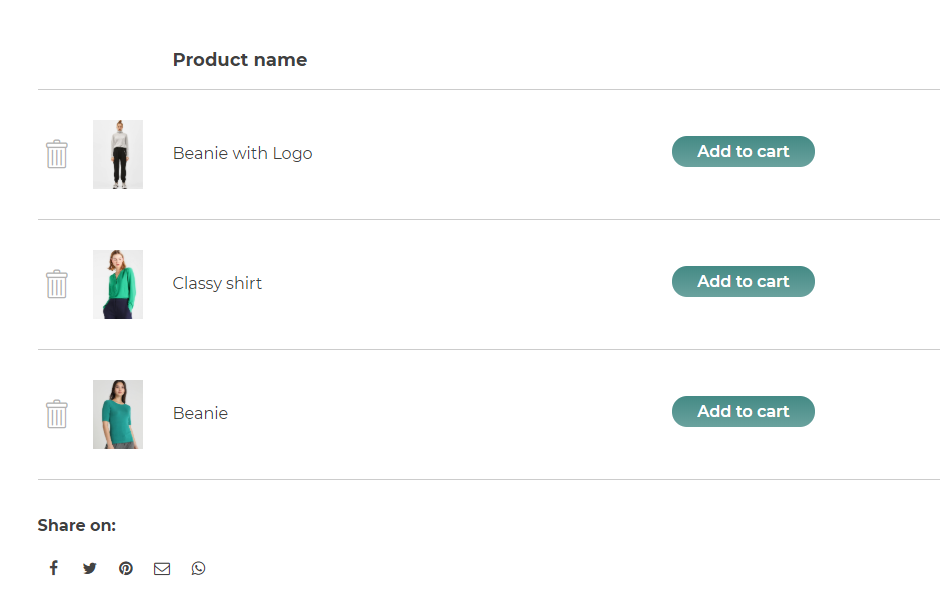
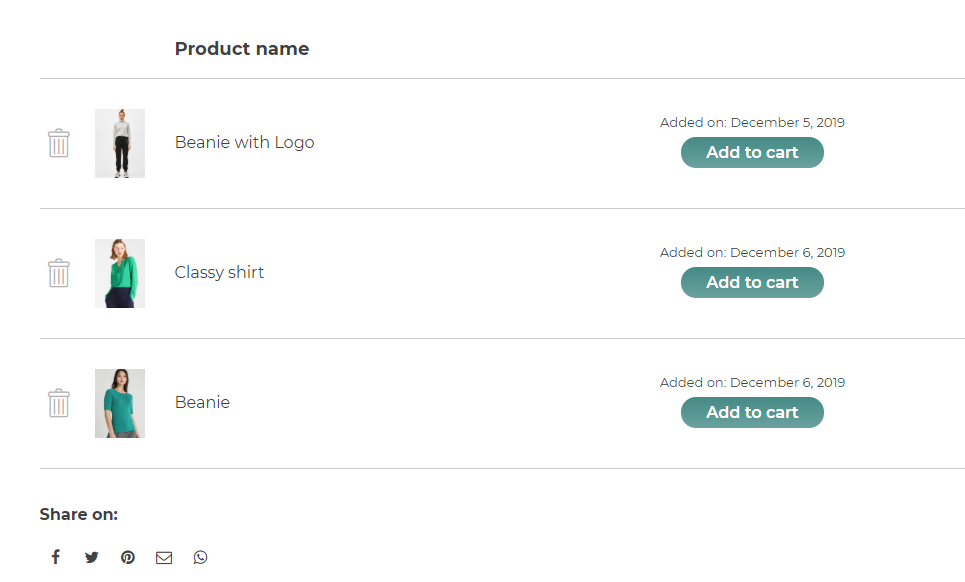
Yes, the page is a simple template and you can override it by putting the file template “wishlist.php” inside the “woocommerce” folder of the theme folder.
Yes, you can move the button to another default position or you can also use the shortcode inside your theme code.
Yes, you can change the colors of background, text and border or apply a custom css. You can also use a link or a button for the “Add to wishlist” feature.
Try to regenerate permalinks from Settings -> Permalinks by simply saving them again.
This might depend on the fact that your theme overrides plugin templates. Check if the developer of your theme has released a compatibility update with version 3.0 or later of YITH WooCommerce Wishlist. As an alternative you can try the plugin in WordPress default theme to leave out any possible influences by the theme.
#413 by installs
Boost your sales with a free WooCommerce Wishlist feature. Let your customers save and share their favorite products!

#869 by installs
WCBoost - Wishlist lets shoppers create wishlists for later purchases, reminding them of desired items, driving repeat visits and boost sales.
Read from the WordPress.org plugin API on , when WordPress 7.1.4 was the current release. WordPress.org rounds active installs into buckets. These are the directory's figures, not my verdict, and I haven't tested this plugin.