
#313 by installs
SiteOrigin CSS
Powerful, simple CSS editing for WordPress. Visual controls & real-time previews for effortless site customization.
- Installs
- 100,000+
- Rating
- 4.9 (153)
- Updated
- 22 days ago

Style your WordPress site visually. Discover the most popular front-end design plugin! Try live demo.
| Last updated | August 23, 2026Updated in the last 3 months |
|---|---|
| Tested up to | WordPress 7.1.4Covers WordPress 7.1.4, the current release |
| Needs WordPress | 4.0 or newer |
| Needs PHP | Not stated |
| First published | August 21, 2015 |
| Support, last two months | No threads opened |
4.1 / 5 from 90 reviews
| 5 stars | 67 |
|---|---|
| 4 stars | 2 |
| 3 stars | 1 |
| 2 stars | 2 |
| 1 star | 18 |
Style your WordPress site visually. Discover the most popular front-end design plugin! Try live demo.
Visual CSS Editor
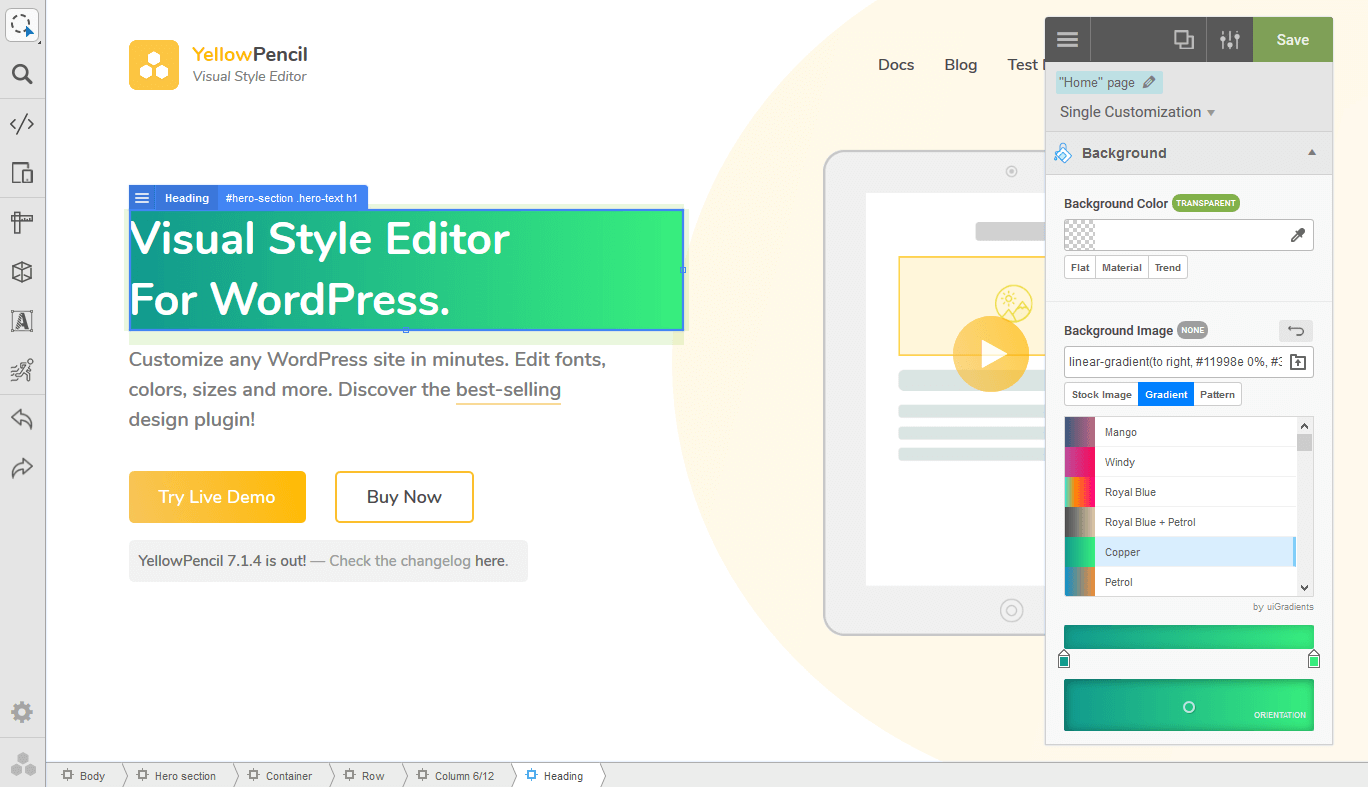
The plugin allows you to customize any page and theme without coding. Click on an element and start visual editing. Adjust colors, fonts, sizes, positions and a lot more. Take full control over your website’s design with more than 60 style properties.
Key Features
Design Tools
The plugin provides you advanced tools and ready-to-use libraries for styling your website effortlessly.
Design Assets
Reach many design assets with one click. Customize your website’s design to fit your needs!
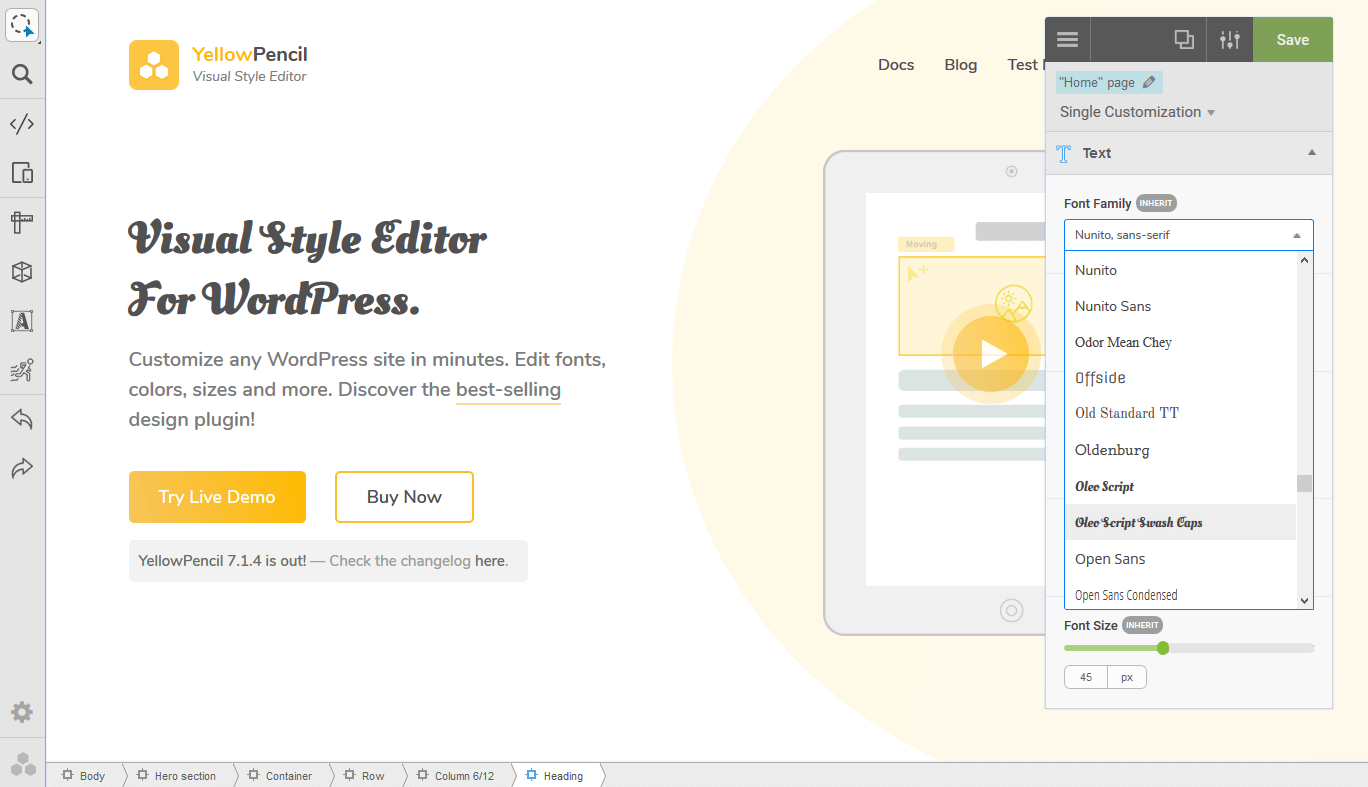
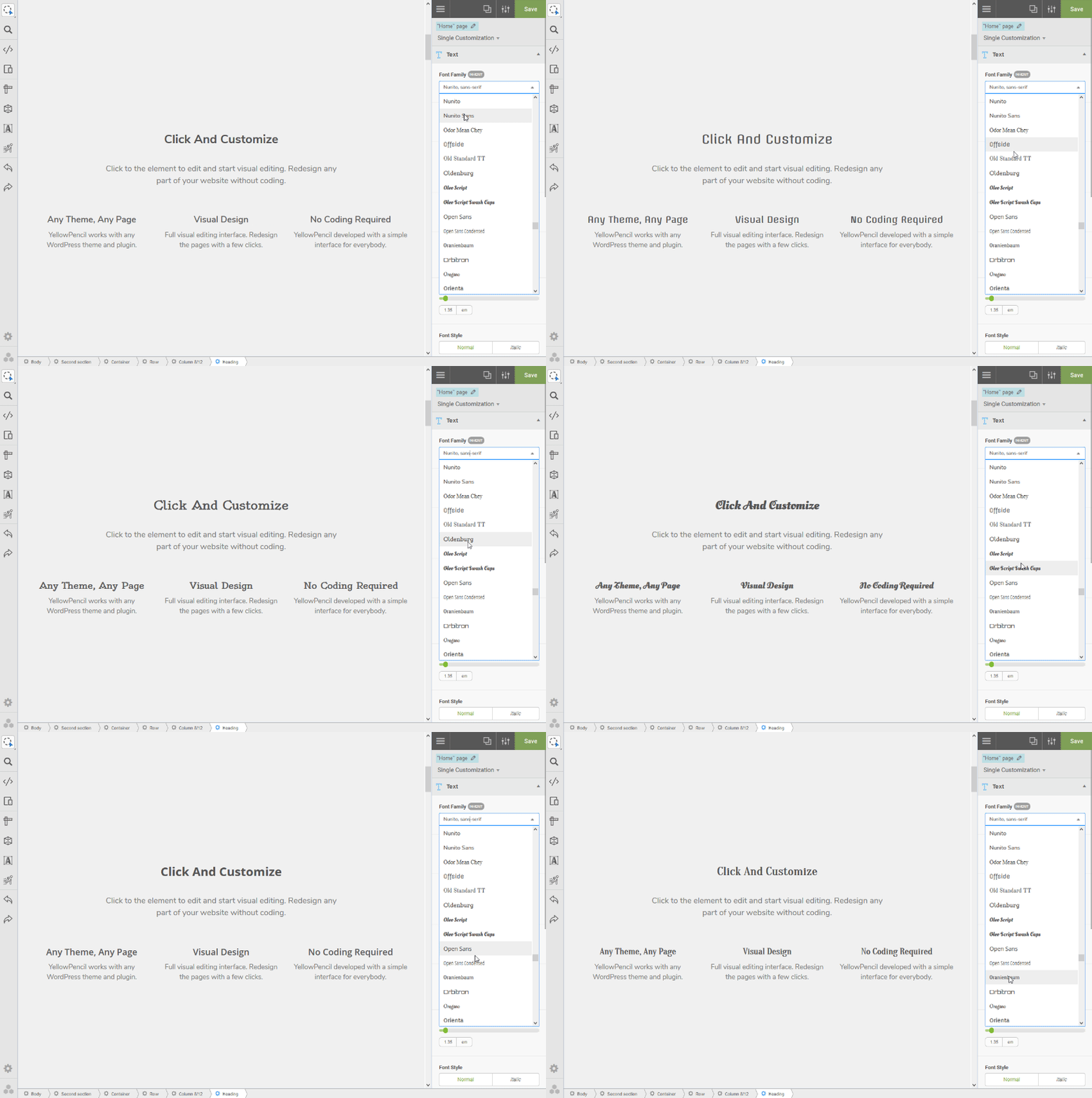
CSS Properties: Text
The opening of the plugin's own description. The full text, installation notes and changelog are on its WordPress.org page.
Yes, this plugin is compatible with all themes and plugins. You can be sure that it works in the best possible way.
Yes, the plugin does not modify the theme and plugin files. This is 100% safe. You can manage all the changes, disable or delete them at any time.
No, the plugin has a simple interface and this is developed for anyone. A beginner user can use it easily. If you worry about how to use it, plugin documentation will help you.
Yes, In the WordPress Dashboard, go to Appearance > YellowPencil Editor. Select the target page as WordPress login page and click customize button.

#313 by installs
Powerful, simple CSS editing for WordPress. Visual controls & real-time previews for effortless site customization.
Easily add code snippets in WordPress. Insert header & footer scripts, add PHP code snippets with conditional logic, insert ads pixel code, and more.

#240 by installs
A Gutenberg container block to let you align items consistently across a global grid.

#359 by installs
Add Custom CSS to your WordPress site without any hassles.

#471 by installs
Add CSS animations and scroll effects to any Gutenberg block. Choose from fade, slide, zoom & more, with delay and duration controls — no code needed.
#532 by installs
Add custom classes and ids plus first, last, even, odd, and numbered classes to your widgets.
Read from the WordPress.org plugin API on , when WordPress 7.1.4 was the current release. WordPress.org rounds active installs into buckets. These are the directory's figures, not my verdict, and I haven't tested this plugin.
