
#937 by installs
Visual CSS Style Editor
Style your WordPress site visually. Discover the most popular front-end design plugin! Try live demo.
- Installs
- 30,000+
- Rating
- 4.1 (90)
- Updated
- 2 months ago

Powerful, simple CSS editing for WordPress. Visual controls & real-time previews for effortless site customization.
| Last updated | October 9, 2026Updated in the last 3 months |
|---|---|
| Tested up to | WordPress 7.1.4Covers WordPress 7.1.4, the current release |
| Needs WordPress | 3.9 or newer |
| Needs PHP | 7.0.0 or newer |
| First published | June 2, 2015 |
| Support, last two months | No threads opened |
4.9 / 5 from 153 reviews
| 5 stars | 145 |
|---|---|
| 4 stars | 4 |
| 3 stars | 1 |
| 2 stars | 0 |
| 1 star | 3 |
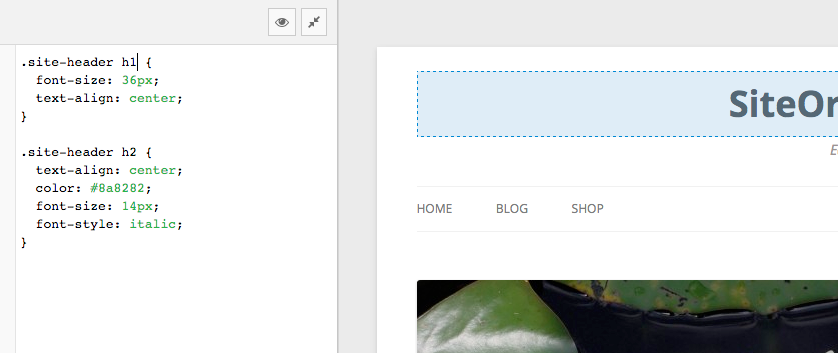
SiteOrigin CSS is the intuitive and powerful CSS editor designed to empower your WordPress site customization. Enjoy a seamless editing experience with real-time visual controls, making it easy to tweak your site’s look and feel instantly. Whether you’re a beginner or an advanced developer, SiteOrigin CSS has you covered.
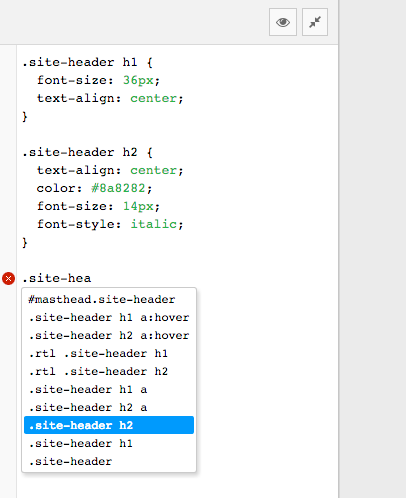
For beginners, our user-friendly visual controls and live previews eliminate the guesswork from CSS editing. See your changes as you make them, ensuring your site looks exactly as you envision. For advanced users, we offer robust code autocompletion, speeding up your workflow and making CSS writing faster and more efficient than ever before. Take full control of your site’s design with SiteOrigin CSS and bring your creative vision to life.
Inspector
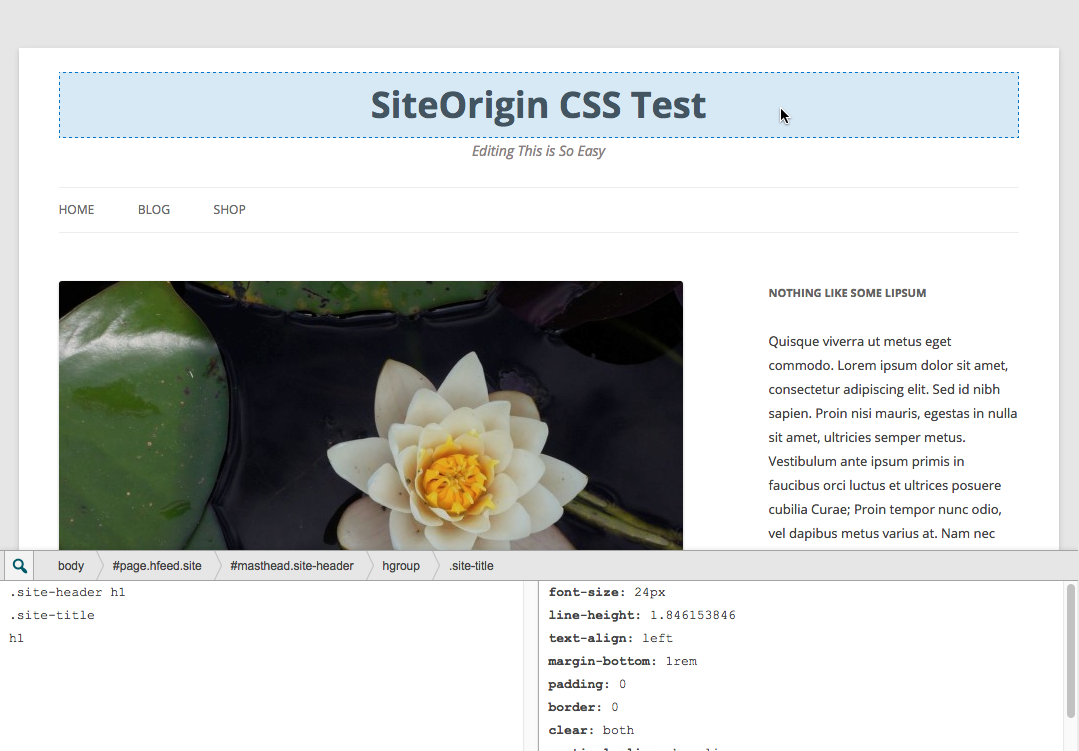
The hardest part of editing your site’s design using CSS is usually finding the correct selector to use. The powerful inspector that comes with SiteOrigin CSS makes this easy. While viewing a full preview of your site, just click on an element, and it’ll help you identify the best selector to use to target that element.
The inspector will help you even if you have no idea what a CSS selector is.
Visual Editor
The opening of the plugin's own description. The full text, installation notes and changelog are on its WordPress.org page.

#937 by installs
Style your WordPress site visually. Discover the most popular front-end design plugin! Try live demo.

#757 by installs
Theme Editor allows you to edit theme files, create folder, upload files and remove any file and folder in themes and plugins.
Read from the WordPress.org plugin API on , when WordPress 7.1.4 was the current release. WordPress.org rounds active installs into buckets. These are the directory's figures, not my verdict, and I haven't tested this plugin. The author takes donations at their donate page.