
The Elementor Website Builder has it all: drag and drop page builder, Atomic Editor, pixel perfect design, global and reusable style systems, mobile r …
- Installs
- 10+ million
- Rating
- 4.5 (7.3K)
- Updated
- 18 days ago

Customize WooCommerce email templates with an advanced drag-and-drop email builder. Works great with 80+ WooCommerce Email Customizer Addons.
| Last updated | October 30, 2026Updated in the last 3 months |
|---|---|
| Tested up to | WordPress 7.1.4Covers WordPress 7.1.4, the current release |
| Needs WordPress | 4.7 or newer |
| Needs PHP | 5.4 or newer |
| First published | November 6, 2020 |
| Support, last two months | 2 of 2 threads resolved (100%) |
4.8 / 5 from 291 reviews
| 5 stars | 271 |
|---|---|
| 4 stars | 5 |
| 3 stars | 0 |
| 2 stars | 7 |
| 1 star | 8 |
Your brand deserves emails that shine. ✨
YayMail is the #1 Free drag-and-drop email template customizer that lets you design stunning, branded emails effortlessly. No coding required.
Plus, expand your design possibilities with premade blocks and extensive plugin compatibility.
QUICK ADMIN DEMO | YAYMAIL PRO 💎
👋 Works with Any WooCommerce Themes
NEW RELEASES
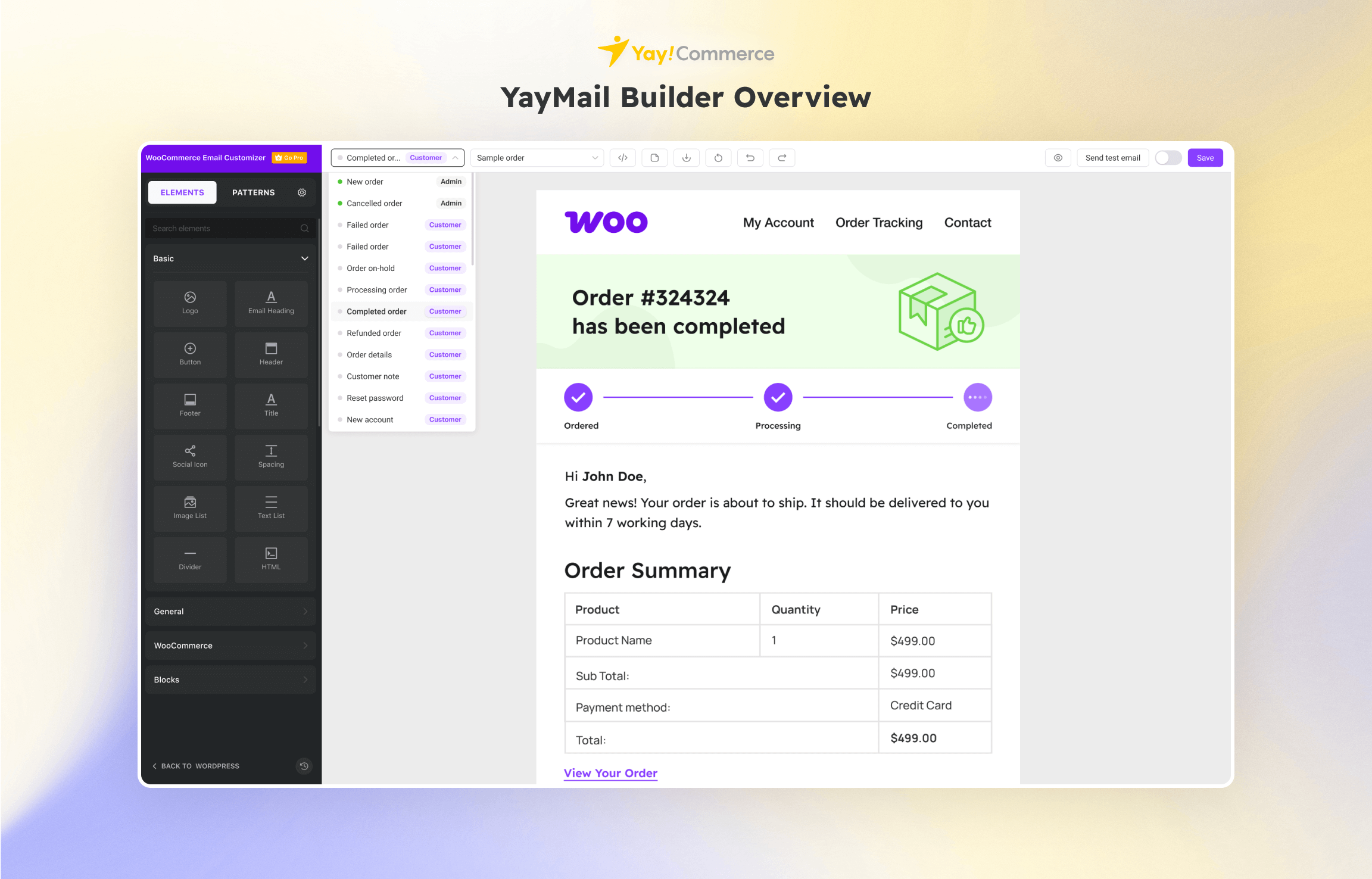
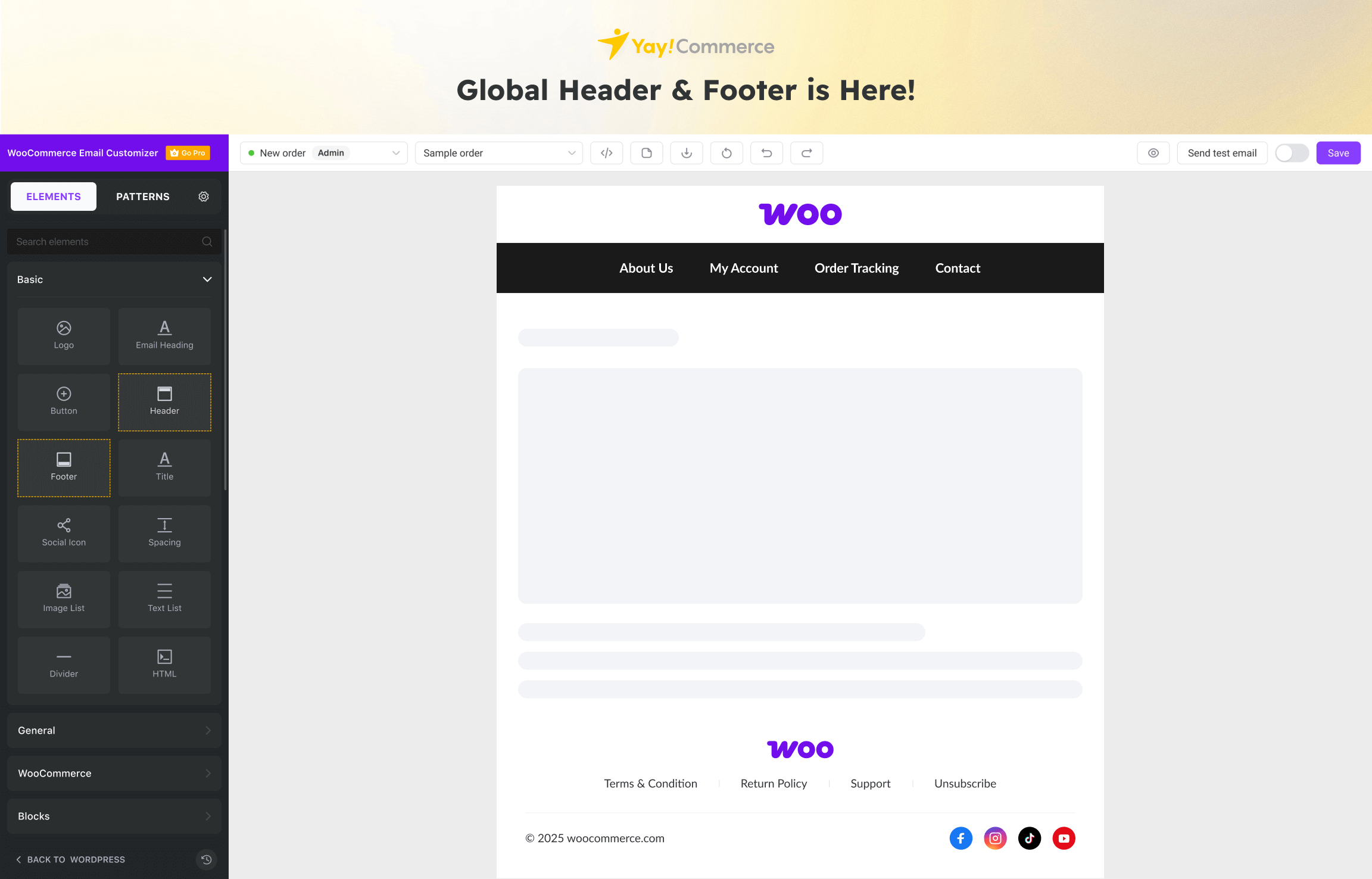
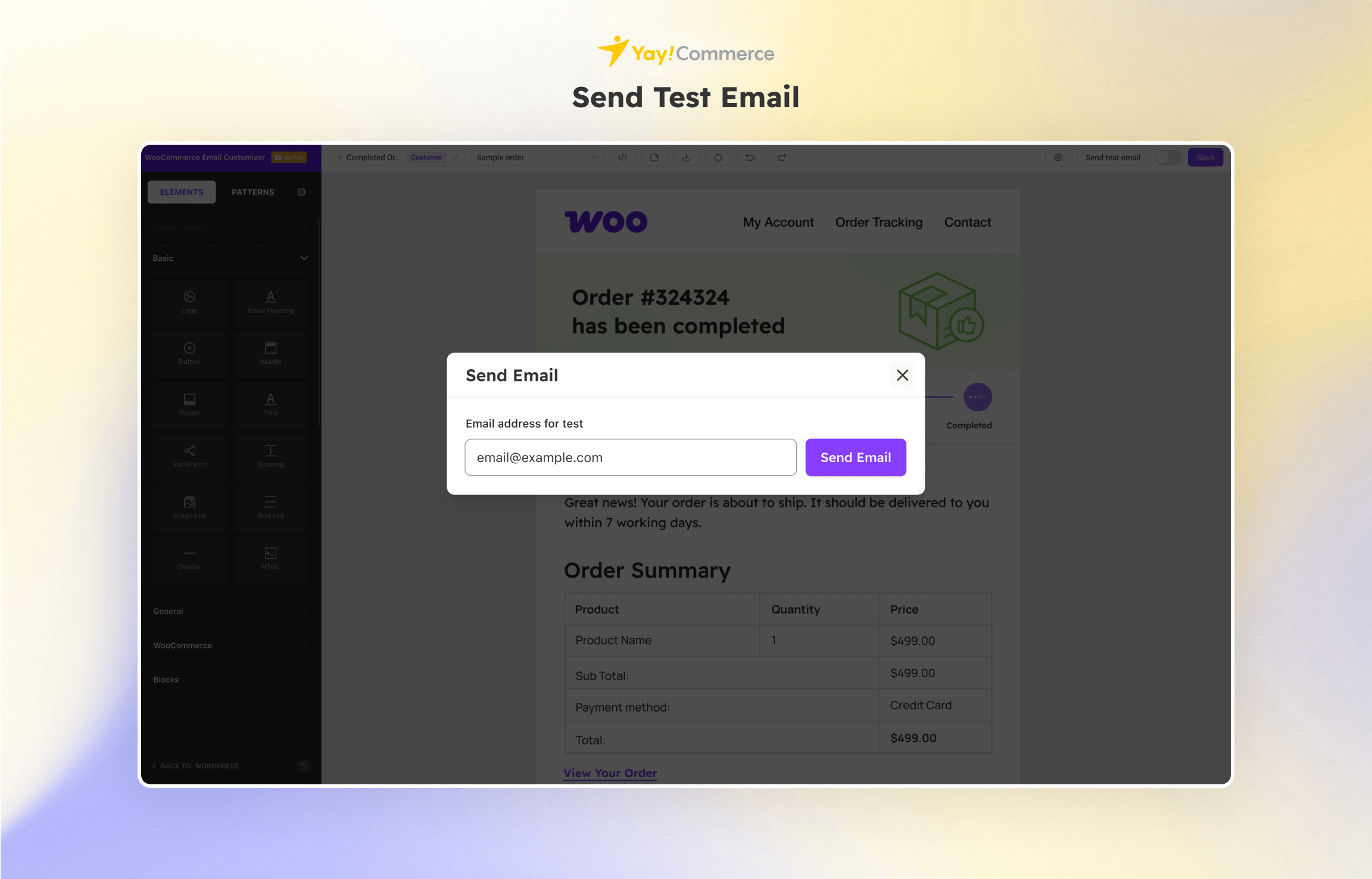
Here’s how YayMail makes email customization easy:
Free vs Pro | YayMail Addons
When combined with YayMail Premium Addons, you will unlock the visual email designer integration to go with 80+ third-party WooCommerce plugins.
The opening of the plugin's own description. The full text, installation notes and changelog are on its WordPress.org page.
From YayMail user interface, select an email template from the dropdown list of WooCommerce workflows. For instance, if you’ve chosen Completed order template, you’ll get its related sample content loaded in the editing section. Then you will be able to start editing using the custom email blocks.
Yes, with YayMail, you can deploy a next-order coupon strategy and build a loyal customer base. Here’s a step-by-step guide to creating next-order coupon in WooCommerce emails.
To change the email content in a WooCommerce email, just select an email element, you will see its text editor on the left panel. From there, you can edit the text, images, and other media content in your emails.
With YayMail, you don’t have to modify your theme code to override WooCommerce email templates. To stop using the old style email template and start sending the new email design, just go to YayMail and enable the templates you want to use. For example, to override the customer-completed-order.php template, just enable Completed order email template in the YayMail’s dropdown list.
No worries, it doesn’t hurt to ask.
Please create a topic or contact us to get help. We’re sure to resolve the glitch!
To quickly get the answers, please attach screenshots of the screen notice and currently activated WooCommerce plugins on your website.

The Elementor Website Builder has it all: drag and drop page builder, Atomic Editor, pixel perfect design, global and reusable style systems, mobile r …

#127 by installs
Send beautiful newsletters from WordPress. Collect subscribers with signup forms, automate your emails for WooCommerce, blog post notifications & more

#129 by installs
Freeform page builder & website builder for WordPress. Infinite canvas for complex, interactive websites. Built-in forms, animations & Customizer.

#137 by installs
Build responsive page layouts using the widgets you know and love using this simple drag and drop page builder.

#145 by installs
The most advanced frontend drag & drop page builder. Pagelayer is a light weight but extremely powerful Website Builder.

#480 by installs
Customize the default WooCommerce email templates design and text through the native WordPress customizer. Preview emails and send test emails.
Read from the WordPress.org plugin API on , when WordPress 7.1.4 was the current release. WordPress.org rounds active installs into buckets. These are the directory's figures, not my verdict, and I haven't tested this plugin. The author takes donations at their donate page.