
#436 by installs
Klaviyo
Klaviyo for WooCommerce
- Installs
- 100,000+
- Rating
- 2.8 (24)
- Updated
- 3 days ago

Customize the default WooCommerce email templates design and text through the native WordPress customizer. Preview emails and send test emails.
| Last updated | September 21, 2026Updated in the last 3 months |
|---|---|
| Tested up to | WordPress 7.1.4Covers WordPress 7.1.4, the current release |
| Needs WordPress | 5.3 or newer |
| Needs PHP | 5.2.4 or newer |
| First published | May 29, 2018 |
| Support, last two months | 2 of 4 threads resolved (50%) |
4.5 / 5 from 142 reviews
| 5 stars | 119 |
|---|---|
| 4 stars | 4 |
| 3 stars | 2 |
| 2 stars | 3 |
| 1 star | 14 |
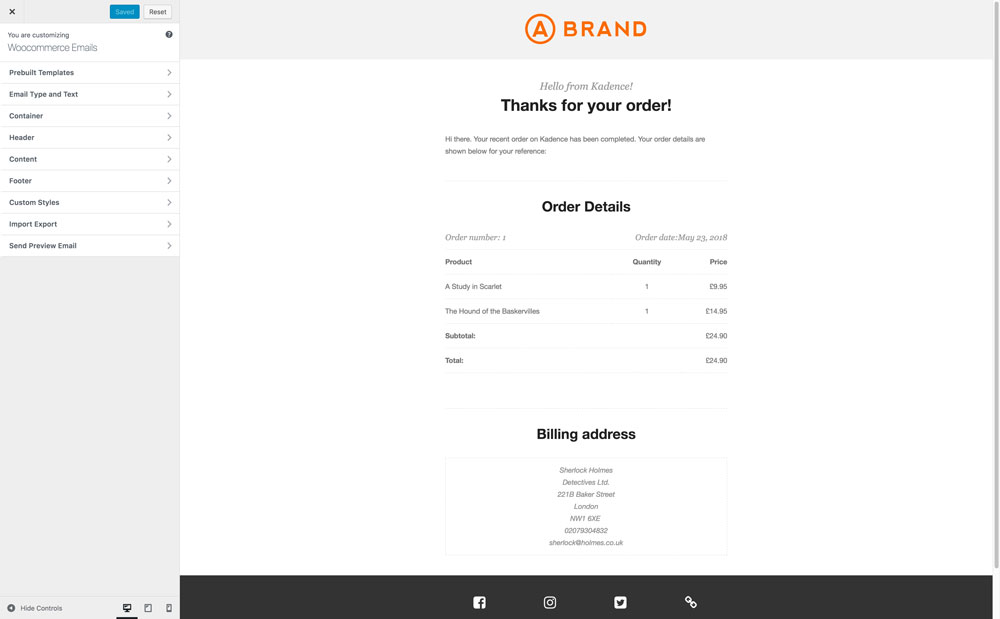
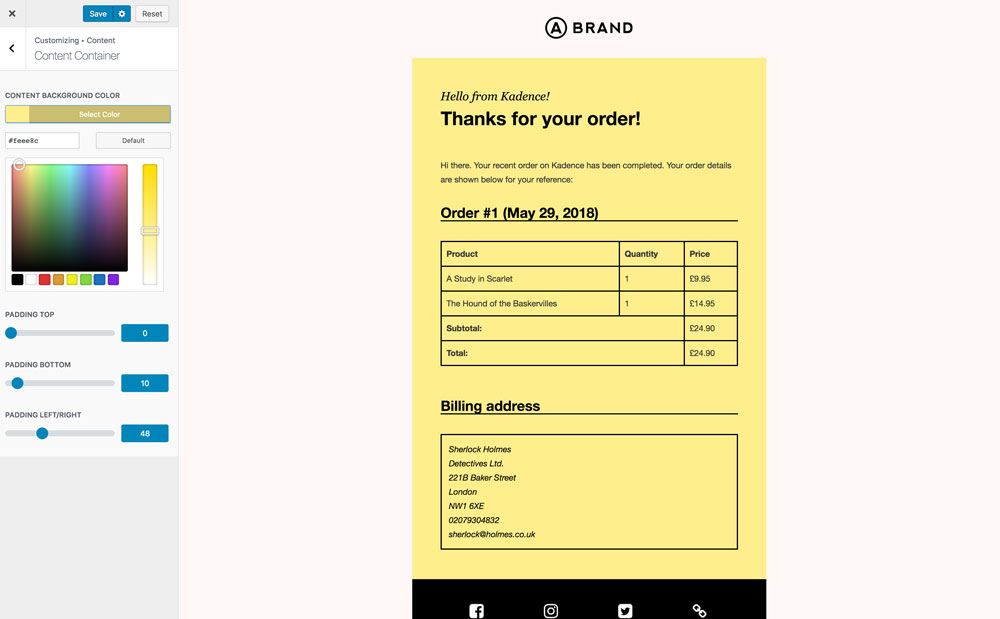
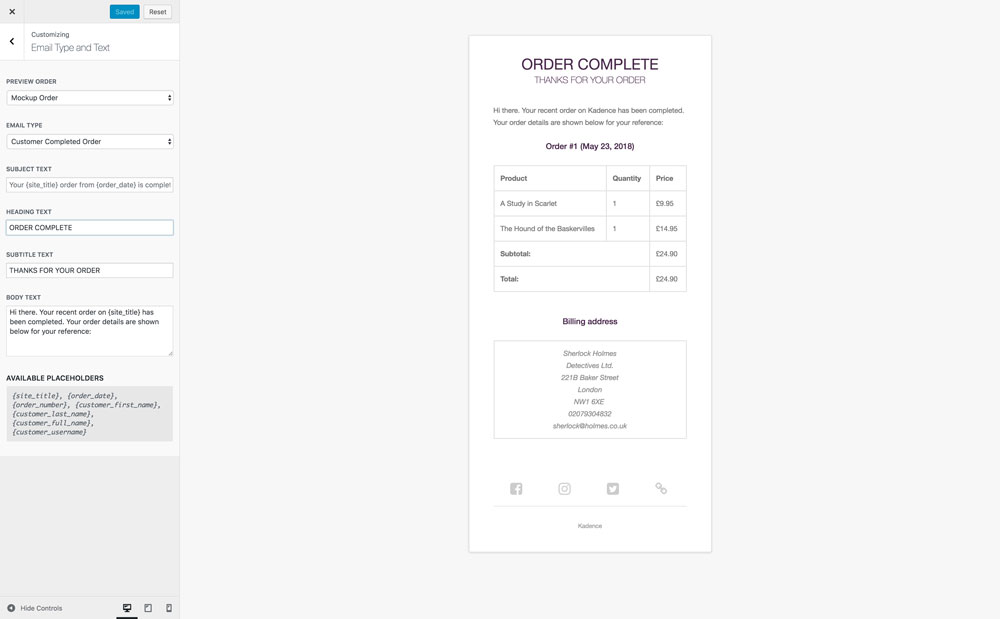
This plugin lets you easily customize the default transactional WooCommerce email templates. Edit the design using the native WordPress customizer for instant visual edits. Customize the text (including body text) or each email template in WooCommerce without editing code.
Features Include
Don’t send bland emails
Make an impression with your customers and represent your brand well by customizing your WooCommerce emails design and content with Kadence WooCommerce Email Designer.
Full Video Walkthrough
Watch video walkthrough here.
Support
We are happy to help as best we can with questions! Please use the support forums.
Credits
Thanks to RightPress, we heavily pulled code and structure for this plugin from Decorator – WooCommerce Email Customizer by RightPress.
Thanks to The Beaver Builder Team, we adapted our import/export control functionality from Customizer Export/Import
Thanks to cristian-ungureanu, we adapted our footer social media control functionality from Customizer Repeater
The opening of the plugin's own description. The full text, installation notes and changelog are on its WordPress.org page.
The Kadence WooCommerce Email Designer plugin allows you to customize the style and text of all core WooCommerce emails. This plugin hooks into the main woocommerce email function to style emails and setup templates to allow you to customize the design and text. Some WooCommerce extensions add new emails to woocommerce core.
In your admin navigate to WooCommerce > Status and scroll down to template overrides. If you are override email templates then that is your issue and you need to remove those overrides if you want the Kadence WooCommerce Email Designer plugin to control the templates.
WooCommerce core has a large group of translators that generously translate the plugin into many languages. The Kadence WooCommerce Email Designer plugin does not have translations for many of these languages so you will need to translate some strings yourself. The easiest way to do this is through the Loco Translate plugin.
Please report security bugs found in the source code of the
Kadence WooCommerce Email Designer plugin through the Patchstack
Vulnerability Disclosure Program https://patchstack.com/database/vdp/kadence-woocommerce-email-designer. The
Patchstack team will assist you with verification, CVE assignment, and
notify the developers of this plugin.
#436 by installs
Klaviyo for WooCommerce

#589 by installs
Configure a SMTP server to send email from your WordPress site. Configure the wp_mail() function to use SMTP instead of the PHP mail() function.

Make email delivery easy for WordPress. Connect with SMTP, Gmail, Brevo, SendGrid, Amazon SES + more, with powerful WordPress SMTP Email plugin.

#35 by installs
The #1 Mailchimp plugin for WordPress. Allows you to add a multitude of newsletter sign-up methods to your site.

#74 by installs
Native integration with Google that allows merchants to easily display their products across Google’s network.

#79 by installs
A trustworthy message storage plugin for Contact Form 7.
Read from the WordPress.org plugin API on , when WordPress 7.1.4 was the current release. WordPress.org rounds active installs into buckets. These are the directory's figures, not my verdict, and I haven't tested this plugin. The author takes donations at their donate page.