
Sell online with a fast WordPress shop: Stripe & PayPal checkout, digital downloads, subscriptions, order bumps, upsells & affiliates.
- Installs
- 80,000+
- Rating
- 4.8 (288)
- Updated
- 3 days ago

Everything you need to launch an online store in days and keep it growing for years. From your first sale to millions in revenue, Woo is with you.
| Last updated | October 9, 2026Updated in the last 3 months |
|---|---|
| Tested up to | WordPress 7.1.4Covers WordPress 7.1.4, the current release |
| Needs WordPress | 7.0 or newer |
| Needs PHP | 7.4 or newer |
| First published | September 27, 2011 |
| Support, last two months | 106 of 125 threads resolved (85%) |
4.5 / 5 from 4,833 reviews
| 5 stars | 4,005 |
|---|---|
| 4 stars | 197 |
| 3 stars | 113 |
| 2 stars | 108 |
| 1 star | 410 |
WooCommerce is the open-source ecommerce platform for WordPress.
Our core platform is free, flexible, and amplified by a global community. The freedom of open-source means you retain full ownership of your store’s content and data forever.
Whether you’re launching a business, taking brick-and-mortar retail online, or developing sites for clients, use WooCommerce for a store that powerfully blends content and commerce.
ALL THE TOOLS YOU NEED TO SELL
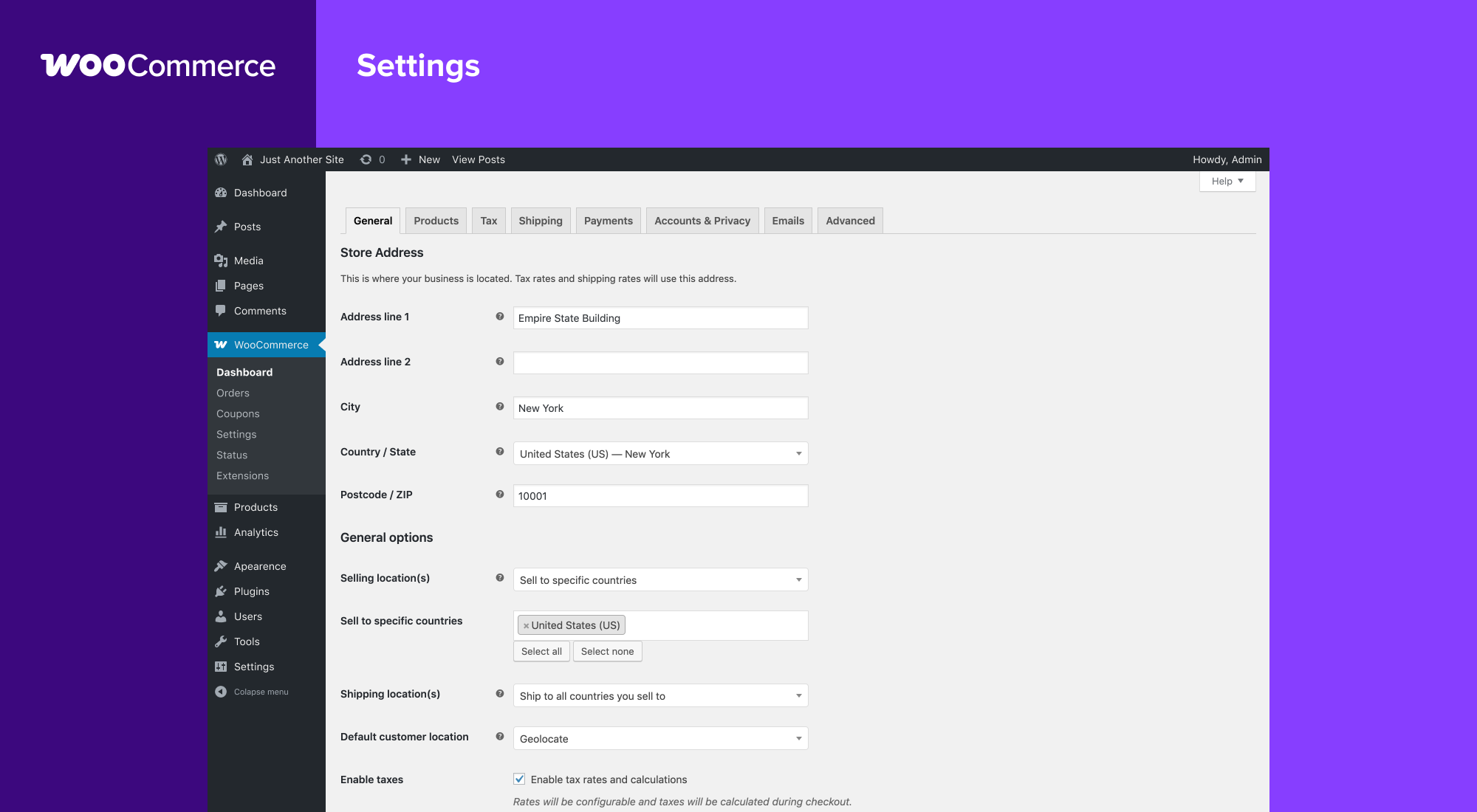
Built-in tools and popular integrations help you efficiently manage your business operations. Many services are free to add with a single click via the optional Setup Wizard.
The opening of the plugin's own description. The full text, installation notes and changelog are on its WordPress.org page.
For help setting up and configuring WooCommerce, please refer to Getting Started and the New WooCommerce Store Owner Guide.
For extending or theming WooCommerce, see our documentation, as well as the Plugin Developer Best Practices.
If you get stuck, you can ask for help in the WooCommerce Support Forum by following these guidelines, reach out via the WooCommerce Community Slack, or post in the WooCommerce Community group on Facebook.
For assistance with paid extensions from the WooCommerce Marketplace: first, review our self-service troubleshooting guide. If the problem persists, kindly log a support ticket via our helpdesk. Our dedicated Happiness Engineers aim to respond within 24 hours.
First, troubleshoot common login issues using this helpful step-by-step guide. Still not working? Get in touch with us.
Yes! WooCommerce will work with any theme but may require some additional styling. If you’re looking for a theme featuring deep WooCommerce integration, we recommend Storefront.
We have a detailed guide on How To Update WooCommerce.
WooCommerce
See changelog for all versions.


Sell online with a fast WordPress shop: Stripe & PayPal checkout, digital downloads, subscriptions, order bumps, upsells & affiliates.

#413 by installs
Boost your sales with a free WooCommerce Wishlist feature. Let your customers save and share their favorite products!

🤩 Make popups & optin forms to get more email newsletter subscribers, leads, and sales - #1 most popular popup builder plugin! 🚀

#82 by installs
PayPal's latest payment processing solution. Accept PayPal, Pay Later, credit/debit cards, alternative digital wallets and bank accounts.

#229 by installs
Connect your store to your Mailchimp audience to track sales, create targeted emails, send abandoned cart emails, and more.

#330 by installs
Make your store multilingual and enable multiple currencies.
Read from the WordPress.org plugin API on , when WordPress 7.1.4 was the current release. WordPress.org rounds active installs into buckets. These are the directory's figures, not my verdict, and I haven't tested this plugin.