
#82 by installs
WooCommerce PayPal Payments
PayPal's latest payment processing solution. Accept PayPal, Pay Later, credit/debit cards, alternative digital wallets and bank accounts.
- Installs
- 800,000+
- Rating
- 2.9 (583)
- Updated
- 10 days ago

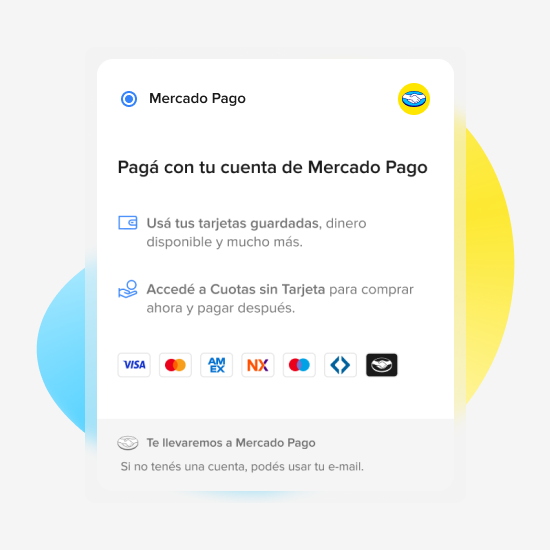
Offer to your clients the best experience in e-Commerce by using Mercado Pago as your payment method.
| Last updated | October 22, 2026Updated in the last 3 months |
|---|---|
| Tested up to | WordPress 7.1.4Covers WordPress 7.1.4, the current release |
| Needs WordPress | 6.3 or newer |
| Needs PHP | 7.4 or newer |
| Needs plugins | woocommerce |
| First published | November 7, 2012 |
| Support, last two months | 4 of 5 threads resolved (80%) |
3.9 / 5 from 693 reviews
| 5 stars | 451 |
|---|---|
| 4 stars | 43 |
| 3 stars | 28 |
| 2 stars | 23 |
| 1 star | 148 |
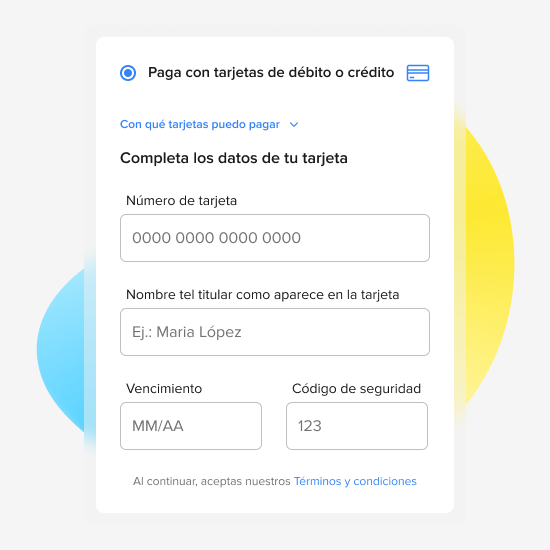
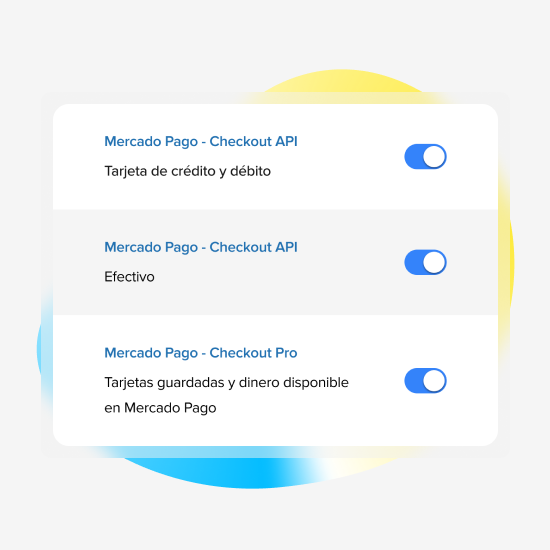
The official Mercado Pago plugin allows you to process payments for your online store, allowing users to finalize their purchase with their preferred payment method.
To install it, you don’t need to have technical knowledge: you can follow the step by step of how to integrate it. from our developer website and start selling today.
Warning about v6.0.0: when updating, if you have made custom layout changes to your checkout, it is possible that some of those customizations become misconfigured. If you have a separate store environment just for testing, please update there first in order to visualize and test the changes.
What to do with the Mercado Pago Plugin?
The opening of the plugin's own description. The full text, installation notes and changelog are on its WordPress.org page.
In our developer website you will find the step by step of how to integrate the Mercado Pago Plugin in your online store.
You must have an SSL certificate, connecting your website with the HTTPS protocol.
If you need to check the protocol configuration, test it here.
Finally, remember that the plugin receives IPN (Instant Payment Notification) notifications automatically, you don’t need to configure it!
Remember that to test the Checkout Pro you must log out of your Mercado Pago account, as it is not possible to use it to sell and buy at the same time.
Please note that with the Test Environment enabled, the Checkout Pro does not send notifications as does the Custom Checkout.
The configuration of sending emails must be done from the WooCommerce administrator. The Mercado Pago Plugin only contemplates sending transactions made in the Checkout Pro.
If you have already reviewed the documentation and have not found a solution, you can contact our support team through their contact form. Please note that we guarantee a response within {7 days} of your query.
PIX is a payment method that exists only in Brazil.
To enable PIX as a payment method in the Custom Checkout of your store, you need to have your key registered in Mercado Pago. See how to do it.
After registering the key, log into the WooCommerce administrator and navigate to the Payments section.
Look for the option Pague com PIX, configure it and activate PIX.

#82 by installs
PayPal's latest payment processing solution. Accept PayPal, Pay Later, credit/debit cards, alternative digital wallets and bank accounts.

#330 by installs
Make your store multilingual and enable multiple currencies.

#413 by installs
Boost your sales with a free WooCommerce Wishlist feature. Let your customers save and share their favorite products!

#441 by installs
Accept all major payment methods in WooCommerce today. Credit cards, iDEAL and more! Fast, safe and intuitive.

#6 by installs
Everything you need to launch an online store in days and keep it growing for years. From your first sale to millions in revenue, Woo is with you.

🤩 Make popups & optin forms to get more email newsletter subscribers, leads, and sales - #1 most popular popup builder plugin! 🚀
Read from the WordPress.org plugin API on , when WordPress 7.1.4 was the current release. WordPress.org rounds active installs into buckets. These are the directory's figures, not my verdict, and I haven't tested this plugin.