
The Elementor Website Builder has it all: drag and drop page builder, Atomic Editor, pixel perfect design, global and reusable style systems, mobile r …
- Installs
- 10+ million
- Rating
- 4.5 (7.3K)
- Updated
- 18 days ago

BEAR - WooCommerce Bulk Editor Professional. Bulk edit prices, stock, SKU, attributes. Bulk delete, export CSV. AI assistants manage your shop via MCP …
| Last updated | October 27, 2026Updated in the last 3 months |
|---|---|
| Tested up to | WordPress 7.1.4Covers WordPress 7.1.4, the current release |
| Needs WordPress | 6.0 or newer |
| Needs PHP | 7.4 or newer |
| Needs plugins | woocommerce |
| First published | May 7, 2018 |
| Support, last two months | 3 of 3 threads resolved (100%) |
4.7 / 5 from 228 reviews
| 5 stars | 203 |
|---|---|
| 4 stars | 5 |
| 3 stars | 1 |
| 2 stars | 4 |
| 1 star | 15 |
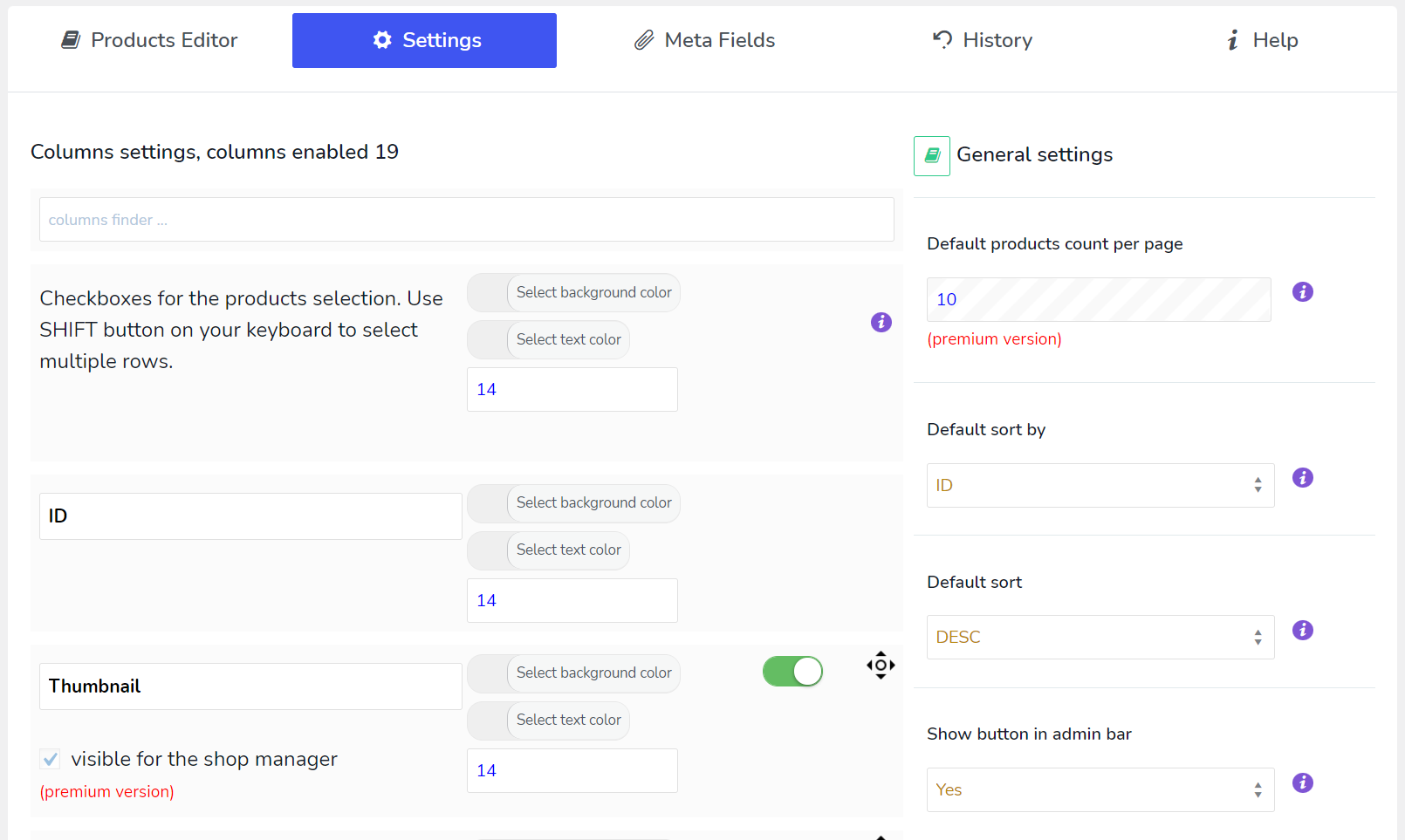
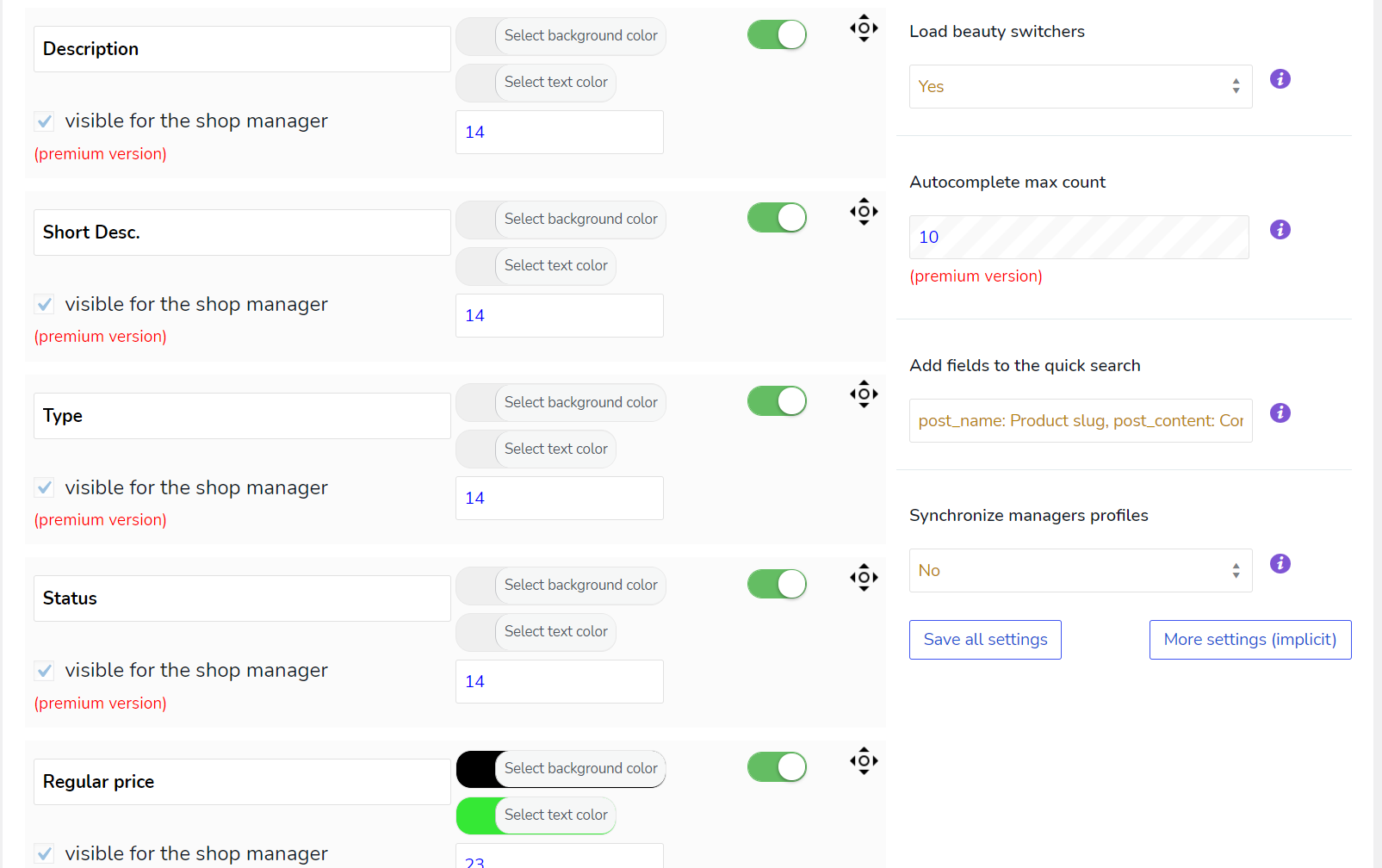
BEAR – WooCommerce Bulk Editor and Products Manager Professional (former name is WOOBE) is WordPress plugin for woocommerce bulk edit woocommerce products in the robust and flexible way! With a built-in MCP server, so an AI assistant like Claude or ChatGPT can work with your catalogue directly.
🖥️ Latest PHP 8.x.x – COMPATIBLE! WooCommerce compatibility: from v.6.0 to the latest WooCommerce version.
🔗 Backend demo request here
⚠️ ATTENTION! For WordPress posts, pages and custom post types use plugin WPBE – WordPress Posts Bulk Editor Professional
🌐 Documentation: https://bulk-editor.com/documentation/
🤖 MCP Server: https://bulk-editor.com/document/mcp-server/
🎥 Video tutorials: https://bulk-editor.com/video/
🔧 Support: https://pluginus.net/support/forum/woobe-woocommerce-bulk-editor-professional/
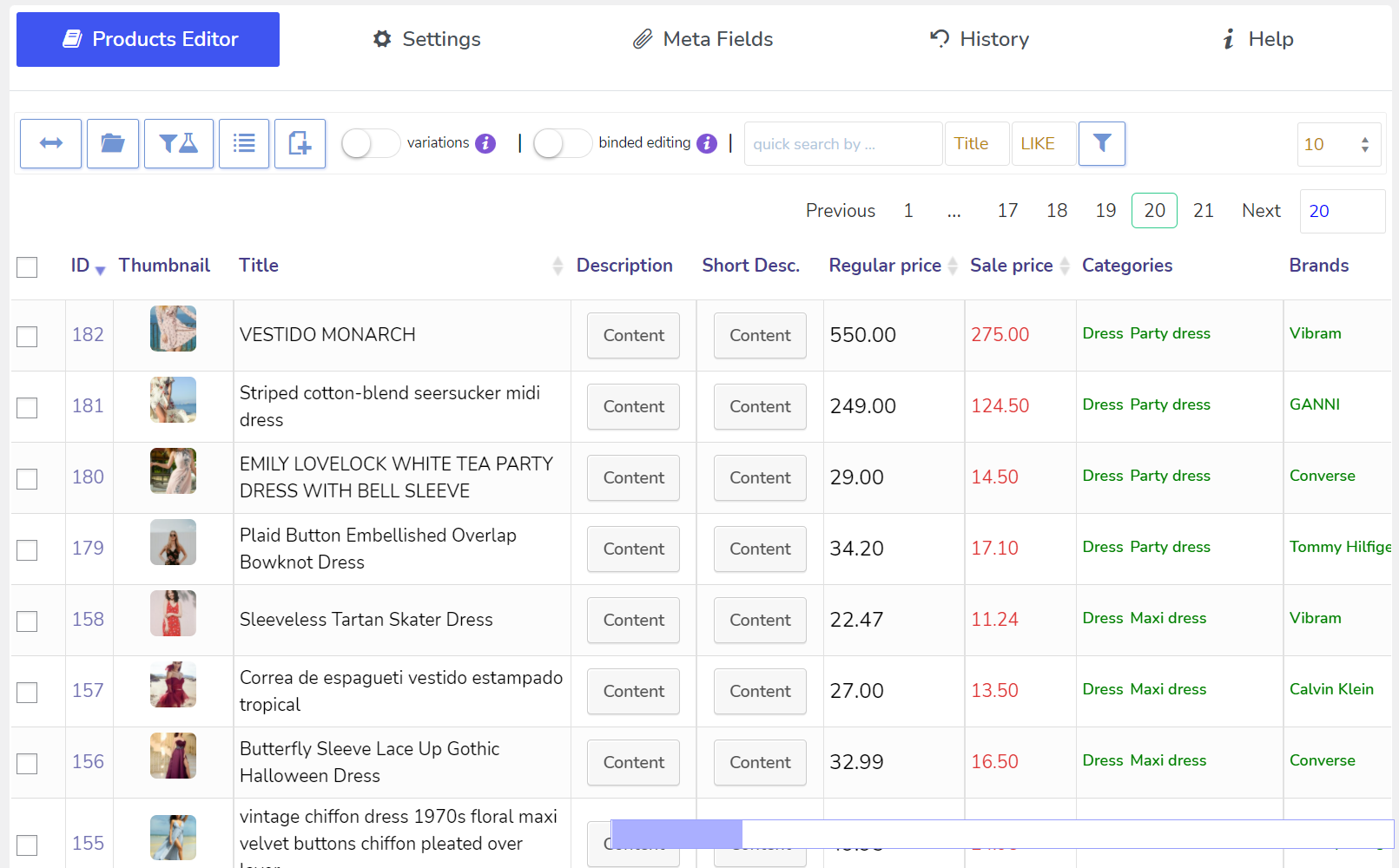
BEAR is a WooCommerce bulk editor and product manager: it edits many products at once from one screen, instead of opening each product separately. It is also the first WooCommerce bulk editor with a built-in MCP server, so an AI assistant like Claude or ChatGPT can work with your catalogue directly.
What people use BEAR for:
The opening of the plugin's own description. The full text, installation notes and changelog are on its WordPress.org page.
The Elementor Website Builder has it all: drag and drop page builder, Atomic Editor, pixel perfect design, global and reusable style systems, mobile r …

#17 by installs
Connect ChatGPT, Claude, or another AI agent to your site. Plus backup, malware scan, firewall, stats, CDN, and SEO tools in one plugin.

#74 by installs
Native integration with Google that allows merchants to easily display their products across Google’s network.

#82 by installs
PayPal's latest payment processing solution. Accept PayPal, Pay Later, credit/debit cards, alternative digital wallets and bank accounts.

#85 by installs
Accept debit and credit cards in 135+ currencies, many local methods like Alipay, ACH, and SEPA, and express checkout with Apple Pay and Google Pay.
90+ Elementor widgets & addons, 600+ templates, Mega Menu, WooCommerce, Display Conditions. The only Elementor addon AI agents can fully build with.
Read from the WordPress.org plugin API on , when WordPress 7.1.4 was the current release. WordPress.org rounds active installs into buckets. These are the directory's figures, not my verdict, and I haven't tested this plugin. The author takes donations at their donate page.
