#176 by installs
Variation Swatches for WooCommerce
Turn dropdowns into color, image, and button swatches for WooCommerce Variable Products. No coding needed.
- Installs
- 300,000+
- Rating
- 4.8 (926)
- Updated
- 3 days ago

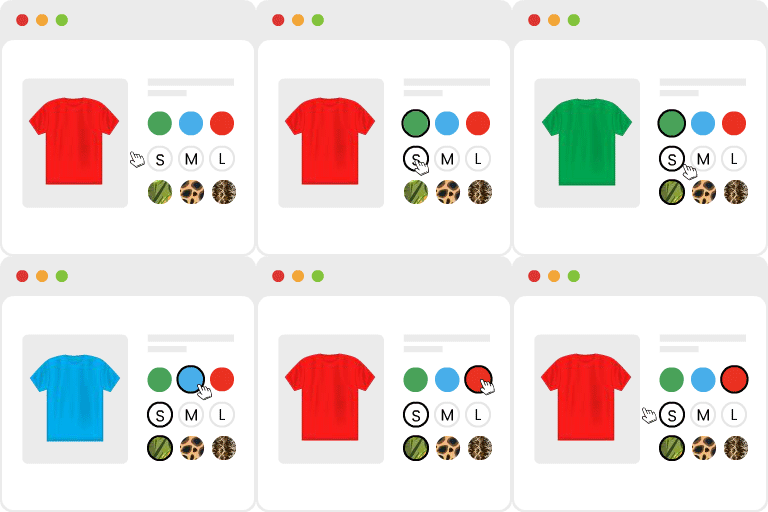
Variation Swatches for WooCommerce replaces dropdowns with color, image & size swatches, helping shoppers decide faster and buy with confidence.
| Last updated | August 26, 2026Updated in the last 3 months |
|---|---|
| Tested up to | WordPress 7.1.4Covers WordPress 7.1.4, the current release |
| Needs WordPress | 5.4 or newer |
| Needs PHP | 7.4 or newer |
| First published | July 15, 2022 |
| Support, last two months | 3 of 3 threads resolved (100%) |
4.6 / 5 from 51 reviews
| 5 stars | 45 |
|---|---|
| 4 stars | 1 |
| 3 stars | 1 |
| 2 stars | 0 |
| 1 star | 4 |
Variation Swatches for WooCommerce replaces boring product dropdowns with beautiful, clickable color swatches, image swatches, and size/label buttons, giving your shoppers an instant, visual way to pick product variations without confusion.
Trusted by 200,000+ active WooCommerce stores, this is the variation swatches plugin built by the team behind Brainstorm Force, the creators of Astra, Spectra, and CartFlows, trusted by millions of WordPress sites worldwide.
Stop losing sales to clunky dropdown menus. When customers can see their options at a glance, color swatches, image thumbnails, size buttons, they make decisions faster, feel more confident, and complete their purchase. It takes just minutes to set up and requires zero coding.
Why Your Store Needs Variation Swatches for WooCommerce
Most WooCommerce stores rely on plain dropdown menus to show product variations. But dropdowns are slow, hard to scan, and visually uninspiring, especially on mobile.
Variation Swatches for WooCommerce solves this instantly by converting every variation dropdown into a sleek, clickable swatch your customers will love.
✅ More conversions: Visual product options are faster to scan and easier to act on than dropdowns
✅ Better mobile shopping: Touch-friendly swatches work beautifully on phones and tablets
The opening of the plugin's own description. The full text, installation notes and changelog are on its WordPress.org page.
Variation swatches are visual, clickable alternatives to the default WooCommerce dropdown menus on variable product pages. Instead of selecting a color or size from a plain text list, customers click a color swatch, image thumbnail, or labeled button. This makes the shopping experience faster, clearer, and more engaging.
After installing and activating the plugin, go to Products → Attributes in your WordPress dashboard. Edit any attribute such as “Color” and change its Type to Color Swatch. Then edit each attribute term and assign a hex color value. The plugin will automatically display color swatches on all products using that attribute. No per-product setup is required.
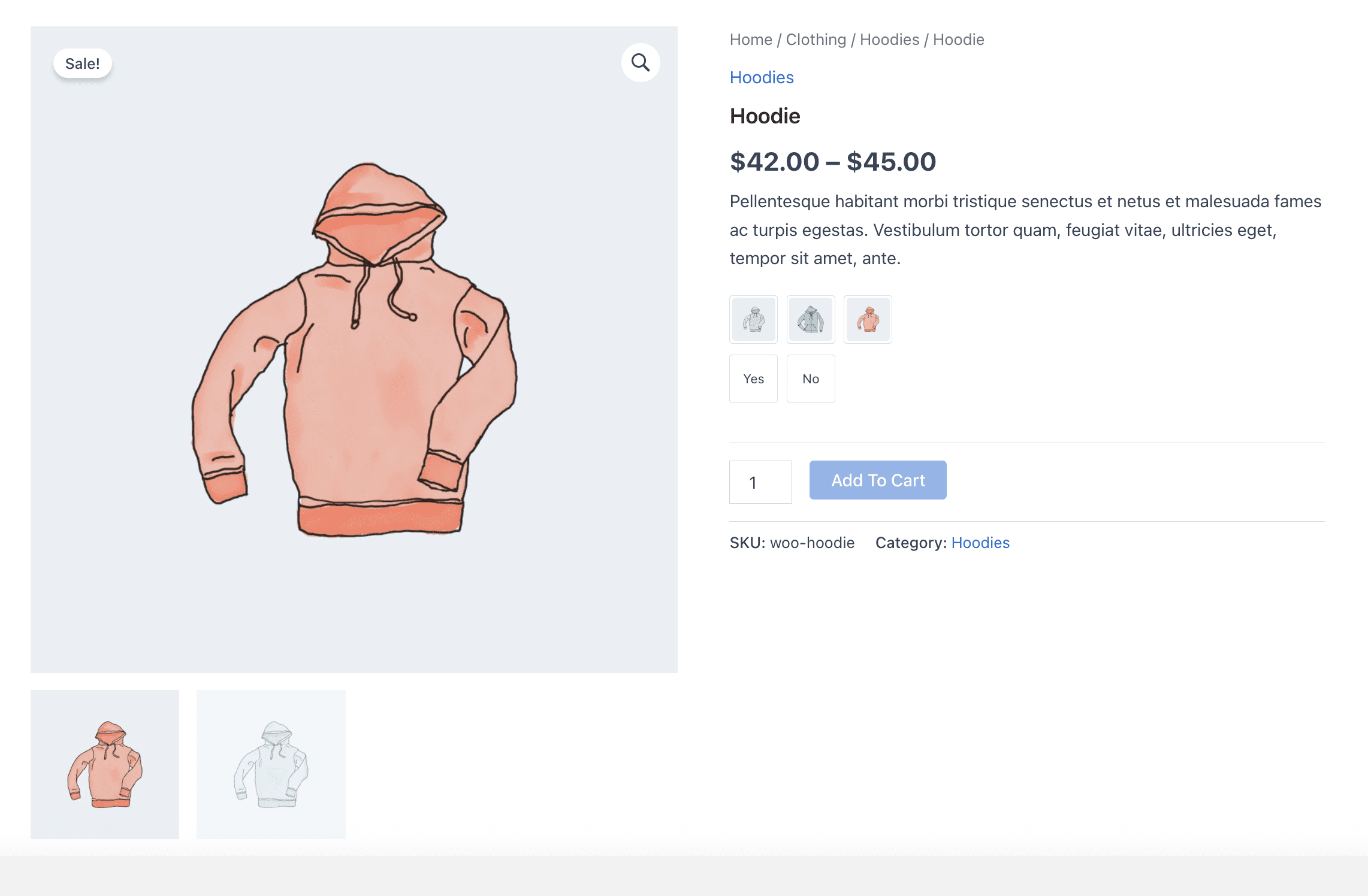
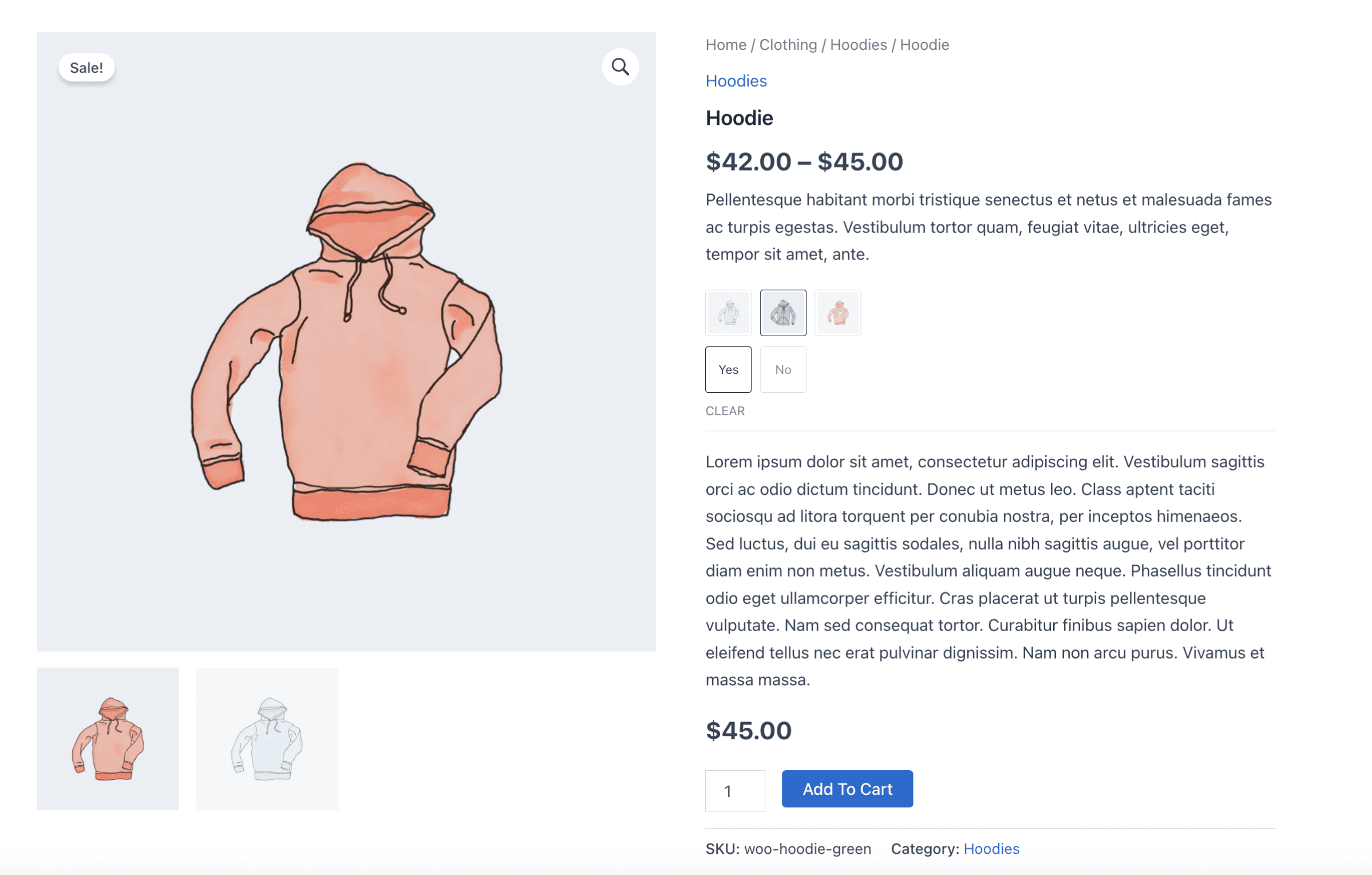
Yes. Set an attribute’s Type to Image Swatch under Products → Attributes. Then upload a custom image to each attribute term. This works well for textures, patterns, and fabrics. You can also set the product variation’s featured image to auto-populate as an image swatch to save setup time.
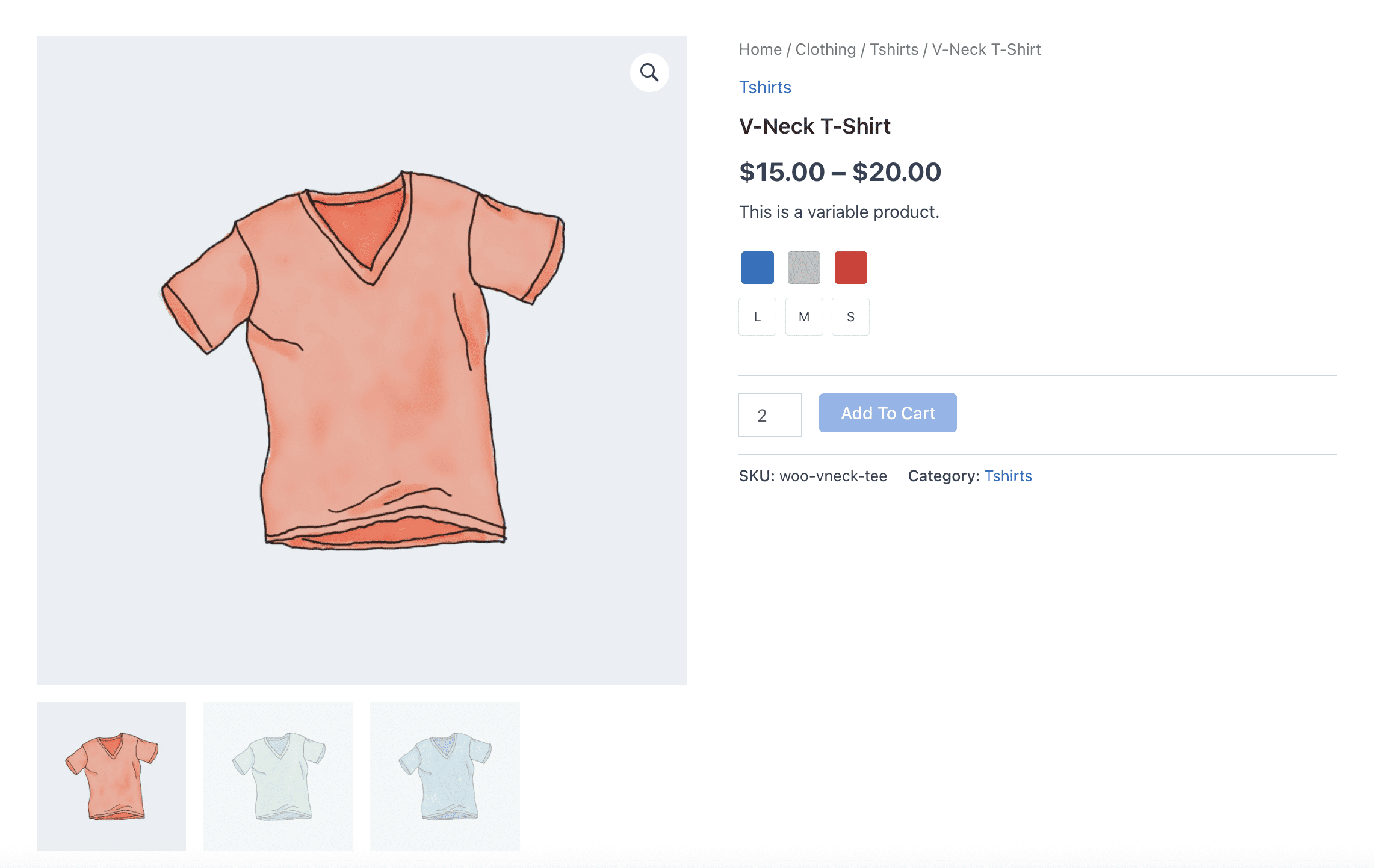
Set your size attribute’s display type to Label or Button in the attribute settings. The plugin will automatically replace the dropdown with clickable size buttons such as S, M, L, and XL. You can control button shape, size, and styling globally from the plugin settings.
Yes. The plugin supports displaying color, image, and label swatches directly on your shop page, category pages, and archive pages. Enable this from the global settings. Customers can select variations straight from the product catalog.
No. The plugin is built with performance as the priority. It loads lightweight assets only on pages where swatches are displayed. It does not add unnecessary scripts or styles across your site. It also works well with major caching and performance optimization tools.
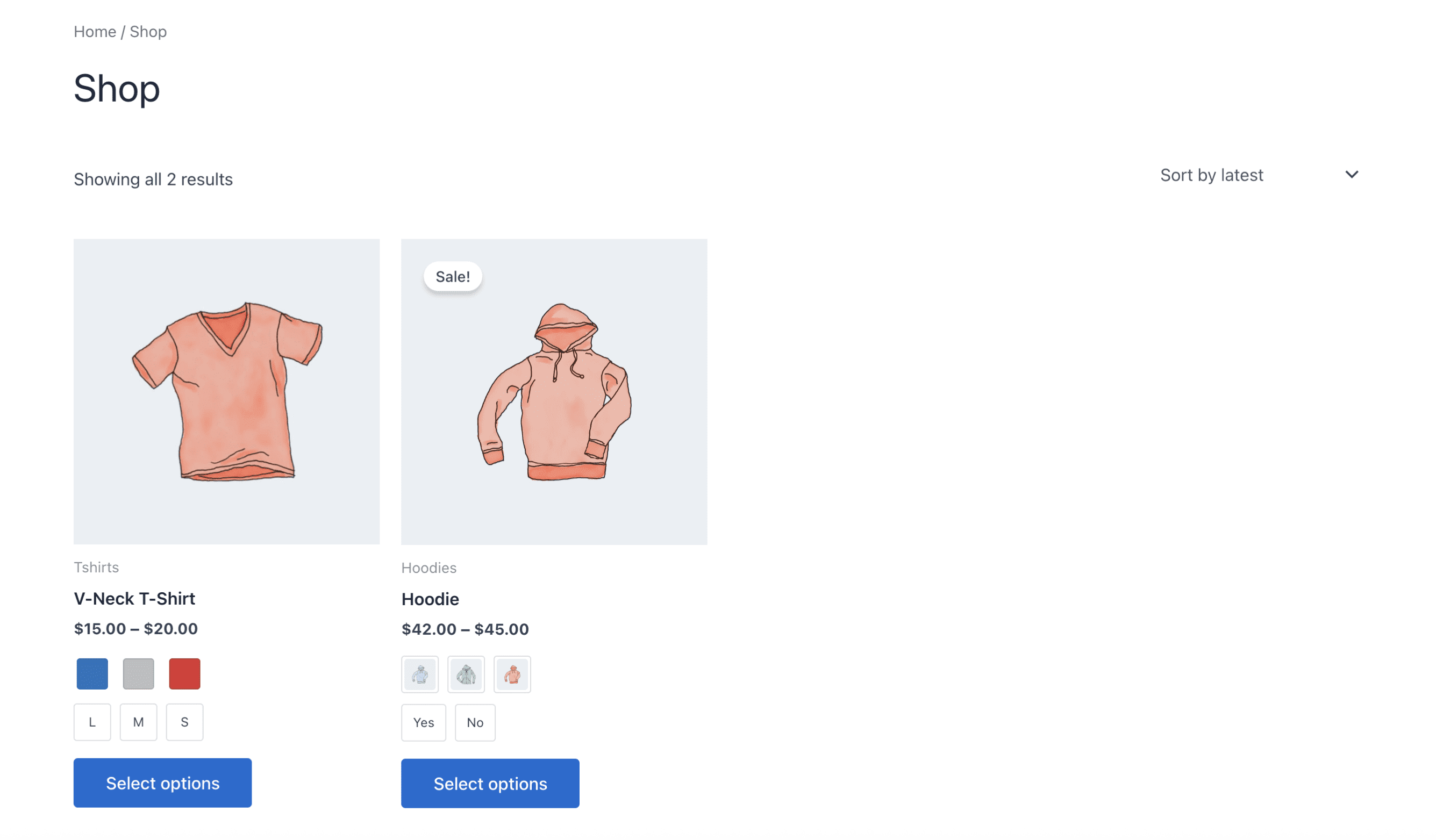
#176 by installs
Turn dropdowns into color, image, and button swatches for WooCommerce Variable Products. No coding needed.
#775 by installs
Turn WooCommerce variation dropdowns into color, image, label and radio button swatches. The original Variation Swatches for WooCommerce.

WooCommerce builder for Elementor & Gutenberg, offering product templates, product sliders, shopping cart, quick view, Woo Wishlist, product filter.

#811 by installs
WCBoost – Variation Swatches is the ultimate plugin to display WooCommerce product variations in style.
Read from the WordPress.org plugin API on , when WordPress 7.1.4 was the current release. WordPress.org rounds active installs into buckets. These are the directory's figures, not my verdict, and I haven't tested this plugin.