
#89 by installs
Joinchat – Enhanced “click to chat”
The most installed WordPress plugin for WhatsApp: a customizable floating button that turns your visitors into chats, leads and sales.
- Installs
- 700,000+
- Rating
- 4.7 (189)
- Updated
- 18 days ago

Social media icons and share buttons: 2,400+ icons, block, widget & Elementor. Plus a Click to Chat button for WhatsApp, Telegram & Messenger.
| Last updated | October 27, 2026Updated in the last 3 months |
|---|---|
| Tested up to | WordPress 7.1.4Covers WordPress 7.1.4, the current release |
| Needs WordPress | 6.5 or newer |
| Needs PHP | 7.4 or newer |
| First published | March 4, 2015 |
| Support, last two months | No threads opened |
4.9 / 5 from 144 reviews
| 5 stars | 137 |
|---|---|
| 4 stars | 3 |
| 3 stars | 2 |
| 2 stars | 1 |
| 1 star | 1 |
Social icons, share buttons and a chat button, in one plugin
WPZOOM Connect (formerly Social Icons Widget & Block) adds social media icons linking to your profiles, share buttons for your content, and a floating Click to Chat button for WhatsApp, Telegram, Messenger and Viber. Everything works as a Gutenberg block, a classic widget, a shortcode or an Elementor widget, so it fits block themes and classic themes alike.
The opening of the plugin's own description. The full text, installation notes and changelog are on its WordPress.org page.
On our website.
Add the Social Icons Block to the Gutenberg editor and customize the icons as you want. You can search for icons, drag & drop to reorder them, and customize colors, sizes, and styles.
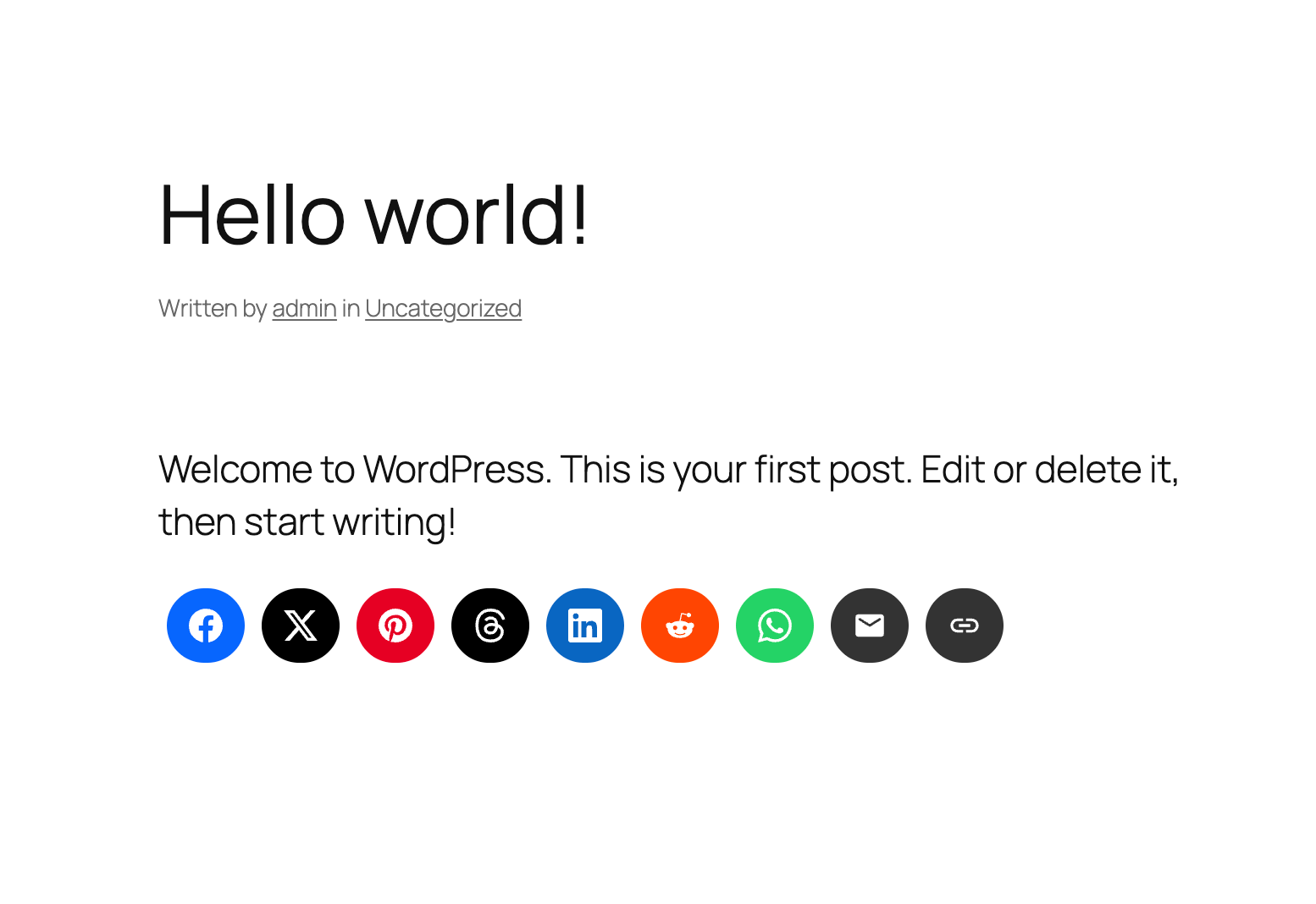
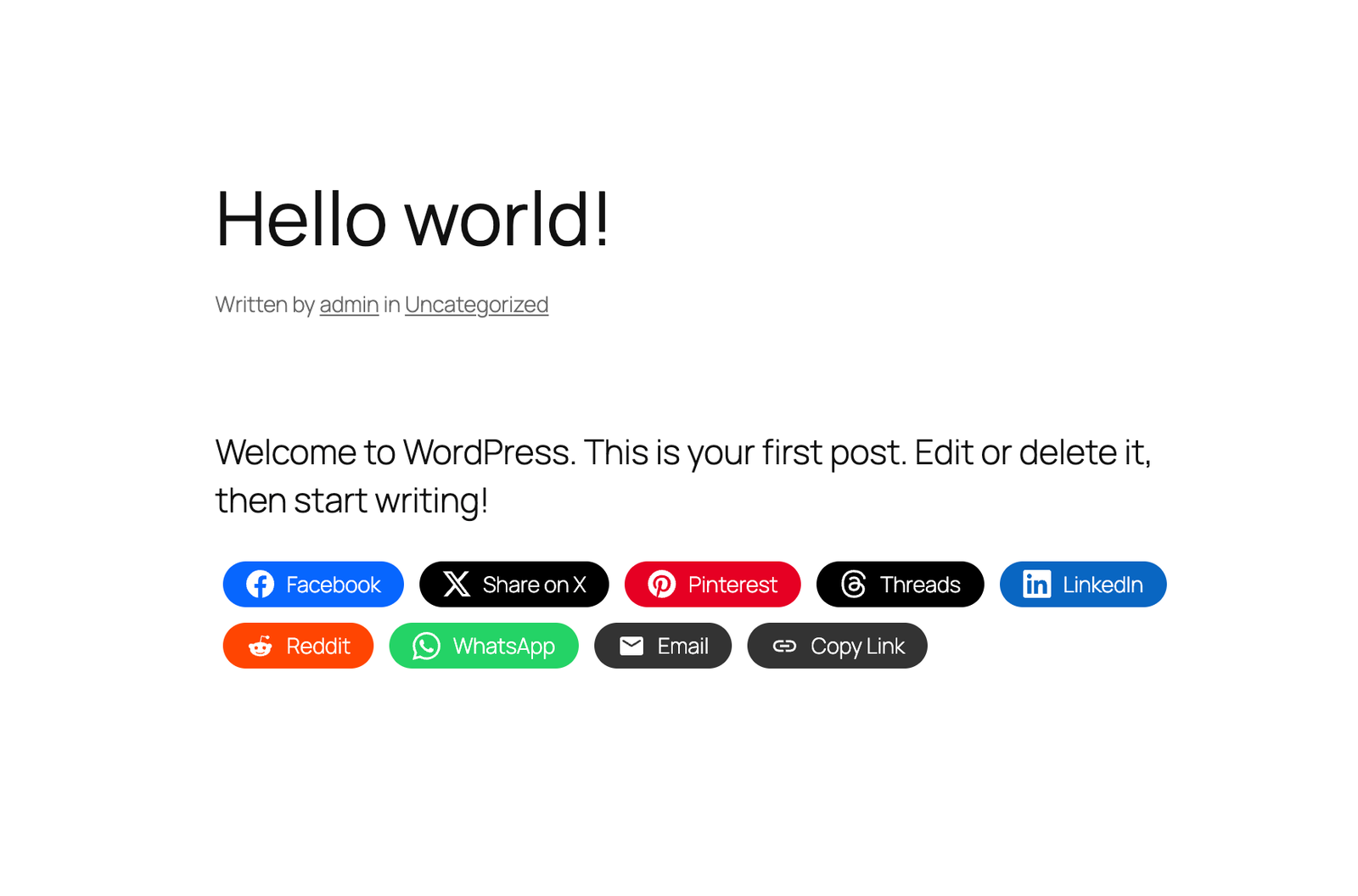
Add the Social Sharing Buttons Block to your post or page. You can enable/disable specific sharing platforms in the block settings sidebar. The block includes support for Facebook, X (Twitter), LinkedIn, WhatsApp, Email, Print, and many more platforms.
Yes! The Social Sharing Buttons Block offers multiple style presets (Circle, Square, Rounded, Outlined, Minimal, One-tone) and extensive customization options including:
* Icon and label colors
* Button sizes and padding
* Border radius and styling
* Show/hide labels
* Margin and spacing
The plugin supports 12+ sharing platforms: Facebook, X (Twitter), Threads, LinkedIn, Pinterest, Reddit, Telegram, WhatsApp, Bluesky, Email, Copy Link, and Print.
Go to Social Icons → Click to Chat in your WordPress admin, enable the feature, and add your WhatsApp number. A floating Click to Chat button appears on your site so visitors can message you on WhatsApp with one tap. You can enable Telegram, Facebook Messenger, and Viber from the same screen.


#89 by installs
The most installed WordPress plugin for WhatsApp: a customizable floating button that turns your visitors into chats, leads and sales.

#93 by installs
WhatsApp Chat🔥. Let's make your Web page visitors contact you through 'WhatsApp', 'WhatsApp Business'. Add matching Widget✅

#217 by installs
WhatsApp Chat🔥 allows you to enhance customer engagement! Integrate "WhatsApp" or "WhatsApp Business" with a single click.

#344 by installs
Integrate WhatsApp experience directly into your WordPress website.

#924 by installs
Transform your WooCommerce store with seamless WhatsApp integration. Enable customers to order products instantly via WhatsApp with enhanced features.

#138 by installs
Reach more customers and drive sales on Facebook, Instagram and WhatsApp with the official Meta for WooCommerce plugin.
Read from the WordPress.org plugin API on , when WordPress 7.1.4 was the current release. WordPress.org rounds active installs into buckets. These are the directory's figures, not my verdict, and I haven't tested this plugin. The author takes donations at their donate page.