Type to search.

#719 by installs

Simply Schedule Appointments

by NSquaredVersion 1.6.12.37

Unlimited appointments, booking calendars, and notifications. Powerful appointment booking plugin and booking system. Start scheduling for free today!

Active installs
50,000+
#719 of 1,000
Downloads, all time
4.3M
4,307,014
Downloads, 30 days
59.7K
5.7K in the last 7
Rating
5.0 / 5
155 reviews
Last updated
17 days ago
Oct 14, 2026
Version
1.6.12.37
154 releases

Upkeep and compatibility

Last updatedOctober 14, 2026Updated in the last 3 months
Tested up toWordPress 7.1.4Covers WordPress 7.1.4, the current release
Needs WordPress5.1 or newer
Needs PHP7.4 or newer
First publishedMay 23, 2018
Support, last two months6 of 6 threads resolved (100%)

Reviews

5.0 / 5 from 155 reviews

Reviews by star rating
5 stars153
4 stars1
3 stars1
2 stars0
1 star0

Downloads, last 30 days

Low 350 a dayHigh 23.3K a day

What the author says it does

Simply Schedule Appointments® is an easy-to-use WordPress appointment booking plugin. It’s an automated appointment booking system loved by 70,000+ businesses, with a 5-star review average.

The Simply Schedule Appointments booking calendars are easy and fast to set up. And enjoyable for your customers and clients to book and schedule appointments. You can set up the appointment scheduling calendars to take your first booking in less than 5 minutes!

And, the best part is that our 5-star support team is here to help you each step of the way, either through our comprehensive and organized Help Center, here on the WordPress Forums, or directly from the Simply Schedule Appointments Support Tab within the plugin.

Booking System Features to Help You Schedule Business Meeting Appointments

Features included with the Simply Schedule Appointments Free Basic Edition for booking appointments:

  • Unlimited Booking Calendars and Customizable Notifications
  • Use Advanced Scheduling Options and Blackout Dates to highly tailor your schedule
  • Embed the appointment booking calendars using the Block Editor, Elementor widgets, Beaver Builder modules, and Divi modules
  • Style and Customize the Booking Calendars to match your brand and website
  • Translation-ready – including Spanish, German, French, and more!

The opening of the plugin's own description. The full text, installation notes and changelog are on its WordPress.org page.

Questions the author answers

How do I show the booking form?

To embed the Simply Schedule Appointments booking calendars on your WordPress pages or posts you can use a shortcode or a page builder module (ex. Elementor Appointment Booking module). You can paste the booking shortcode below using a text box to display all of your appointment types:

[ssa_booking]

Guide on all the ways you can display the Appointment Type Booking Calendars on your site.

Where can I read the documentation?

The full documentation is available at our website.

Or, get started with our free Basic Edition guide.

Will I end up being double-booked?

Nope. Once a customer has booked an appointment time, that time is no longer available for booking. So you’ll never find yourself double-booked.

Additionally, we do some extra checks while a customer is booking an appointment just to be sure their selected time is still available.

Can I customize the appearance of the booking form?

Yes, you can. We offer settings for color and font that will let you customize the form to blend seamlessly into any theme.

You can additionally add custom CSS to customize the form even further.

Are there limitations on the number of booking calendars or appointments I can make?

No! The free Basic Edition of Simply Schedule Appointments allows you to create an unlimited number of Appointment Types so that you can create a booking calendar for each of your business’ services.

And the booking plugin will never limit the number of appointments that you can book.

Can I test the Simply Schedule Appointments booking calendars before installation?

Yes, we have a variety of booking demos where you can book test appointments.

Latest changelog entry

1.6.12.37 – 2026-10-13

  • Use add_block() when building the Google Calendar blocked schedule
  • Stop scripts planted in the debug log from running when the log is viewed
  • Return a zero rectangle from the checkbox and radio ripple adapters
  • Prevent saving customer information fields with an empty label or no values
  • Stop the booking shortcode minting an appointment edit token for anyone who can preview a draft
  • Check availability when a resource or team member is swapped without changing the time

Screenshots

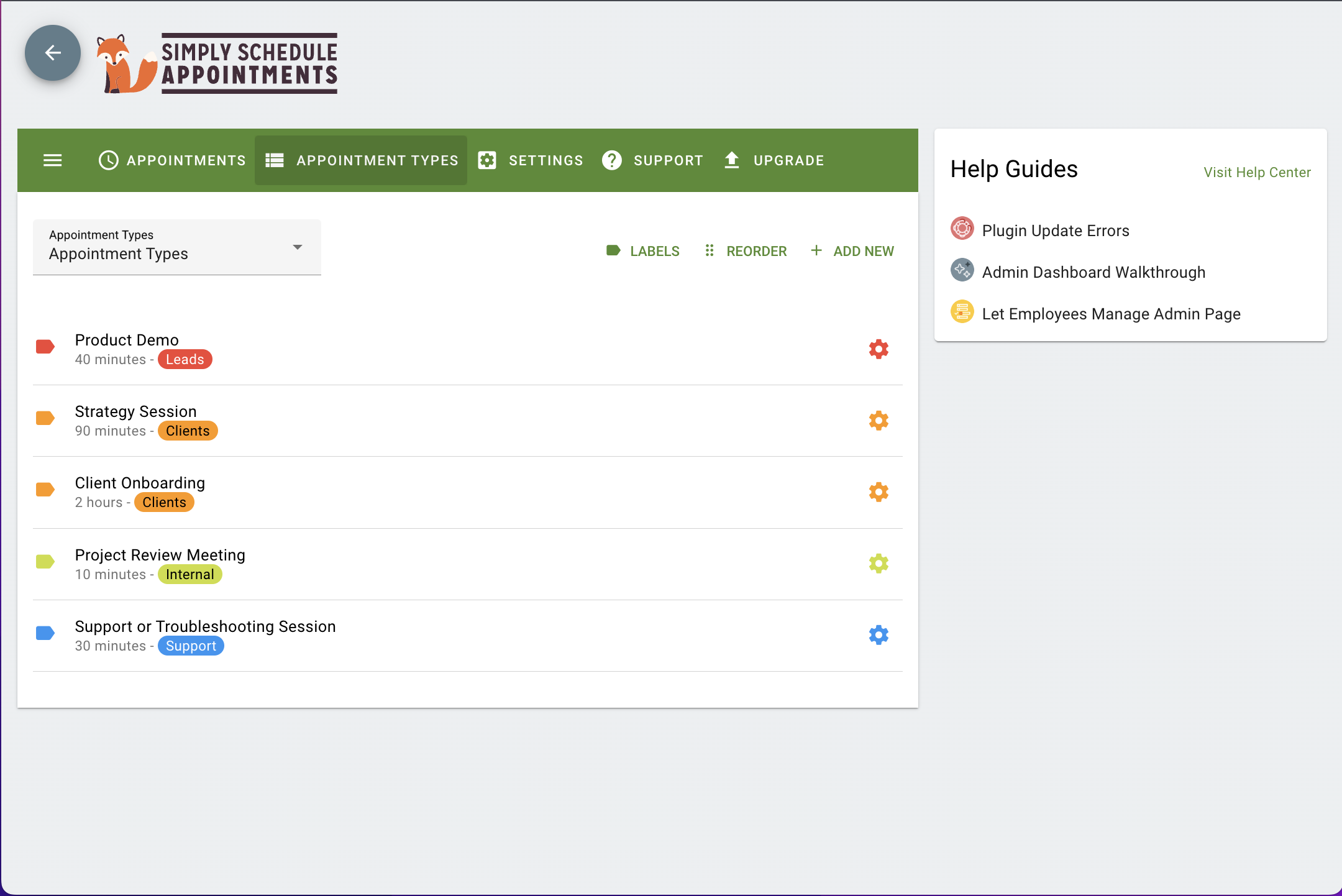
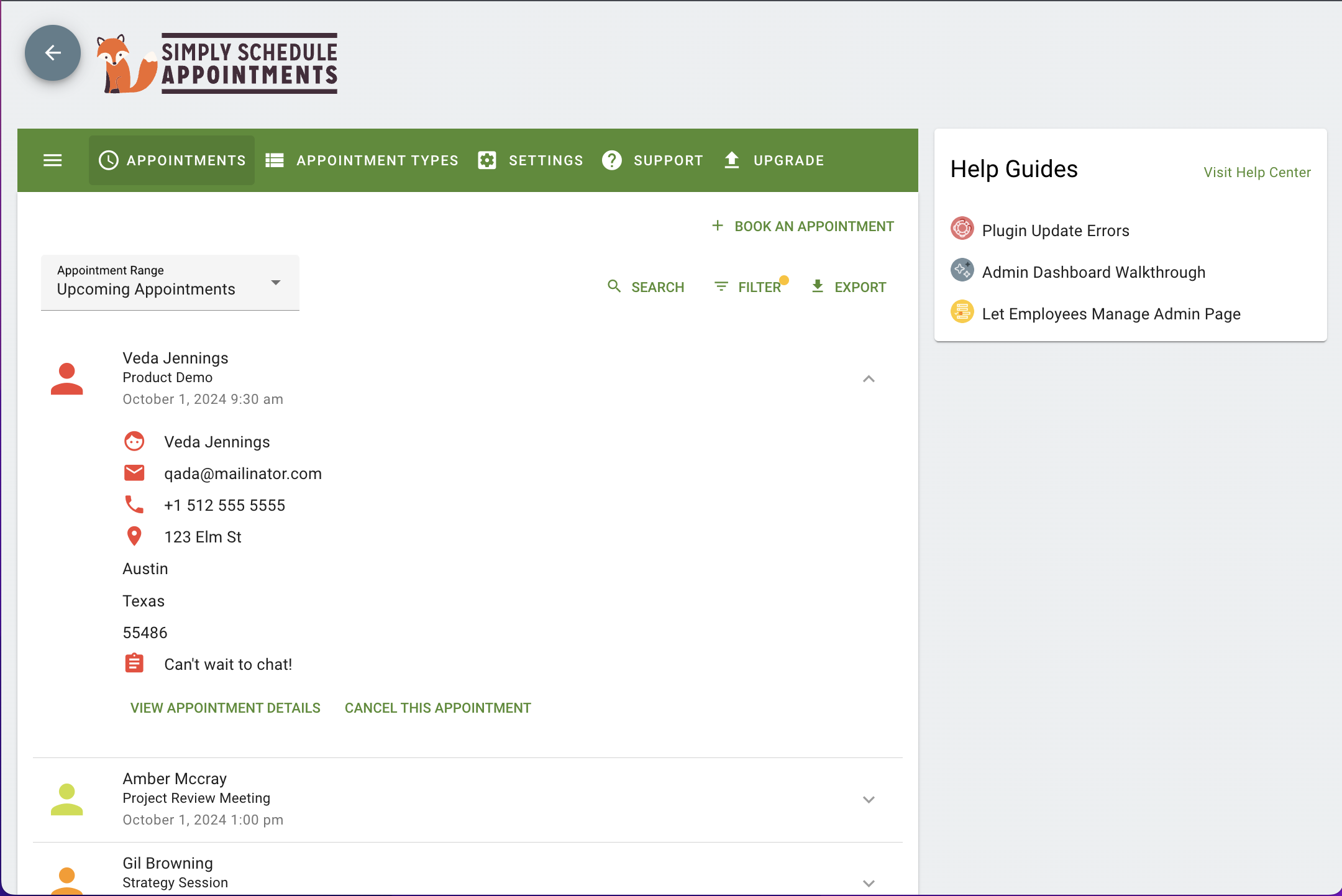
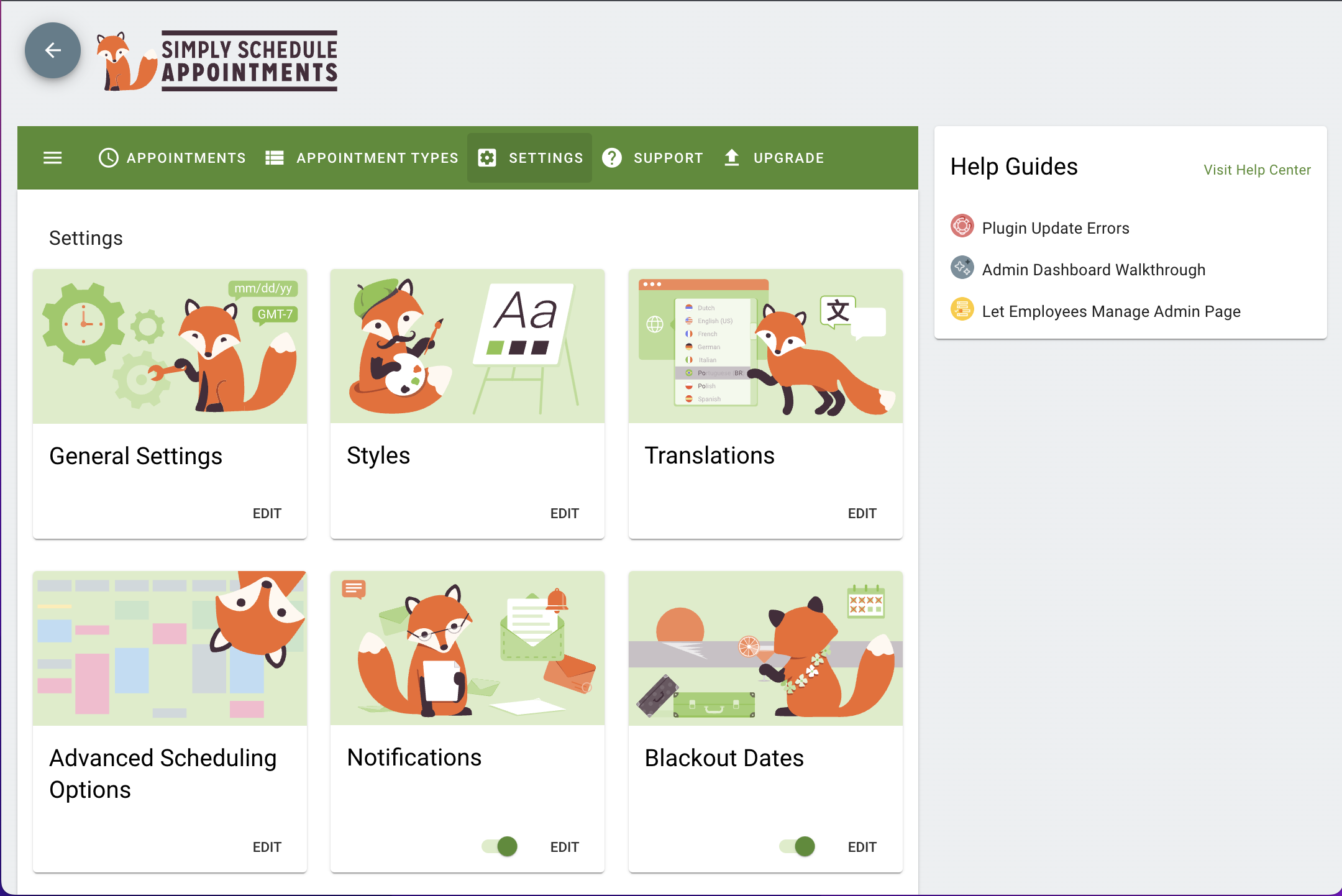
First 4 of 10, from WordPress.org.

Tagged

Plugins that share its tags

#483 by installs

Booking for Appointments and Events Calendar – Amelia

by Melograno Venture Studio

Amelia is a powerful booking plugin for appointments and events. Manage scheduling, calendars, and availability with an all-in-one booking system.

Installs
90,000+
Rating
4.6 (793)
Updated
4 days ago

#801 by installs

Booking Calendar

by wpdevelop

WP Booking Calendar plugin for full-day bookings, time-slot appointments, rentals & events. Accept bookings and inquiries with flexible contact forms

Installs
40,000+
Rating
4.8 (657)
Updated
20 days ago

Where this page's numbers come from

Read from the WordPress.org plugin API on , when WordPress 7.1.4 was the current release. WordPress.org rounds active installs into buckets. These are the directory's figures, not my verdict, and I haven't tested this plugin. The author takes donations at their donate page.