
#210 by installs
WP Sitemap Page
Add a sitemap on any of your page using the simple shortcode [wp_sitemap_page]. Improve the SEO and navigation of your website.
- Installs
- 200,000+
- Rating
- 4.8 (205)
- Updated
- 2 months ago

Build a responsive HTML sitemap in the block editor with live preview, flexible sorting, tabs, and shortcode support.
| Last updated | October 2, 2026Updated in the last 3 months |
|---|---|
| Tested up to | WordPress 7.1.4Covers WordPress 7.1.4, the current release |
| Needs WordPress | 6.3 or newer |
| Needs PHP | 7.4 or newer |
| First published | June 30, 2010 |
| Support, last two months | 1 of 1 threads resolved (100%) |
3.9 / 5 from 72 reviews
| 5 stars | 49 |
|---|---|
| 4 stars | 2 |
| 3 stars | 1 |
| 2 stars | 2 |
| 1 star | 18 |
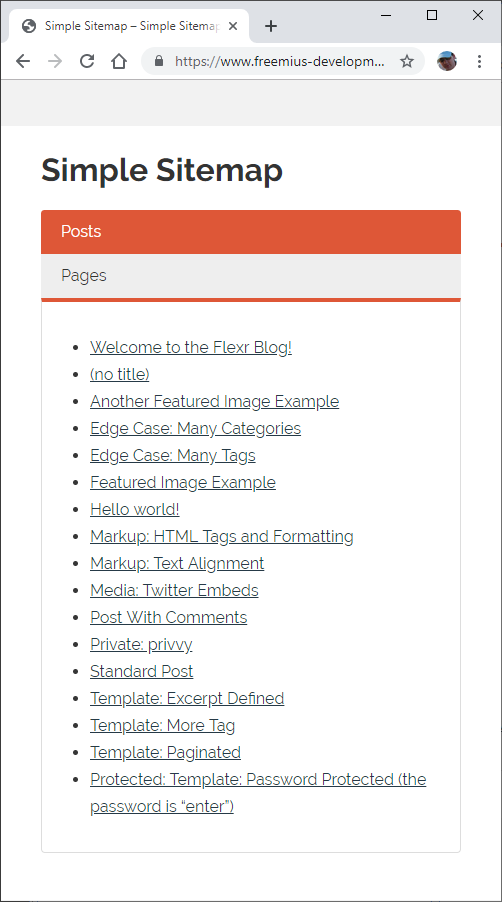
Simple Sitemap adds a visible, visitor-friendly HTML sitemap to your WordPress
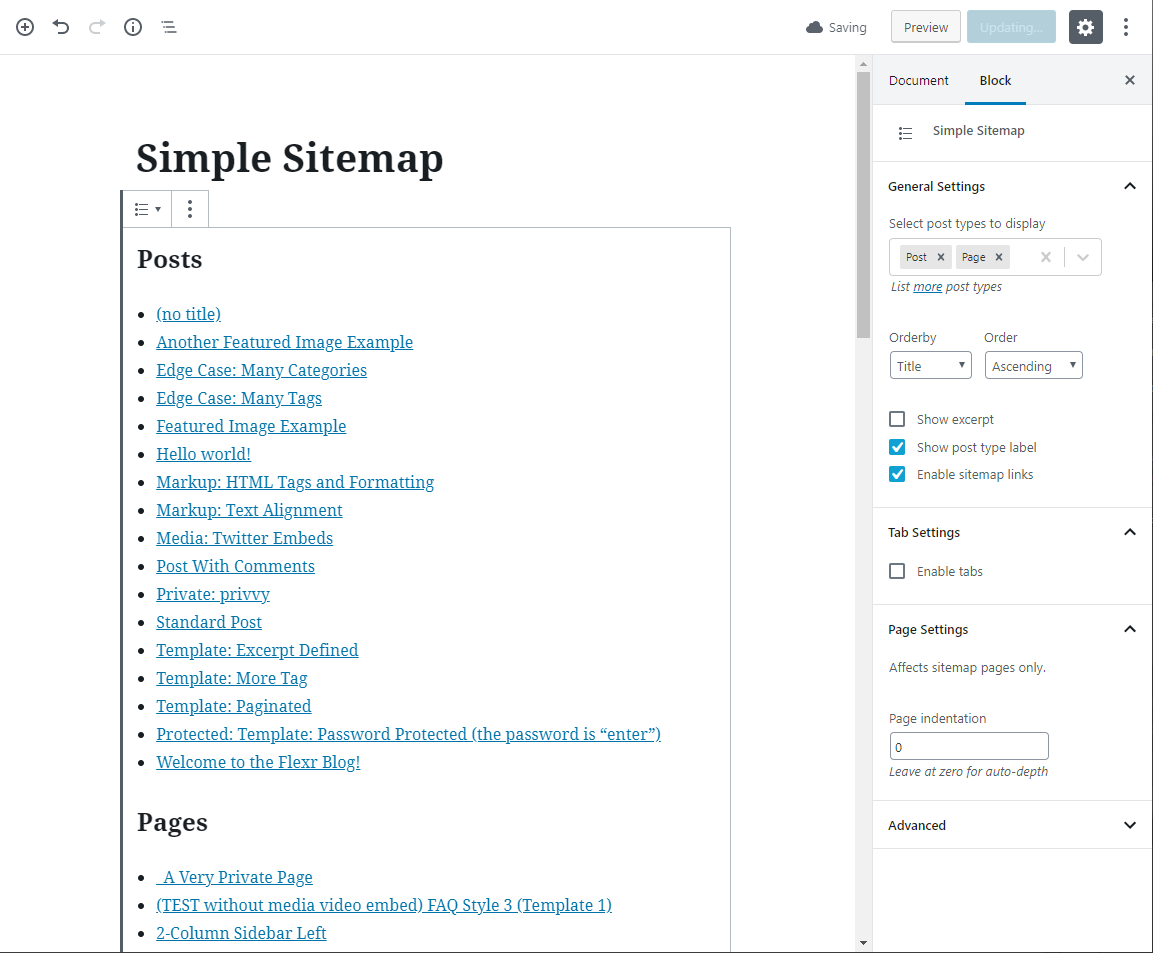
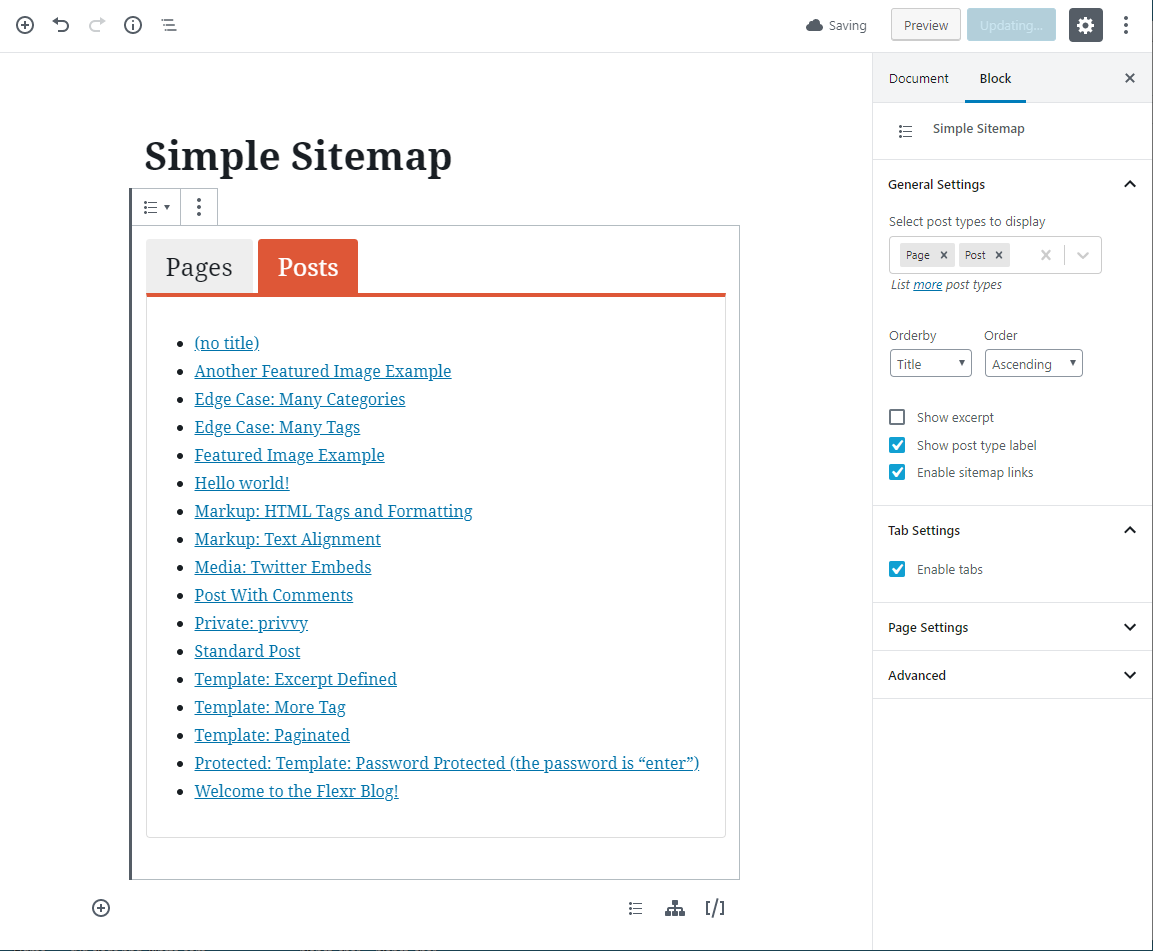
site. Add a block, choose what to show, and preview the result directly in the
editor before you publish.
It is designed for HTML sitemaps that help people browse your content. It does
not replace the XML sitemap used by search engines.
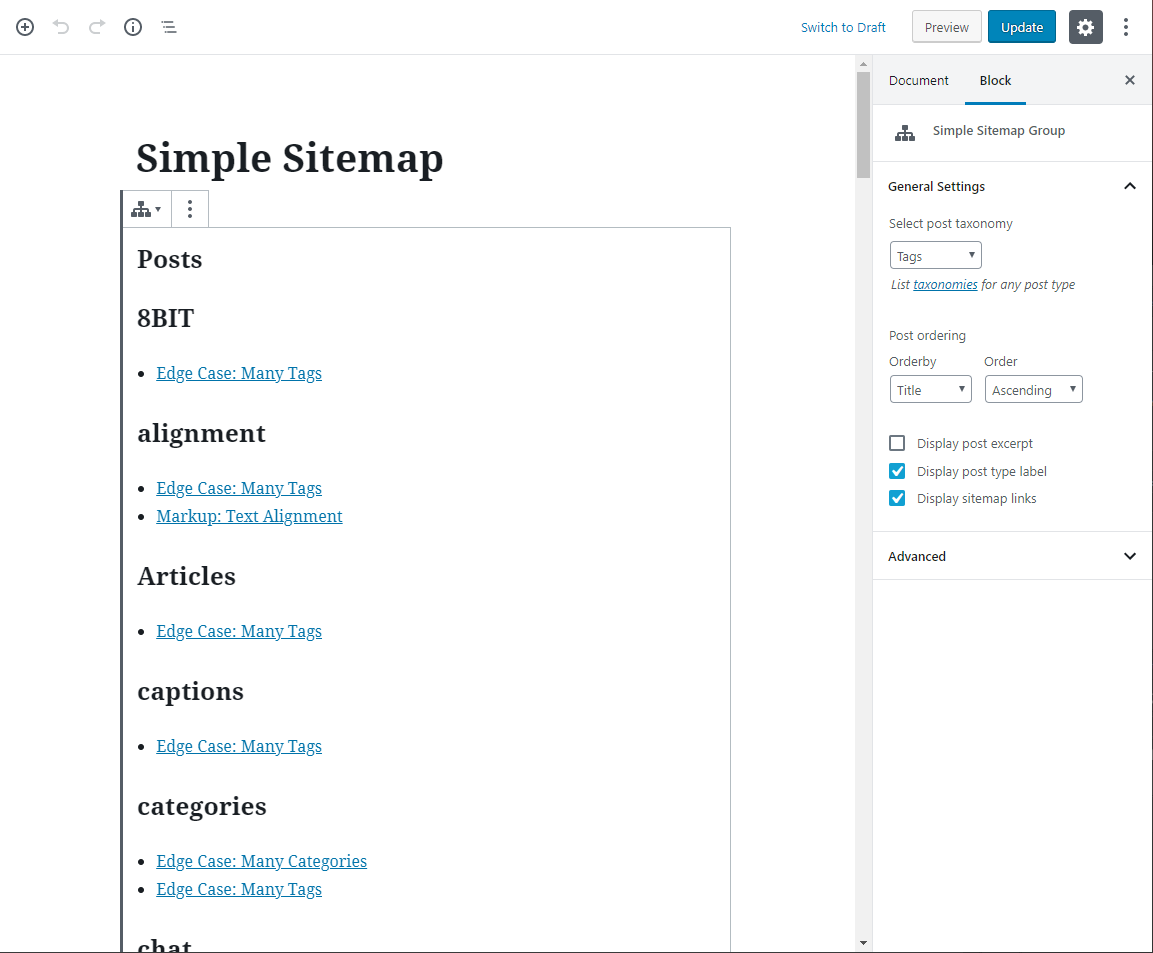
Build your sitemap in the editor
The free edition includes:
per-shortcode overrides.
content and page-builder workflows.
The opening of the plugin's own description. The full text, installation notes and changelog are on its WordPress.org page.
Select a sitemap block and review its settings in the editor sidebar. Licensed
users can also use WPGO premium support.
No. This plugin creates a visible HTML sitemap for visitors. WordPress or an SEO
plugin can continue handling your XML sitemap for search engines.
Yes. The blocks provide the visual editor workflow, while the existing
[simple-sitemap] and [simple-sitemap-group] shortcodes remain available.
Simple Sitemap Pro adds optional visitor search, custom post types and
taxonomies, taxonomy-term and child-page filtering, advanced responsive and
horizontal layouts, extra sitemap
tools, and styling controls. Basic post/page ID filtering is included in Free.
Compare the editions.
No. Basic include-only and exclude-by-ID controls are available in the Free
edition for both blocks and shortcodes. Sites upgrading from a release where
those controls were unavailable can keep their existing sitemap content and
configure the restored controls without purchasing Pro.
Open Simple Sitemap > Account in WordPress or use the secure customer account
link in your purchase email to manage billing and renewals. Deactivating a
license on a site does not cancel its subscription. If you need help, contact
WPGO premium support.
#210 by installs
Add a sitemap on any of your page using the simple shortcode [wp_sitemap_page]. Improve the SEO and navigation of your website.

#56 by installs
Generate multiple types of sitemaps to improve SEO and get your website indexed quickly.

#63 by installs
Gutenberg blocks for existing Spectra websites. Maintained, stable, and fully supported — no action needed on your part.

#80 by installs
Adds breadcrumb navigation showing the visitor's path to their current location.

#190 by installs
Embed PDF files in WordPress posts and pages with a responsive PDF viewer block, live Block Editor preview, and no third-party services.

#240 by installs
A Gutenberg container block to let you align items consistently across a global grid.
Read from the WordPress.org plugin API on , when WordPress 7.1.4 was the current release. WordPress.org rounds active installs into buckets. These are the directory's figures, not my verdict, and I haven't tested this plugin. The author takes donations at their donate page.