
Real-time SEO guidance, schema, and AI built in. Help search engines and AI systems understand your content. All AI tools included, no hidden fees.
- Installs
- 10+ million
- Rating
- 4.8 (27.8K)
- Updated
- 4 days ago

Generate multiple types of sitemaps to improve SEO and get your website indexed quickly.
| Last updated | September 18, 2026Updated in the last 3 months |
|---|---|
| Tested up to | WordPress 7.1.4Covers WordPress 7.1.4, the current release |
| Needs WordPress | 4.6 or newer |
| Needs PHP | 5.0 or newer |
| First published | June 16, 2005 |
| Support, last two months | 0 of 3 threads resolved (0%) |
4.8 / 5 from 2,233 reviews
| 5 stars | 2,107 |
|---|---|
| 4 stars | 34 |
| 3 stars | 12 |
| 2 stars | 9 |
| 1 star | 71 |
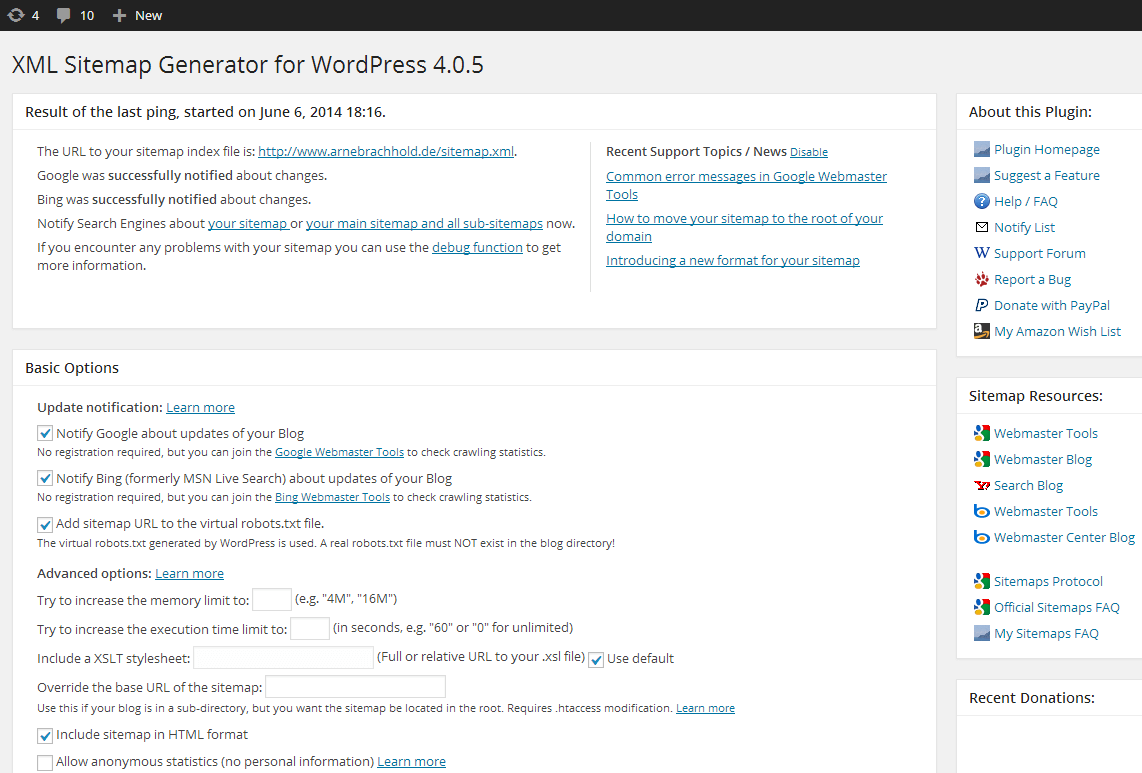
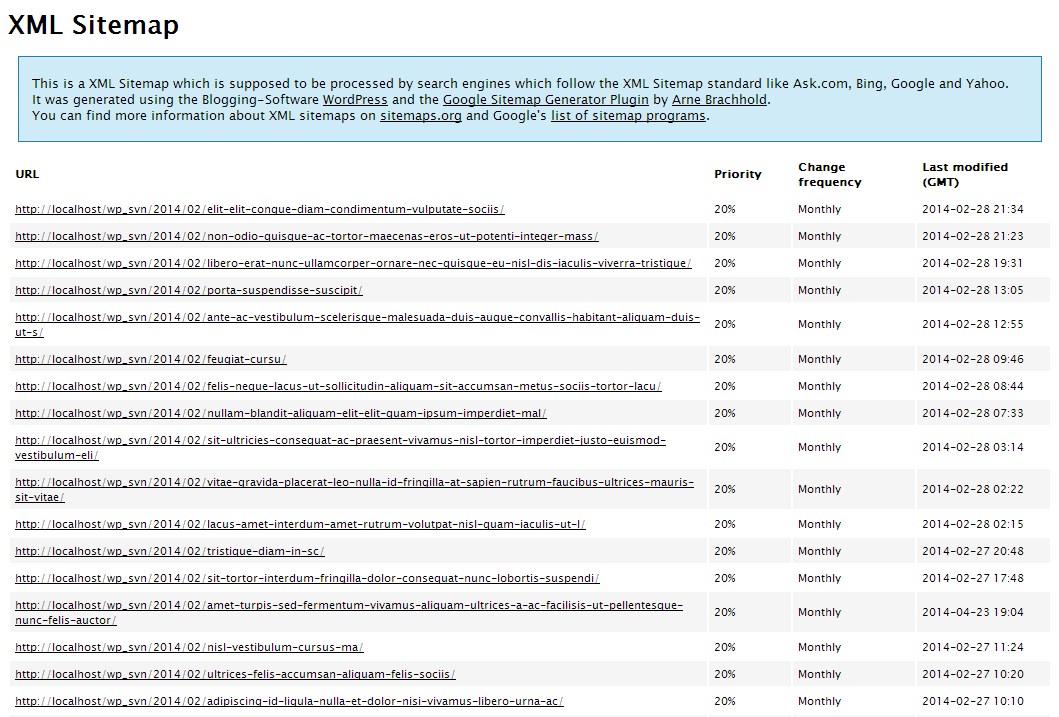
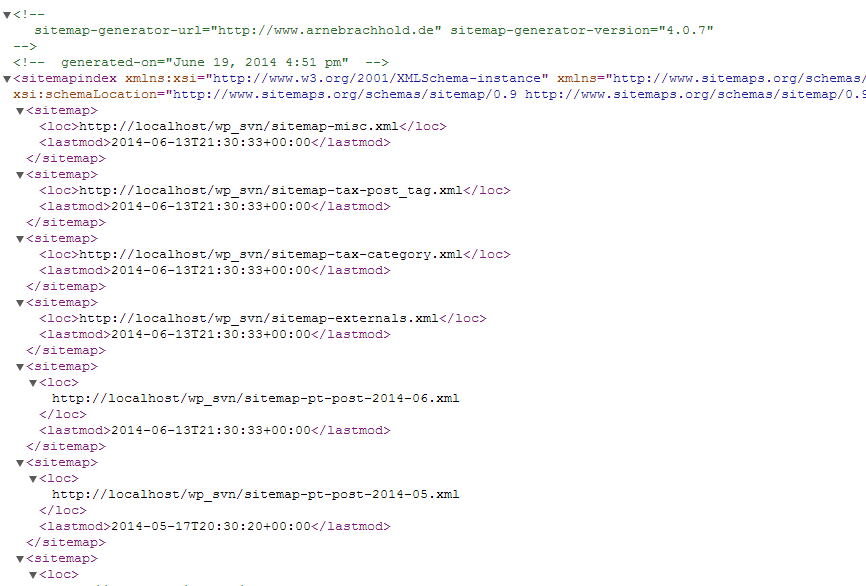
Generate XML and HTML sitemaps for your website with ease using the XML Sitemap Generator for Google. This plugin enables you to improve your SEO rankings by creating page, image, news, video, HTML, and RSS sitemaps. It also supports custom post types and taxonomies, allowing you to ensure that all of your content is being indexed by search engines. With a user-friendly interface, you can easily configure the plugin to suit your needs and generate sitemaps in just a few clicks. Keep your website up-to-date and make sure that search engines are aware of all of your content by using the XML Sitemap Generator for Google.
The plugin supports all kinds of WordPress generated pages as well as custom URLs. Additionally it notifies all major search engines every time you create a post about the new content.
Supported for more than a decade and rated among the best, it will do exactly what it’s supposed to do – providing a complete XML sitemap for search engines!
If you like the plugin, feel free to rate it! 🙂
Related Links:
License
Good news, this plugin is free for everyone! Since it’s released under the GPL, you can use it free of charge on your personal or commercial site.
Translations
The opening of the plugin's own description. The full text, installation notes and changelog are on its WordPress.org page.
To generate a sitemap for your website, follow these steps:
It’s recommended that you update your sitemap whenever you make significant changes to your website’s content or structure. This will ensure that search engines are aware of any new pages or changes to existing pages on your site.
The XML Sitemap Generator for Google plugin can generate sitemaps in XML, HTML, RSS formats and in various types, including: Pages/Posts, Google News, Video, Image, Mobile, and more! Note: Some formats and types are only available to subscribers.
Yes, you can include images and videos in your sitemap using the Google XML Sitemap Generator plugin. This will help search engines like Google and Bing to crawl and index your media files more efficiently.
The XML Sitemap Generator for Google plugin is compatible with WooCommerce and can generate sitemaps for your online store’s product pages, categories, and tags. This will help search engines to index your products and improve your store’s visibility in search results.
Real-time SEO guidance, schema, and AI built in. Help search engines and AI systems understand your content. All AI tools included, no hidden fees.

#13 by installs
Grow your organic traffic and AI visibility with powerful SEO tools, XML sitemaps, Schema automation, and built-in AI SEO, all in one place.

AIOSEO is the WordPress SEO plugin. Boost SEO rankings with AI SEO tools, schema, meta descriptions, XML sitemaps & rank tracking.

#133 by installs
SiteSEO is an easy, fast and powerful SEO plugin for WordPress. Unlock your Website's potential and Maximize your online visibility with our SiteSEO!
Lightweight SEO assistant for meta tags, schema and structured data, XML sitemaps, Open Graph previews, robots.txt, and Search Console.

#169 by installs
WordPress SEO plugin with AI SEO metadata, schema, XML sitemap, redirections & Search Console. Privacy-first, white-label SEO. Now AI-ready.
Read from the WordPress.org plugin API on , when WordPress 7.1.4 was the current release. WordPress.org rounds active installs into buckets. These are the directory's figures, not my verdict, and I haven't tested this plugin.
