
#269 by installs
Post Type Switcher
A simple way to change a post's type in WordPress
- Installs
- 200,000+
- Rating
- 4.8 (255)
- Updated
- 16 days ago
Order your pages and other custom post types that support "page-attributes" with drag and drop right from the standard page list.
| Last updated | September 24, 2026Updated in the last 3 months |
|---|---|
| Tested up to | WordPress 7.1.4Covers WordPress 7.1.4, the current release |
| Needs WordPress | 6.9 or newer |
| Needs PHP | 7.4 or newer |
| First published | August 21, 2010 |
| Support, last two months | No threads opened |
4.7 / 5 from 131 reviews
| 5 stars | 119 |
|---|---|
| 4 stars | 2 |
| 3 stars | 3 |
| 2 stars | 1 |
| 1 star | 6 |
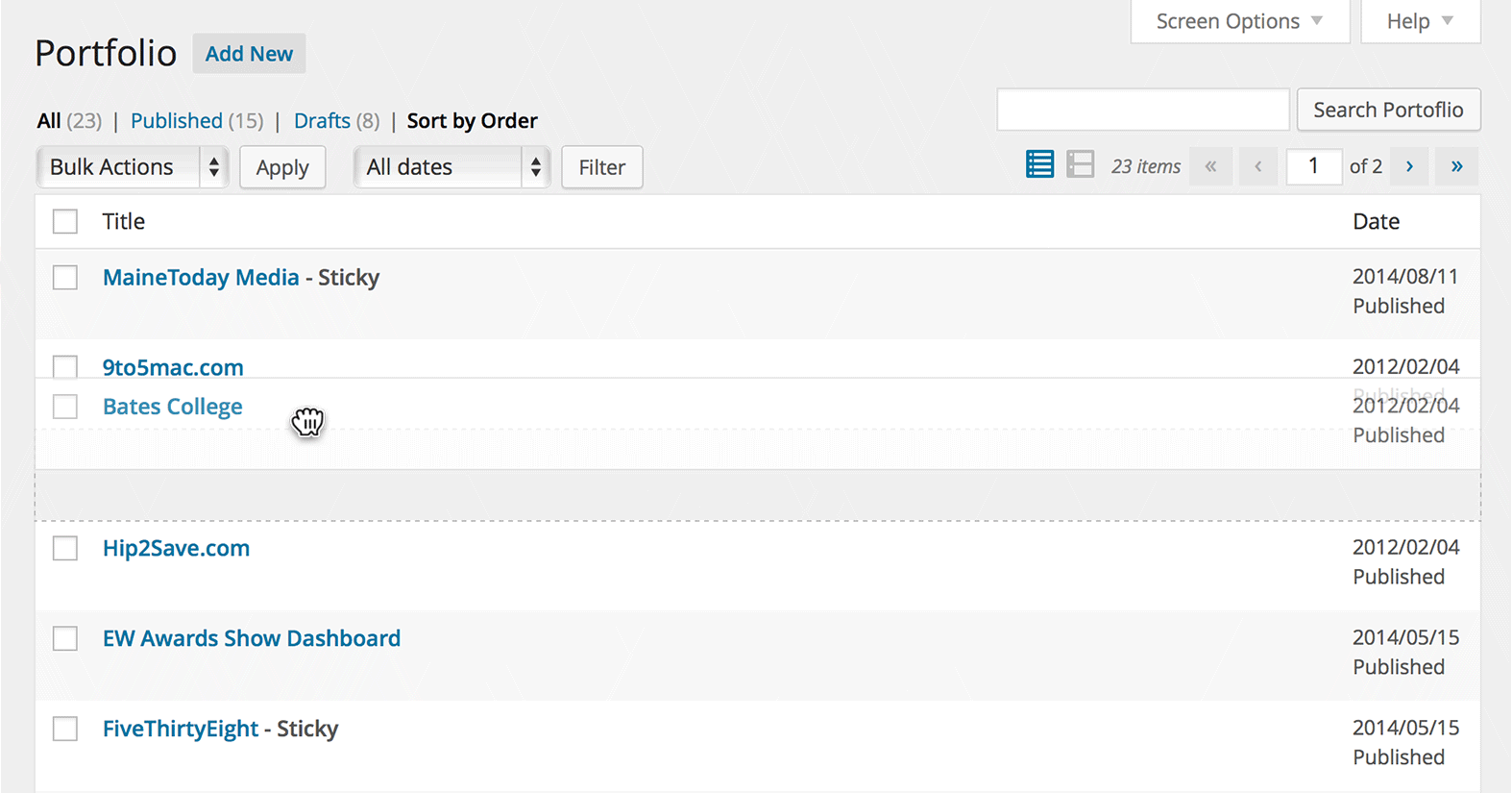
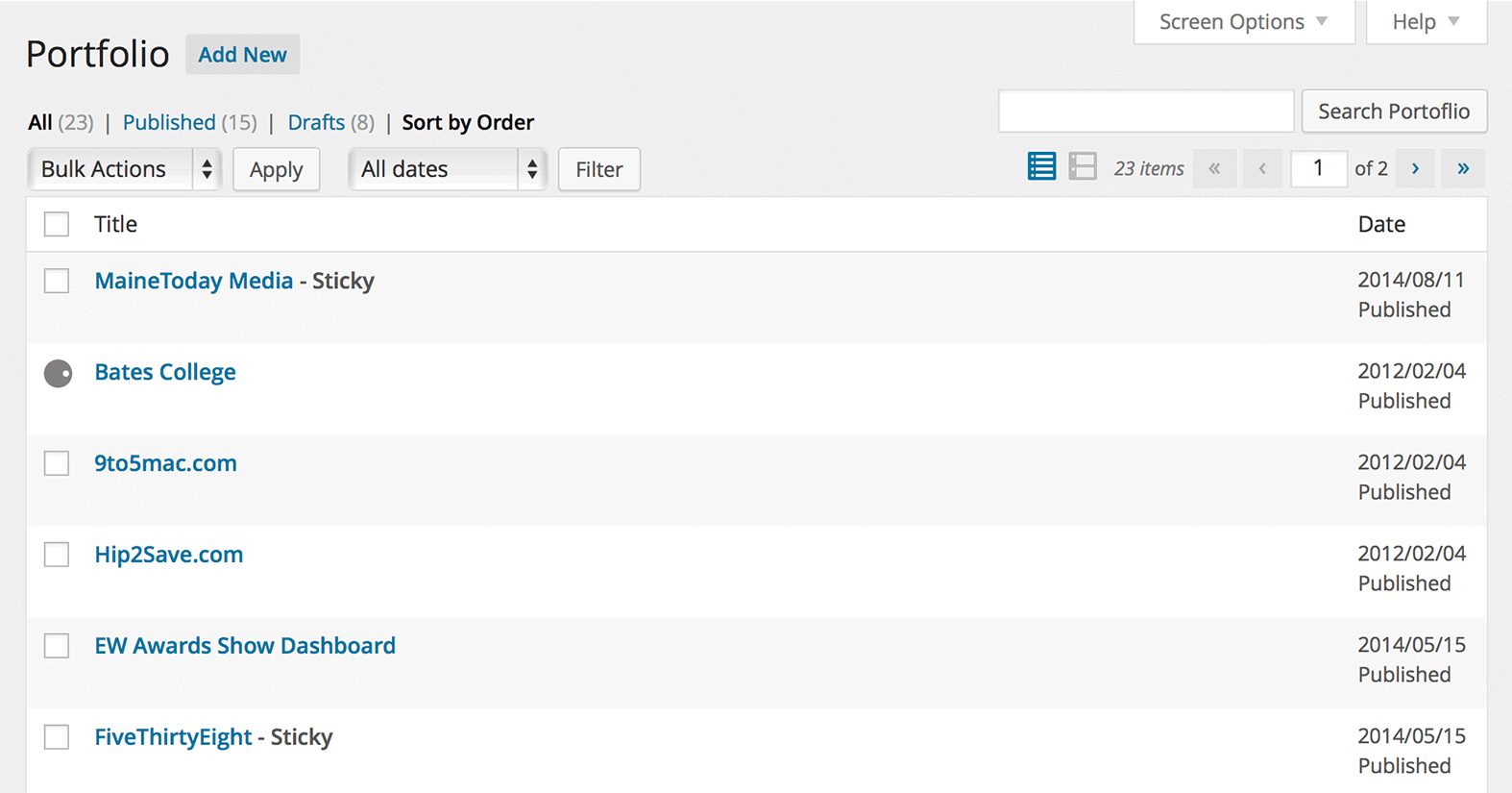
Order your pages, hierarchical custom post types, or custom post types with “page-attributes” with drag and drop right from the built in page list.
Drag and drop the page into the desired position. No new admin menus pages, no clunky, bolted on user interfaces. Drag and drop on the page or post-type screen.
The plug-in is “capabilities aware” – only users with the ability to edit others’ pages (editors and administrators) will be able to reorder content.
Integrated help is included: click the “help” tab at the top right of the screen.
Contributing
We’d love to have you join in on development over on GitHub.
The opening of the plugin's own description. The full text, installation notes and changelog are on its WordPress.org page.
Generic posts are not displayed by menu order – they’re displayed by chronology. You can theoretically add menu ordering to posts in your code (theme functions.php, plug-in) by using:
add_post_type_support( 'post', 'page-attributes' );
Yep. When you register the post type, include the page-attributes feature in the support list. This will add a Sort by Order option to the filter links above the drop downs. Once you sort by order, you can drag and drop the content.
'supports' => array( 'title', 'editor', 'page-attributes' ),
See the previous two answers – just add page-attributes to the list of supported post type features.
This plug-in doesn’t change any behavior on the front end, it simply changes the menu order stored in WordPress.
If you want a list of pages or custom post types to display in that defined order, you must change the post query’s orderby parameter to menu_order (if it’s not already).
This most likely means the AJAX request – the server side code – failed after you dropped the content into the new position. Some shared hosts aggressively time out and limit AJAX requests. Version 2.0 batches these requests so you can try reducing the number of items it updates on each request using a filter in your theme’s functions.php or a custom plug-in:
This feature is already built into WordPress natively, but a bit tucked away. If you pull down the “Screen Options” tab up top (on the list of post objects) there’s a field where you can specify the number of items to show per page. I decided it was not a very good practice to duplicate this.
Note that this release bumps the WordPress minimum version from 6.8 to 6.9.
#269 by installs
A simple way to change a post's type in WordPress

#307 by installs
Lets you make a WordPress page (or port or other content type) link to a URL of your choosing (on your site, or on another site), instead of its norma …

#326 by installs
Export WooCommerce orders to Excel, CSV, XML, JSON, PDF and HTML. Best free order export plugin for WooCommerce.

#550 by installs
Add a listing of content on your website using a simple shortcode. Filter the results by category, author, and more.

#713 by installs
Add Categories and Tags to Pages.

#715 by installs
Make a copy of posts and pages with just one click.
Read from the WordPress.org plugin API on , when WordPress 7.1.4 was the current release. WordPress.org rounds active installs into buckets. These are the directory's figures, not my verdict, and I haven't tested this plugin. The author takes donations at their donate page.