
#98 by installs
Post Types Order
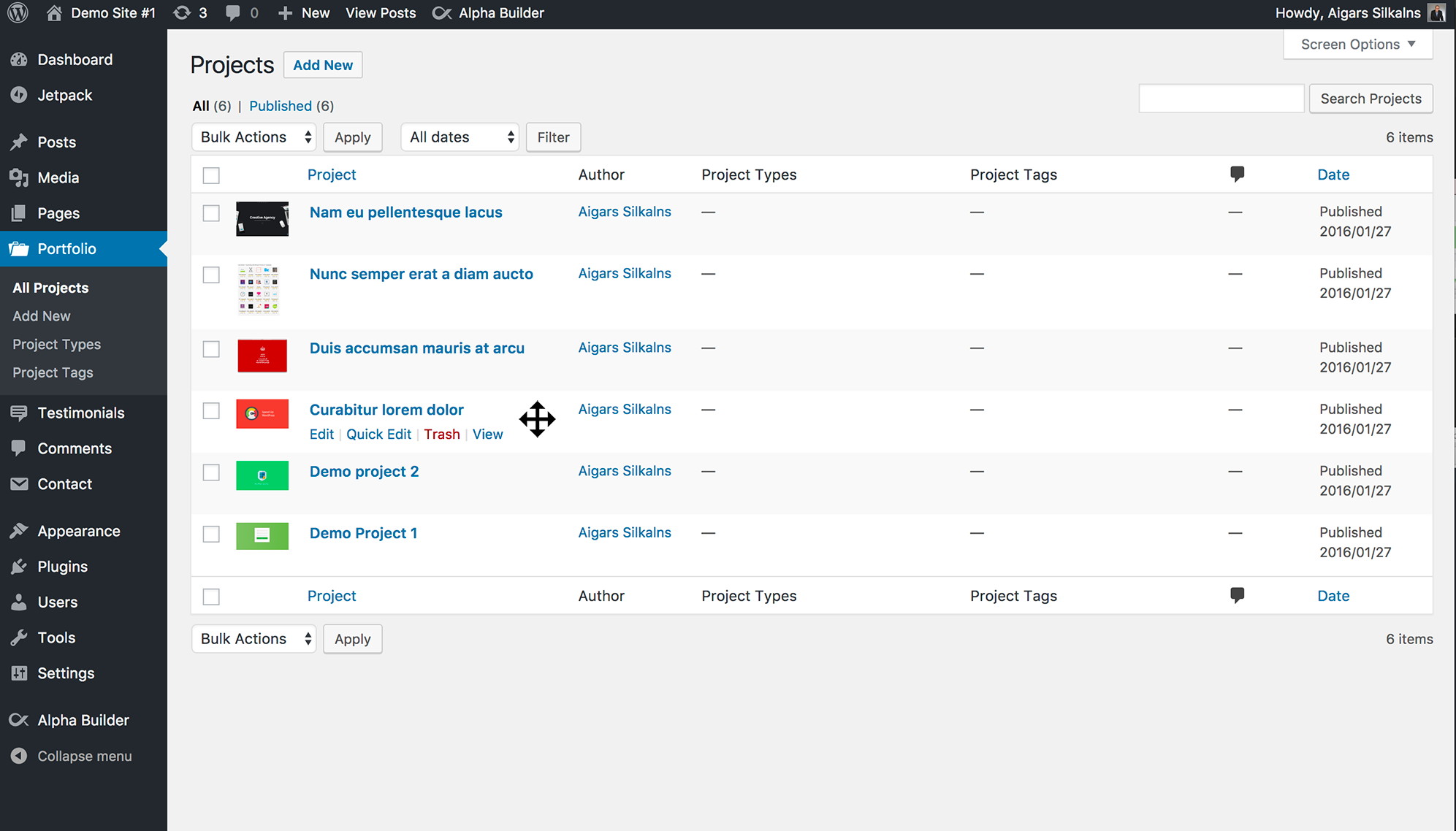
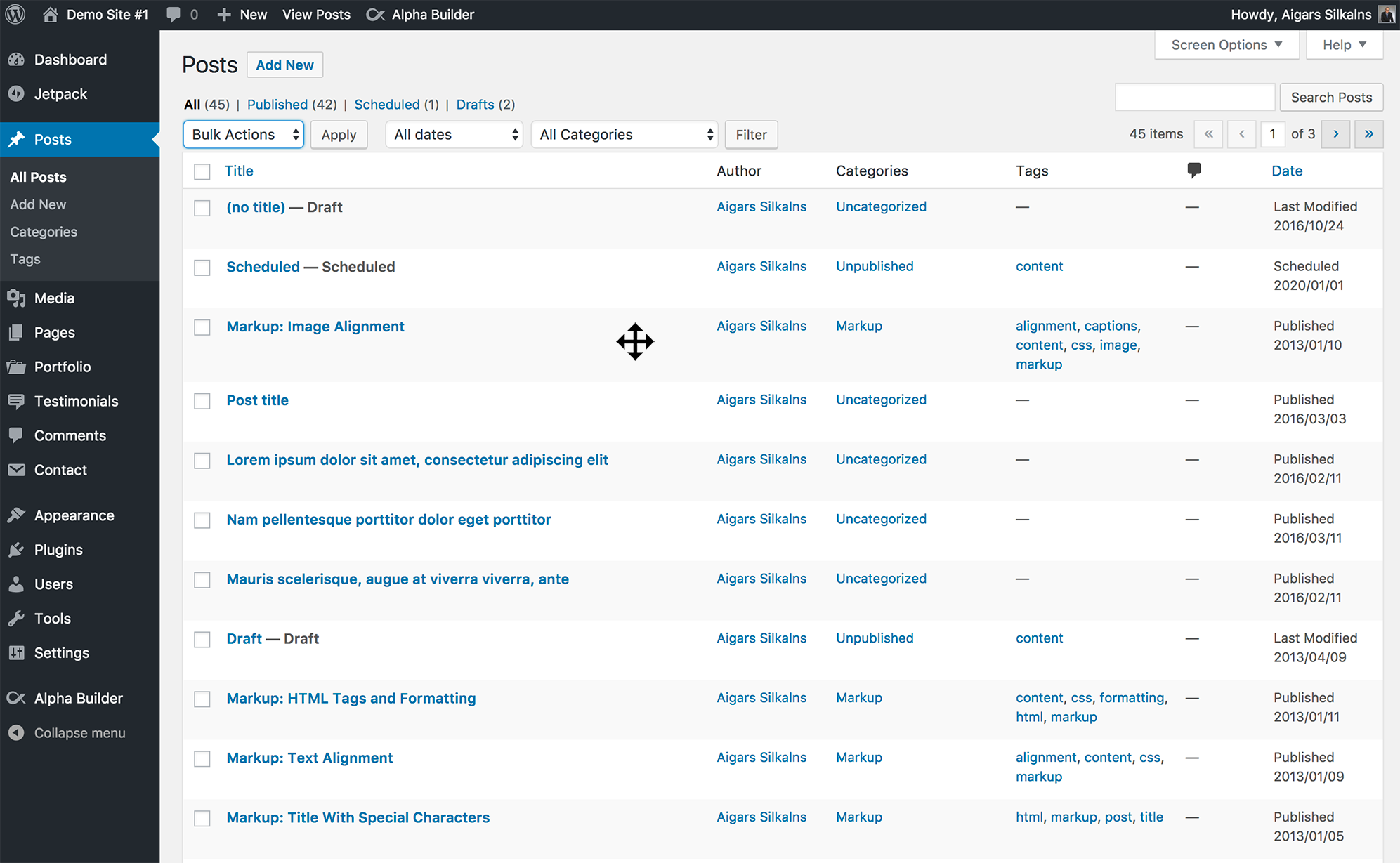
Sort posts and custom post type objects using a drag-and-drop, sortable JavaScript AJAX interface, or through the default WordPress dashboard
- Installs
- 600,000+
- Rating
- 4.5 (296)
- Updated
- 10 days ago

Easily reorder posts, pages, custom post types, and taxonomies with intuitive drag-and-drop sorting in the WordPress admin.
| Last updated | October 19, 2026Updated in the last 3 months |
|---|---|
| Tested up to | WordPress 7.1.4Covers WordPress 7.1.4, the current release |
| Needs WordPress | 6.2 or newer |
| Needs PHP | 7.4 or newer |
| First published | July 24, 2013 |
| Support, last two months | 4 of 7 threads resolved (57%) |
4.8 / 5 from 587 reviews
| 5 stars | 535 |
|---|---|
| 4 stars | 16 |
| 3 stars | 11 |
| 2 stars | 4 |
| 1 star | 21 |
Simple Custom Post Order is the easiest way to manually sort your WordPress content using drag-and-drop functionality. Whether you’re managing blog posts, portfolio items, WooCommerce products, team members, testimonials, or any custom post type, this plugin gives you complete control over your content order.
Why Choose Simple Custom Post Order?
Key Features
Sort Any Content Type
Intuitive Admin Interface
The opening of the plugin's own description. The full text, installation notes and changelog are on its WordPress.org page.
Yes! Simple Custom Post Order works with any custom post type that has show_ui enabled. This includes post types from popular plugins like WooCommerce, Easy Digital Downloads, Jetpack, and any custom post types you’ve created.
Yes, the custom order is automatically applied to all front-end queries for enabled post types. Your posts, pages, and custom content will display in your chosen order throughout your site.
Yes, as long as the page builder uses standard WordPress queries, your custom order will be respected. Most major page builders are compatible.
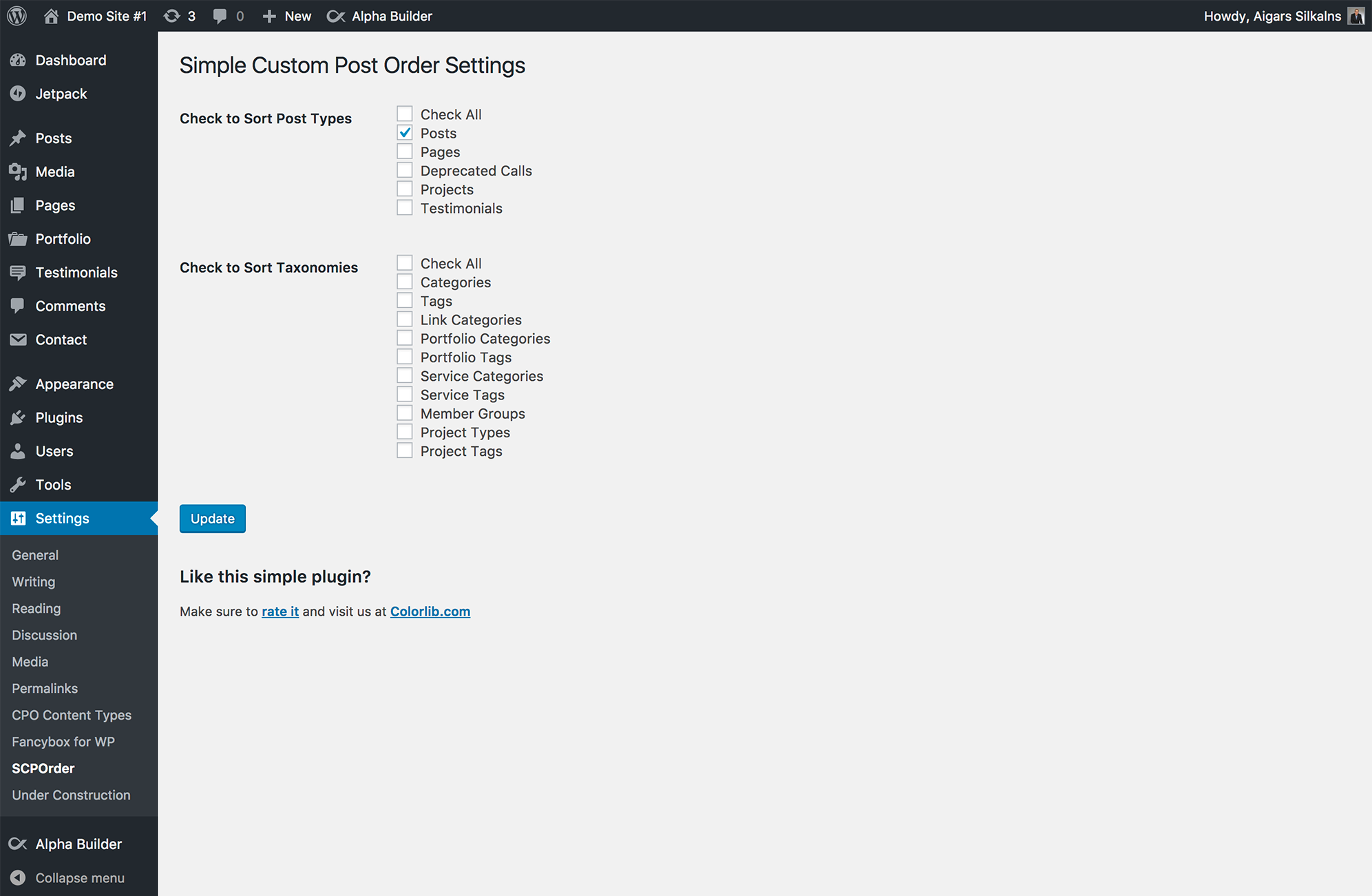
Yes. Go to Settings > SCPOrder and use the “Reset Post Order” section at the bottom of the page. Select the post types you want to reset and click “Reset Order”.
Be aware that this sets the order number of every item of those types back to 0 — including values typed into Page Attributes > Order and WooCommerce’s own product order — and turns sorting off for those types. It cannot be undone.
No, the plugin automatically preserves WordPress’s relevance-based sorting for search results. Your search functionality will work exactly as expected.
Yes, you can use Simple Custom Post Order to manually sort WooCommerce products, product categories, and product tags.
Bug fixes
#98 by installs
Sort posts and custom post type objects using a drag-and-drop, sortable JavaScript AJAX interface, or through the default WordPress dashboard

#152 by installs
Intuitively reorder Posts, Pages, Custom Post Types, Taxonomies, and Sites with a simple drag-and-drop interface.
Read from the WordPress.org plugin API on , when WordPress 7.1.4 was the current release. WordPress.org rounds active installs into buckets. These are the directory's figures, not my verdict, and I haven't tested this plugin.