
#290 by installs
Search Regex
Search Regex adds a powerful set of search and replace functions to WordPress posts, pages, custom post types, and other data.
- Installs
- 100,000+
- Rating
- 4.7 (101)
- Updated
- 25 days ago

Template powered live search for any WordPress theme. Does not require SearchWP, but will utilize it if available.
| Last updated | August 8, 2026Updated in the last 3 months |
|---|---|
| Tested up to | WordPress 7.0.8Older than WordPress 7.1.4, the current release |
| Needs WordPress | 4.8 or newer |
| Needs PHP | 5.6 or newer |
| First published | May 5, 2014 |
| Support, last two months | 1 of 1 threads resolved (100%) |
4.7 / 5 from 36 reviews
| 5 stars | 31 |
|---|---|
| 4 stars | 2 |
| 3 stars | 1 |
| 2 stars | 0 |
| 1 star | 2 |
Does not require SearchWP, but will utilize it if available. Full documentation is available at searchwp.com.
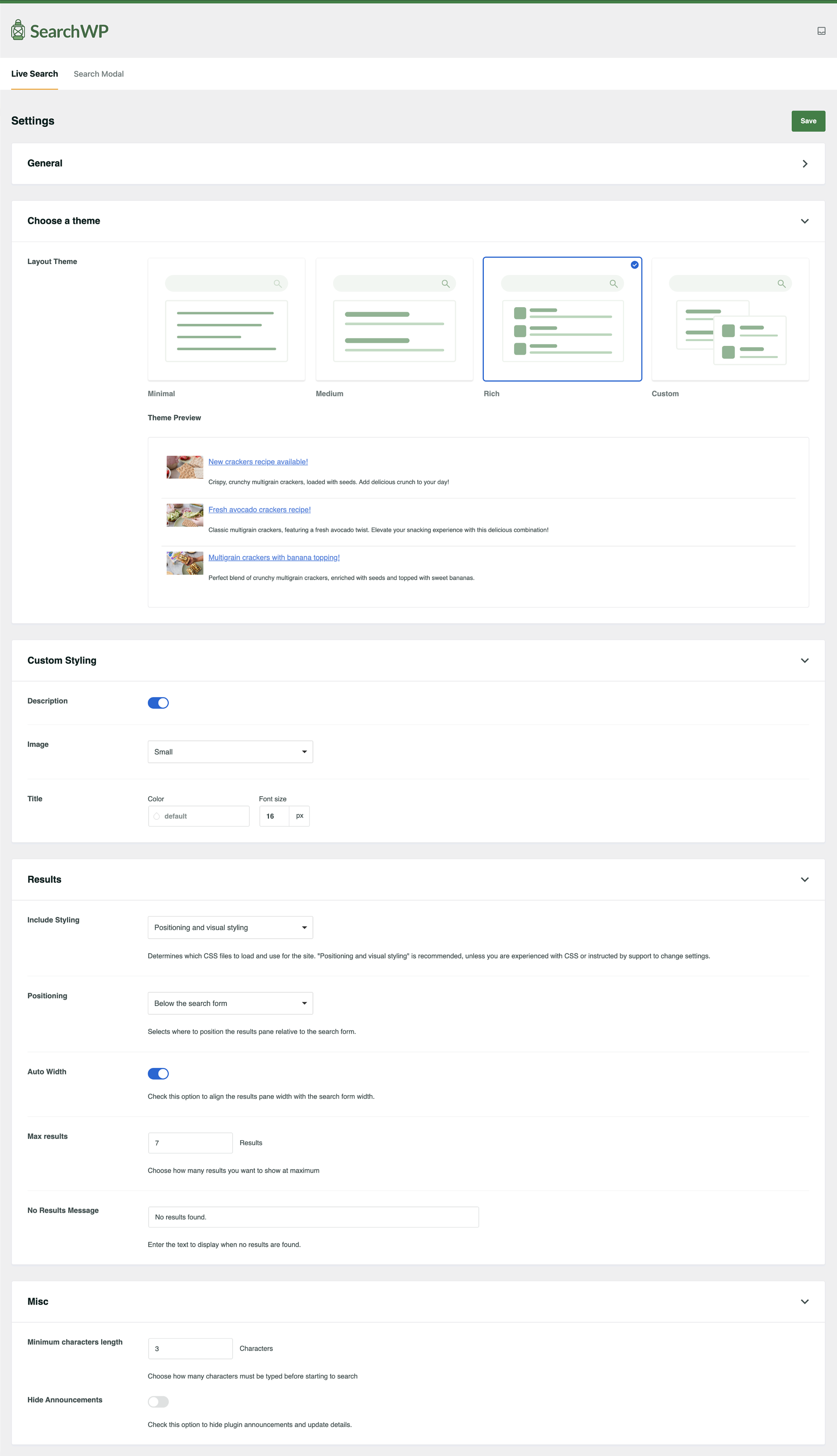
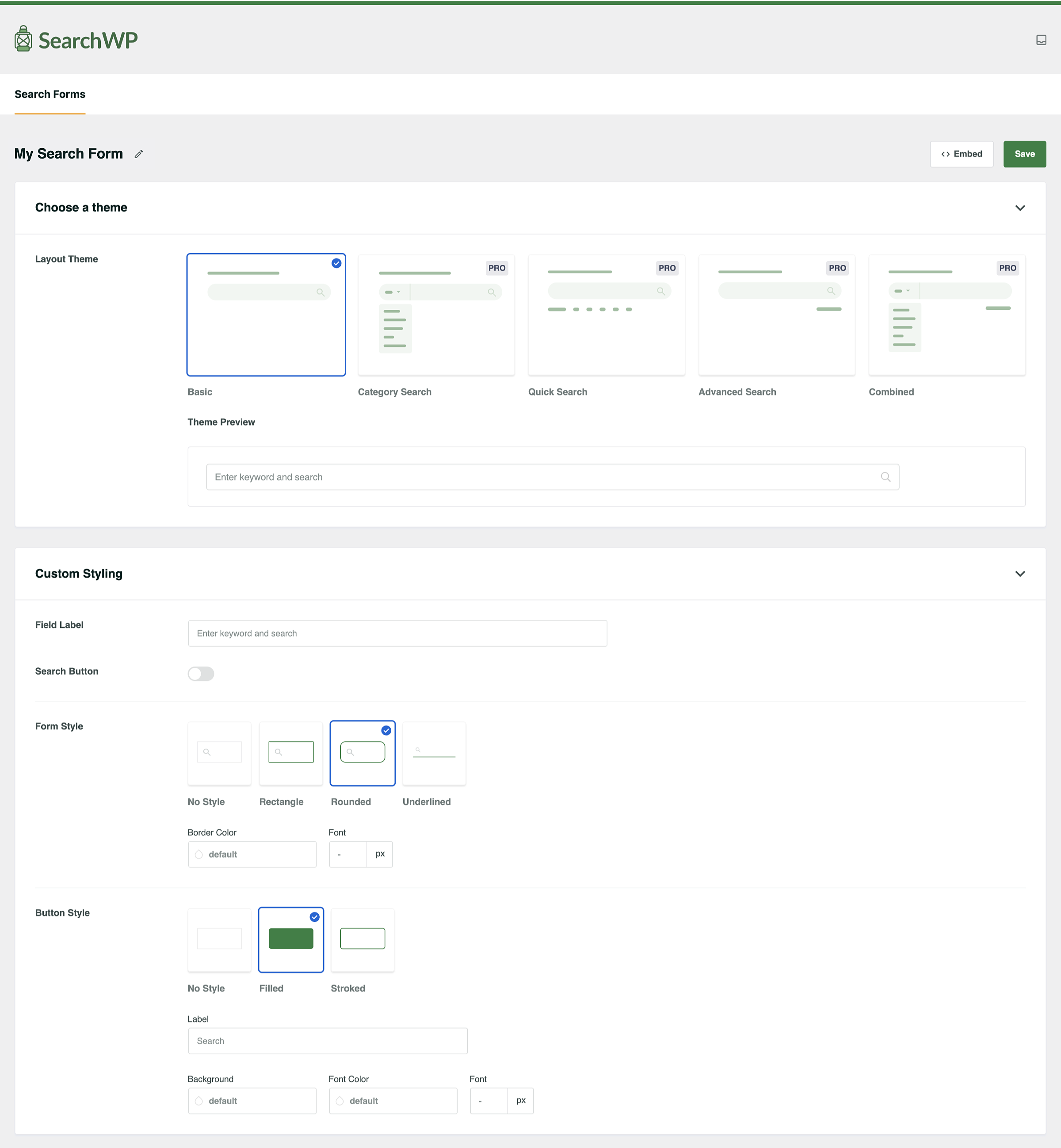
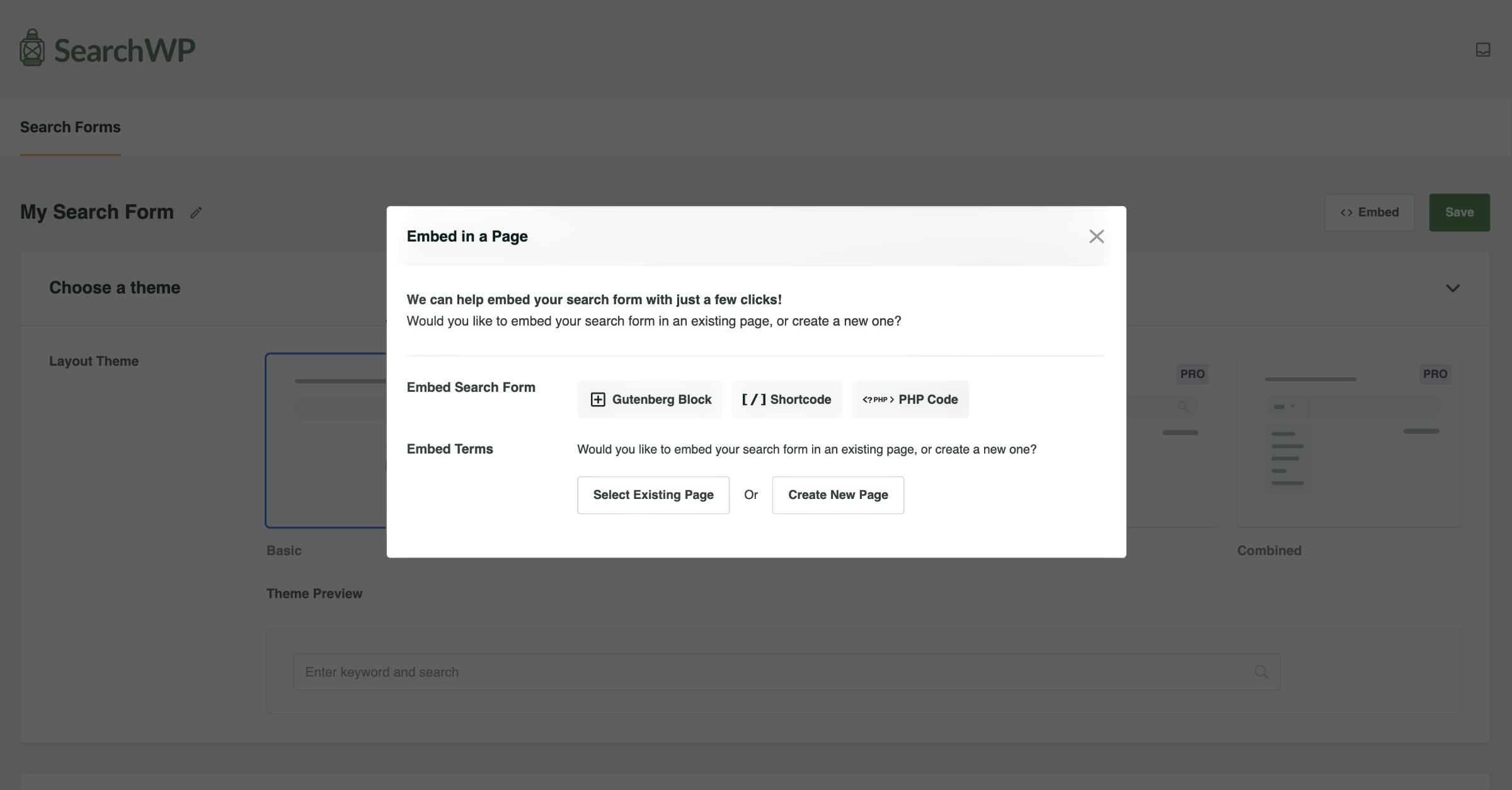
SearchWP Live Ajax Search enables AJAX powered live search for your search forms. Designed to be a developer’s best friend, SearchWP Live Ajax Search aims to stay out of your way but at the same time allowing you to customize everything about it. It’s set up to work with any WordPress theme and uses a template loader to display results. The template based approach allows you to seamlessly customize your SearchWP Live Search implementation without messing with dozens of cluttered options.
Works best with SearchWP (but SearchWP is not necessary)
SearchWP Live Ajax Search is best utilized in conjunction with SearchWP, but it is not required. If SearchWP is installed and activated, SearchWP Live Ajax Search can be customized to use any of your search engines per search form.
Customization
You can customize the implementation of SearchWP Live Ajax Search to a great degree, including any number of developer-defined configurations. The results are based on a template loader, allowing SearchWP Live Ajax Search to stay out of your way and letting you write the results template as you would any other WordPress theme file.
The opening of the plugin's own description. The full text, installation notes and changelog are on its WordPress.org page.
Of course! Full documentation
SearchWP Live Ajax Search will automatically enable itself on any search forms generated with get_search_form(). You can prevent that with the following filter:
add_filter( 'searchwp_live_search_hijack_get_search_form', '__return_false' );
If you would like to manually enable SearchWP Live Ajax Search on a custom search form, simply add the following data attribute to the input you want to hook: data-swplive="true"
By default, SearchWP Live Ajax Search uses the default SearchWP Search Engine if you are using SearchWP. If you don’t have SearchWP, native WordPress search results are provided. If you would like to customize which search engine SearchWP uses, simply add the following attribute to the form input: data-swpengine="supplemental" replacing ‘supplemental’ with your desired search engine name.
SearchWP Live Ajax Search uses a template loader. In the plugin folder you will find a templates folder which includes search-results.php — that is what’s used out of the box to output search results. To customize that output, simply create a folder called searchwp-live-ajax-search in your theme directory and copy search-results.php into that folder.
SearchWP Live Ajax Search uses a filter — searchwp_live_search_configs — that allows you to fully customize the configuration used. Simply add a new key to the array passed through that filter, customizing the default values to whatever you want.

#290 by installs
Search Regex adds a powerful set of search and replace functions to WordPress posts, pages, custom post types, and other data.

#352 by installs
Relevanssi replaces the default search with a partial-match search that sorts results by relevance. It also indexes comments and shortcode content.

#362 by installs
Search & Replace data in your database with WordPress admin, replace domains/URLs of your WordPress installation.

#366 by installs
Find and edit code or texts in your themes and plugins

#472 by installs
Advanced WordPress custom search plugin. Provides Search Form Customizer, WooCommerce Search, AJAX Search & Live Search support!

#564 by installs
The Best Ajax Live Search and Filter for WordPress. Live suggestions, Custom Post types, Custom fields, Categories, WooCommerce & Elementor support
Read from the WordPress.org plugin API on , when WordPress 7.1.4 was the current release. WordPress.org rounds active installs into buckets. These are the directory's figures, not my verdict, and I haven't tested this plugin.