
#290 by installs
Search Regex
Search Regex adds a powerful set of search and replace functions to WordPress posts, pages, custom post types, and other data.
- Installs
- 100,000+
- Rating
- 4.7 (101)
- Updated
- 25 days ago

Find and edit code or texts in your themes and plugins
| Last updated | September 29, 2026Updated in the last 3 months |
|---|---|
| Tested up to | WordPress 7.1.4Covers WordPress 7.1.4, the current release |
| Needs WordPress | 4.9 or newer |
| Needs PHP | 7.0 or newer |
| First published | August 15, 2013 |
| Support, last two months | 0 of 1 threads resolved (0%) |
4.6 / 5 from 125 reviews
| 5 stars | 113 |
|---|---|
| 4 stars | 0 |
| 3 stars | 1 |
| 2 stars | 2 |
| 1 star | 9 |
When working on themes and plugins you often notice a piece of text that appears hardcoded into the files, you need to modify it, but you don’t know what theme or plugin it’s in, and certainly not which individual file to look in.
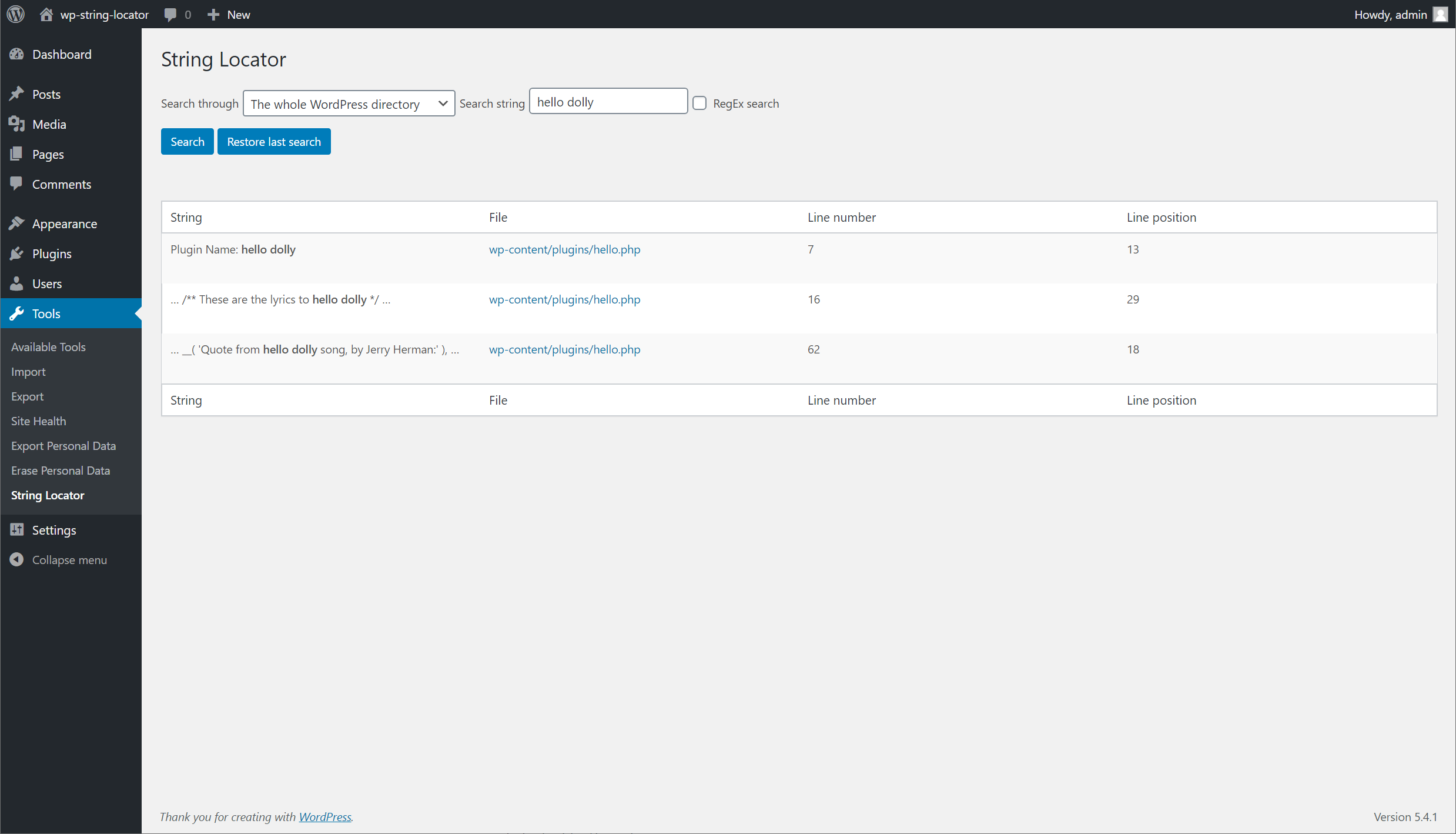
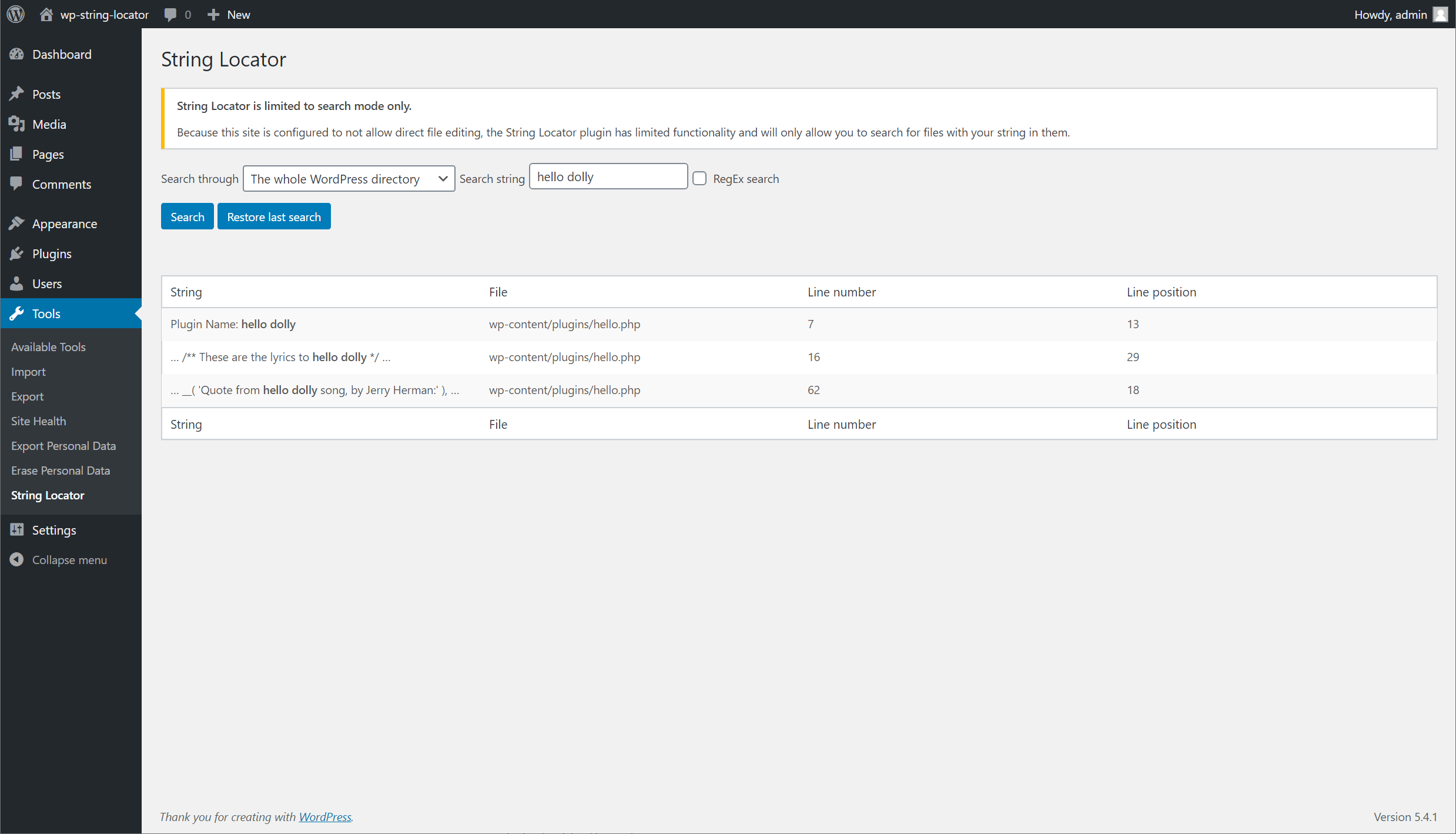
Easily search through your themes, plugins or even WordPress core and be presented with a list of files, the matched text and what line of the file matched your search.
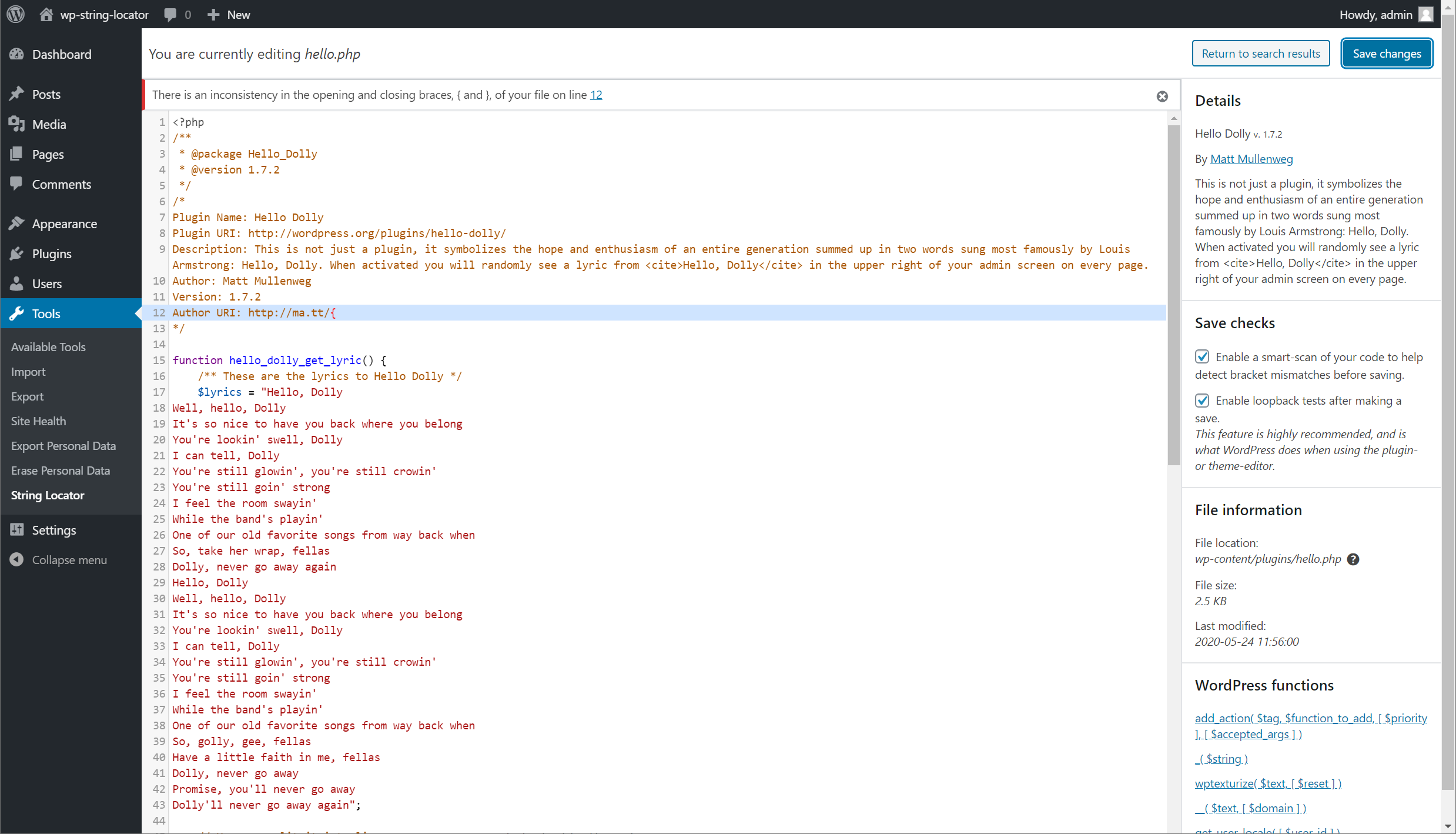
You can then quickly make edits directly in your browser by clicking the link from the search results.
By default a consistency check is performed when making edits to files, this will look for inconsistencies with braces, brackets and parenthesis that are often accidentally left in.
This drastically reduces the risk of breaking your site when making edits, but is in no way an absolute guarantee.
Create a replica of your live site a.k.a – WordPress Staging site before testing substitutions.
The opening of the plugin's own description. The full text, installation notes and changelog are on its WordPress.org page.
Although it will do it’s best at detecting incorrect usage of the commonly used symbols (parenthesis, brackets and braces), there is no guarantee every possible error is detected. The best safe guard is to keep consistent backups of your site (even when not making edits).
This error is only related to regex searches, and is based off how PHP reads your regex string.
When writing your search string, make sure to wrap your search in forward slashes (/), directly followed by any modifiers like case insensitive (i) that you may want to use.

#290 by installs
Search Regex adds a powerful set of search and replace functions to WordPress posts, pages, custom post types, and other data.

#352 by installs
Relevanssi replaces the default search with a partial-match search that sorts results by relevance. It also indexes comments and shortcode content.

#362 by installs
Search & Replace data in your database with WordPress admin, replace domains/URLs of your WordPress installation.

#472 by installs
Advanced WordPress custom search plugin. Provides Search Form Customizer, WooCommerce Search, AJAX Search & Live Search support!

#564 by installs
The Best Ajax Live Search and Filter for WordPress. Live suggestions, Custom Post types, Custom fields, Categories, WooCommerce & Elementor support

#587 by installs
Set up find and replace rules that are executed AFTER a page is generated by WordPress, but BEFORE it is sent to a user's browser.
Read from the WordPress.org plugin API on , when WordPress 7.1.4 was the current release. WordPress.org rounds active installs into buckets. These are the directory's figures, not my verdict, and I haven't tested this plugin.