
#5 by installs
LiteSpeed Cache
All-in-one unbeatable acceleration & PageSpeed improvement: caching, image/CSS/JS optimization...
- Installs
- 7+ million
- Rating
- 4.8 (2.8K)
- Updated
- 11 days ago

Query Monitor is the developer tools panel for WordPress and WooCommerce.
| Last updated | October 27, 2026Updated in the last 3 months |
|---|---|
| Tested up to | WordPress 7.1.4Covers WordPress 7.1.4, the current release |
| Needs WordPress | 6.3 or newer |
| Needs PHP | 7.4 or newer |
| First published | November 19, 2013 |
| Support, last two months | 0 of 3 threads resolved (0%) |
4.9 / 5 from 470 reviews
| 5 stars | 455 |
|---|---|
| 4 stars | 3 |
| 3 stars | 2 |
| 2 stars | 0 |
| 1 star | 10 |
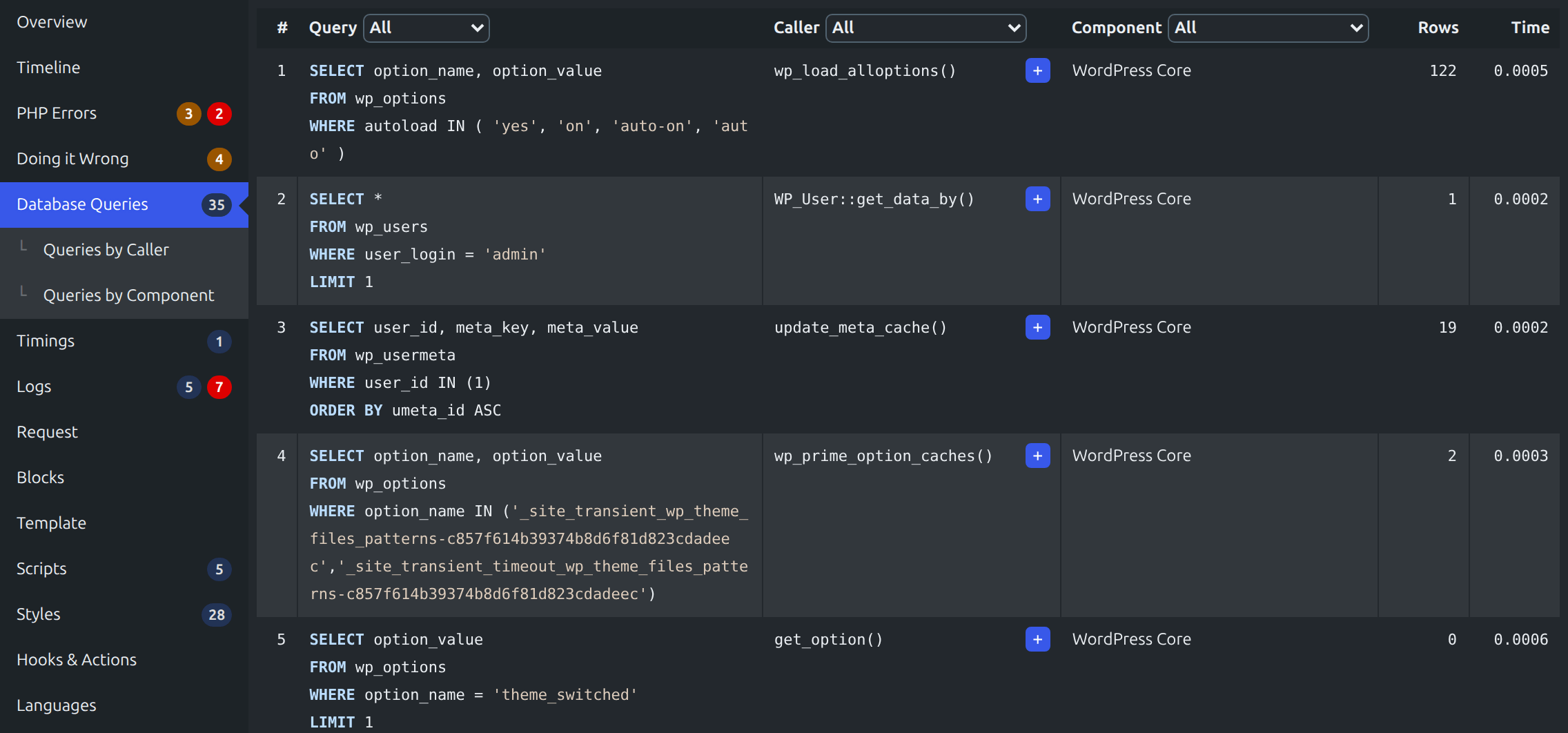
Query Monitor is the developer tools panel for WordPress and WooCommerce. It enables debugging of database queries, PHP errors, hooks and actions, block editor blocks, enqueued scripts and stylesheets, HTTP API calls, and more.
It includes some advanced features such as debugging of Ajax calls, REST API calls, user capability checks, and full support for block themes and full site editing. It includes the ability to narrow down much of its output by plugin or theme, allowing you to quickly determine poorly performing plugins, themes, or functions.
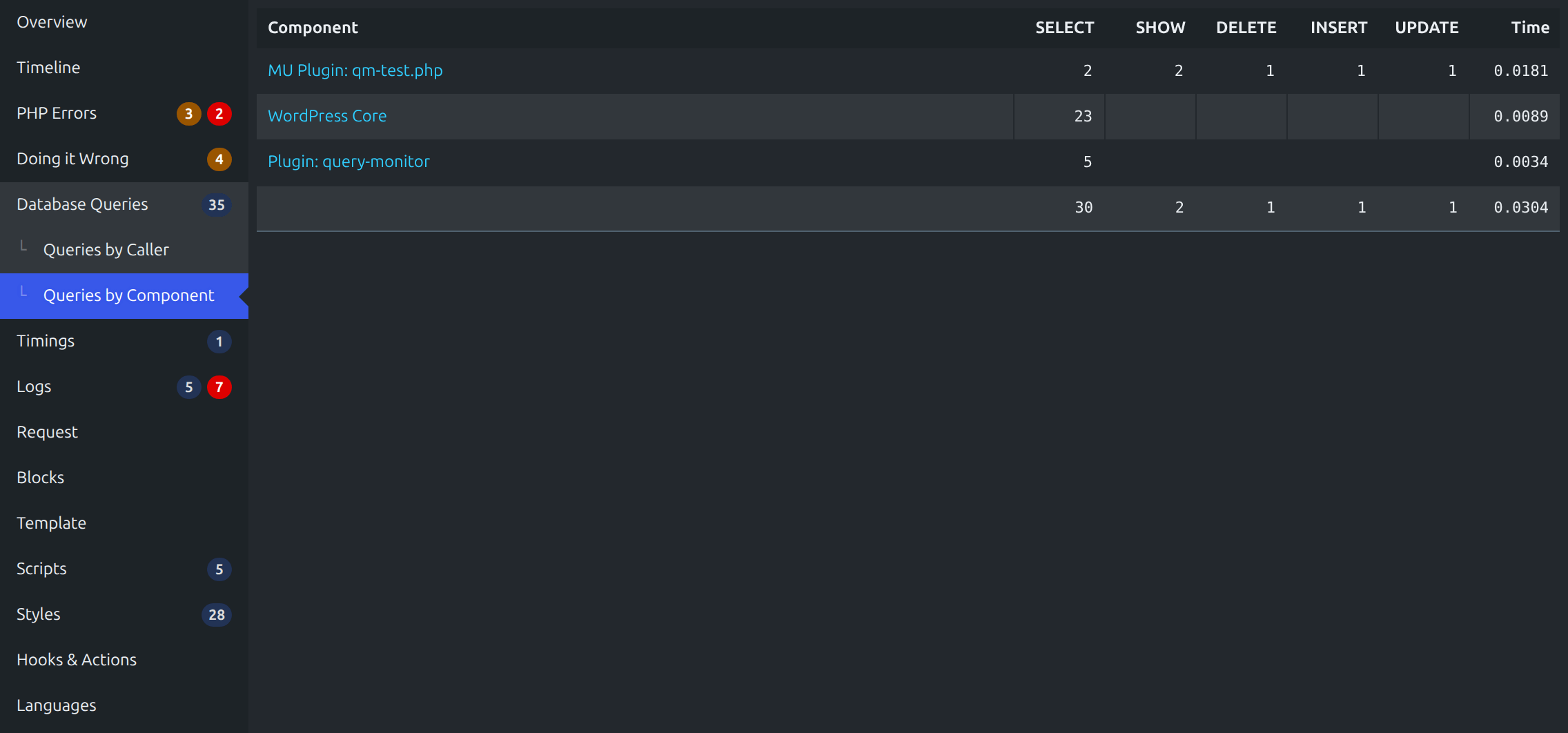
Query Monitor focuses heavily on presenting its information in a useful manner, for example by showing aggregate database queries grouped by the plugins, themes, or functions that are responsible for them. It adds an admin toolbar menu showing an overview of the current page, with complete debugging information shown in panels once you select a menu item.
Query Monitor supports versions of WordPress up to three years old, and PHP version 7.4 or higher.
For complete information, please see the Query Monitor website.
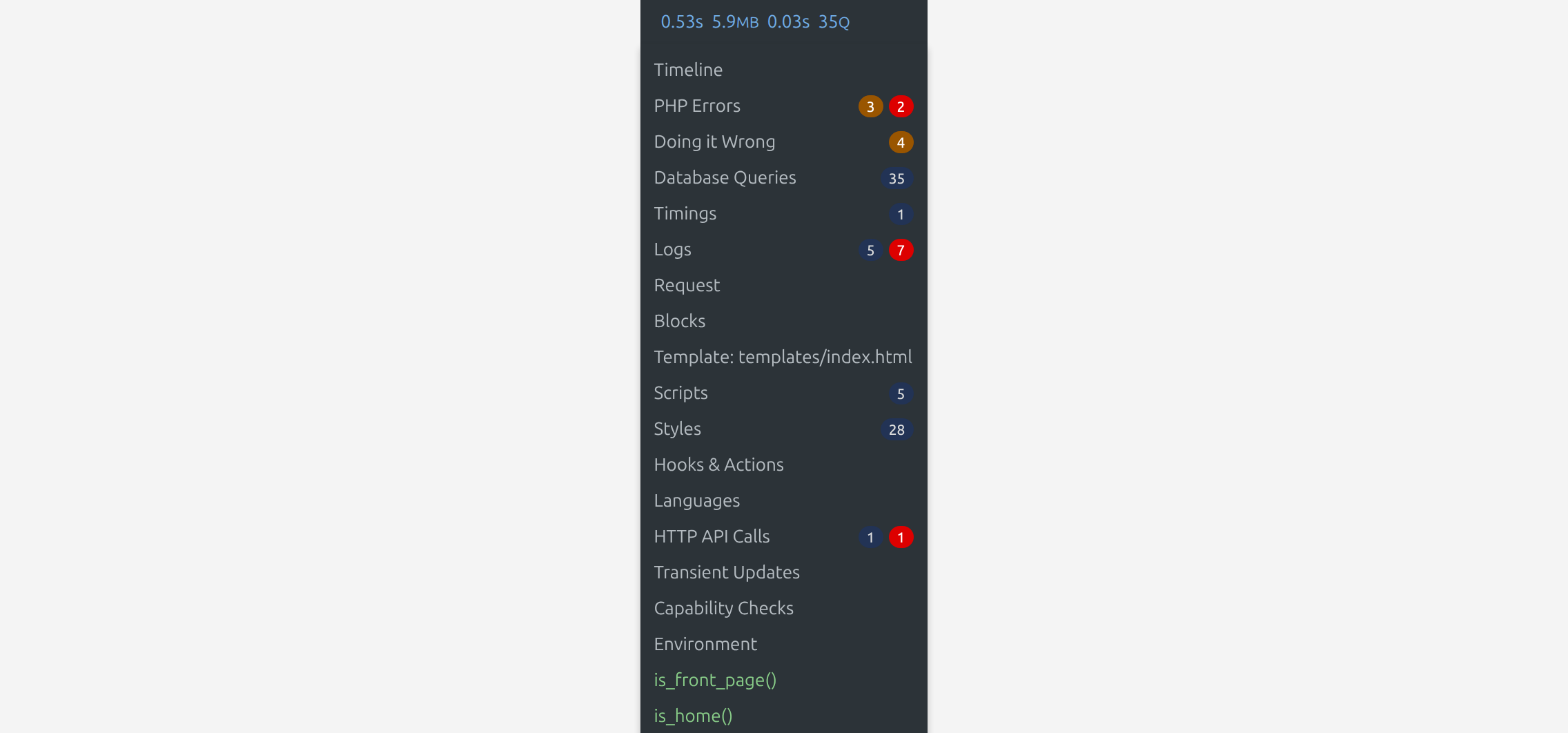
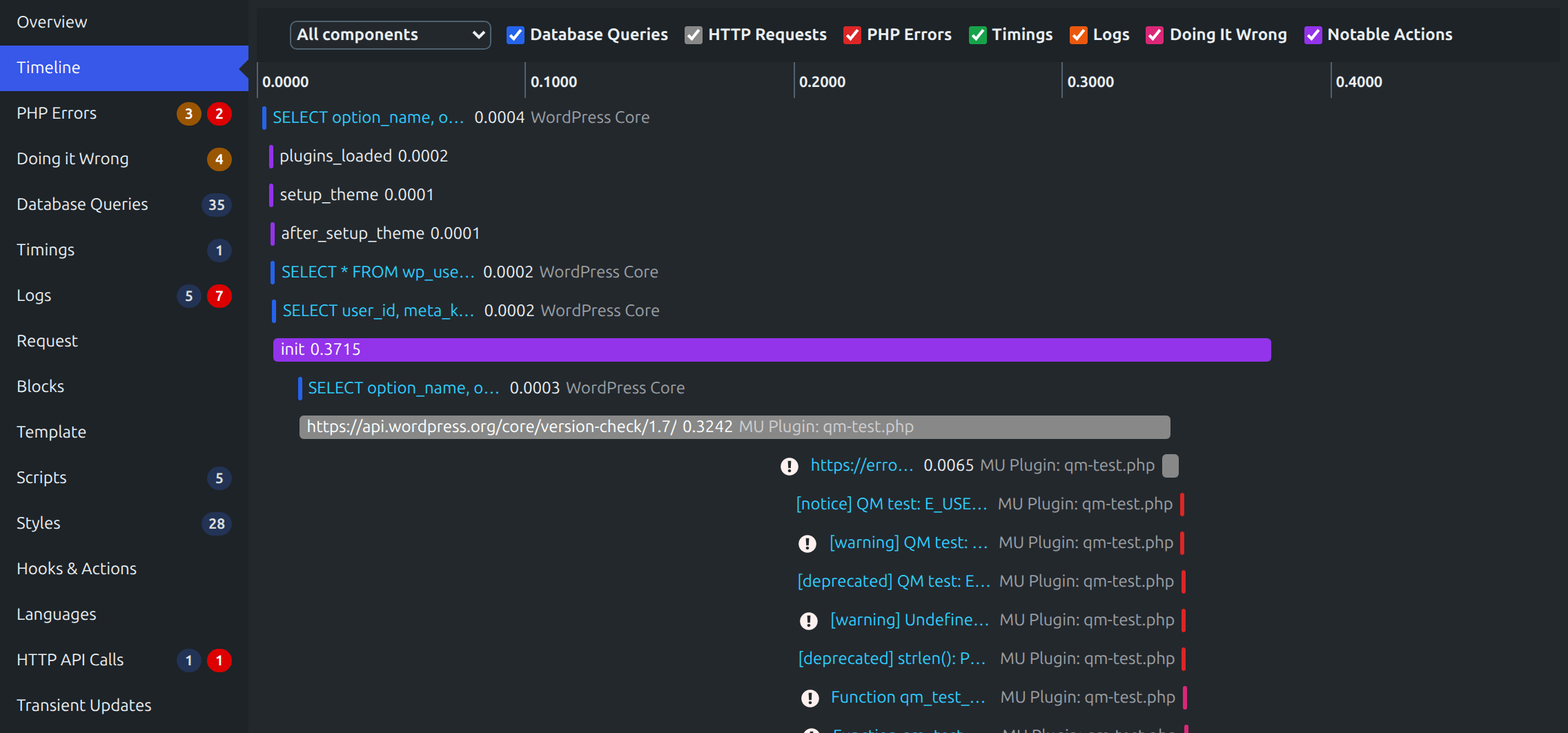
Here’s an overview of what’s shown for each page load:
The opening of the plugin's own description. The full text, installation notes and changelog are on its WordPress.org page.
Yes, it’s actively tested and working up to PHP 8.5.
By default, Query Monitor’s output is only shown to Administrators on single-site installations, and Super Admins on Multisite installations.
In addition to this, you can set an authentication cookie which allows you to view Query Monitor output when you’re not logged in, or when you’re logged in as a user who cannot usually see Query Monitor’s output. See the Settings panel for details.
Short answer: Yes, but only a little.
Long answer: Query Monitor has a small impact on page generation time because it hooks into a few places in WordPress in the same way that other plugins do. The impact is negligible.
Yes, you can call do_action( 'qm/cease' ) to instruct Query Monitor to cease operating for the remainder of the page generation. It will detach itself from further data collection, discard any data it’s collected so far, and skip the output of its information.
A list of add-on plugins for Query Monitor can be found here.
In addition, Query Monitor transparently supports add-ons for the Debug Bar plugin. If you have any Debug Bar add-ons installed, deactivate Debug Bar and the add-ons will show up in Query Monitor’s menu.
Please use the issue tracker on Query Monitor’s GitHub repo as it’s easier to keep track of issues there, rather than on the wordpress.org support forums.
#5 by installs
All-in-one unbeatable acceleration & PageSpeed improvement: caching, image/CSS/JS optimization...

#36 by installs
A very fast caching engine for WordPress that produces static html files.

#44 by installs
Boost your website performance and page speed, and increase conversions with powerful caching, frontend, media, and environment optimizations.

#47 by installs
The simplest and fastest WP Cache system

#55 by installs
A better way to manage dozens of WordPress websites.
Image Optimizer is an easy-to-use WordPress plugin that reduces image size through various compression and resizing techniques – all of which preserve …
Read from the WordPress.org plugin API on , when WordPress 7.1.4 was the current release. WordPress.org rounds active installs into buckets. These are the directory's figures, not my verdict, and I haven't tested this plugin. The author takes donations at their donate page.
