
#311 by installs
Simple Local Avatars
Adds an avatar upload field to user profiles. Generates requested sizes on demand just like Gravatar!
- Installs
- 100,000+
- Rating
- 4.6 (89)
- Updated
- 2 months ago

Use any image from your WordPress Media Library as a custom user avatar or user profile picture. Add your own Default Avatar.
| Last updated | August 21, 2026Updated in the last 3 months |
|---|---|
| Tested up to | WordPress 7.1.4Covers WordPress 7.1.4, the current release |
| Needs WordPress | 4.0 or newer |
| Needs PHP | Not stated |
| First published | May 25, 2021 |
| Support, last two months | 0 of 1 threads resolved (0%) |
4.7 / 5 from 41 reviews
| 5 stars | 37 |
|---|---|
| 4 stars | 1 |
| 3 stars | 0 |
| 2 stars | 2 |
| 1 star | 1 |
WordPress currently only allows you to use custom avatars that are uploaded through Gravatar. One User Avatar enables you to use any photo uploaded into your Media Library as an avatar. This means you use the same uploader and library as your posts. No extra folders or image editing functions are necessary. This plugin is a fork of WP User Avatar v2.2.16.
One User Avatar also lets you:
Copyright
One User Avatar
Copyright (c) 2023 One Designs https://onedesigns.com/
License: GPLv2
Source: https://github.com/onedesigns/one-user-avatar
One User Avatar is based on WP User Avatar v2.2.16
Copyright (c) 2020-2021 ProfilePress https://profilepress.net/
Copyright (c) 2014-2020 Flippercode https://www.flippercode.com/
The opening of the plugin's own description. The full text, installation notes and changelog are on its WordPress.org page.
First, choose a theme that has avatar support. In your theme, you have a choice of manually replacing get_avatar with get_wp_user_avatar, or leaving get_avatar as-is. Here are the differences:
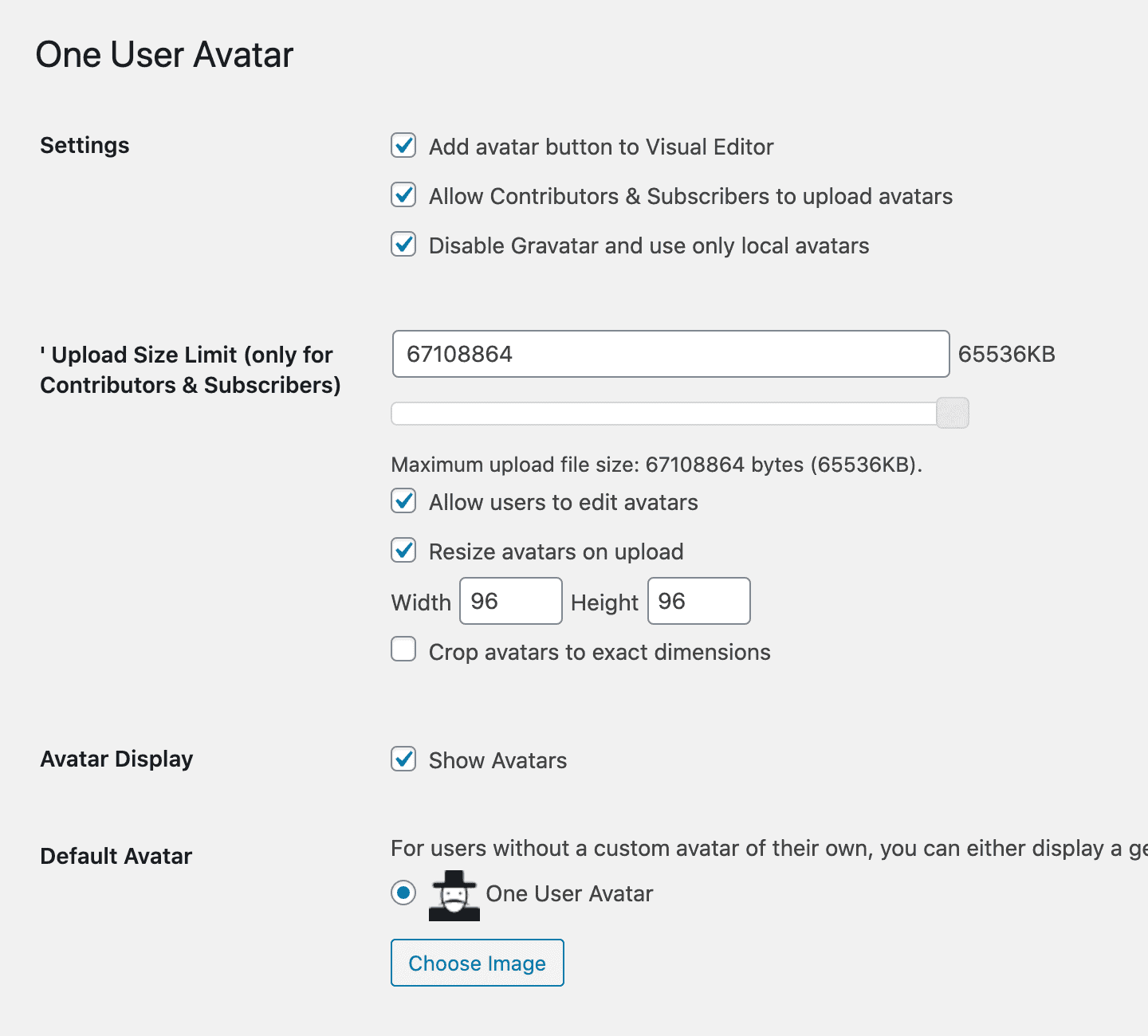
In your One User Avatar settings, you can upload your own Default Avatar.
In your One User Avatar settings, you can select “Disable Gravatar — Use only local avatars” to disable all Gravatar avatars on your site and replace them with your Default Avatar. This will affect your registered users and non-registered comment authors.
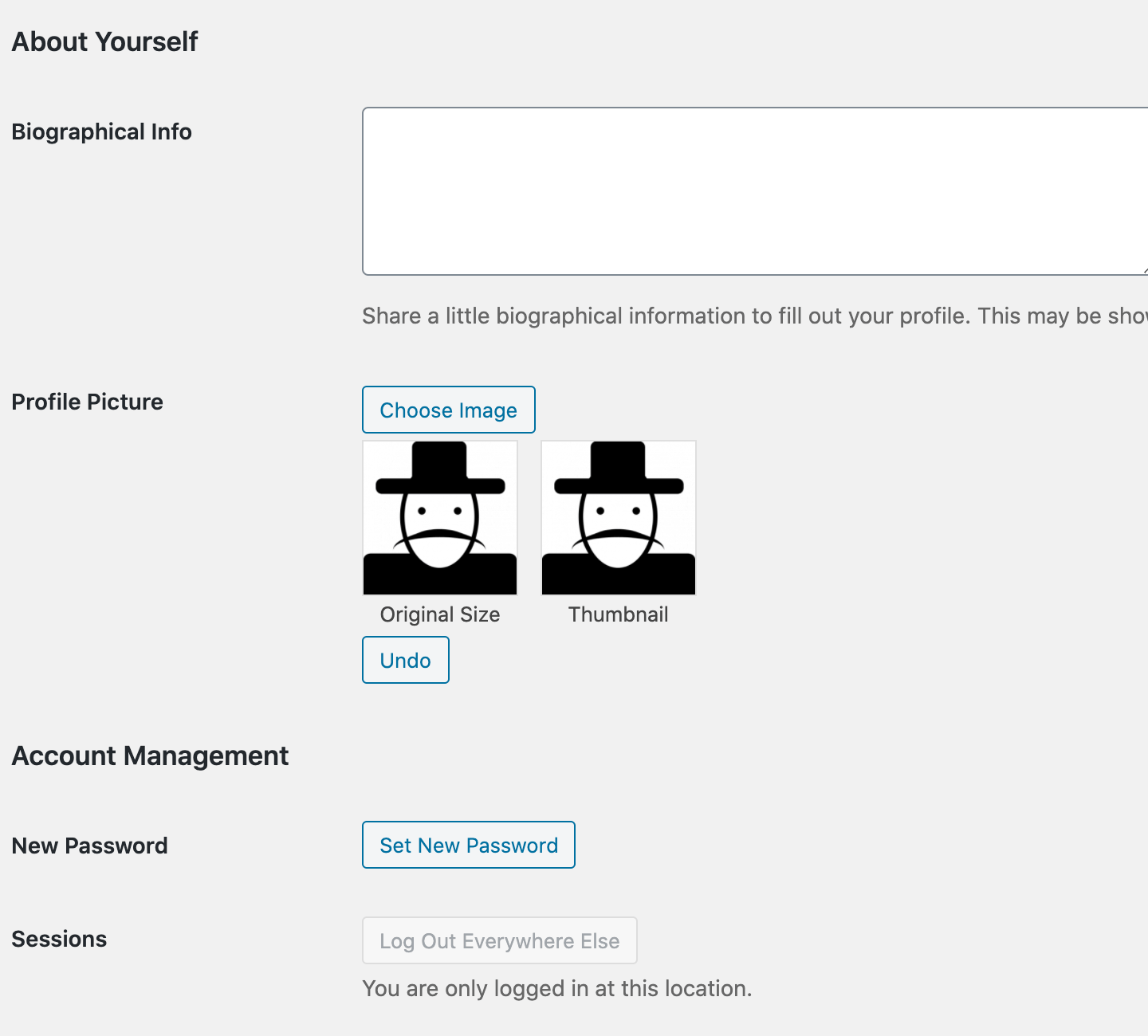
Yes, if you enable “Allow Contributors & Subscribers to upload avatars” in the One User Avatar settings. These users will see a slightly different interface because they are allowed only one image upload.
#311 by installs
Adds an avatar upload field to user profiles. Generates requested sizes on demand just like Gravatar!

#892 by installs
Set a custom profile image (avatar) for a user using the standard WordPress media upload tool.

#288 by installs
The official Gravatar plugin, featuring privacy-focused settings, easy profile updates, and customizable Gravatar Profile blocks.

#242 by installs
Instant switching between user accounts in WordPress and WooCommerce.

Powerful user profile plugin to create front-end user registration forms, login & user profile forms. Includes user role editor & content restriction.

#998 by installs
Display new sidebars on any post, page, category etc. Works with Classic Widgets, Block Widgets, and all themes!
Read from the WordPress.org plugin API on , when WordPress 7.1.4 was the current release. WordPress.org rounds active installs into buckets. These are the directory's figures, not my verdict, and I haven't tested this plugin.