
#448 by installs
Custom Sidebars – Dynamic Sidebar Classic Widget Area Manager
Flexible sidebars for custom classic widget configurations on any page or post. Create custom sidebars with ease!
- Installs
- 100,000+
- Rating
- 4.7 (1K)
- Updated
- 3 months ago

Display new sidebars on any post, page, category etc. Works with Classic Widgets, Block Widgets, and all themes!
| Last updated | October 23, 2026Updated in the last 3 months |
|---|---|
| Tested up to | WordPress 7.1.4Covers WordPress 7.1.4, the current release |
| Needs WordPress | 5.8 or newer |
| Needs PHP | 7.4 or newer |
| First published | August 3, 2011 |
| Support, last two months | 0 of 1 threads resolved (0%) |
4.9 / 5 from 724 reviews
| 5 stars | 689 |
|---|---|
| 4 stars | 17 |
| 3 stars | 2 |
| 2 stars | 4 |
| 1 star | 12 |
Content Aware Sidebars is the #1 WordPress Sidebar Plugin
You can optimize conversion rates, boost on-site SEO, upsell products, and much more by displaying different widget areas on different conditions.
Create tailored widget areas in seconds. No widget logic coding required.
Show or Hide Widgets on Any Page (Yes, any)
Replace your theme sidebars on different conditions, or insert widget areas with shortcodes. The following Display Conditions are available out of the box:
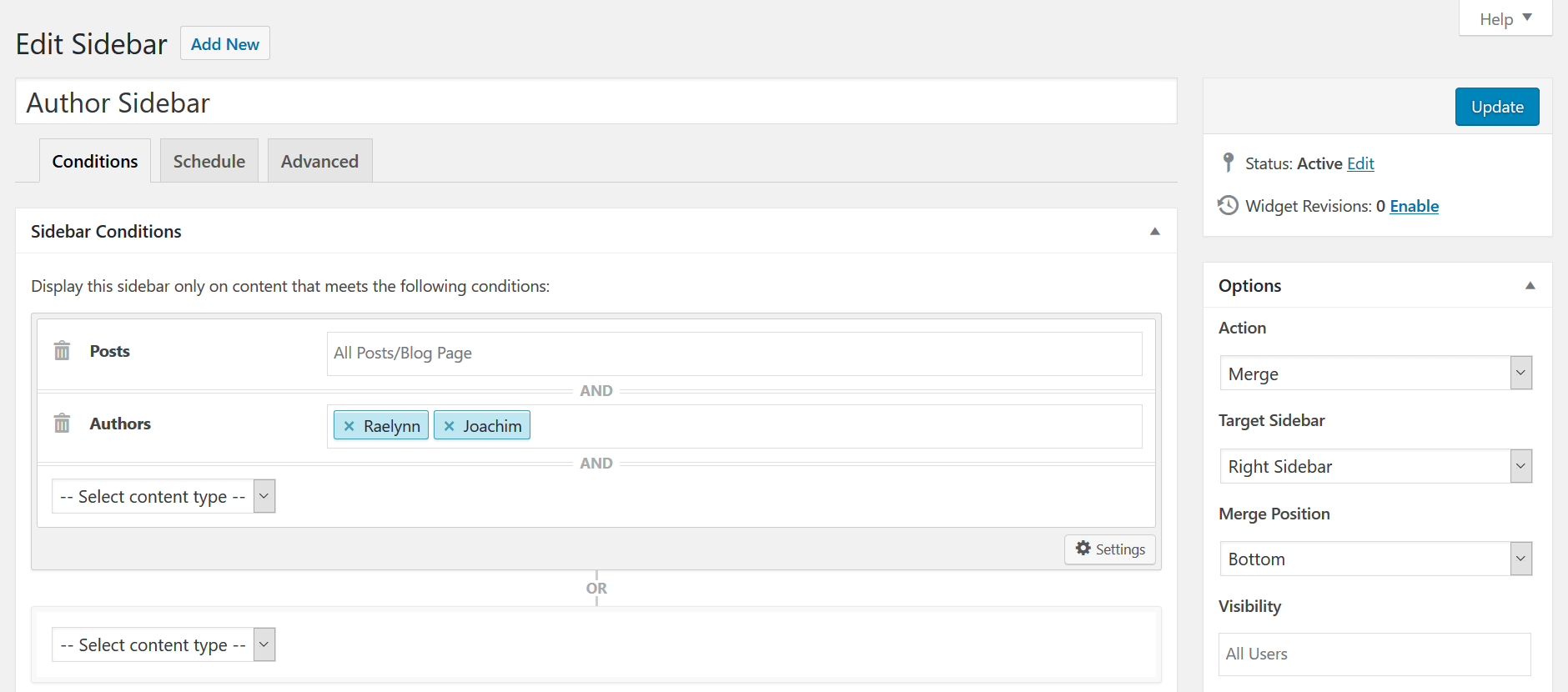
You can even combine conditions in any way you like! E.g. target all posts in a select category and written by a specific author.
Add Unlimited Sidebars & Widget Areas
Create a post sidebar, a page sidebar, a category sidebar, or any custom sidebar you need – no coding required. CAS will never slow down your site, even if you create a lot of custom sidebars and conditions.
Sidebars – Quick Select© lets you add or select widget areas directly when editing a post or page.
The opening of the plugin's own description. The full text, installation notes and changelog are on its WordPress.org page.
Of course not!
CAS is praised by users for its unparalleled sidebar and widget visibility options. It’s the only plugin that allows you to display widget areas on literally any condition without any code.
Yes!
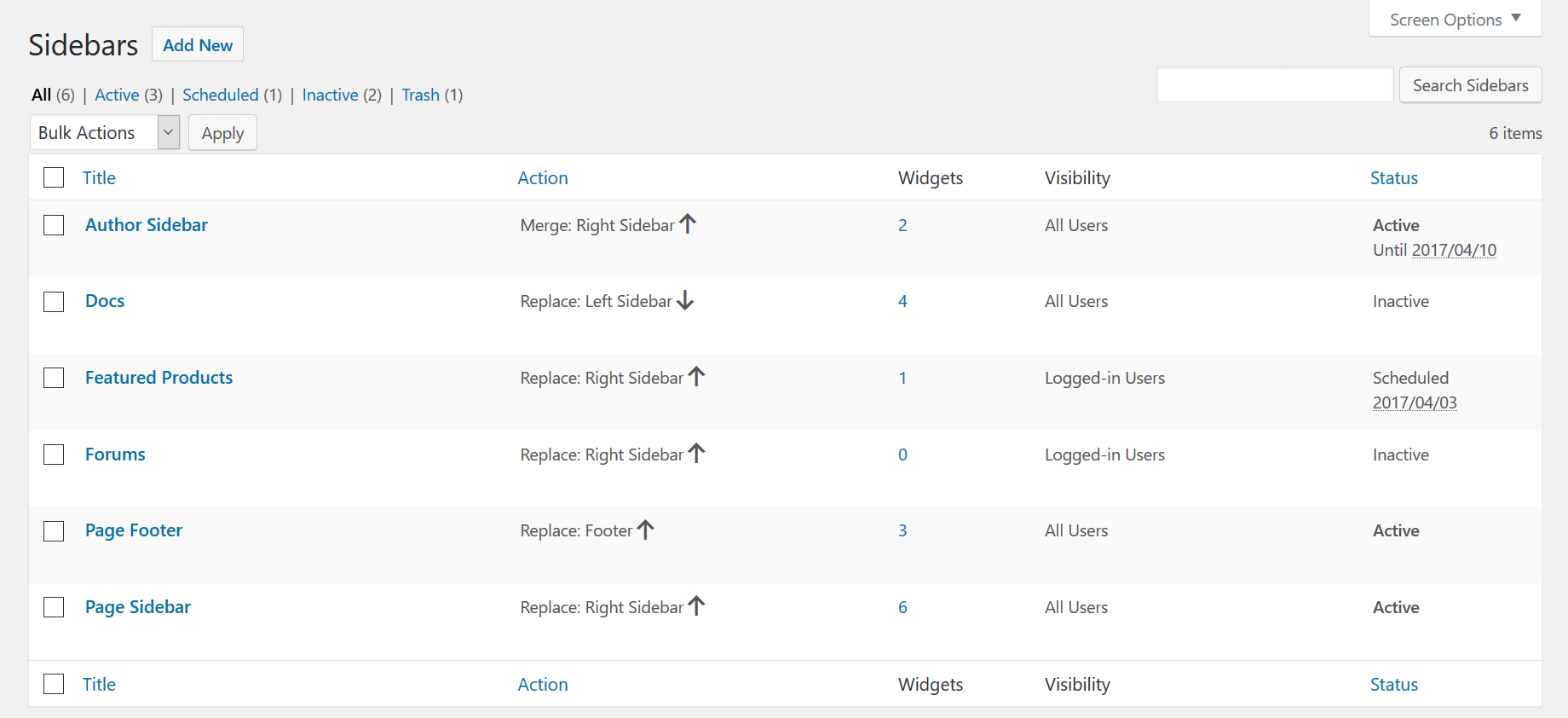
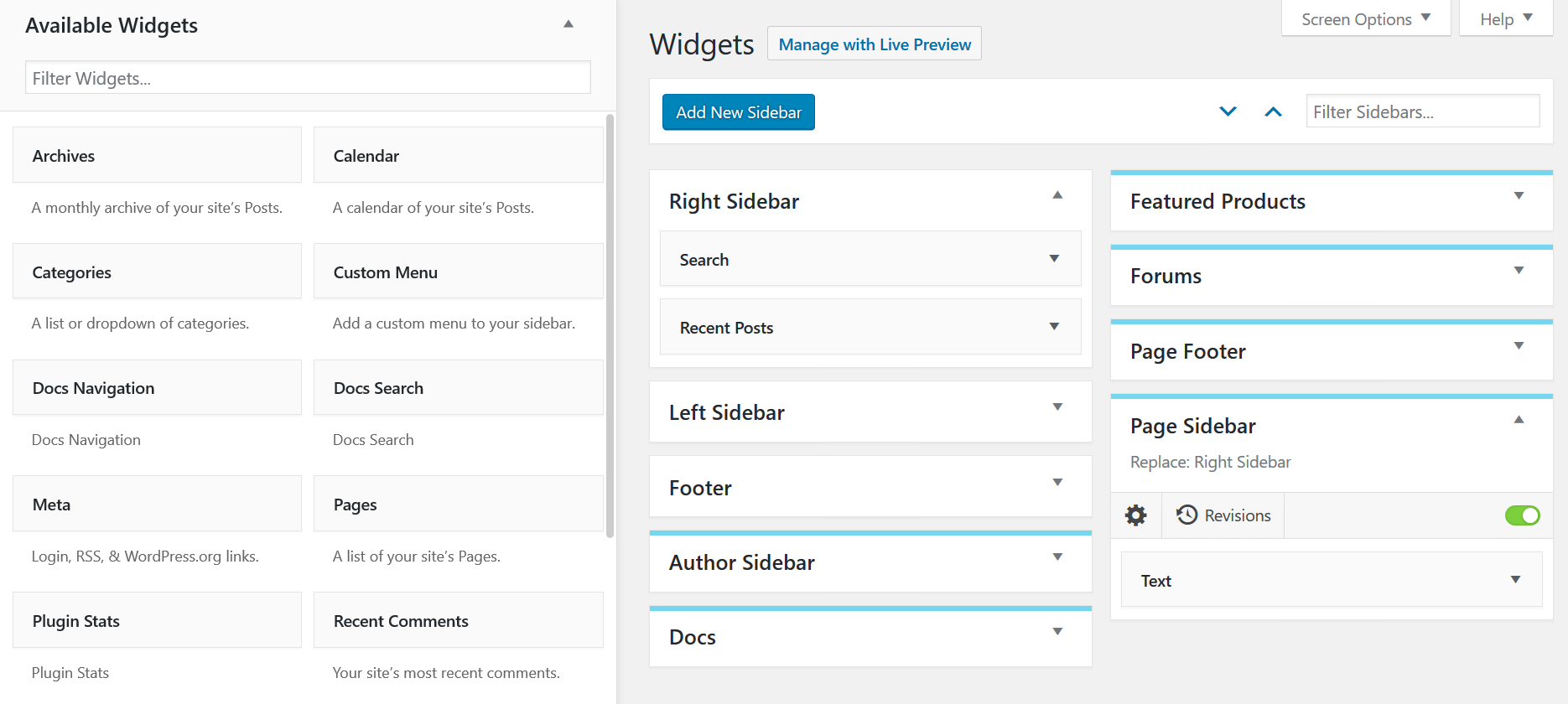
If your theme already has WordPress sidebars and widget areas, you can create new custom sidebars to replace, merge with or hide those on certain conditions.
You can also display custom sidebars using the sidebar shortcode [ca-sidebar id=””] anywhere in your content.
If your theme has a built-in sidebar generator, it is recommended to disable it and/or only use CAS for maximum speed and compatibility.
Yes!
In the Sidebar Editor, you can select where, when and to whom your sidebar should be displayed. Create a sidebar for each page, a sidebar for posts in a category, or any sidebar you need, all in a user-friendly UI.
You can also select sidebars directly when you’re editing a post or page.
Click here to read more about Display Conditions.
Yes!
If you prefer to manage widgets in the traditional way, you can use Classic Widgets which CAS also supports.
Moreover, the Pro version makes it possible to infuse widget areas into theme hooks, as well as insert areas between content paragraphs.
Yes!
Many users already compliment CAS with popular page builder plugins such as Elementor, SiteOrigin Page Builder, Beaver Builder, and Visual Composer.
You can report security bugs through the Patchstack Vulnerability Disclosure Program. The Patchstack team help validate, triage and handle any security vulnerabilities. Report a security vulnerability.
#448 by installs
Flexible sidebars for custom classic widget configurations on any page or post. Create custom sidebars with ease!

#353 by installs
List the most recent posts with post titles, thumbnails, excerpts, authors, categories, dates and more!

#399 by installs
A simple image widget that uses the native WordPress media manager to add image widgets to your site.

#576 by installs
More attention and a higher ad performance with fixed sticky widgets.

#25 by installs
Enables the previous "classic" widgets settings screens in Appearance - Widgets and the Customizer. Disables the block editor from managing widgets.

#163 by installs
The official companion plugin for Blocksy theme, packed with starter sites, extra features, and integrations.
Read from the WordPress.org plugin API on , when WordPress 7.1.4 was the current release. WordPress.org rounds active installs into buckets. These are the directory's figures, not my verdict, and I haven't tested this plugin.