
#311 by installs
Simple Local Avatars
Adds an avatar upload field to user profiles. Generates requested sizes on demand just like Gravatar!
- Installs
- 100,000+
- Rating
- 4.6 (89)
- Updated
- 2 months ago

The official Gravatar plugin, featuring privacy-focused settings, easy profile updates, and customizable Gravatar Profile blocks.
| Last updated | October 30, 2026Updated in the last 3 months |
|---|---|
| Tested up to | WordPress 7.1.4Covers WordPress 7.1.4, the current release |
| Needs WordPress | 7.1 or newer |
| Needs PHP | 7.4 or newer |
| First published | February 23, 2011 |
| Support, last two months | No threads opened |
5.0 / 5 from 3 reviews
| 5 stars | 3 |
|---|---|
| 4 stars | 0 |
| 3 stars | 0 |
| 2 stars | 0 |
| 1 star | 0 |
Elevate your WordPress site with Gravatar Enhanced – the plugin that simplifies digital identity and improves user engagement.
Seven Ways Gravatar Enhanced Improves WordPress:
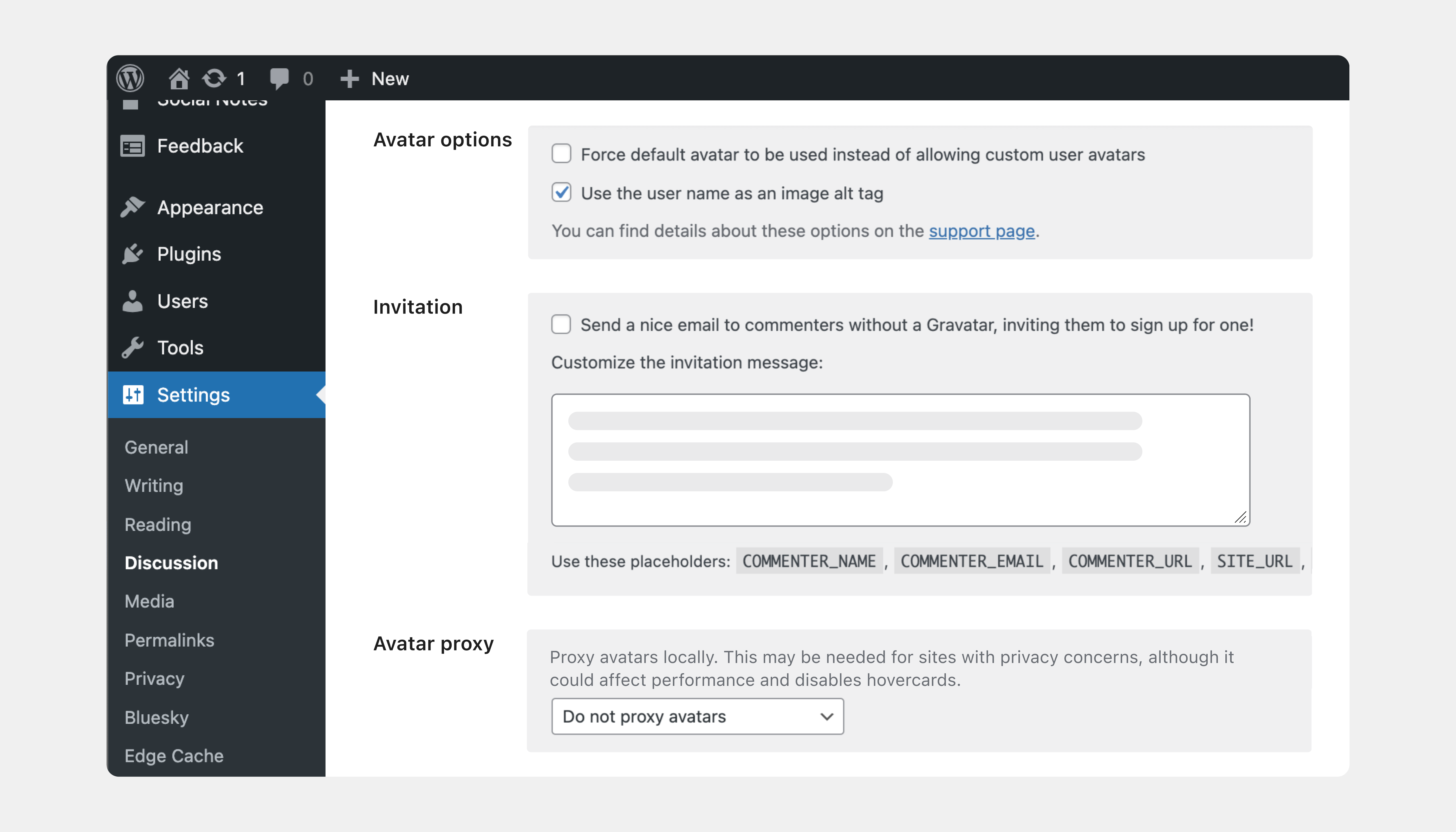
✓ Privacy Protection – Automatic referrer blocking and optional IP address proxy
✓ Accessibility Improvements – Alt-text for all avatars to support screen readers
✓ One-Click Profile Updates – Edit Gravatar directly from the WordPress dashboard
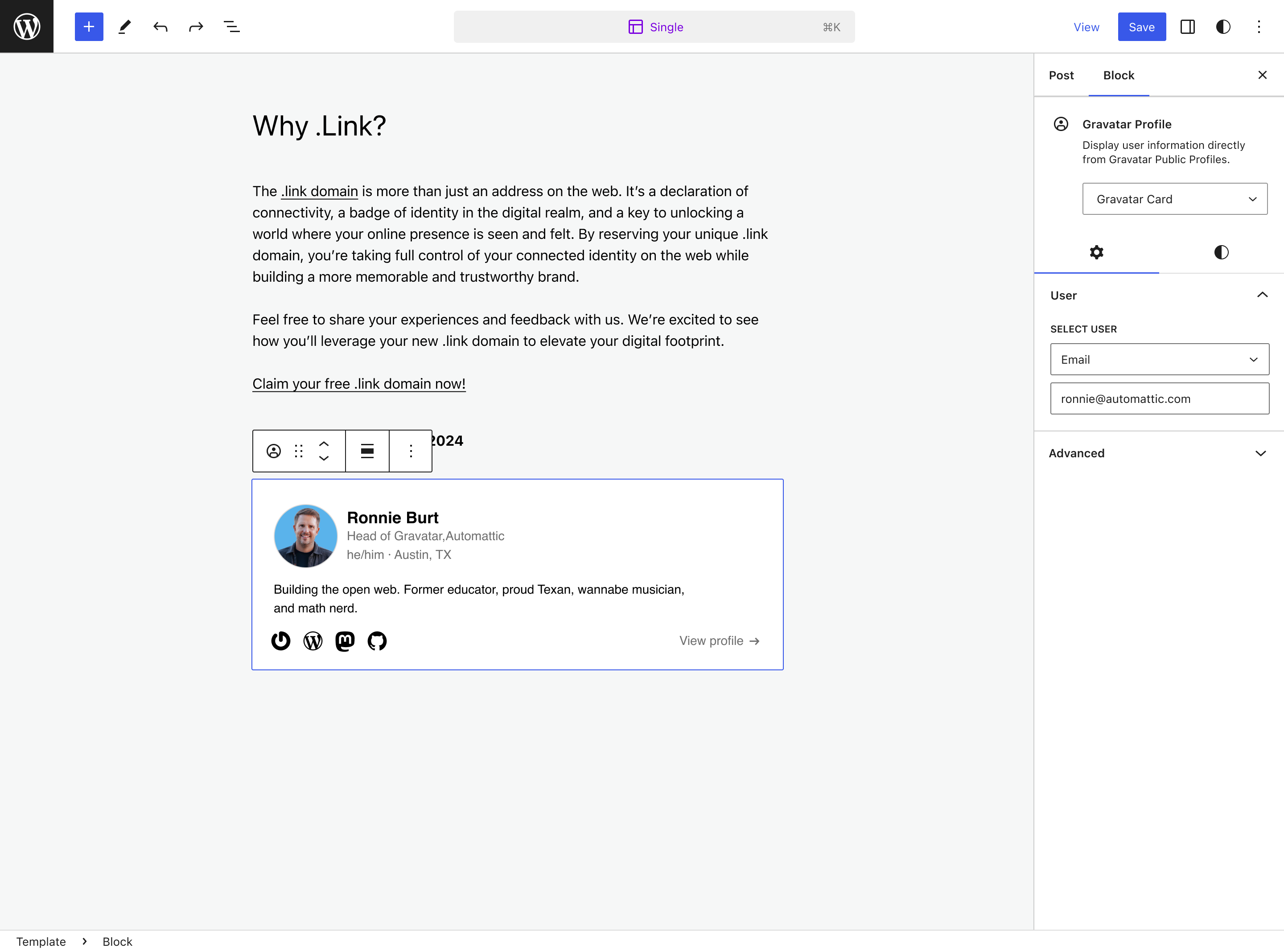
✓ Versatile Profile Block & Patterns – Showcase authors and team members anywhere
✓ Comment Engagement Tools – Remind users to create avatars for better discussions
✓ Comment Form Integration – Show Gravatar directly in the comment form
✓ WooCommerce Integration – Personalized account pages for customers
Privacy Protection
Just by enabling the plugin, the plugin ensures that no referrer information is sent to Gravatar. The opt-in proxy service also keeps IP addresses from being exposed or logged.
Accessibility Improvements
All avatars now include alt-text, enhancing the experience for users with screen readers. Alt-text can be edited in the Gravatar Profile editor.
One-Click Profile Updates
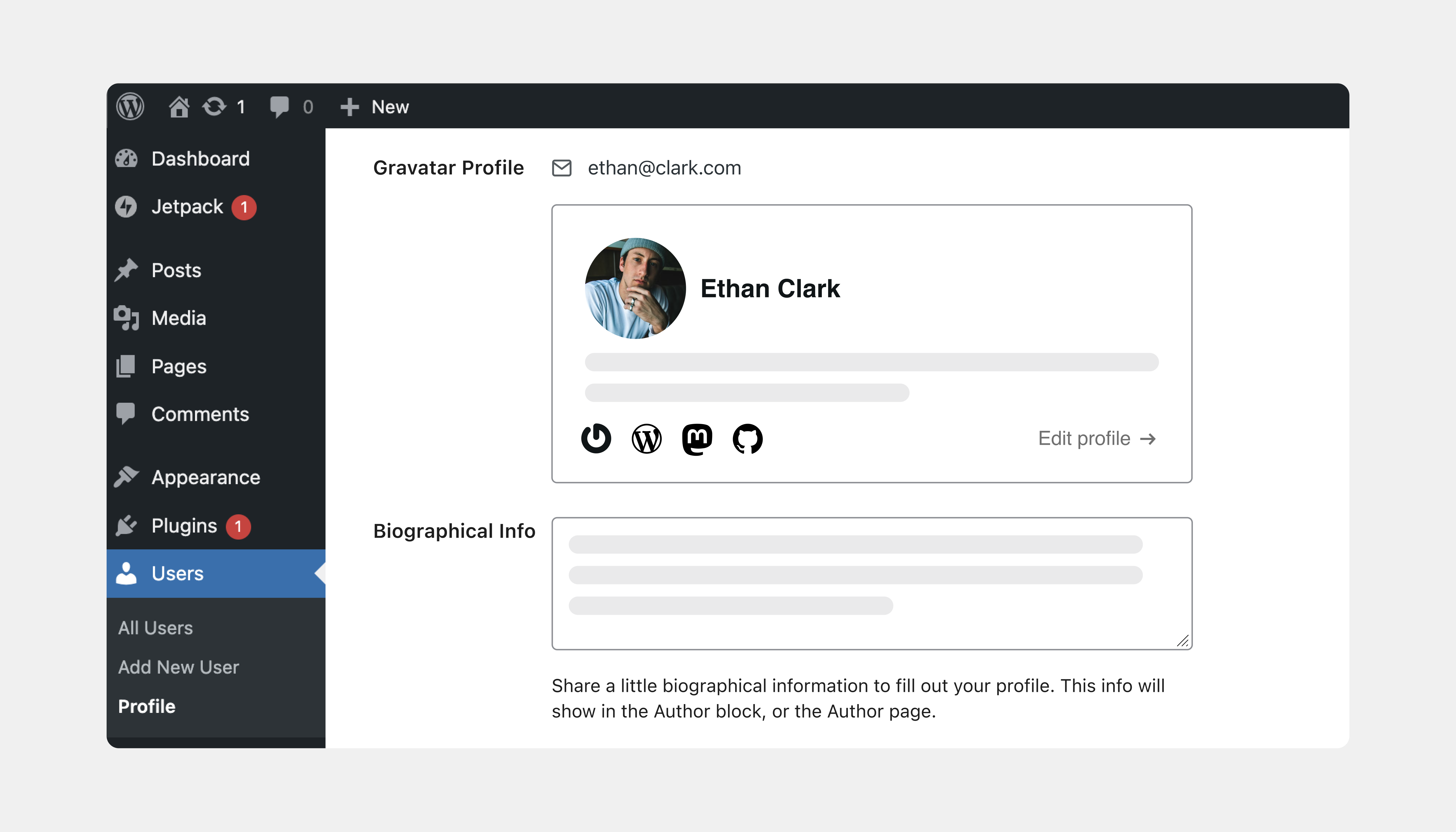
Visit Users > Your Profile to edit your Gravatar profile directly from WordPress. Preview your hovercard and make updates with ease.
Gravatar Profile Block & Patterns
The opening of the plugin's own description. The full text, installation notes and changelog are on its WordPress.org page.
#311 by installs
Adds an avatar upload field to user profiles. Generates requested sizes on demand just like Gravatar!

#443 by installs
Use any image from your WordPress Media Library as a custom user avatar or user profile picture. Add your own Default Avatar.

#8 by installs
The best anti-spam protection to block spam comments and spam in a contact form. The most trusted antispam solution for WordPress and WooCommerce.

#38 by installs
Disable comments site-wide or by post type, delete existing comments in bulk, and block comment spam via REST API and XML-RPC. Multisite ready.
Consent management for WordPress — GDPR, CCPA & ePrivacy, autoblocking, Google Consent Mode, Microsoft Consent Mode (Pro), GPC & WP Consent API.

#84 by installs
Sophisticated antispam plugin for effective daily comment and trackback spam-fighting. Built with data protection and privacy in mind.
Read from the WordPress.org plugin API on , when WordPress 7.1.4 was the current release. WordPress.org rounds active installs into buckets. These are the directory's figures, not my verdict, and I haven't tested this plugin.
