Type to search.

#609 by installs

Media Library Assistant

by David LingrenVersion 3.44

Enhances the Media Library; powerful gallery and list shortcodes, full taxonomy support, IPTC/EXIF/XMP/PDF processing, bulk/quick edit.

Active installs
70,000+
#609 of 1,000
Downloads, all time
2.9M
2,905,369
Downloads, 30 days
67.6K
33.8K in the last 7
Rating
4.8 / 5
202 reviews
Last updated
3 days ago
Oct 28, 2026
Version
3.44
130 releases

Upkeep and compatibility

Last updatedOctober 28, 2026Updated in the last 3 months
Tested up toWordPress 7.1.4Covers WordPress 7.1.4, the current release
Needs WordPress5.3.0 or newer
Needs PHP7.4 or newer
First publishedAugust 13, 2012
Support, last two months7 of 8 threads resolved (88%)

Reviews

4.8 / 5 from 202 reviews

Reviews by star rating
5 stars185
4 stars8
3 stars2
2 stars1
1 star6

Downloads, last 30 days

Low 263 a dayHigh 17.6K a day

What the author says it does

The Media Library Assistant provides several enhancements for managing the Media Library, including:

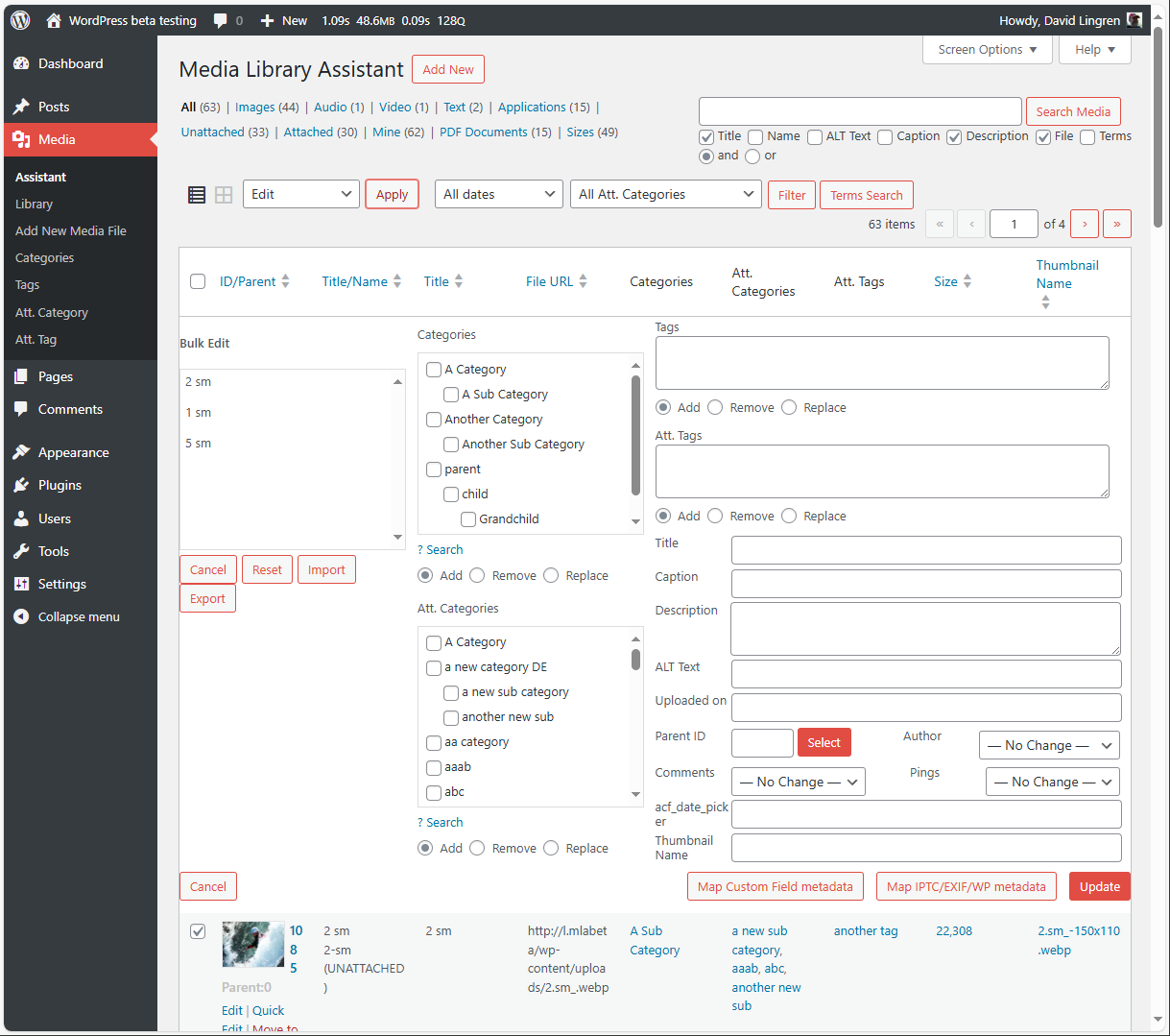
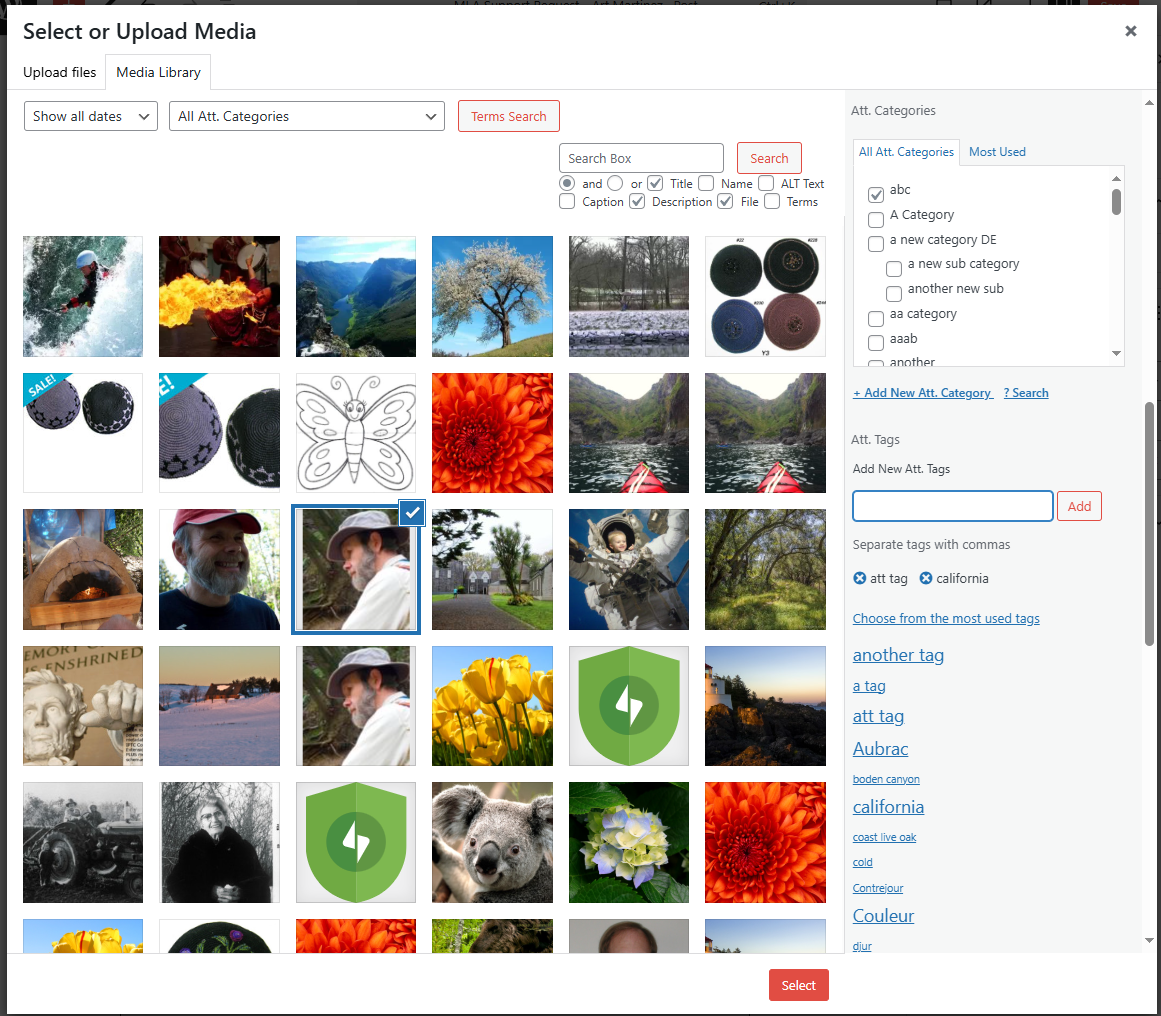
• Complete support for ALL taxonomies, including the standard Categories and Tags, your custom taxonomies and the Assistant’s pre-defined Att. Categories and Att. Tags. You can add taxonomy columns to the Media/Assistant listing, filter on any taxonomy, assign terms and list the attachments for a term.

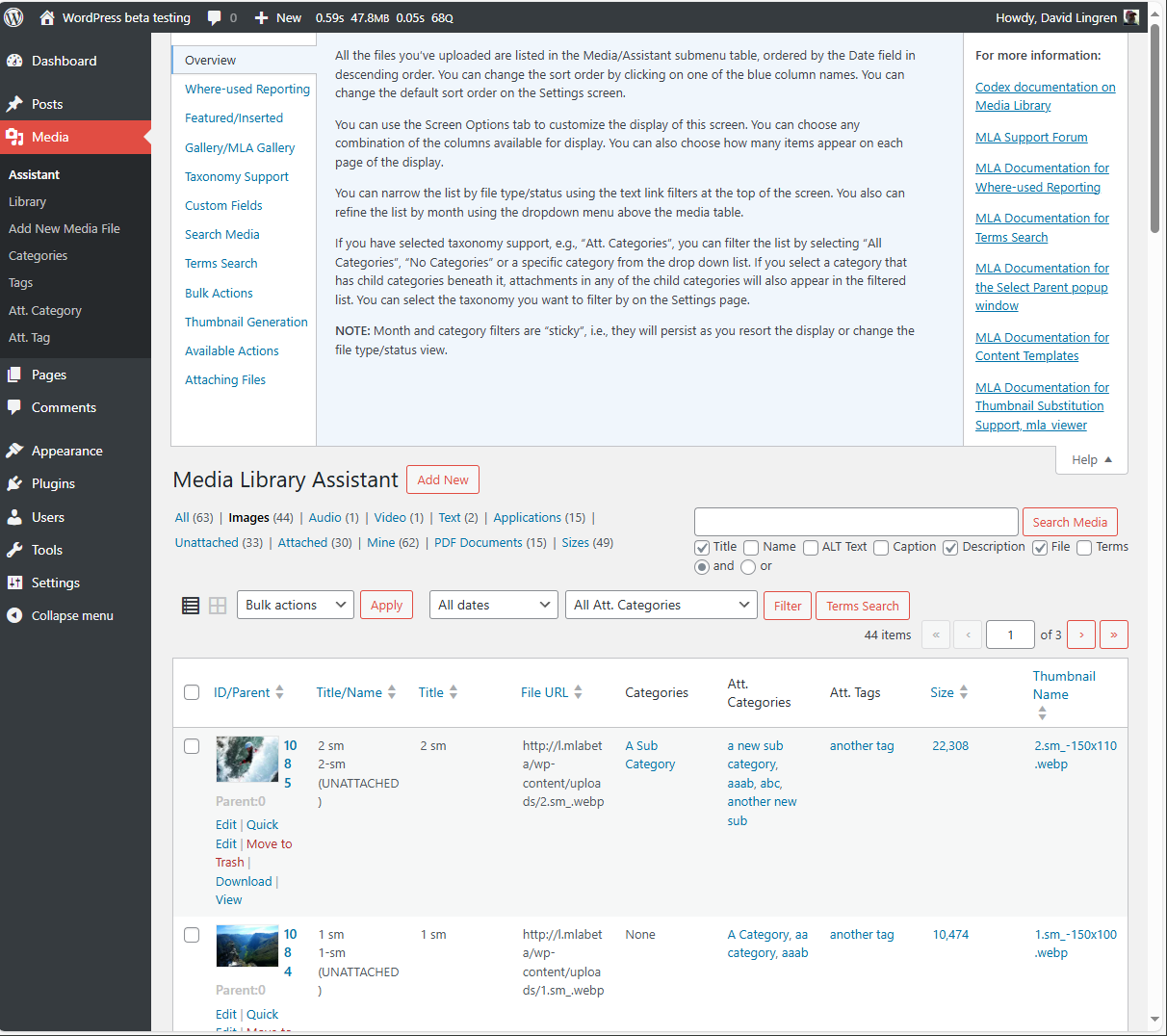
• The Media/Assistant admin screen displays more attachment information such as parent information, file URL and image metadata. Provides many more listing columns (more than 20) to choose from. You can also add columns to display custom field values.

• Provides additional view filters for MIME types and taxonomies, and features to compose custom views of your own.

• Inline “Bulk Edit” and “Quick Edit” areas; update author, parent and custom fields, add, remove or replace taxonomy terms for several attachments at once. Works on the Media/Add New screen as well.

• Works with the popular Admin Columns plugin for even more Media/Assistant screen customization.

The opening of the plugin's own description. The full text, installation notes and changelog are on its WordPress.org page.

Questions the author answers

How can I sort the Media/Assistant submenu table on values such as File Size?

You can add support for many attachment metadata values such as file size by visiting the Custom Fields tab on the Settings page. There you can define a rule that maps the data to a WordPress custom field and check the “MLA Column” box to make that field a sortable column in the Media/Assistant submenu table. You can also use the field in your [mla_gallery] shortcodes.

How can I use Categories, Tags and custom taxonomies to select images for display in my posts and pages?

The powerful [mla_gallery] shortcode supports almost all of the query flexibility provided by the WP_Query class. You can find complete documentation in the Settings/Media Library Assistant Documentation tab. A simple example is in the preceding question. Here’s an example that displays PDF documents with Att. Category “fauna” or Att. Tag “animal”:

Can I use [mla_gallery] for attachments other than images?

Yes! The [mla_gallery] shortcode supports all MIME types when you add the post_mime_type parameter to your query. You can build a gallery of your PDF documents, plain text files and other attachments. You can mix images and other MIME types in the same gallery, too. Here’s an example that displays a gallery of PDF documents, using Imagick and Ghostscript to show the first page of each document as a thumbnail:

Can the Assistant use the standard WordPress post Categories and Tags?

Yes! You can activate or deactivate support for Categories and Tags at any time by visiting the Media Library Assistant Settings page.

Do I have to use the WordPress post Categories and Tags?

No! The Assistant supplies pre-defined Att. Categories and Att. Tags; these are WordPress custom taxonomies, with all of the API support that implies. You can activate or deactivate the pre-defined taxonomies at any time by visiting the Media Library Assistant Settings page.

Can I add my own custom taxonomies to the Assistant?

Yes. Any custom taxonomy you register with the Attachment post type will appear in the Assistant UI. Use the Media Library Assistant Settings page to add support for your taxonomies to the Assistant UI.

Latest changelog entry

3.44

  • Fix: IMPORTANT: A Sensitive Data Exposure vulnerability (WPScan Security #56355, credit Jacek Sowinski) has been mitigated.
  • Fix: IMPORTANT: A Sensitive Data Exposure vulnerability (WPScan Security #47596, credit Karthik Ramakrishnan) has been mitigated.
  • Fix: IMPORTANT: A Stored Cross-Site Scripting vulnerability (WPScan Security #47595, credit Karthik Ramakrishnan) has been mitigated.
  • Fix: IMPORTANT: A PHP Object Injection vulnerability (WPScan Security #47593, credit Karthik Ramakrishnan) has been mitigated.

Screenshots

First 4 of 21, from WordPress.org.

Tagged

Plugins that share its tags

#809 by installs

Crop-Thumbnails

by Volkmar Kantor

"Crop Thumbnails" made it easy to get exacly that specific image-detail you want to show in your featured image or gallery image.

Installs
40,000+
Rating
4.6 (67)
Updated
11 months ago

#968 by installs

Clean Image Filenames

by Upperdog

This plugin automatically converts language accent characters to non-accent characters in filenames when uploading to the media library.

Installs
30,000+
Rating
4.6 (21)
Updated
10 months ago

#54 by installs

Safe SVG

by 10up

Enable SVG uploads and sanitize them to stop XML/SVG vulnerabilities in your WordPress website.

Installs
1+ million
Rating
4.9 (79)
Updated
5 days ago

#77 by installs

Autoptimize

by Optimizing Matters

Autoptimize speeds up your website by optimizing JS, CSS, images (incl. lazy-load), HTML and Google Fonts, asyncing JS, removing emoji cruft and more.

Installs
800,000+
Rating
4.7 (1.4K)
Updated
6 days ago

#167 by installs

WebP Express

by rosell.dk

Serve autogenerated WebP images instead of jpeg/png to browsers that supports WebP.

Installs
300,000+
Rating
4.4 (162)
Updated
13 days ago

Where this page's numbers come from

Read from the WordPress.org plugin API on , when WordPress 7.1.4 was the current release. WordPress.org rounds active installs into buckets. These are the directory's figures, not my verdict, and I haven't tested this plugin. The author takes donations at their donate page.