
#35 by installs
MC4WP: Mailchimp for WordPress
The #1 Mailchimp plugin for WordPress. Allows you to add a multitude of newsletter sign-up methods to your site.
- Installs
- 1+ million
- Rating
- 4.8 (1.5K)
- Updated
- 45 days ago

Add a Mailchimp signup form block, widget, or shortcode to your WordPress site.
| Last updated | June 3, 2026Updated in the last year |
|---|---|
| Tested up to | WordPress 7.0.8Older than WordPress 7.1.4, the current release |
| Needs WordPress | 6.6 or newer |
| Needs PHP | 7.4 or newer |
| First published | May 20, 2008 |
| Support, last two months | 0 of 1 threads resolved (0%) |
2.6 / 5 from 77 reviews
| 5 stars | 18 |
|---|---|
| 4 stars | 11 |
| 3 stars | 6 |
| 2 stars | 10 |
| 1 star | 32 |
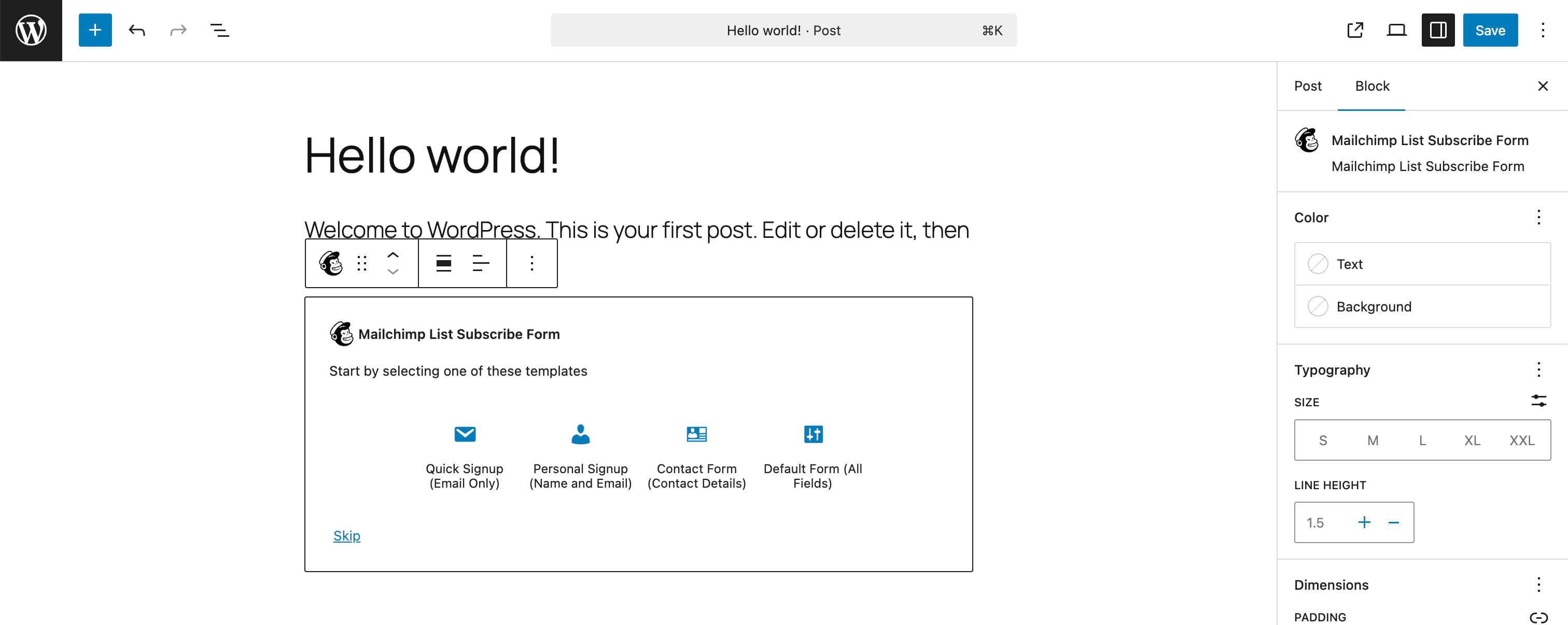
Use the Mailchimp List Subscribe plugin to quickly add a Mailchimp signup form block, widget, or shortcode to your WordPress site.
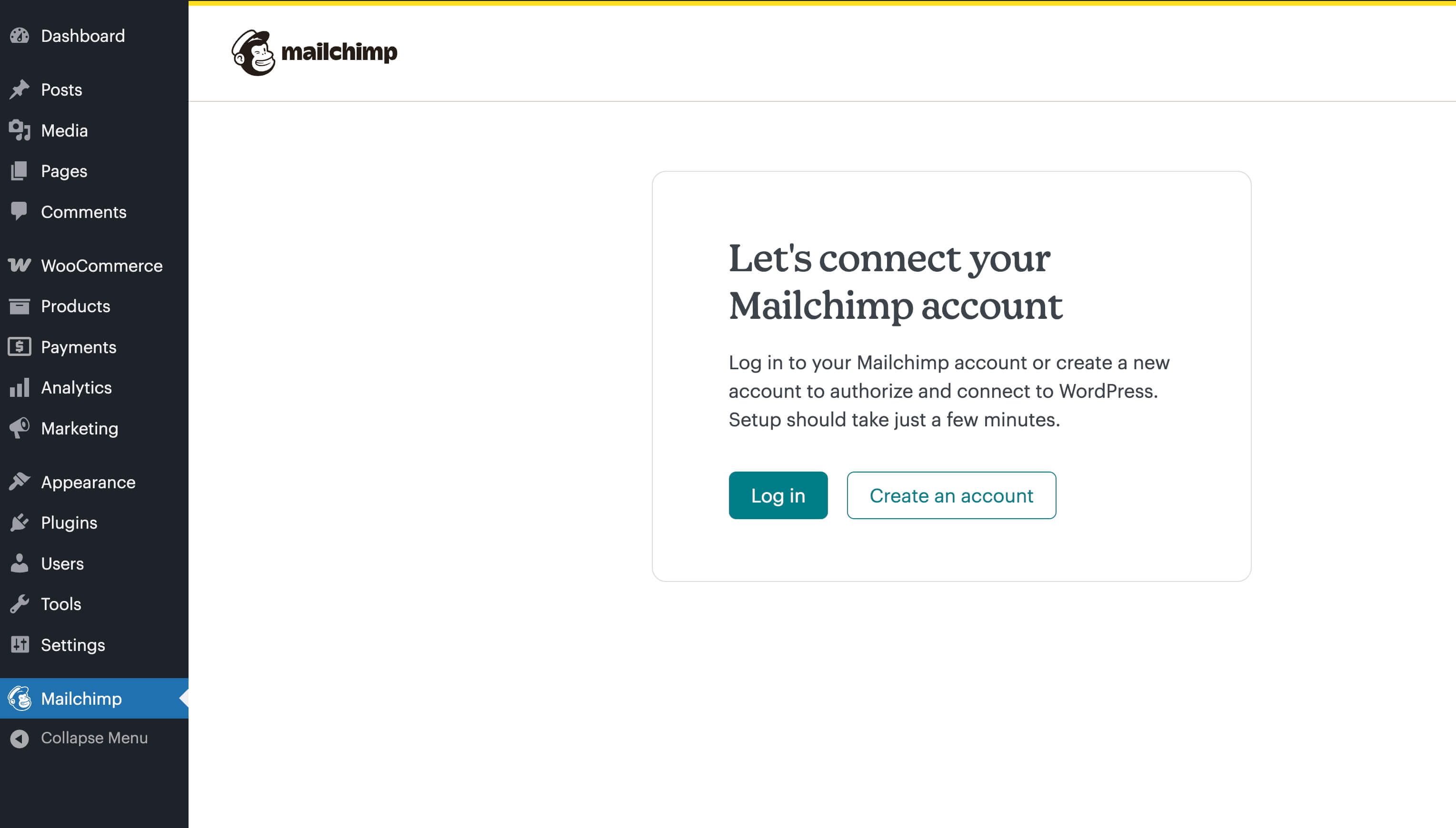
After installation, if you already have a Mailchimp account, you’ll log in with that account and then proceed to configure settings.
If you don’t have an account, you can create one directly in the plugin. After entering in all your personal details, you’ll need to activate your account via an email that will be sent to you. Once done, you’ll proceed to configure settings.
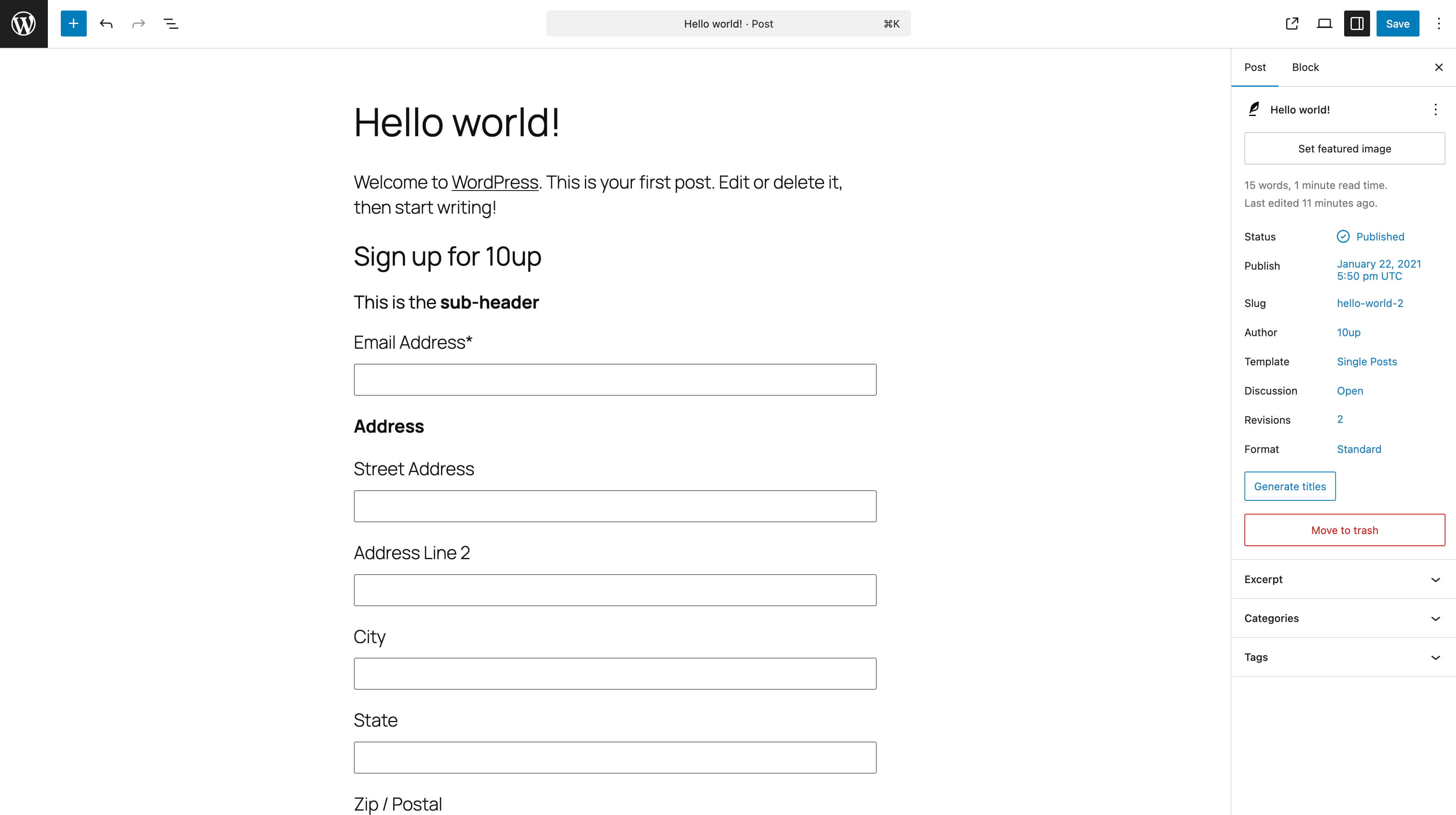
On the settings screen, you’ll select your Mailchimp list, choose merge fields and groups, and configure other options. Once done, you can now add the block, widget, or shortcode ([mailchimpsf_form]) to your site. Typically, installation and setup will take about 5-10 minutes, and absolutely everything can be done via the WordPress Setting GUI, with no file editing at all.
WordPress.com compatibility is limited to Business tier users only. How to add a signup form if you have a WordPress.com site.
Access Token Encryption
The opening of the plugin's own description. The full text, installation notes and changelog are on its WordPress.org page.
You need to ensure that the fields are enabled both in your Mailchimp account (Audience > Signup forms) and in the settings of this plugin. Once the fields are enabled in both places, then they’ll appear in the editor and frontend of your site.
Internationalization (i18n) is available on GlotPress at https://translate.wordpress.org/projects/wp-plugins/mailchimp/. Any assistance translating the plugin is greatly appreciated!

#35 by installs
The #1 Mailchimp plugin for WordPress. Allows you to add a multitude of newsletter sign-up methods to your site.

#41 by installs
Launch and grow your email marketing effortlessly with Hostinger Reach. Collect contacts, sync subscribers, and send emails – all in one, AI powered.

#229 by installs
Connect your store to your Mailchimp audience to track sales, create targeted emails, send abandoned cart emails, and more.

#392 by installs
Newsletters, Email Marketing, Email Automation, Forms, Pop Up, SMS by Omnisend

#436 by installs
Klaviyo for WooCommerce

#505 by installs
Setup email optin forms, popups, newsletter forms & subscription forms to generate email leads with the best marketing popup builder
Read from the WordPress.org plugin API on , when WordPress 7.1.4 was the current release. WordPress.org rounds active installs into buckets. These are the directory's figures, not my verdict, and I haven't tested this plugin.