
#5 by installs
LiteSpeed Cache
All-in-one unbeatable acceleration & PageSpeed improvement: caching, image/CSS/JS optimization...
- Installs
- 7+ million
- Rating
- 4.8 (2.8K)
- Updated
- 11 days ago

Speed up your WordPress site by adding high-performance keys (database indexes) to your MariaDB / MySQL database tables.
| Last updated | October 5, 2026Updated in the last 3 months |
|---|---|
| Tested up to | WordPress 7.1.4Covers WordPress 7.1.4, the current release |
| Needs WordPress | 4.2 or newer |
| Needs PHP | 5.6 or newer |
| First published | June 13, 2021 |
| Support, last two months | 4 of 4 threads resolved (100%) |
4.8 / 5 from 99 reviews
| 5 stars | 95 |
|---|---|
| 4 stars | 0 |
| 3 stars | 0 |
| 2 stars | 1 |
| 1 star | 3 |
How do I use this plugin?
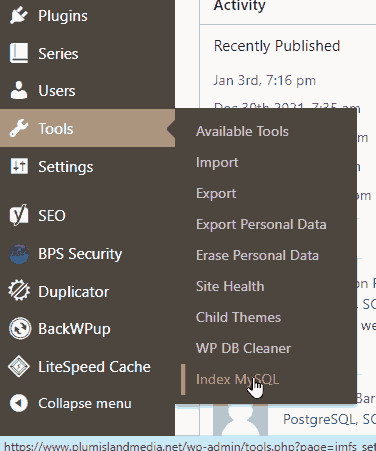
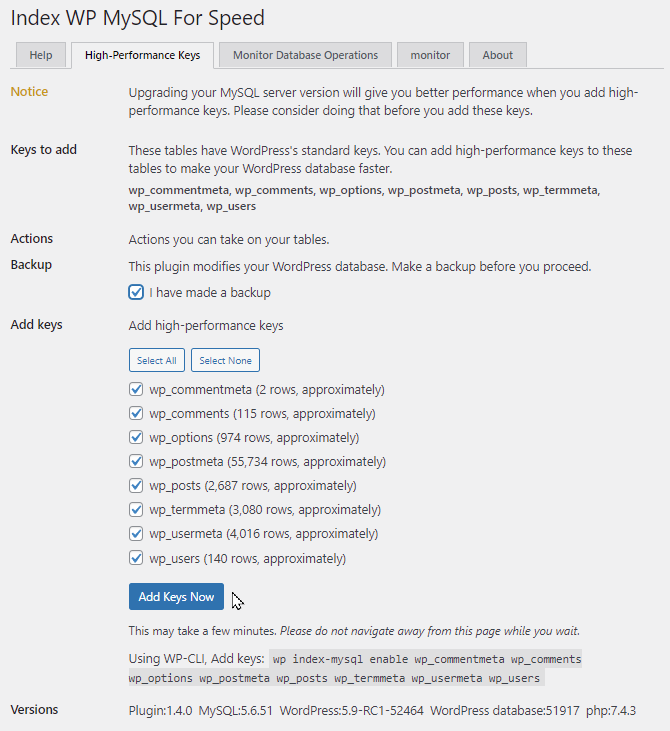
After you install and activate this plugin, visit the Index MySQL Tool under the Tools menu. From there you can press the Add Keys Now button. If you have large tables, use it with WP-CLI instead to avoid timeouts. See the WP-CLI section to learn more.
What does it do for my site?
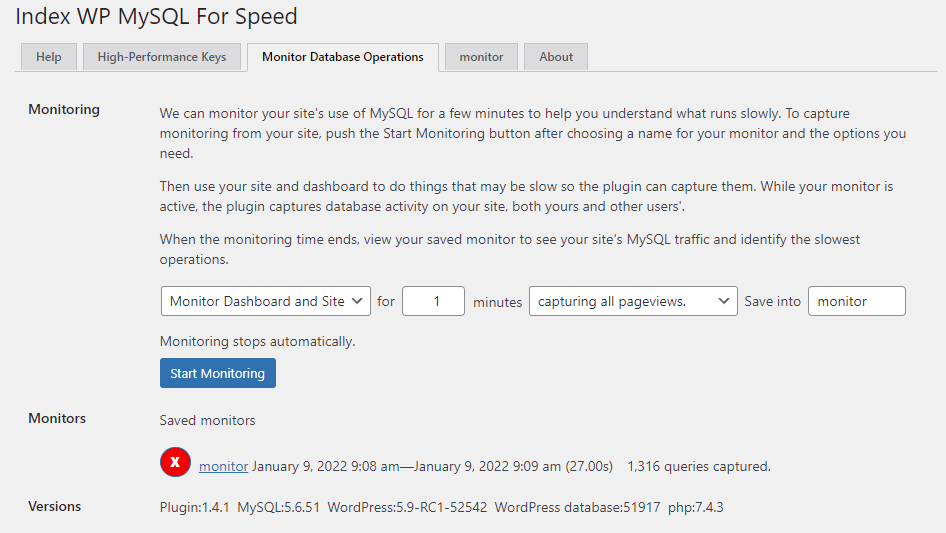
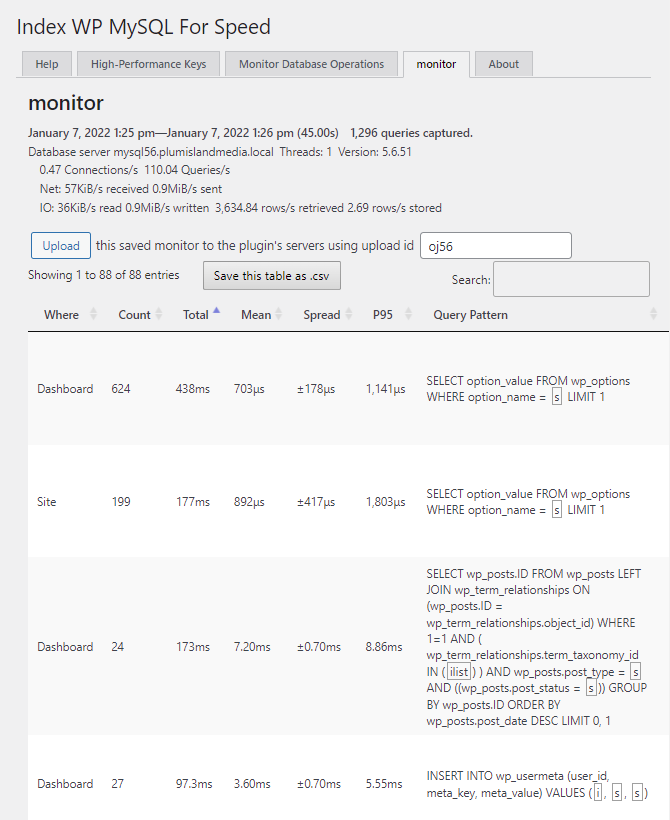
This plugin works to make your MySQL database work more efficiently by adding high-performance keys to the tables you choose. On request it monitors your site’s use of your MySQL database to detect which database operations are slowest. It is most useful for large sites: sites with many users, posts, pages, and / or products.
You can use it to restore WordPress’s default keys if need be.
What is this all about?
Where does WordPress store all that stuff that makes your site great? Where are your pages, posts, products, media, users, custom fields, metadata, and all your valuable content? All that data is in the MySQL relational database management system. (Many hosting providers and servers use the MariaDB fork of the MySQL software; it works exactly the same way as MySQL itself.)
As your site grows, your MySQL tables grow. Giant tables can make your page loads slow down, frustrate your users, and even hurt your search-engine rankings. And, bulk imports can take absurd amounts of time. What can you do about this?
The opening of the plugin's own description. The full text, installation notes and changelog are on its WordPress.org page.
Yes. You already knew that.
Yes. Some WordPress databases have nonstandard prefixes. That is, their tables are named something_posts, something_postmeta, and so forth instead of wp_posts and wp_postmeta. This works with those databases.
Yes.
MySQL versions 5.5.62 and above, 5.6.4 and above, 8 and above. MariaDB versions 5.5.62 and above.
InnoDB only. If your tables use MyISAM (the older storage engine) or the older COMPACT row format, this plugin offers to upgrade them for you.
#5 by installs
All-in-one unbeatable acceleration & PageSpeed improvement: caching, image/CSS/JS optimization...

#36 by installs
A very fast caching engine for WordPress that produces static html files.

#44 by installs
Boost your website performance and page speed, and increase conversions with powerful caching, frontend, media, and environment optimizations.

#47 by installs
The simplest and fastest WP Cache system

#55 by installs
A better way to manage dozens of WordPress websites.
Image Optimizer is an easy-to-use WordPress plugin that reduces image size through various compression and resizing techniques – all of which preserve …
Read from the WordPress.org plugin API on , when WordPress 7.1.4 was the current release. WordPress.org rounds active installs into buckets. These are the directory's figures, not my verdict, and I haven't tested this plugin. The author takes donations at their donate page.
