
#89 by installs
Joinchat – Enhanced “click to chat”
The most installed WordPress plugin for WhatsApp: a customizable floating button that turns your visitors into chats, leads and sales.
- Installs
- 700,000+
- Rating
- 4.7 (189)
- Updated
- 18 days ago

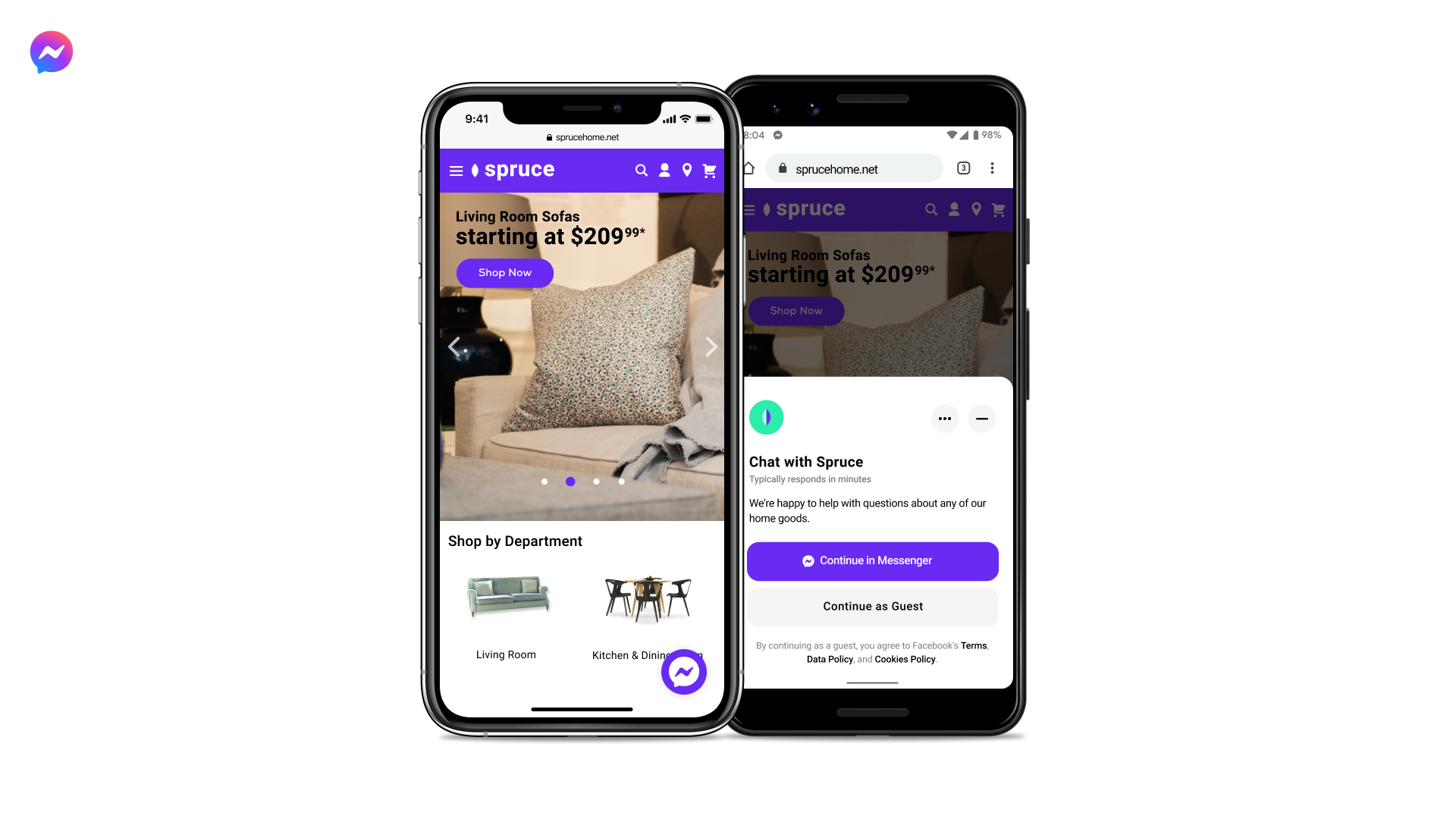
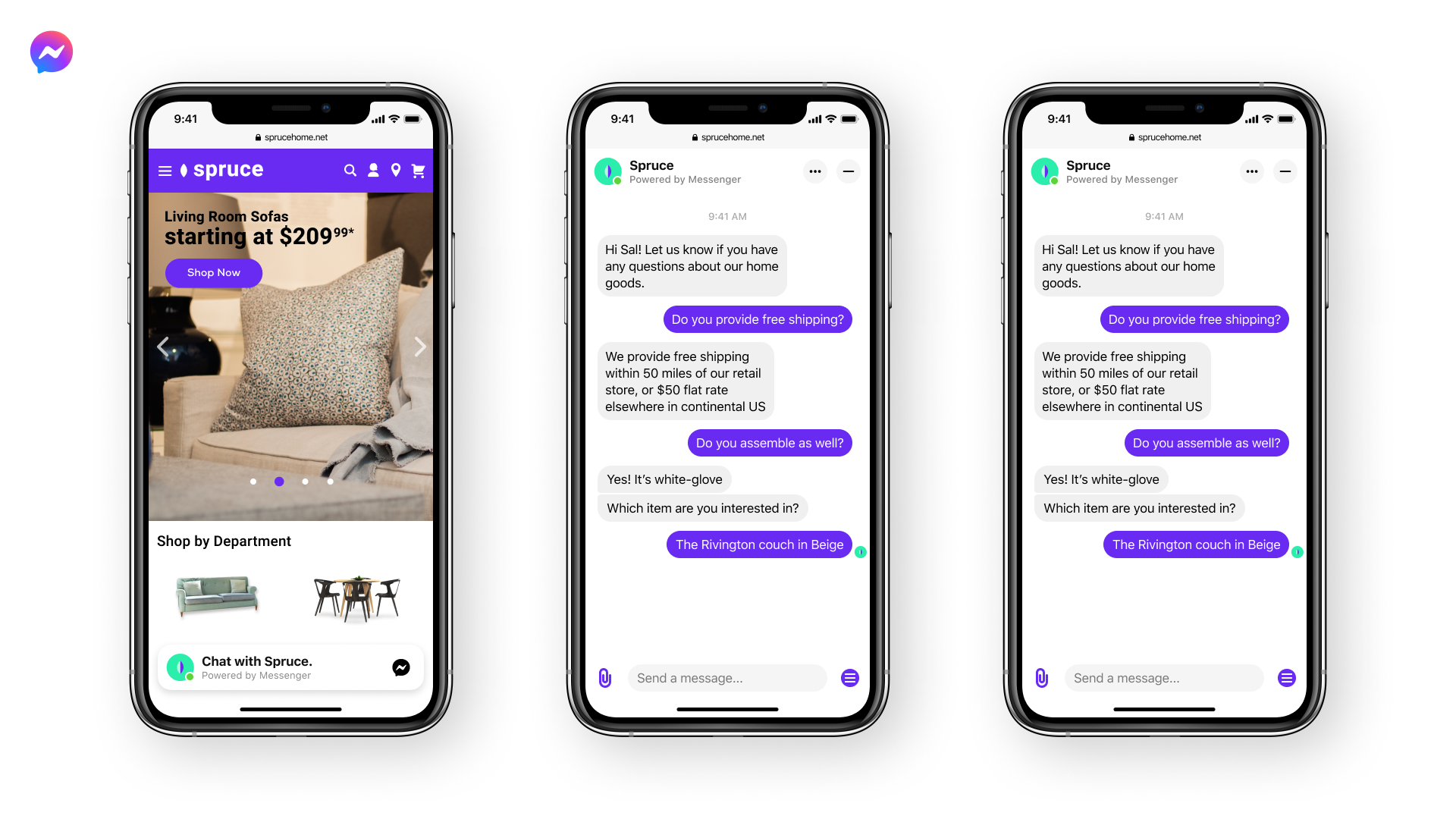
The Facebook Chat Plugin makes it easy for your website visitors to chat with you and ask you questions, even if they don't have Messenger.
| Last updated | July 5, 2022Not updated for over a year |
|---|---|
| Tested up to | WordPress 5.9.20Older than WordPress 7.1.4, the current release |
| Needs WordPress | 3.9 or newer |
| Needs PHP | 5.2.4 or newer |
| First published | September 26, 2018 |
| Support, last two months | No threads opened |
3.5 / 5 from 302 reviews
| 5 stars | 162 |
|---|---|
| 4 stars | 23 |
| 3 stars | 17 |
| 2 stars | 18 |
| 1 star | 82 |
Communicate with customers on your website with Messenger-powered chat. Chat Plugin is a chat widget maintained by the Meta Business that enables live chat on your website.
Whether they’re on their computer or their phone, website visitors will be able to message you anytime by clicking on a small Messenger chat bubble in the lower right corner of your site.
Key features:
The opening of the plugin's own description. The full text, installation notes and changelog are on its WordPress.org page.
You will need to be an administrator of a Facebook Page and be logged into Facebook.
If you don’t have one, you can create a business Page in minutes.
No, they can message you as a guest user.
If people are logged in to their Facebook accounts, the conversations will be saved in Messenger and they’ll be able to continue the conversation even after leaving your website.
Serve customers when you’re not available by setting up auto-replies and answers to common questions.
We recommend setting response times so customers can know when they will receive a response.
For auto-replies, you can thank customers for reaching out, provide average response times, and include relevant links.
Yes, all messages will be shown in your Business Page Inbox.
Yes! You can customize the color, greeting message, button display, alignment, etc. You can also set your desired language and turn guest mode on or off.
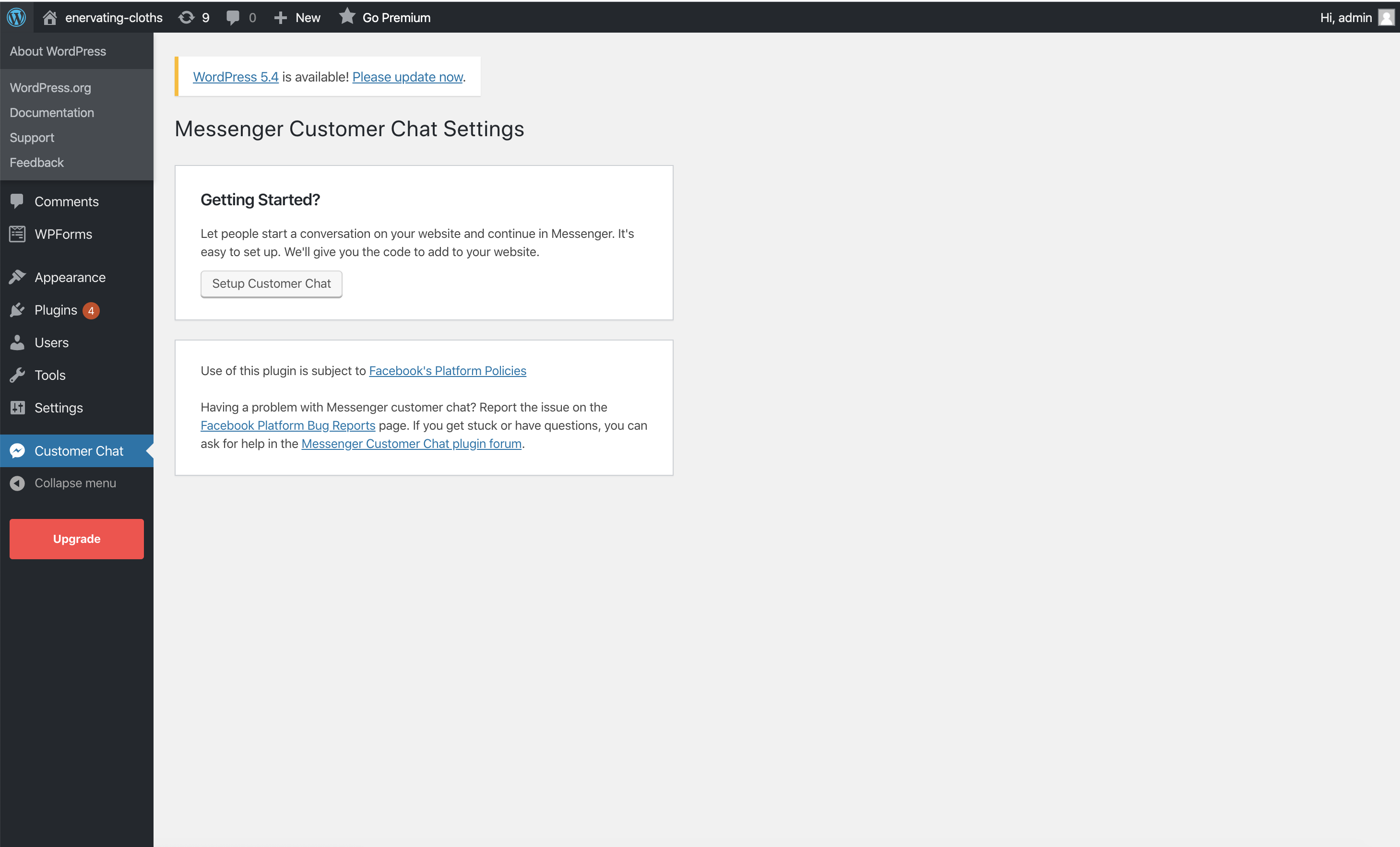
Most customizations (theme color, greeting, language, guest mode, alignment and automatically expand) can be set directly via the plugin setup tool: Facebook page settings –> Messaging –> Add Messenger to your website –> Get Started.

#89 by installs
The most installed WordPress plugin for WhatsApp: a customizable floating button that turns your visitors into chats, leads and sales.

#138 by installs
Reach more customers and drive sales on Facebook, Instagram and WhatsApp with the official Meta for WooCommerce plugin.

#140 by installs
Grow your business with Meta for WordPress!

WhatsApp chat, Facebook Messenger, Telegram, TikTok, Instagram, Email, Line, WeChat Phone call, SMS, 20+ live chat icons & WhatsApp chat pop up 💬

#265 by installs
One click registration & login plugin for Facebook, Google, X (formerly Twitter) and more. Quick setup and easy configuration.
Formerly "Custom Facebook Feed". Display completely customizable Facebook feeds of a Facebook page. Supports Facebook oEmbeds.
Read from the WordPress.org plugin API on , when WordPress 7.1.4 was the current release. WordPress.org rounds active installs into buckets. These are the directory's figures, not my verdict, and I haven't tested this plugin.
