
#4 by installs
Classic Editor
Enables the previous "classic" editor and the old-style Edit Post screen with TinyMCE, Meta Boxes, etc. Supports all plugins that extend this screen.
- Installs
- 8+ million
- Rating
- 4.9 (1.3K)
- Updated
- 5 months ago

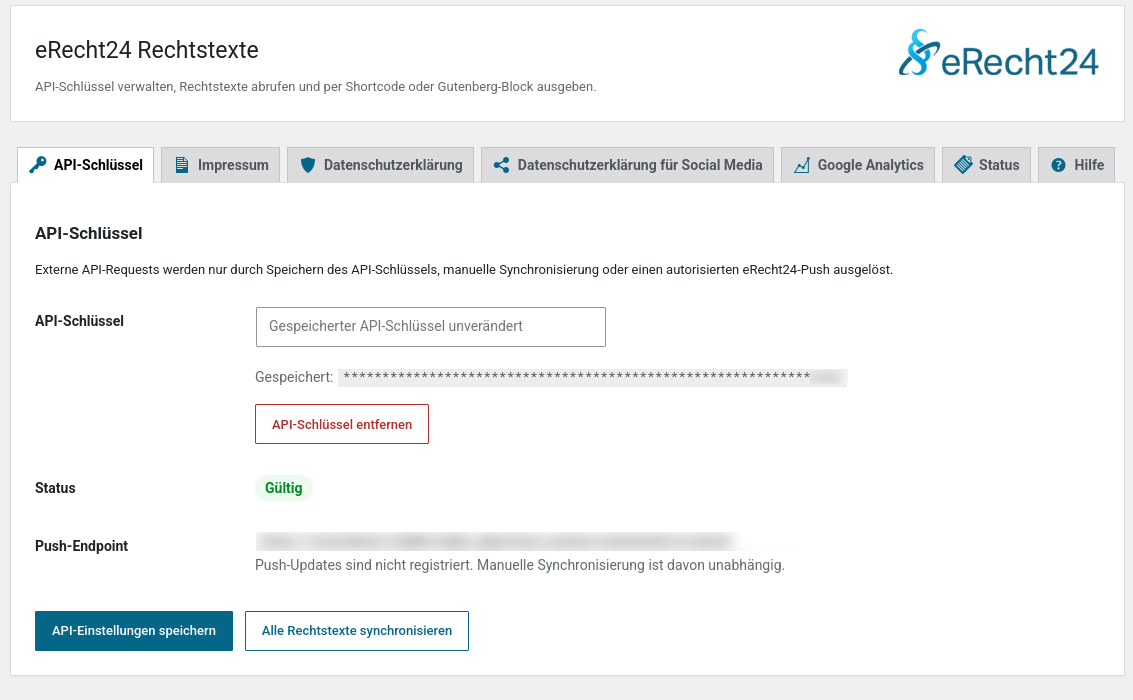
Outputs legal texts via shortcode and Gutenberg block — manually entered or synchronised from the eRecht24 API.
| Last updated | October 12, 2026Updated in the last 3 months |
|---|---|
| Tested up to | WordPress 7.1.4Covers WordPress 7.1.4, the current release |
| Needs WordPress | 6.3 or newer |
| Needs PHP | 7.4 or newer |
| First published | July 8, 2026 |
| Support, last two months | 1 of 1 threads resolved (100%) |
5.0 / 5 from 1 review
| 5 stars | 1 |
|---|---|
| 4 stars | 0 |
| 3 stars | 0 |
| 2 stars | 0 |
| 1 star | 0 |
This plugin is designed for the German-speaking market (Germany, Austria, Switzerland). It is intended for websites subject to German law. The admin interface is in German.
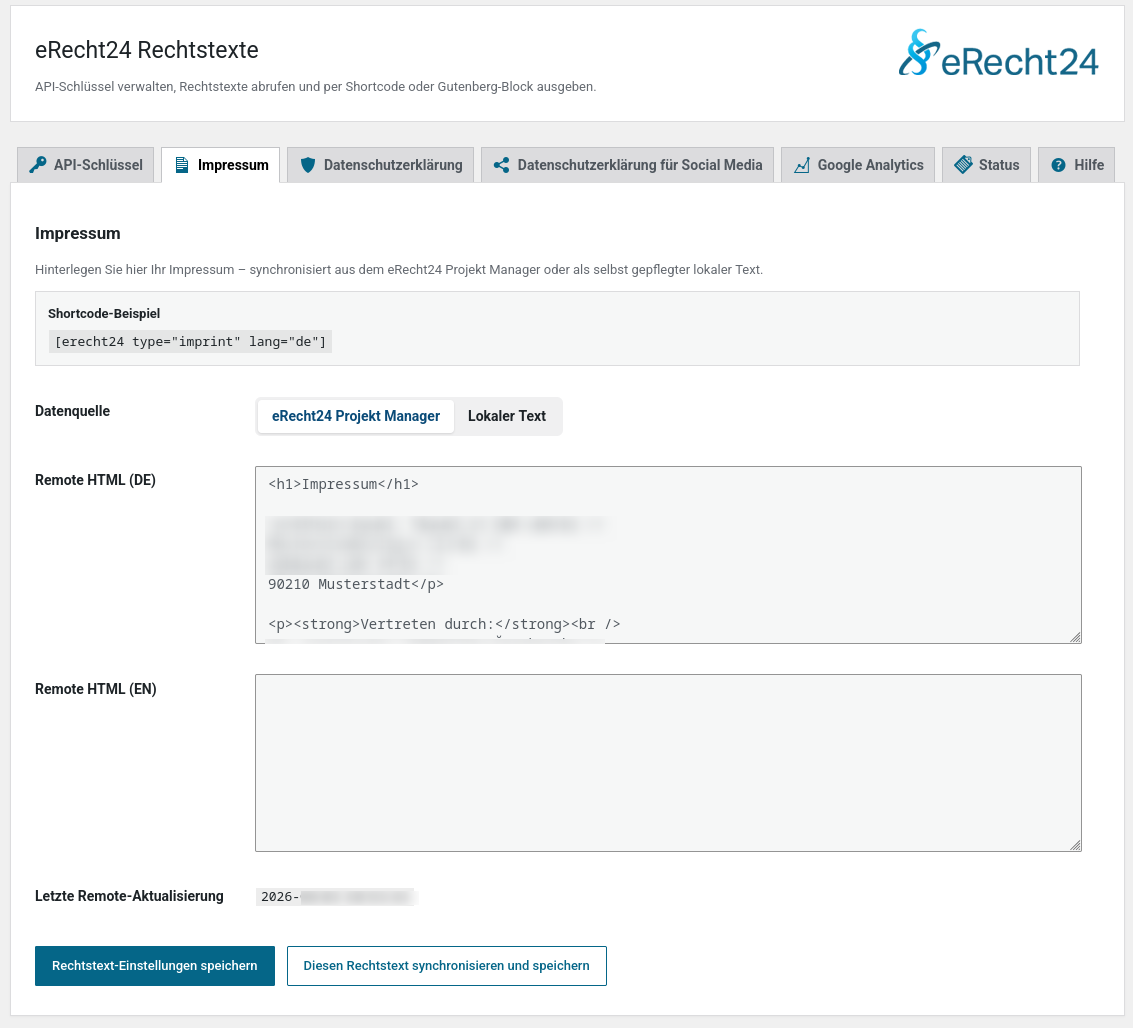
eRecht24 Legal Texts outputs legal texts (imprint, privacy policy) via shortcode or Gutenberg block. Legal texts are stored in the local WordPress database and displayed from there — no external request is needed for output.
The plugin works in two modes:
The shortcode is the core feature. This makes the output work in the Classic Editor, Gutenberg, Elementor, Divi, WPBakery, and other page builders that support WordPress shortcodes.
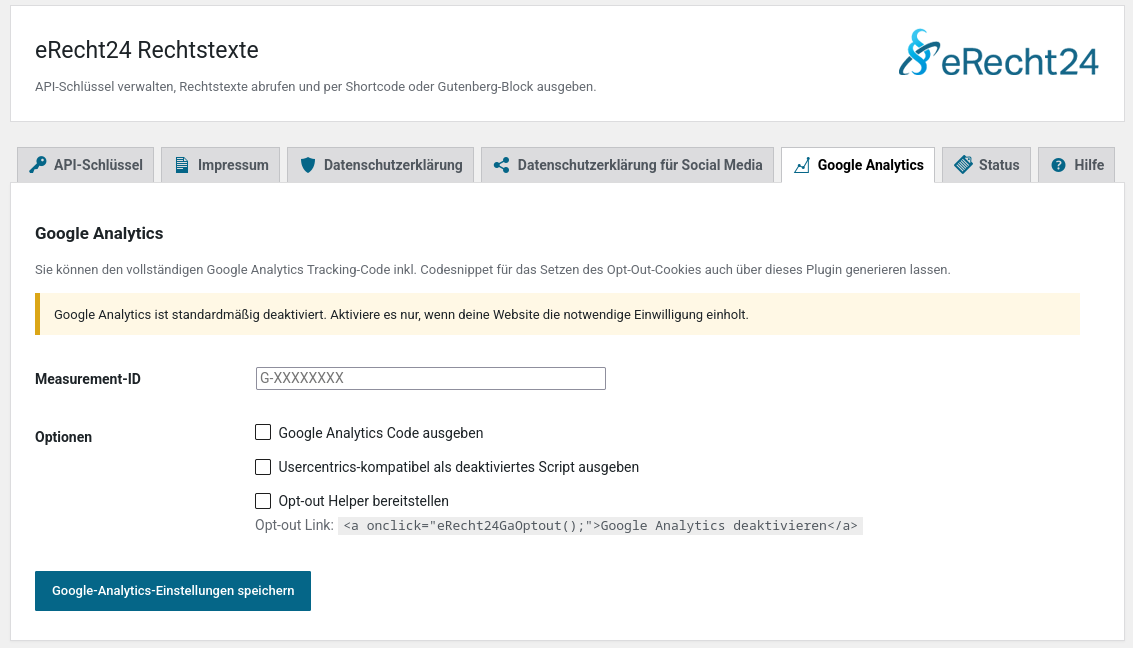
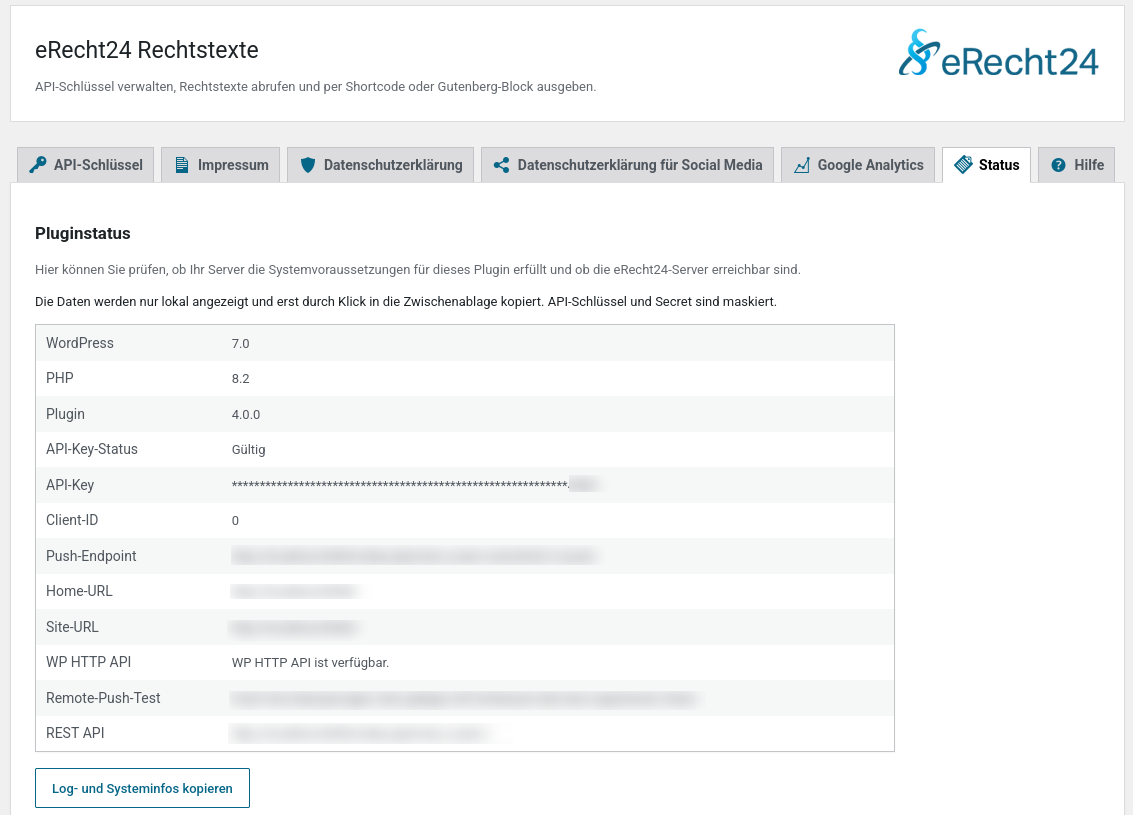
External requests are only triggered when an authorized administrator saves or removes the API key, starts a synchronization or remote push test, explicitly enables Google Analytics, uninstalls the plugin with a stored eRecht24 client registration, or an authorized eRecht24 push with a valid secret is received.
The opening of the plugin's own description. The full text, installation notes and changelog are on its WordPress.org page.
Yes. Output is handled via WordPress shortcodes. Elementor also gets a small optional widget, but the core feature does not depend on any page builder.
No by default. Google Analytics is only output when an administrator enables the feature in the plugin settings.
No. The API key is stored server-side in a WordPress option and used only for API requests.
Yes. On activation, known options from the previous eRecht24 plugin are read and copied into the new option. The old options are not deleted.
No. Both plugins register some of the same shortcodes, in particular [erecht24] and [erecht24_widget]. Deactivate the previous plugin before installing or updating to this version, not just afterwards.
#4 by installs
Enables the previous "classic" editor and the old-style Edit Post screen with TinyMCE, Meta Boxes, etc. Supports all plugins that extend this screen.

#25 by installs
Enables the previous "classic" widgets settings screens in Appearance - Widgets and the Customizer. Disables the block editor from managing widgets.

#30 by installs
Extends and enhances the block editor (Gutenberg) and the classic editor (TinyMCE).

#63 by installs
Gutenberg blocks for existing Spectra websites. Maintained, stable, and fully supported — no action needed on your part.
Consent management for WordPress — GDPR, CCPA & ePrivacy, autoblocking, Google Consent Mode, Microsoft Consent Mode (Pro), GPC & WP Consent API.

#102 by installs
20+ Gutenberg Blocks with endless options, enabling top-notch efficiency for high-performance dynamic website creation.
Read from the WordPress.org plugin API on , when WordPress 7.1.4 was the current release. WordPress.org rounds active installs into buckets. These are the directory's figures, not my verdict, and I haven't tested this plugin.
