
#453 by installs
Gravity Forms Zero Spam
Block form spam in Gravity Forms with an invisible token check, email rejection rules, and optional AI review. No CAPTCHAs for your visitors.
- Installs
- 100,000+
- Rating
- 4.3 (24)
- Updated
- 2 months ago

Add hCaptcha, Honeypot, Redirection, and AI-powered form generation to Contact Form 7.
| Last updated | October 29, 2026Updated in the last 3 months |
|---|---|
| Tested up to | WordPress 7.1.4Covers WordPress 7.1.4, the current release |
| Needs WordPress | 6.7 or newer |
| Needs PHP | 7.4 or newer |
| Needs plugins | contact-form-7 |
| First published | June 28, 2011 |
| Support, last two months | 4 of 5 threads resolved (80%) |
3.8 / 5 from 135 reviews
| 5 stars | 90 |
|---|---|
| 4 stars | 2 |
| 3 stars | 2 |
| 2 stars | 6 |
| 1 star | 35 |
Extend Contact Form 7 with powerful add-ons for spam protection, form entries, webhooks, payment gateways, redirection, and more..
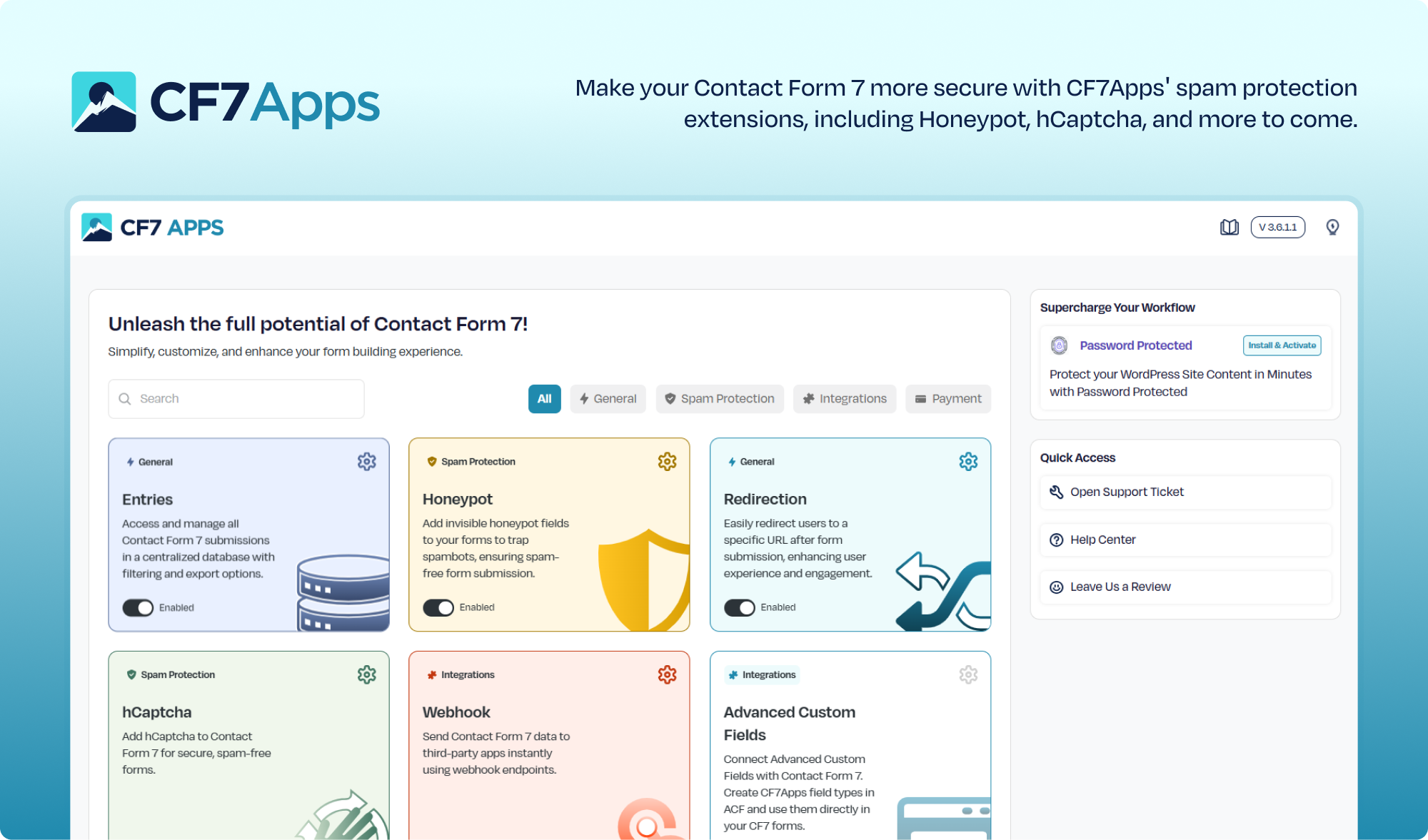
CF7 Apps provides Contact Form 7 Addons to extend your forms with features like honeypot, hCaptcha, entry management, Stripe, PayPal, Square, webhooks, and AI form generation. These add-ons for Contact Form 7 help you manage submissions, accept payments, automate workflows, and add new features without switching to another form plugin.
👉 Get Pro Version: Click Here
👉 Get Support: Click Here
👉 Check out the Documentation
CF7 Apps Features
Right out of the box, CF7 Apps includes:
✅ Honeypot App
✅ hCaptcha App
✅ Database Entries App
✅ Export CSV Entries
✅ Weekly Summary Reports
✅ Centralized Dashboard
✅ Redirection App
✅ Webhook App
✅ ACF Integration
✅ AI Form Generator
✅ Preview Before Publishing
💡 Suggest a Feature
And that’s just the beginning.
🌟 Save and Manage CF7 Form Submissions
The Entries Database App stores all Contact Form 7 submissions directly to your WordPress database. Easily manage Contact Form 7 submissions by filtering entries by form or date, viewing individual submissions, and exporting or deleting records when needed. This ensures you never lose important leads or messages, even if emails fail to deliver.
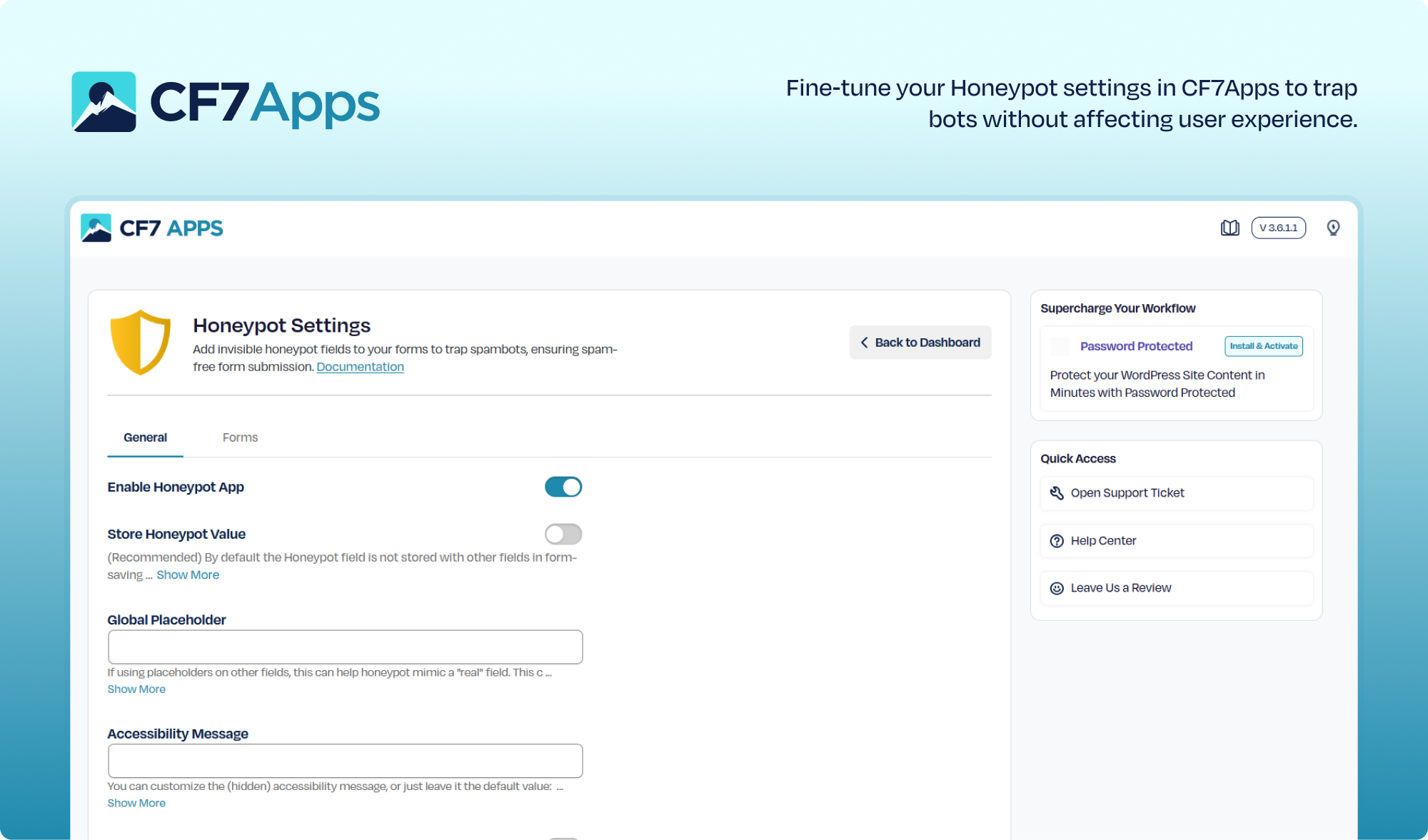
🌟 Add a Honeypot Field to Prevent Spam
The opening of the plugin's own description. The full text, installation notes and changelog are on its WordPress.org page.
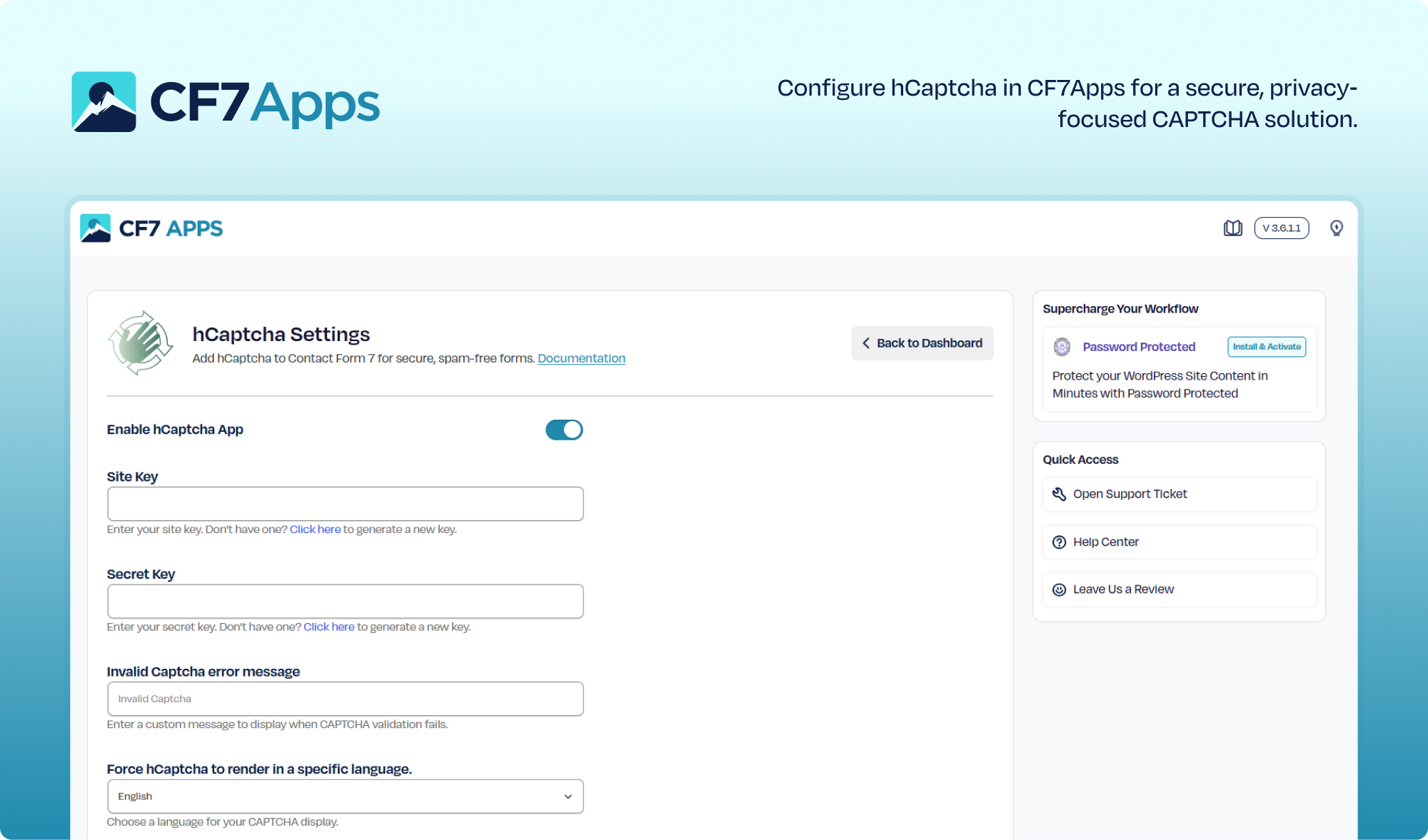
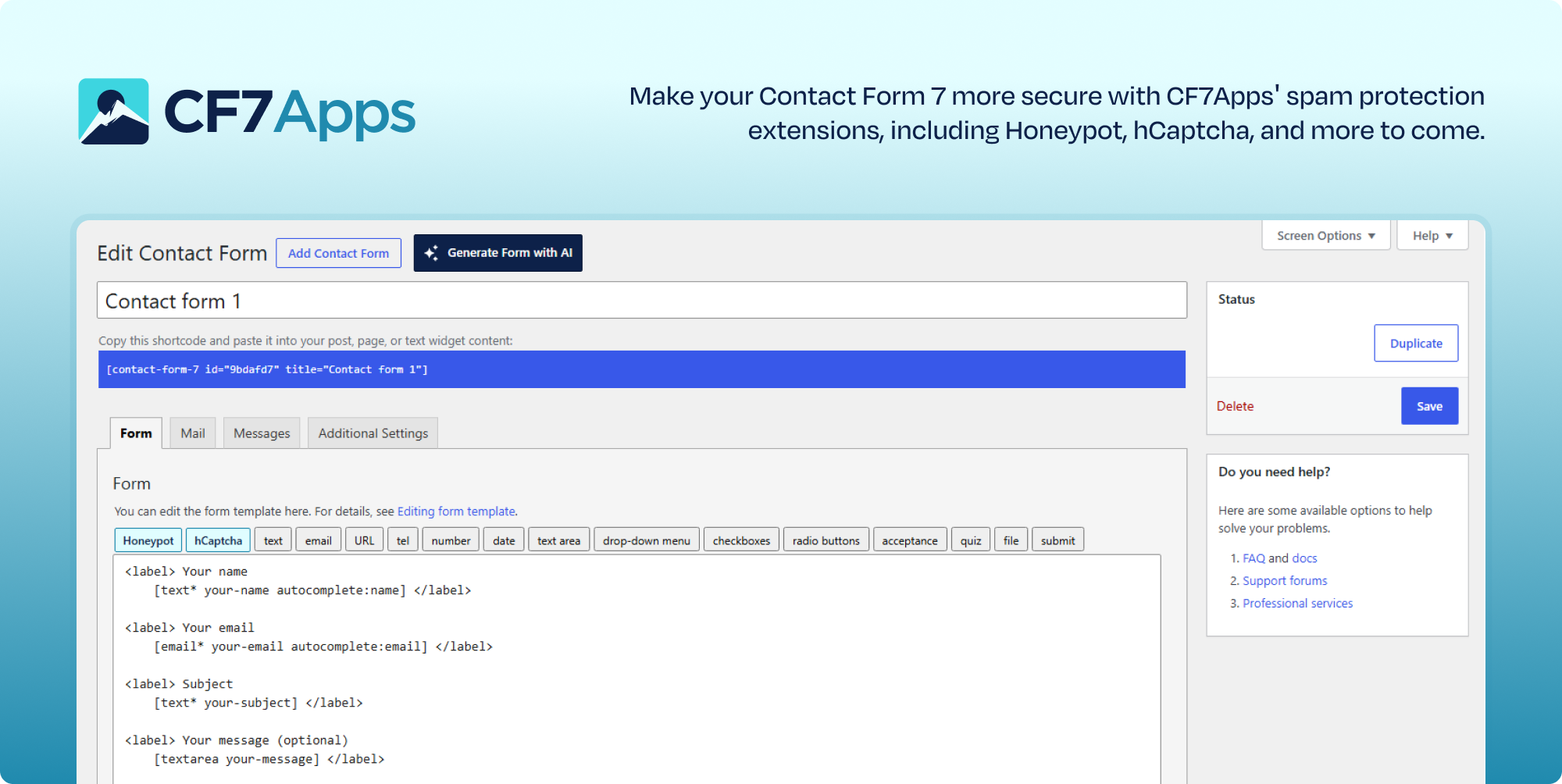
Activate the hCaptcha App inside CF7 Apps, enter your site keys, error messages, and save settings. That’s it. Now, you’ll see the hCaptcha tag in your Contact Form 7 form settings.
Contact Form 7 is a long-standing WordPress plugin that lets you build and manage contact forms on your site. It supports multiple forms, customization, and various integrations—all without writing any code.
No. Each addon works independently. You only activate the features you want. That keeps your website fast and your backend clean.
Navigate to the Entries tab in the CF7 Apps dashboard, filter submissions by form or date range if needed, and click the Export CSV button to download your entries instantly.
Weekly Summary Reports automatically send an email overview to the administrator email address detailing total form submissions received and spam attempts blocked during the week.
The redesigned dashboard provides an overview of submission statistics, domain authentication checks (SPF, DKIM, DMARC, BIMI), Post SMTP integration status, and a floating Quick Access dock widget for faster navigation.
#453 by installs
Block form spam in Gravity Forms with an invisible token check, email rejection rules, and optional AI review. No CAPTCHAs for your visitors.

#84 by installs
Sophisticated antispam plugin for effective daily comment and trackback spam-fighting. Built with data protection and privacy in mind.

#143 by installs
Fastest growing Anti Spam plugin. No API calls, subscriptions, captcha or puzzle. Full GDPR complaint. For comments, contact form, login, registration

#990 by installs
Blocks spam the moment you activate it. No CAPTCHA, no setup, no API key. Multi-Layer. Just install and forget.

#8 by installs
The best anti-spam protection to block spam comments and spam in a contact form. The most trusted antispam solution for WordPress and WooCommerce.

#107 by installs
Save and manage Contact Form 7 messages. Never lose important data. It is a lightweight contact form 7 database plugin.
Read from the WordPress.org plugin API on , when WordPress 7.1.4 was the current release. WordPress.org rounds active installs into buckets. These are the directory's figures, not my verdict, and I haven't tested this plugin.