
Send Contact Form 7 submissions to Google Sheets automatically in real time and keep every form entry organized and easy to access.
- Installs
- 40,000+
- Rating
- 4.4 (129)
- Updated
- 21 days ago

Save and manage Contact Form 7 messages. Never lose important data. It is a lightweight contact form 7 database plugin.
| Last updated | October 9, 2026Updated in the last 3 months |
|---|---|
| Tested up to | WordPress 7.1.4Covers WordPress 7.1.4, the current release |
| Needs WordPress | 4.8 or newer |
| Needs PHP | 7.0 or newer |
| First published | March 18, 2017 |
| Support, last two months | 1 of 2 threads resolved (50%) |
5.0 / 5 from 1,875 reviews
| 5 stars | 1,829 |
|---|---|
| 4 stars | 39 |
| 3 stars | 2 |
| 2 stars | 3 |
| 1 star | 2 |
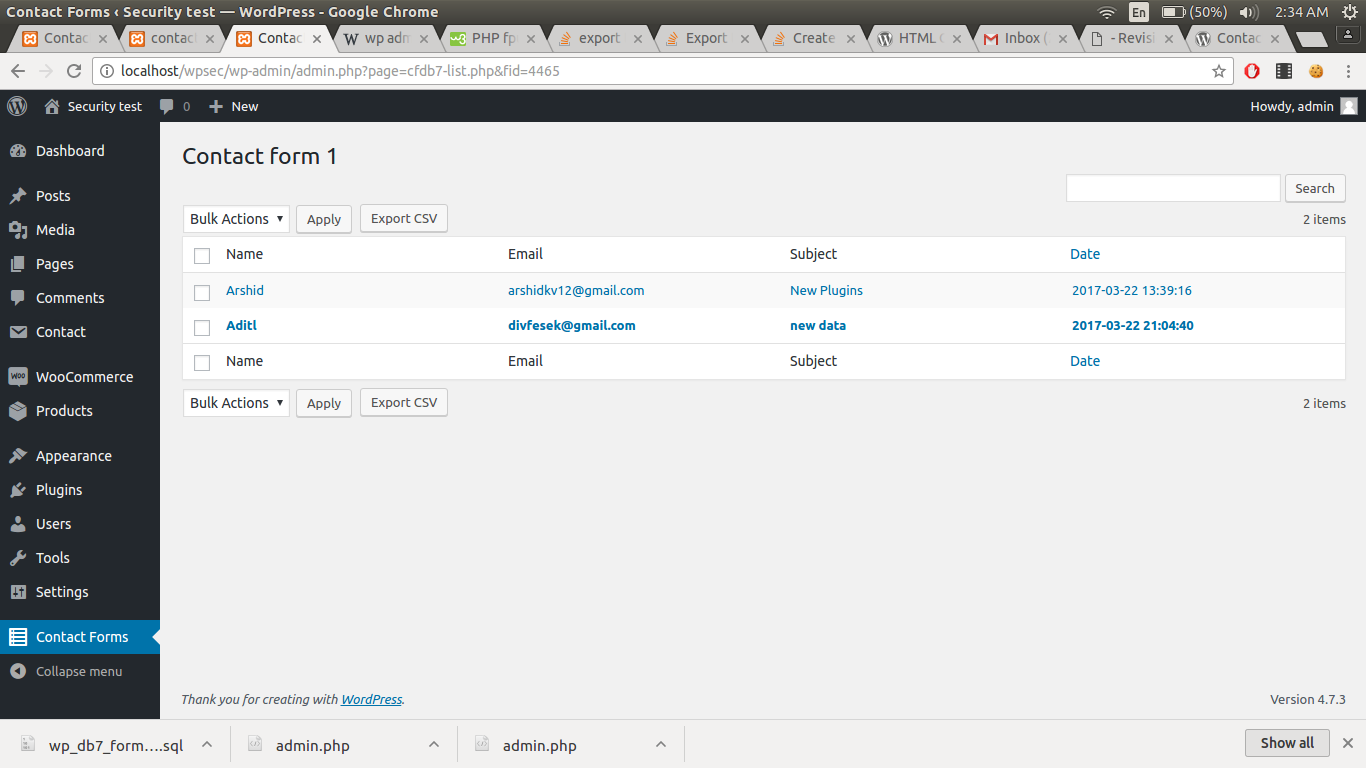
The “CFDB7” plugin saves contact form 7 submissions to your WordPress database. Export the data to a CSV file.
By simply installing the plugin, it will automatically begin to capture form submissions from contact form 7.
Features of CFDB 7
🤝 Real Human Support
Need help? Contact us anytime.
Form Email Testing Tool
Plugins
Pro Addons
Automatically export CFDB7 form entries to CSV on a schedule
Separate MySQL column for each cf7 input field
Connect CFDB7 to an external database or another DB
Contact form 7 drag and drop files upload plugin.
Trigger error if a field is already submitted
Replace your validation and success messages with beautiful popup messages to attract visitors.
Easy to export contact forms from database to PDF file
The opening of the plugin's own description. The full text, installation notes and changelog are on its WordPress.org page.
To change the CSV delimiter to a semicolon, go to WP Admin > Contact Forms > Settings, select “Semicolon (;)” from the Delimiter dropdown, and save your changes.
Settings page is added
Send Contact Form 7 submissions to Google Sheets automatically in real time and keep every form entry organized and easy to access.

Add hCaptcha, Honeypot, Redirection, and AI-powered form generation to Contact Form 7.

#213 by installs
Redirect to any page or URL, execute scripts after submission, save data to the database, and unlock additional submission actions for Contact Form 7.

#228 by installs
Adds reCaptcha v2 from Contact Form 7 5.0.5 that was dropped on Contact Form 7 5.1

#335 by installs
Adds conditional logic to Contact Form 7.

#435 by installs
Extends Contact Form 7 by adding dynamic form fields that accepts shortcodes to prepopulate form fields with default values and dynamic placeholders.
Read from the WordPress.org plugin API on , when WordPress 7.1.4 was the current release. WordPress.org rounds active installs into buckets. These are the directory's figures, not my verdict, and I haven't tested this plugin. The author takes donations at their donate page.