
Speed up your site with 10Web Booster. Pass Core Web Vitals by optimizing HTML / CSS / JavaScript, Image Optimization, Lazy Loading, Cache, Google Fon …
- Installs
- 60,000+
- Rating
- 4.6 (405)
- Updated
- 18 days ago
Make your site faster and more secure with the click of a few buttons
| Last updated | February 10, 2025Not updated for over a year |
|---|---|
| Tested up to | WordPress 6.7.11Older than WordPress 7.1.4, the current release |
| Needs WordPress | Not stated |
| Needs PHP | 7.0 or newer |
| First published | October 8, 2015 |
| Support, last two months | No threads opened |
3.1 / 5 from 43 reviews
| 5 stars | 20 |
|---|---|
| 4 stars | 3 |
| 3 stars | 0 |
| 2 stars | 3 |
| 1 star | 17 |
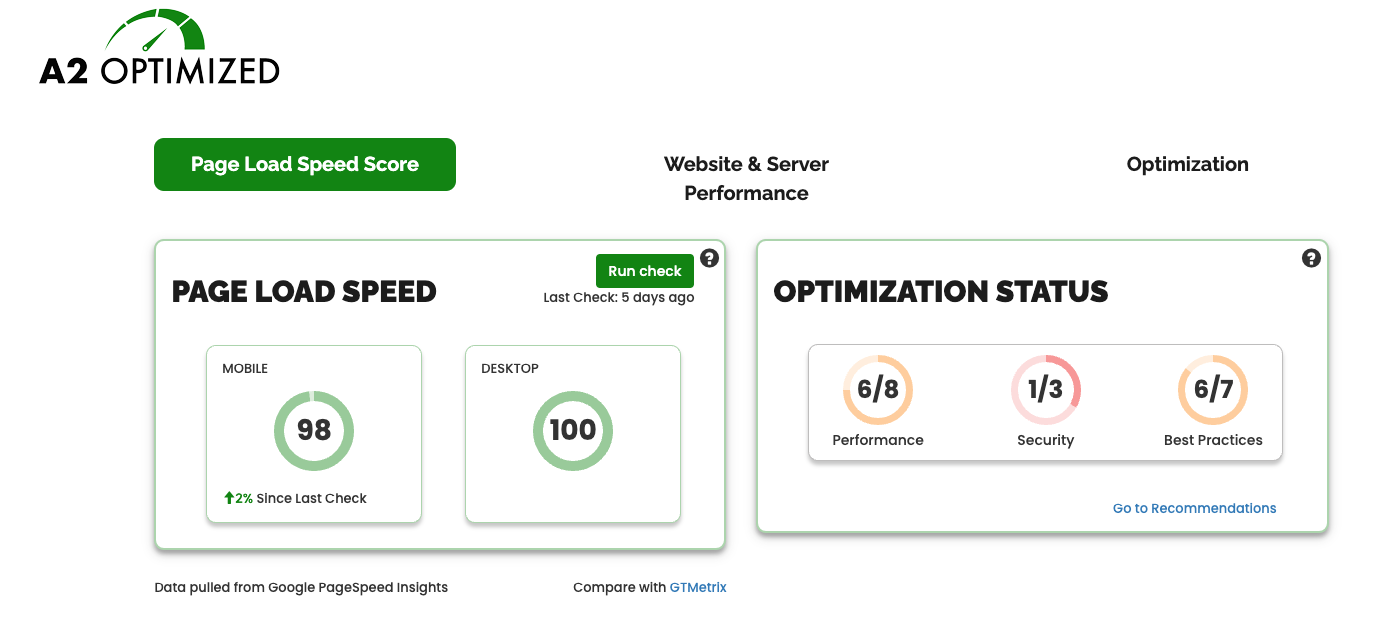
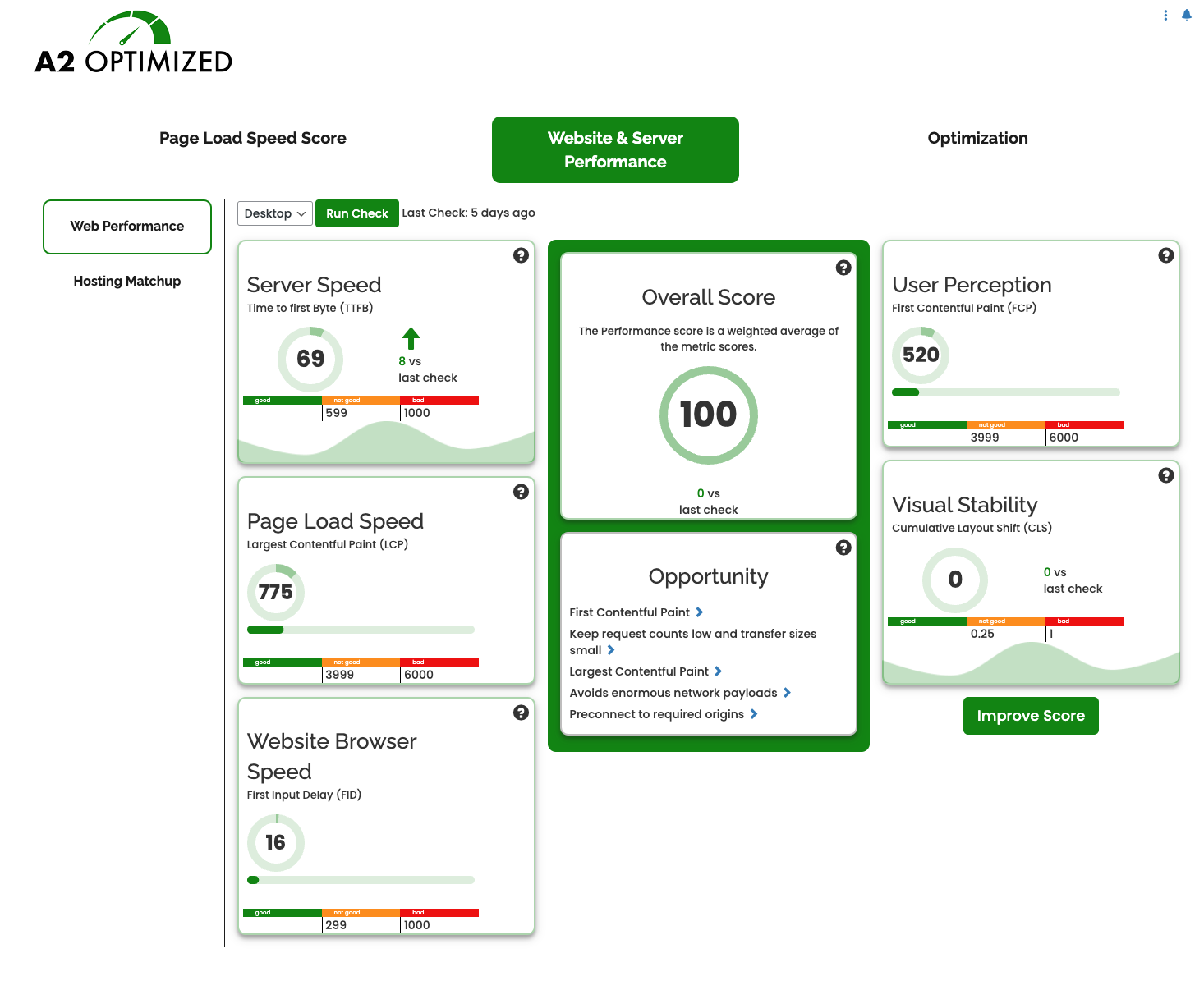
Boosting performance and securing your WordPress site has never been easier with the A2 Optimized WP plugin from A2 Hosting. Get customized desktop and mobile performance scores for your site, including:
Using these scores, A2 Optimized WP generates specific, personalized recommendations for improving your site:
With just a few clicks you’ll give your WordPress site the boost it needs with stable, industry-proven optimizations and improvements.
Vulnerability disclosure program
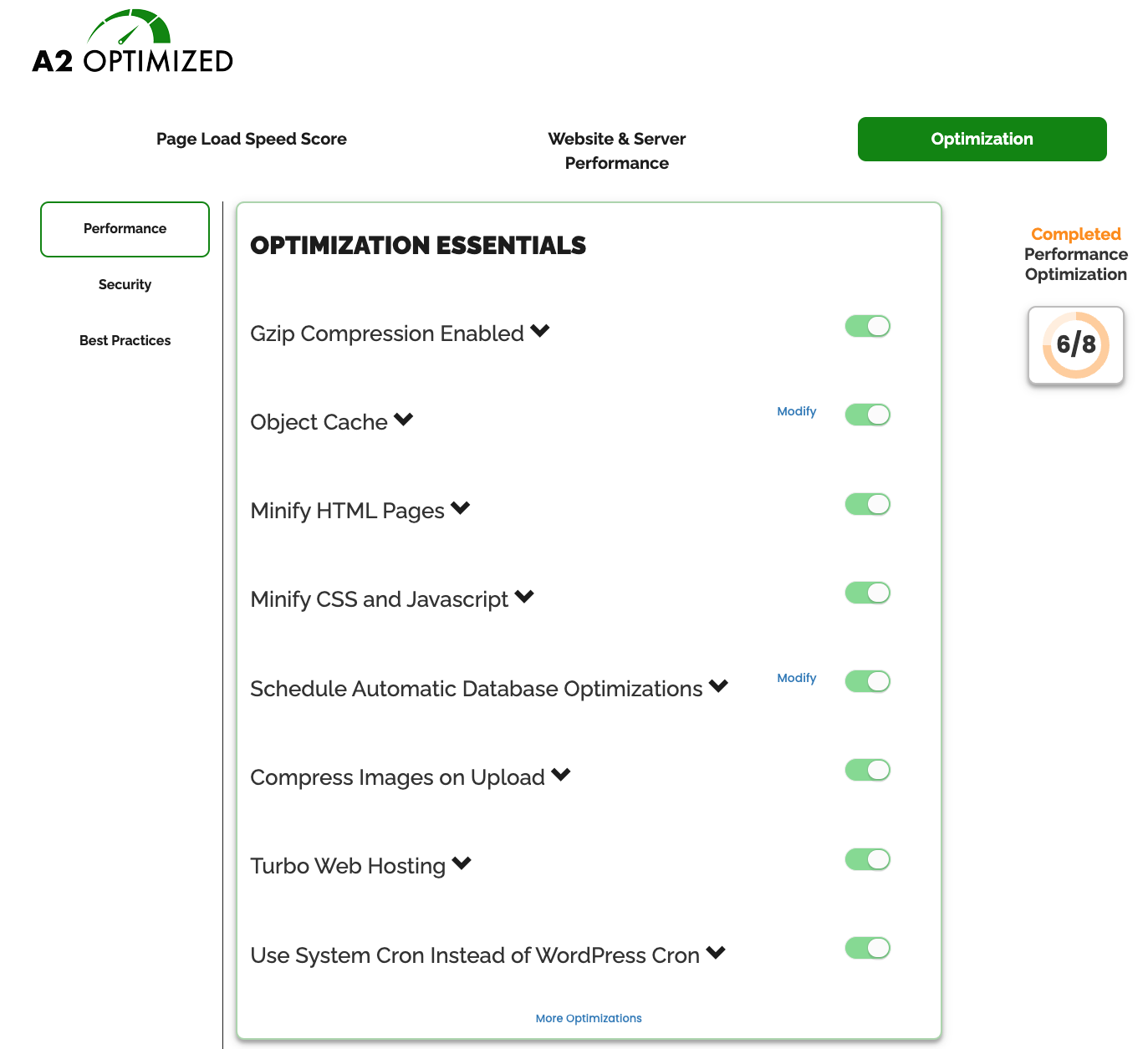
Performance optimizations
Our plugin is optimized to work best in the A2 Hosting environment, so items marked with an asterisk (*) are only available for sites hosted at A2 Hosting. If you are not an A2 Hosting customer, join today!
Page caching
* Allows site visitors to save copies of your web pages on their device or browser. When they return to your website in the future, your site files load faster.
* This optimization improves Time to First Byte (TTFB) and reduces bandwidth usage.
Gzip compression
* Turns on Gzip compression to make text files smaller.
The opening of the plugin's own description. The full text, installation notes and changelog are on its WordPress.org page.
Caching is the fastest and easiest way to speed up a dynamic website.
A2 Optimized will install and configure the best available caching method with the click of a few buttons.
A2 Optimized will speed up most sites; however, not all plugins and themes are compatible with all optimizations.
If your site is slower after enabling caching in A2 Optimized, talk to a developer about finding better solutions for the plugins that you are using.
A2 Optimized is compatible with most of the features in WordFence, however you should disable caching and logging in WordFence. Also, if page caching in A2 Optimized is enabled, some WordFence features that required WordPress to be fully loaded may not trigger.
Yes. A2 Optimized works on any host that supports WordPress; however, A2 Hosting provides a few more tools for speeding up your site when hosted on an A2 Hosting server.
Speed up your site with 10Web Booster. Pass Core Web Vitals by optimizing HTML / CSS / JavaScript, Image Optimization, Lazy Loading, Cache, Google Fon …

#47 by installs
The simplest and fastest WP Cache system

#245 by installs
Speed up your WordPress site with one-click optimizations like Page Cache, Critical CSS, and Image CDN to improve Core Web Vitals.

#324 by installs
Aruba HiSpeed Cache interfaces directly with an Aruba hosting platform's HiSpeed Cache service and automates its management.

#741 by installs
Turns on site high speed to be attractive for people and search engines.
Optimize and tweak WordPress by disable unused features. Improve performance, SEO and security using Clearfy — super easy, fast and zero code.
Read from the WordPress.org plugin API on , when WordPress 7.1.4 was the current release. WordPress.org rounds active installs into buckets. These are the directory's figures, not my verdict, and I haven't tested this plugin.
