
#82 by installs
WooCommerce PayPal Payments
PayPal's latest payment processing solution. Accept PayPal, Pay Later, credit/debit cards, alternative digital wallets and bank accounts.
- Installs
- 800,000+
- Rating
- 2.9 (583)
- Updated
- 10 days ago

Start accepting payments in minutes with 100% digital onboarding & feature filled Razorpay payment gateway with the WooCommerce plugin.
| Last updated | September 4, 2026Updated in the last 3 months |
|---|---|
| Tested up to | WordPress 7.1.0Covers WordPress 7.1.4, the current release |
| Needs WordPress | 3.9.2 or newer |
| Needs PHP | 7.4 or newer |
| First published | October 26, 2015 |
| Support, last two months | 0 of 2 threads resolved (0%) |
2.5 / 5 from 23 reviews
| 5 stars | 7 |
|---|---|
| 4 stars | 0 |
| 3 stars | 3 |
| 2 stars | 0 |
| 1 star | 13 |
Allows you to accept credit cards, debit cards, netbanking, wallet, and UPI payments in India and FPX, eWallets, Duitnow in Malaysia.
This is the official Razorpay payment gateway plugin for WooCommerce. A system designed to handle end-to-end payments. Accept payments via 100+ payment modes – domestic & international credit & debit cards, EMIs, paylater, net banking, UPI & mobile wallets including JioMoney, Mobikwik, Airtel Money, FreeCharge, Ola Money and PayZapp in India, and FPX, Duitnow and eWallets including GrabPay, Touch N Go, Boost in Malaysia, with the WooCommerce plugin.
Get a feature-filled and easy to integrate checkout with cards (Visa, MasterCard, American Express, UnionPay etc) saved across businesses so that customers can pay seamlessly everywhere, both domestic and international. This plugin allows for refunds, works across all browsers, and is compatible with the latest WooCommerce. Boost conversions with international customers paying in their local currency. Keep your data safe with robust security that comes with PCI DSS Level 1 compliance.
This is compatible with WooCommerce>=4.0, including the new 9.0 release. It has been tested up to the 9.1.2 WooCommerce release.
BENEFITS OF USING RAZORPAY
The opening of the plugin's own description. The full text, installation notes and changelog are on its WordPress.org page.
For help setting up and configuring, please refer to our documentation.
Yes, please see https://github.com/razorpay/razorpay-woocommerce/wiki/Webhooks for more details
Yes, it does – production and Test (sandbox) mode is driven by the API keys you use with a checkbox in the admin settings to toggle between both.
You can accept International payments from your customers in more than 100 foreign currencies using our Payment Gateway. Please get multi-currency enabled for your account. Once you have it enabled, you can install any plugin
version higher than 2.0.0, which comes with native multi-currency support.
Please follow the below steps:
1. Click on the ‘Analytics’ settings in the WooCommerce dashboard menu.
2. Go to the ‘Excluded statuses’ section and select the checkbox for ‘Draft’ orders under the ‘Unregistered statuses’ section.
Yes. WooCommerce Subscriptions extension and Razorpay Subscriptions Plugin for WooCommerce installed along with Razorpay WooCommerce plugin will support subscription on your WooCommerce supported WordPress website
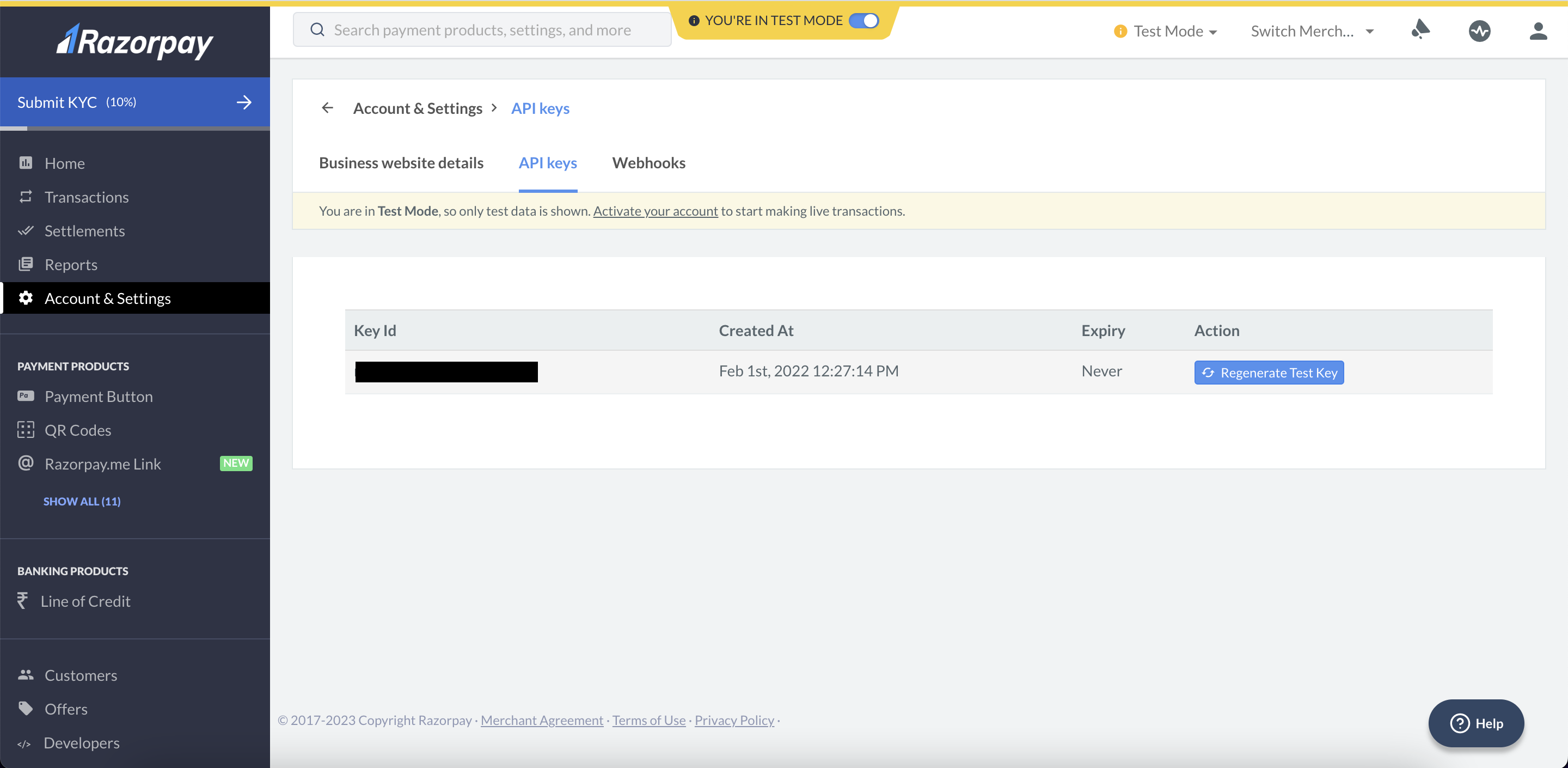
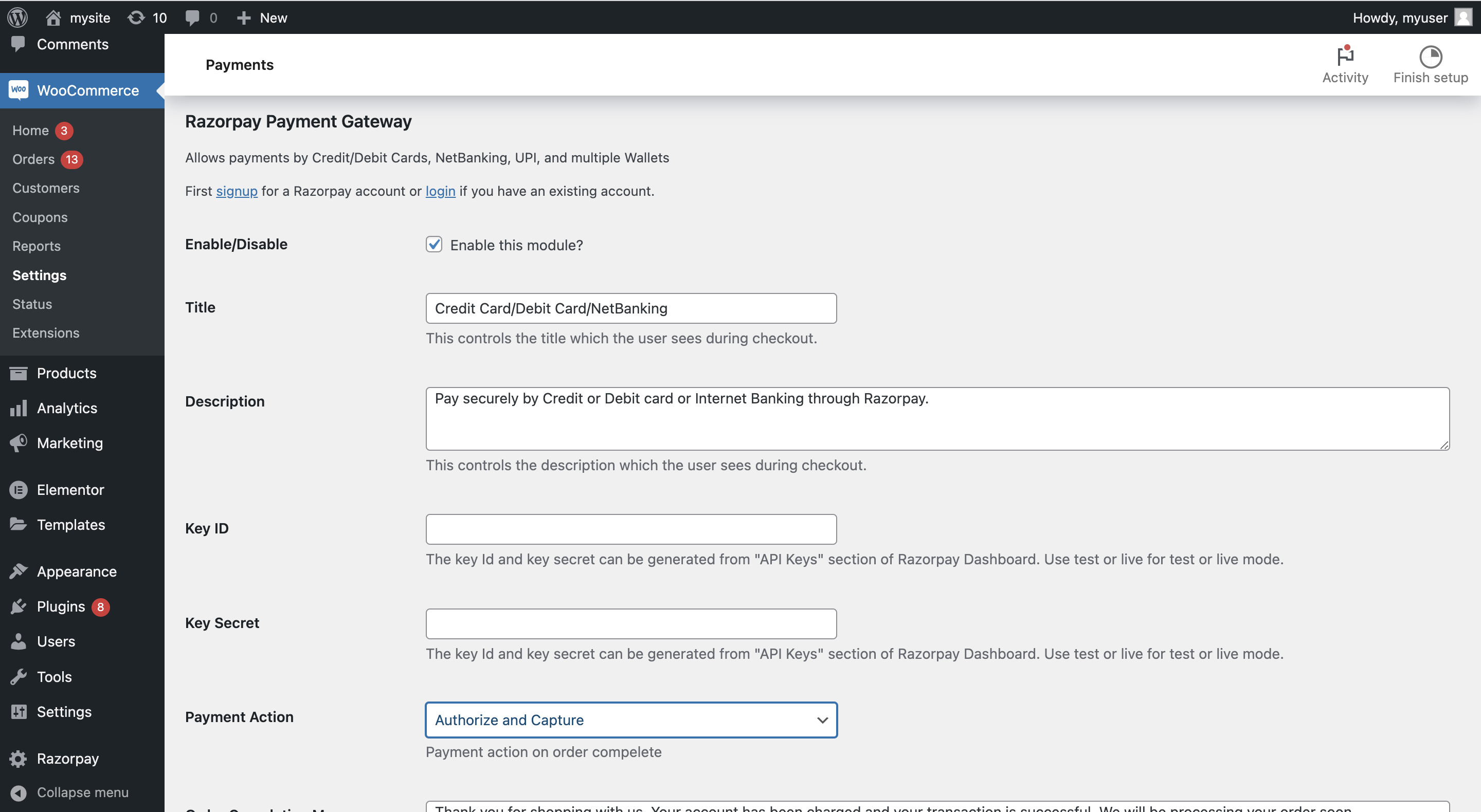
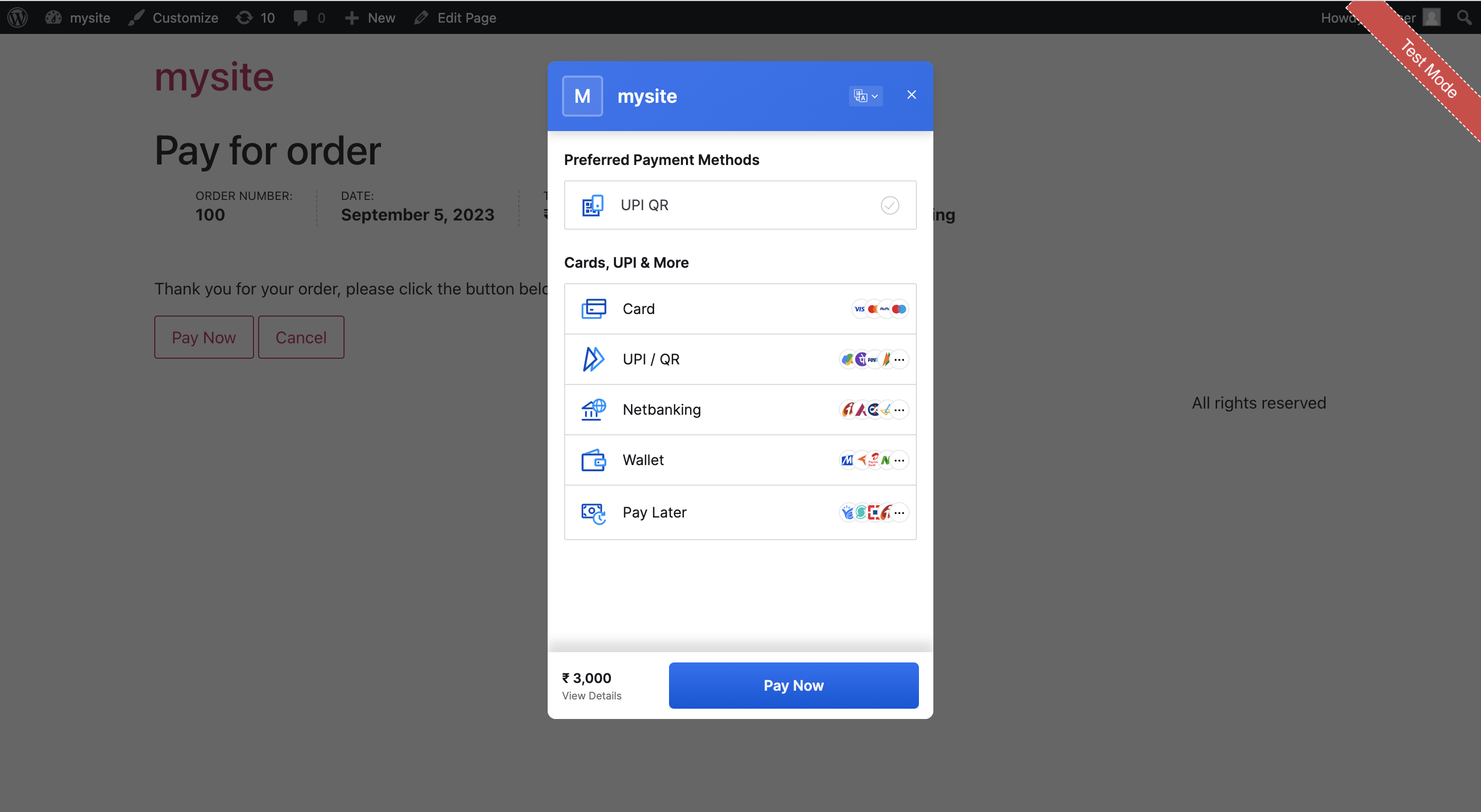
#82 by installs
PayPal's latest payment processing solution. Accept PayPal, Pay Later, credit/debit cards, alternative digital wallets and bank accounts.

#85 by installs
Accept debit and credit cards in 135+ currencies, many local methods like Alipay, ACH, and SEPA, and express checkout with Apple Pay and Google Pay.

#441 by installs
Accept all major payment methods in WooCommerce today. Credit cards, iDEAL and more! Fast, safe and intuitive.

#74 by installs
Native integration with Google that allows merchants to easily display their products across Google’s network.

#115 by installs
We’re here to help with tax rates: collect accurate sales tax, automatically.

#154 by installs
The WooCommerce Legacy REST API, which is now part of WooCommerce itself but will be removed in WooCommerce 9.0.
Read from the WordPress.org plugin API on , when WordPress 7.1.4 was the current release. WordPress.org rounds active installs into buckets. These are the directory's figures, not my verdict, and I haven't tested this plugin.