
#74 by installs
Google for WooCommerce
Native integration with Google that allows merchants to easily display their products across Google’s network.
- Installs
- 800,000+
- Rating
- 2.7 (268)
- Updated
- 11 days ago

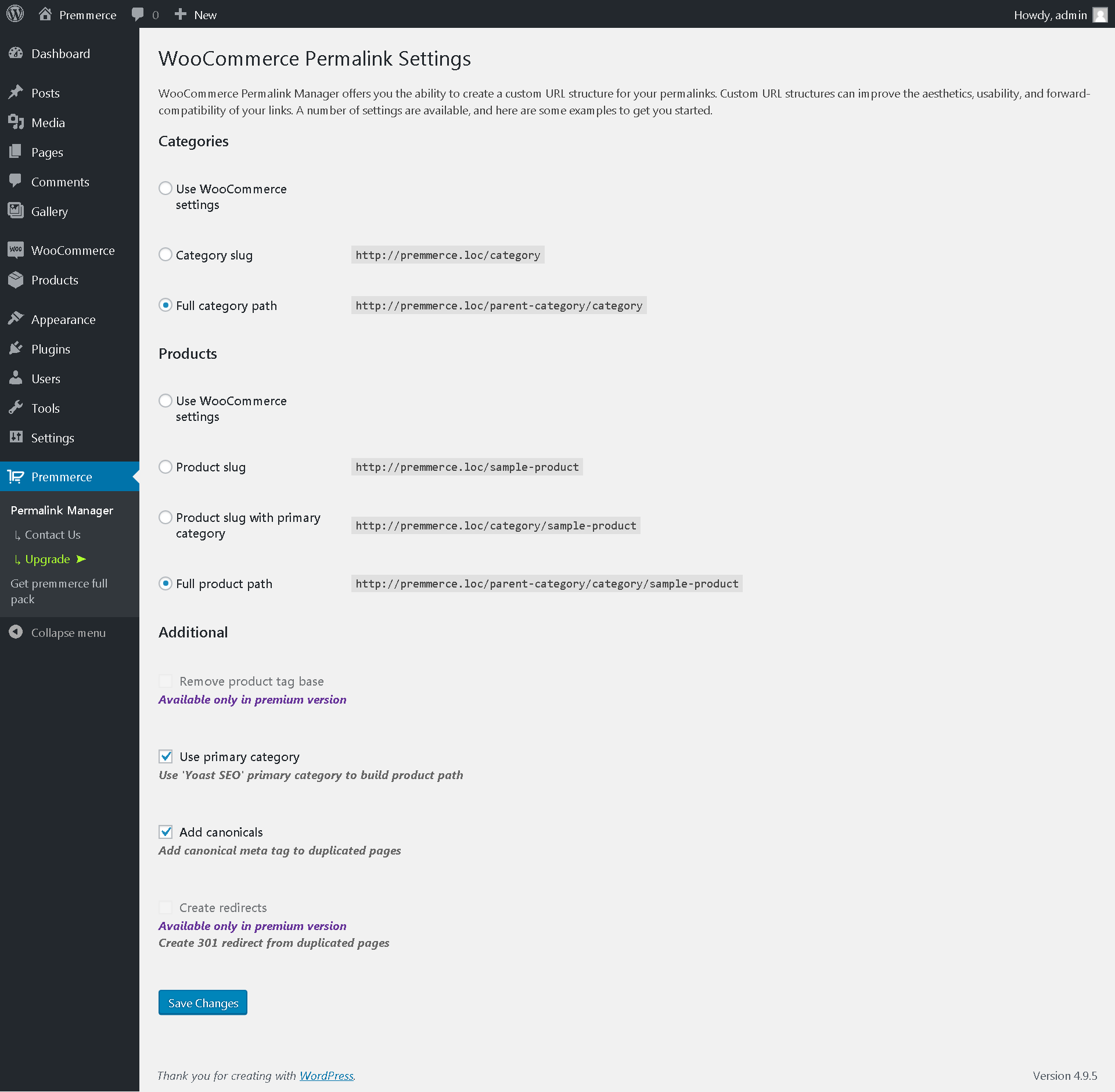
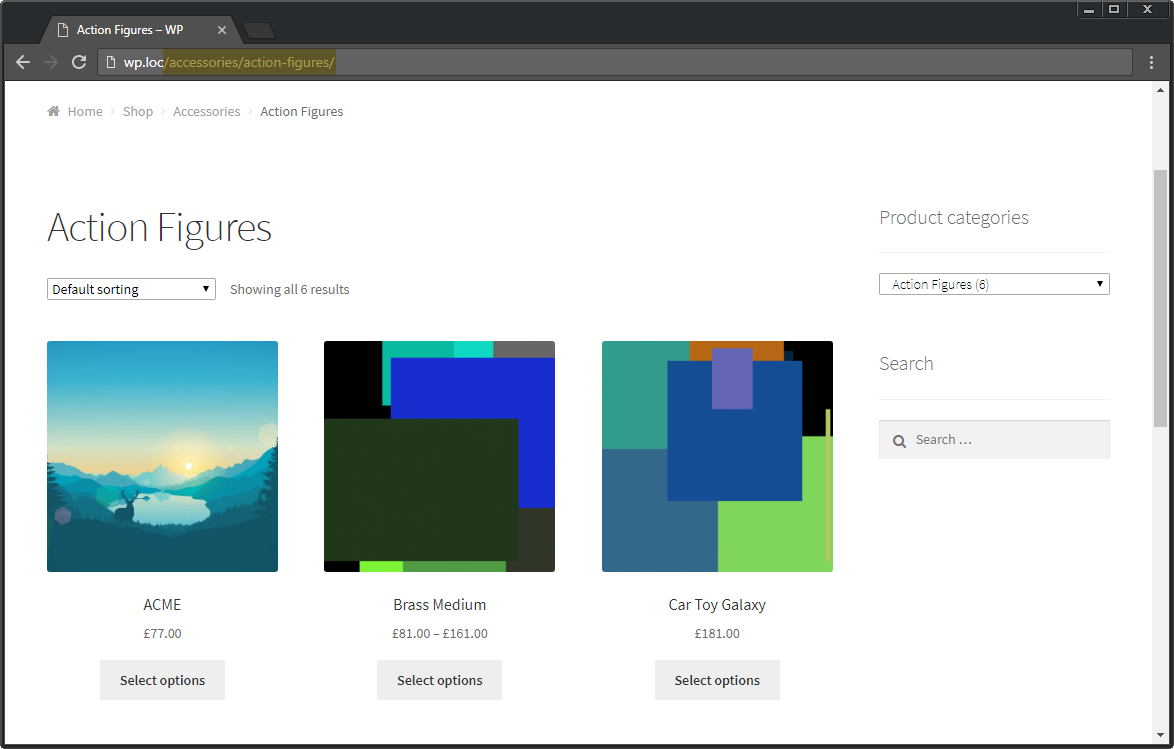
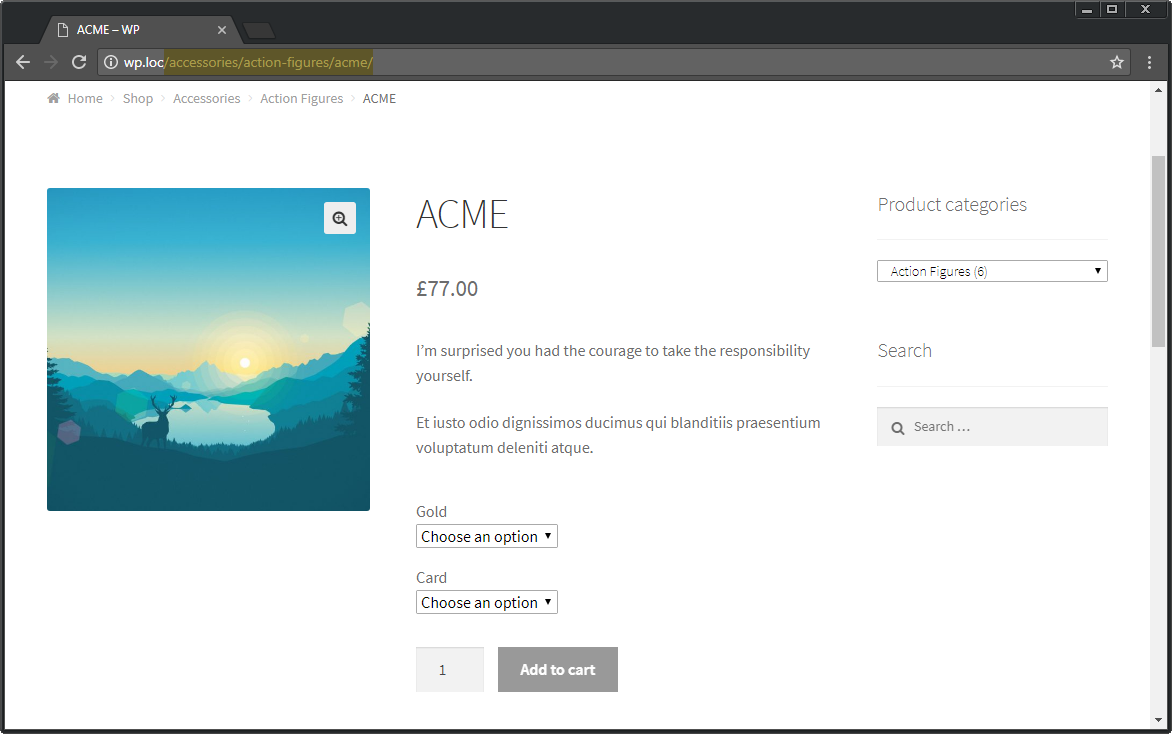
Premmerce Permalink Manager for WooCommerce allows you to change WooCommerce permalink and remove product and product_category slugs from the URL.
| Last updated | October 7, 2026Updated in the last 3 months |
|---|---|
| Tested up to | WordPress 7.1.4Covers WordPress 7.1.4, the current release |
| Needs WordPress | 4.8 or newer |
| Needs PHP | 5.6 or newer |
| First published | August 31, 2017 |
| Support, last two months | 1 of 1 threads resolved (100%) |
3.9 / 5 from 53 reviews
| 5 stars | 37 |
|---|---|
| 4 stars | 1 |
| 3 stars | 1 |
| 2 stars | 1 |
| 1 star | 13 |
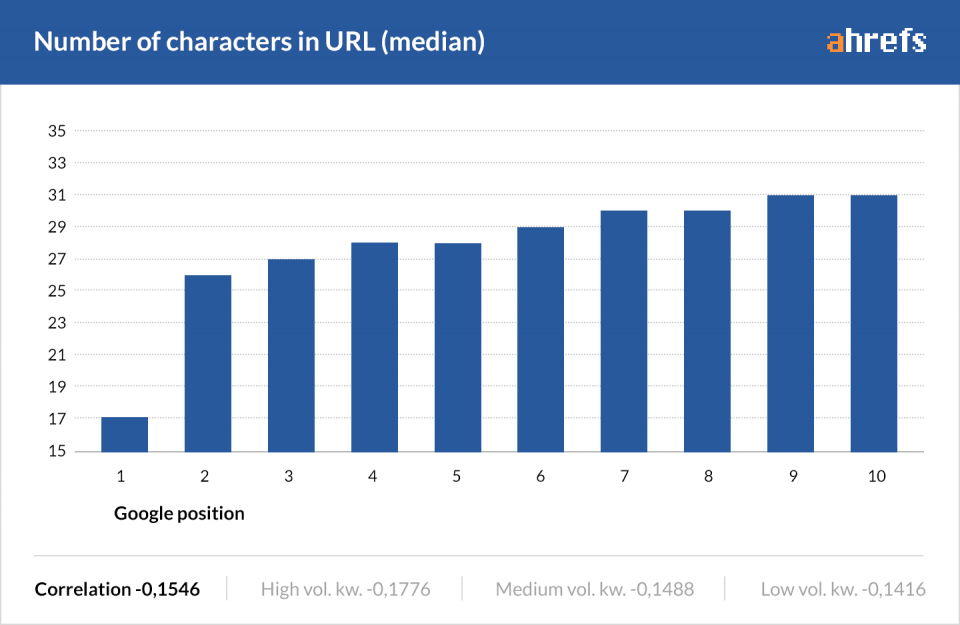
Premmerce Permalink Manager for WooCommerce is developed to improve the current WooCommerce URL configuration features and provide your store with better display options and additional SEO capabilities to adhere to WooCommerce SEO Audit standards.
The main competitive advantages of the plugin
The main plugin features
The opening of the plugin's own description. The full text, installation notes and changelog are on its WordPress.org page.
We have tested how the plugin works with the basic WooCommerce kit and the standard storefront theme and haven’t noticed any influence on the response rate of the store.
The plugin works perfectly with the Yoast SEO plugin installed. No link duplicates are generated. All similar URLs are automatically tagged as canonical in accordance with the search engines’ recommendations.
Please report security bugs found in the source code of this plugin through the Patchstack Vulnerability Disclosure Program. The Patchstack team will assist you with verification, CVE assignment, and notify the developers of this plugin.
Full documentation is available here: Premmerce Permalink Manager for WooCommerce
Go to Plugins -> Add New section from your admin account and search for Premmerce Permalink Manager for WooCommerce.
You can also install this plugin manually:
* Download the plugin’s ZIP archive and unzip it.
* Copy the unzipped permalink-manager folder to the /wp-content/plugins/ directory.
* Activate the plugin through the ‘Plugins’ menu in WordPress
#74 by installs
Native integration with Google that allows merchants to easily display their products across Google’s network.

#82 by installs
PayPal's latest payment processing solution. Accept PayPal, Pay Later, credit/debit cards, alternative digital wallets and bank accounts.

#85 by installs
Accept debit and credit cards in 135+ currencies, many local methods like Alipay, ACH, and SEPA, and express checkout with Apple Pay and Google Pay.

#115 by installs
We’re here to help with tax rates: collect accurate sales tax, automatically.

#154 by installs
The WooCommerce Legacy REST API, which is now part of WooCommerce itself but will be removed in WooCommerce 9.0.

#165 by installs
Create, print & automatically email PDF or XML Invoices & PDF Packing Slips for WooCommerce orders.
Read from the WordPress.org plugin API on , when WordPress 7.1.4 was the current release. WordPress.org rounds active installs into buckets. These are the directory's figures, not my verdict, and I haven't tested this plugin.