
Boost site speed and performance with an all-in-one cache and speed optimization plugin. Pass Core Web Vitals with CDN, image optimization, lazy loadi …
- Installs
- 90,000+
- Rating
- 4.3 (311)
- Updated
- 36 days ago

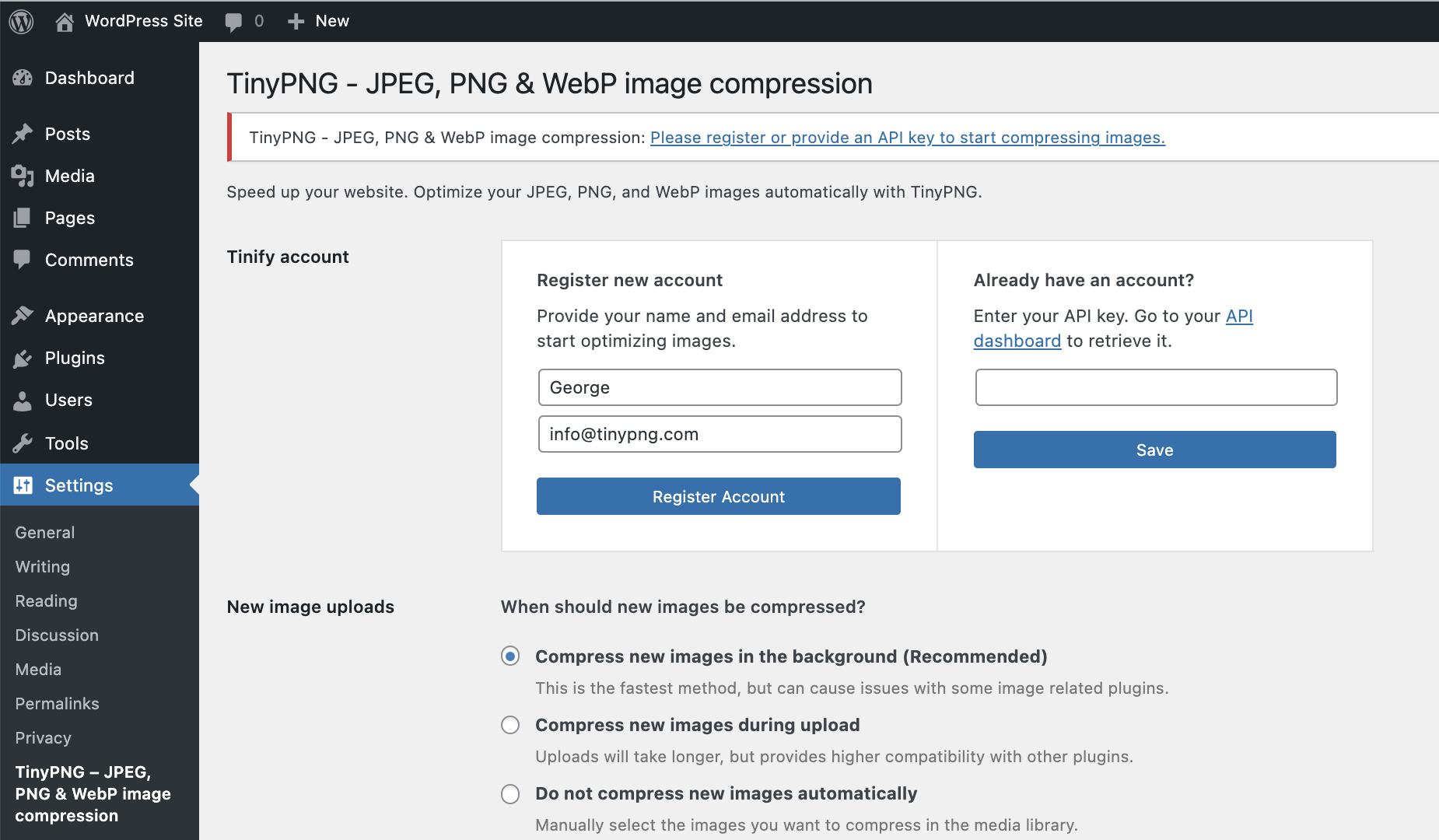
Speed up your website. Optimize your JPEG, PNG, and WebP images automatically with TinyPNG.
| Last updated | October 13, 2026Updated in the last 3 months |
|---|---|
| Tested up to | WordPress 7.1.4Covers WordPress 7.1.4, the current release |
| Needs WordPress | 4.0 or newer |
| Needs PHP | Not stated |
| First published | February 12, 2015 |
| Support, last two months | No threads opened |
4.5 / 5 from 181 reviews
| 5 stars | 152 |
|---|---|
| 4 stars | 6 |
| 3 stars | 6 |
| 2 stars | 4 |
| 1 star | 13 |
The best & easiest image compression plugin for WordPress. Speed up your website by compressing and converting your images with TinyPNG for WordPress. Improve your websites’ performance by significantly reducing file sizes without noticeable quality loss. Support for WebP, AVIF, JPG and PNG formats.
Start optimizing your images today to boost SEO, improve your PageSpeed scores, save bandwidth and enhance your website’s user experience.
Why TinyPNG?
The opening of the plugin's own description. The full text, installation notes and changelog are on its WordPress.org page.
A: In a default WordPress installation you can optimize around 100 images for free each month. WordPress creates different thumbnails of your images which all have to be compressed. Some plugins even add more sizes, so take a look at the Settings > TinyPNG Image Optimization – Image Compression JPEG & PNG | Convert to WebP & AVIF page before you start optimization.
A: The plugin is free to use, you receive 500 free compressions each calendar month.
If you need to compress more, you can upgrade to the pay-per-compression pricing. You can view the current pricing at tinify.com.
A: Just add your Payment details on your account dashboard to remove the limit. For a small fee the additional compressions above 500 will then be charged to your account at the end of each month.
A: When you remove the plugin all your optimized images will remain optimized.
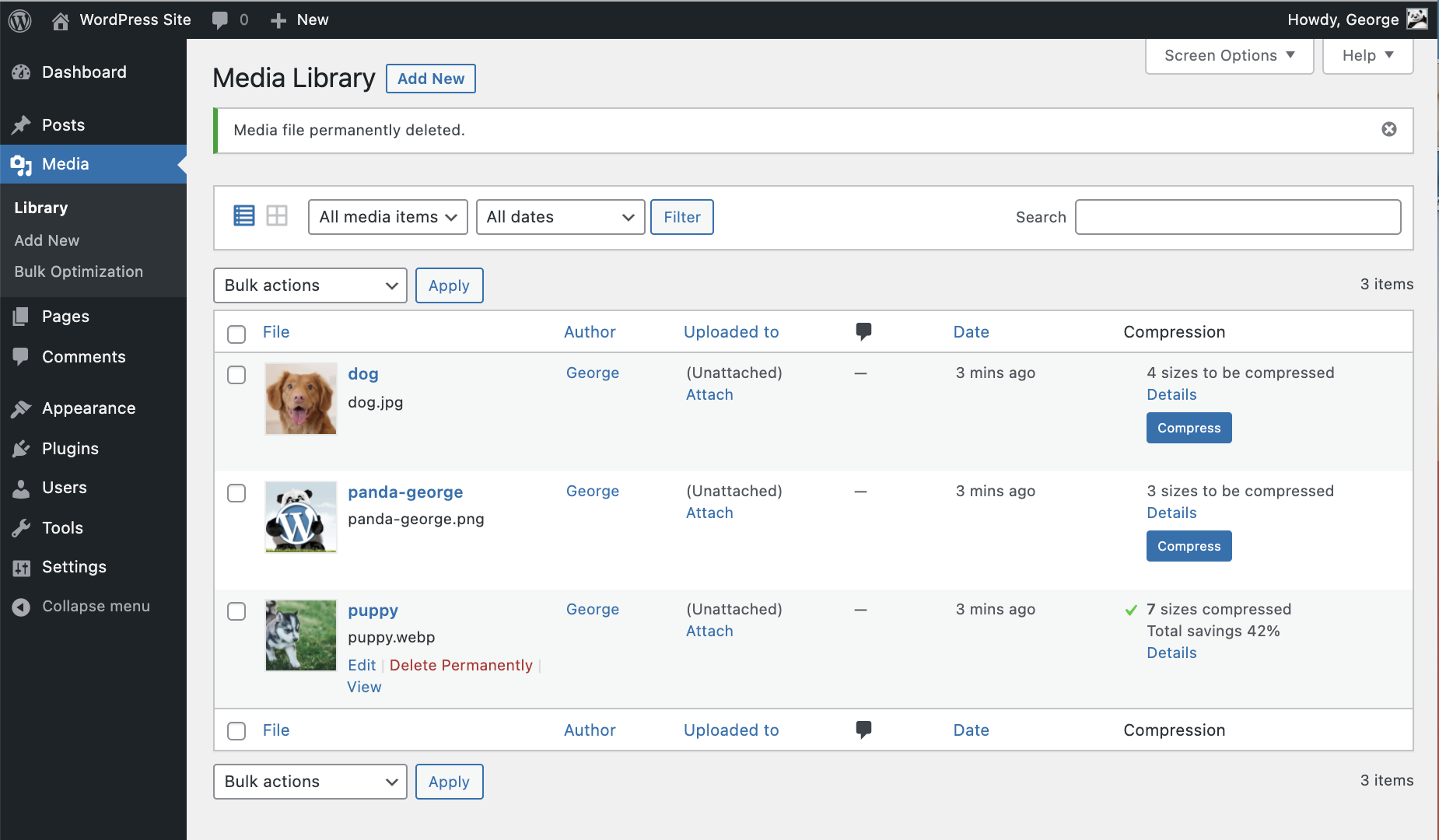
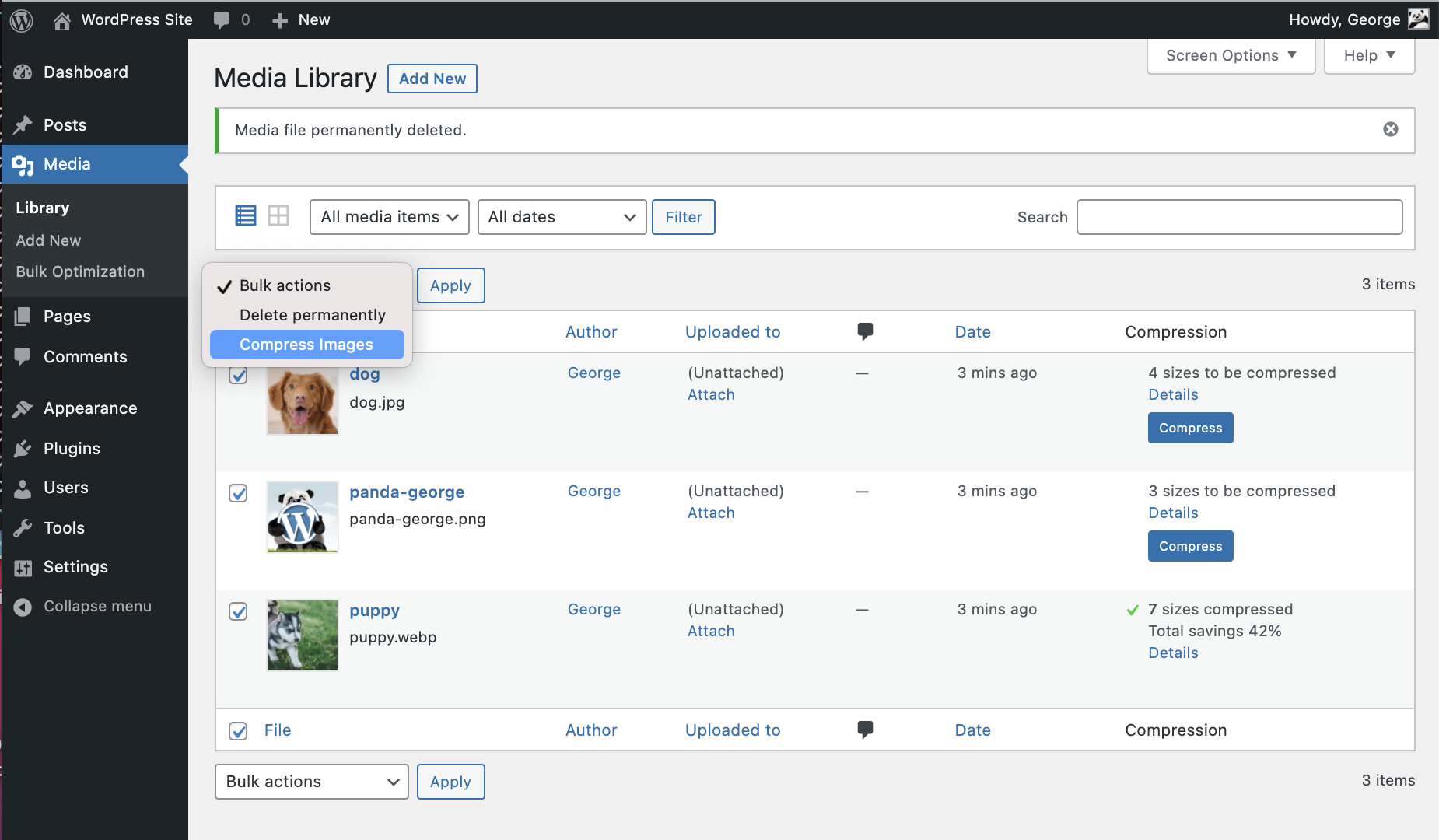
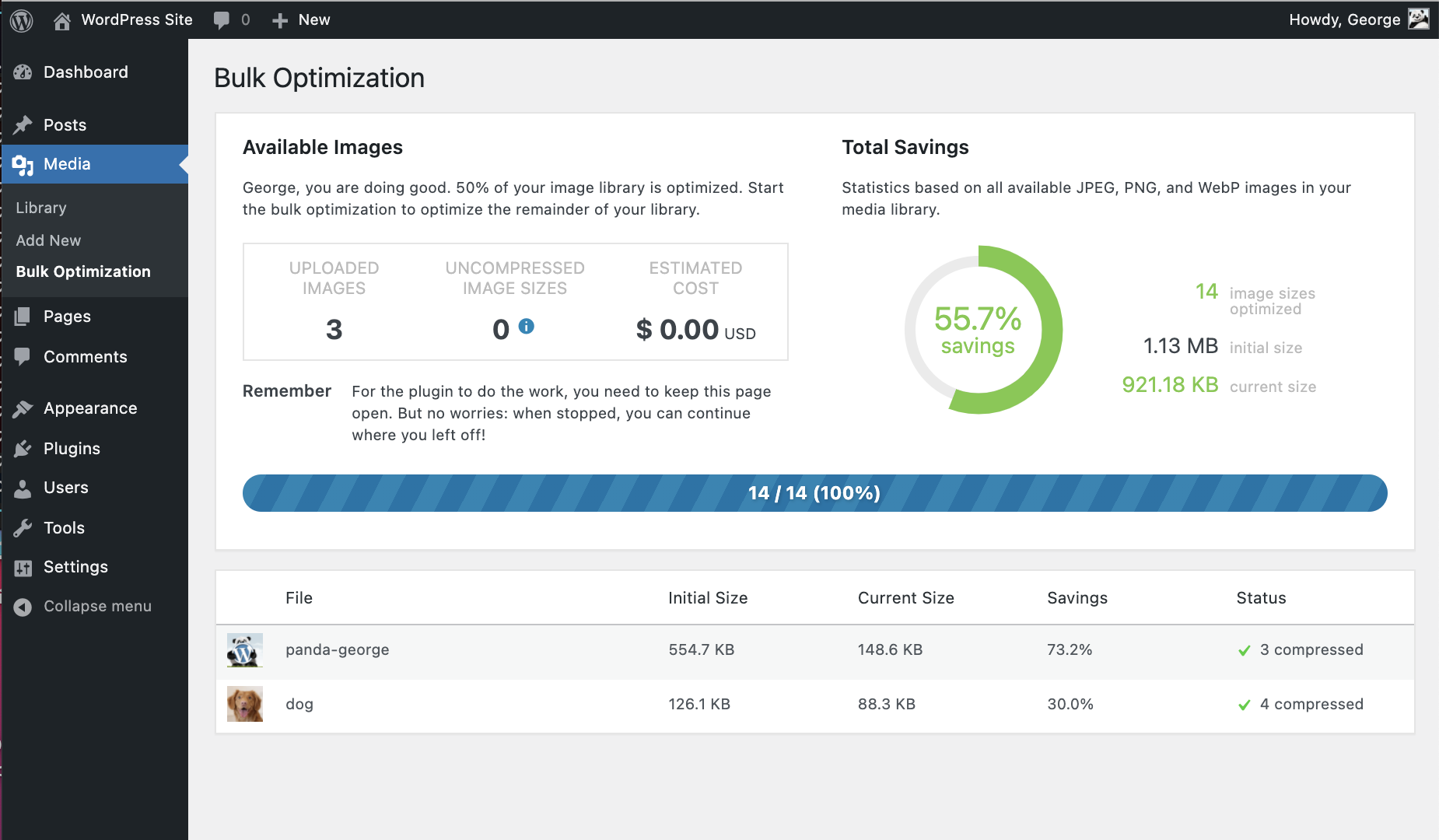
A: When you upload an image to your website, WordPress will create different sized versions of it (see Settings > TinyPNG). The plugin will compress each of these sizes, so when you have 100 images and 5 different sizes you will do 500 compressions.
A: Yes, but they are very generous! The maximum file size is 500MB and the maximum canvas size is 256MP (16000px by 16000px in any ratio).
Boost site speed and performance with an all-in-one cache and speed optimization plugin. Pass Core Web Vitals with CDN, image optimization, lazy loadi …

#5 by installs
All-in-one unbeatable acceleration & PageSpeed improvement: caching, image/CSS/JS optimization...

#36 by installs
A very fast caching engine for WordPress that produces static html files.

#44 by installs
Boost your website performance and page speed, and increase conversions with powerful caching, frontend, media, and environment optimizations.

#47 by installs
The simplest and fastest WP Cache system

#55 by installs
A better way to manage dozens of WordPress websites.
Read from the WordPress.org plugin API on , when WordPress 7.1.4 was the current release. WordPress.org rounds active installs into buckets. These are the directory's figures, not my verdict, and I haven't tested this plugin. The author takes donations at their donate page.