
Events calendar and booking system: bookings, reservations, appointments, scheduling, event registration, tickets and recurring events.
- Installs
- 60,000+
- Rating
- 4.2 (551)
- Updated
- 5 days ago

The Events Calendar: #1 calendar plugin for WordPress. Create/manage events (virtual too!) on your site with the free plugin.
| Last updated | October 29, 2026Updated in the last 3 months |
|---|---|
| Tested up to | WordPress 7.1.4Covers WordPress 7.1.4, the current release |
| Needs WordPress | 6.9 or newer |
| Needs PHP | 7.4 or newer |
| First published | January 19, 2010 |
| Support, last two months | 53 of 59 threads resolved (90%) |
4.2 / 5 from 2,461 reviews
| 5 stars | 1,832 |
|---|---|
| 4 stars | 137 |
| 3 stars | 89 |
| 2 stars | 75 |
| 1 star | 328 |
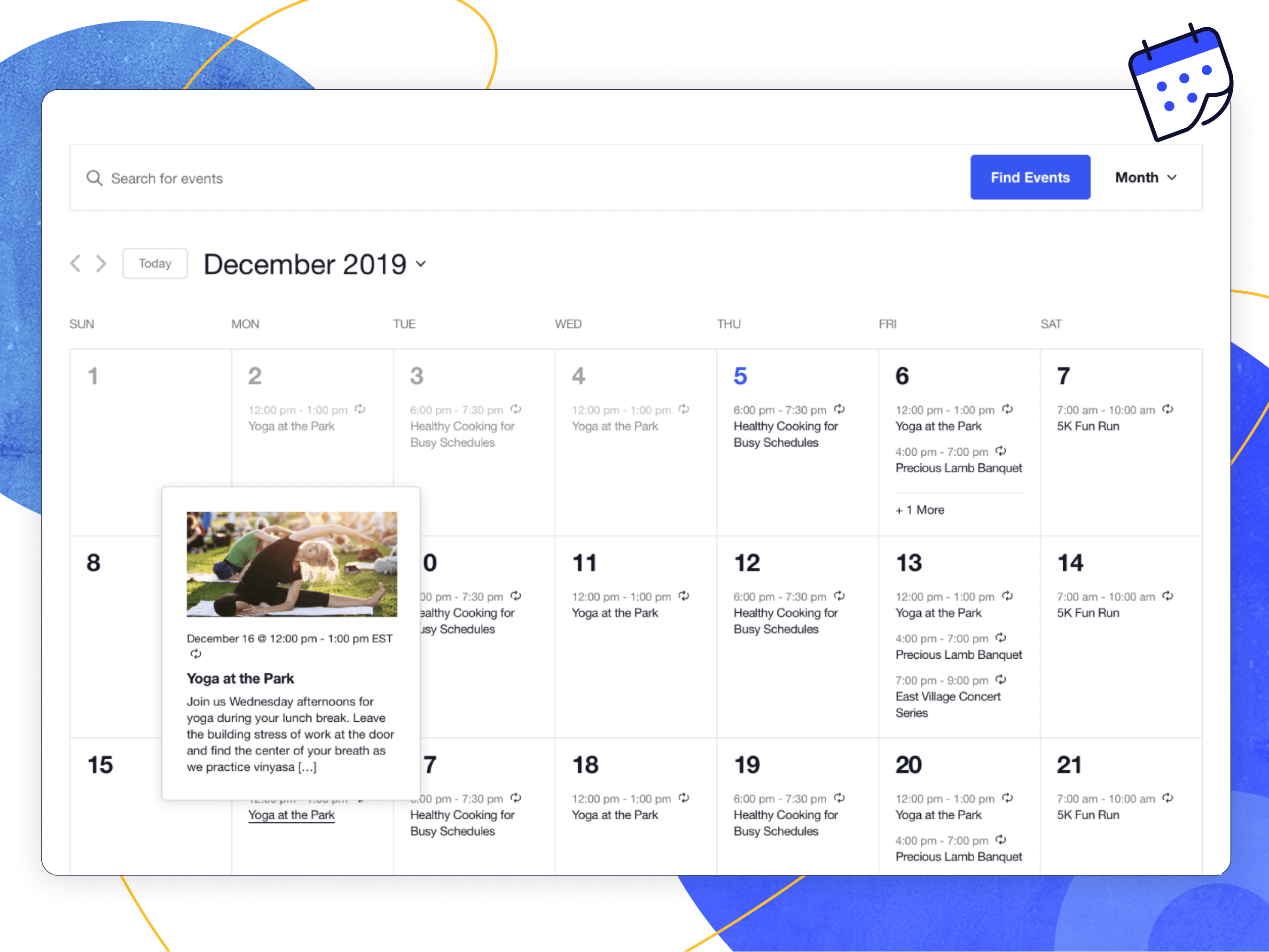
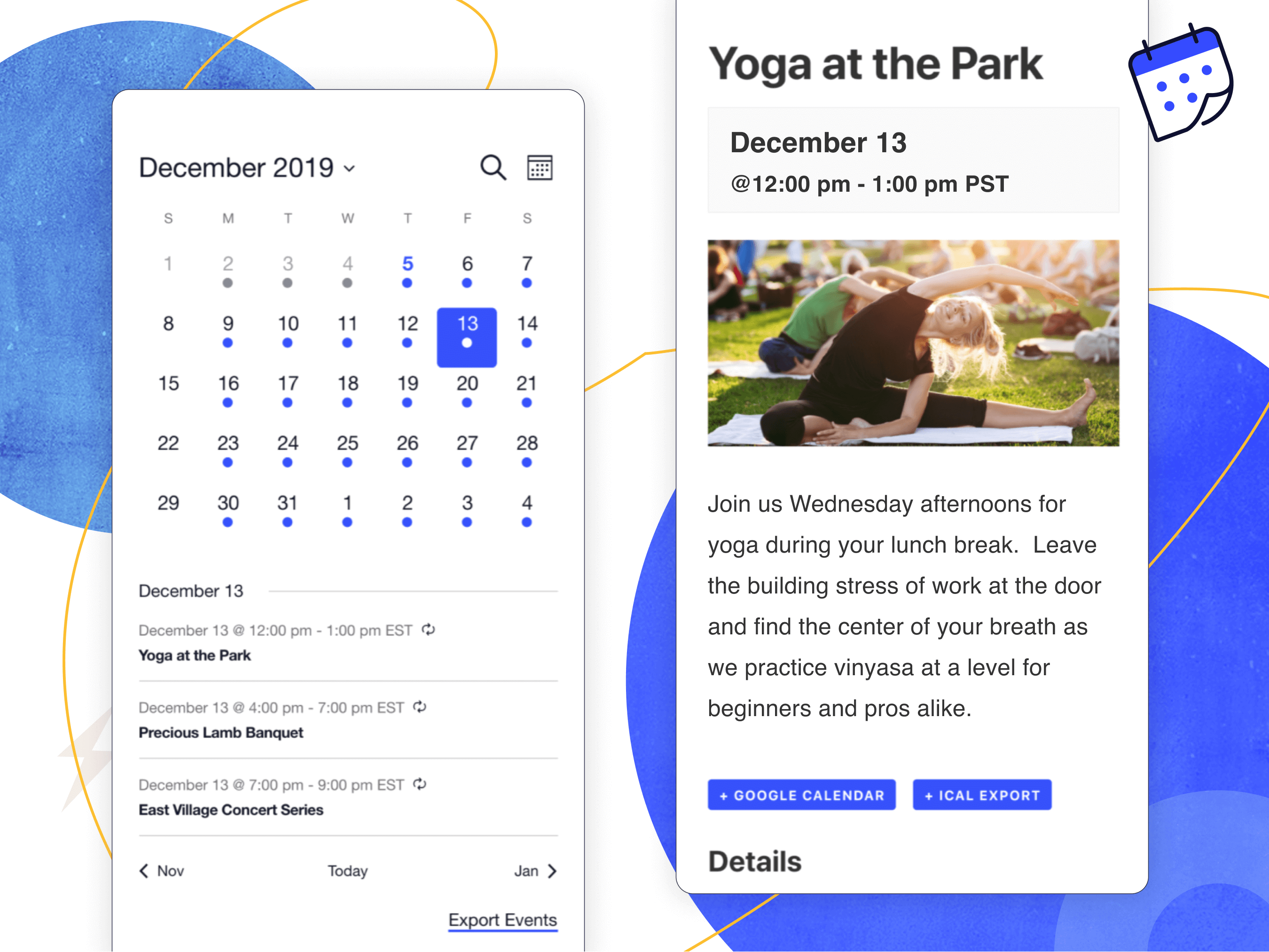
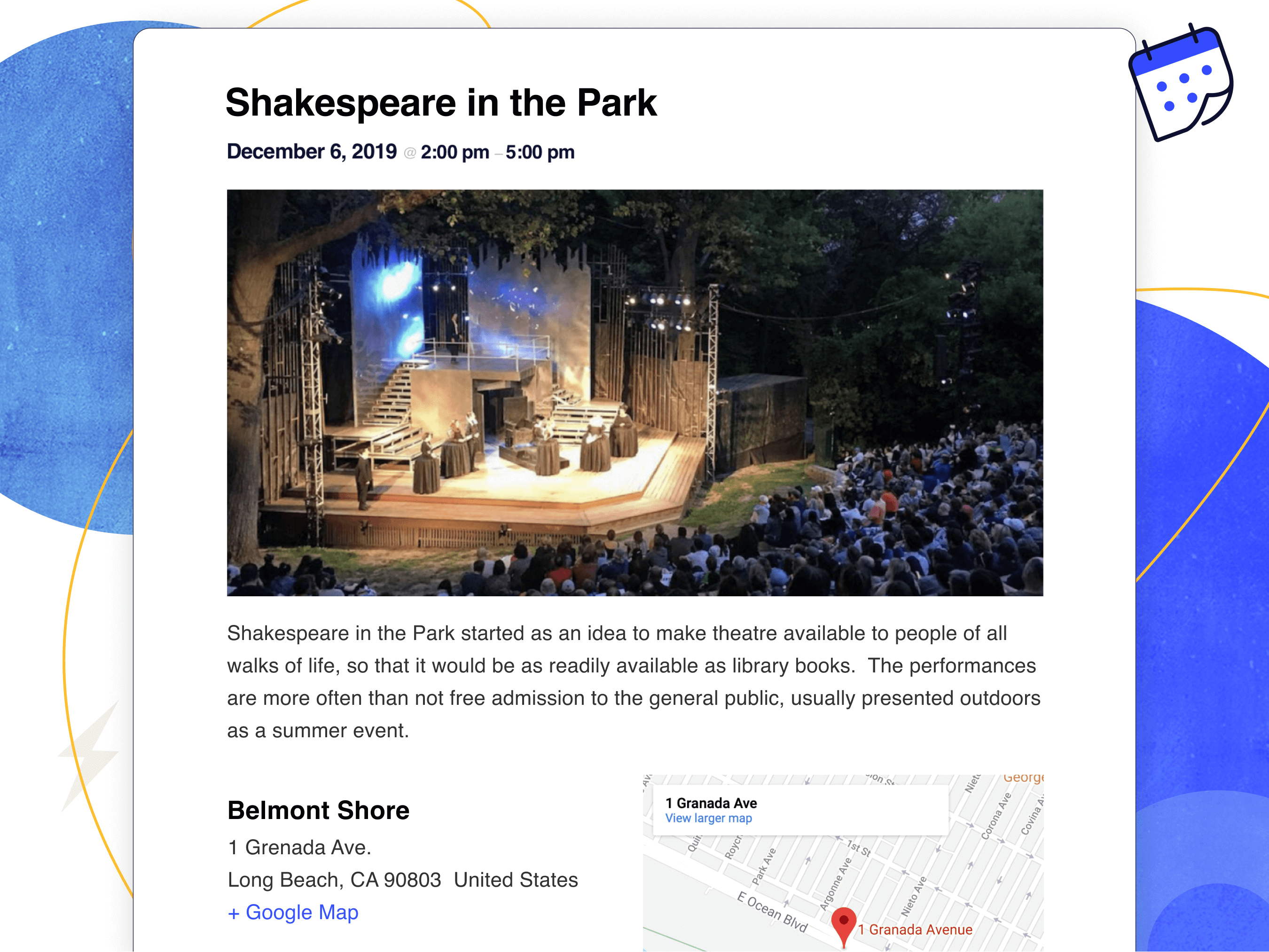
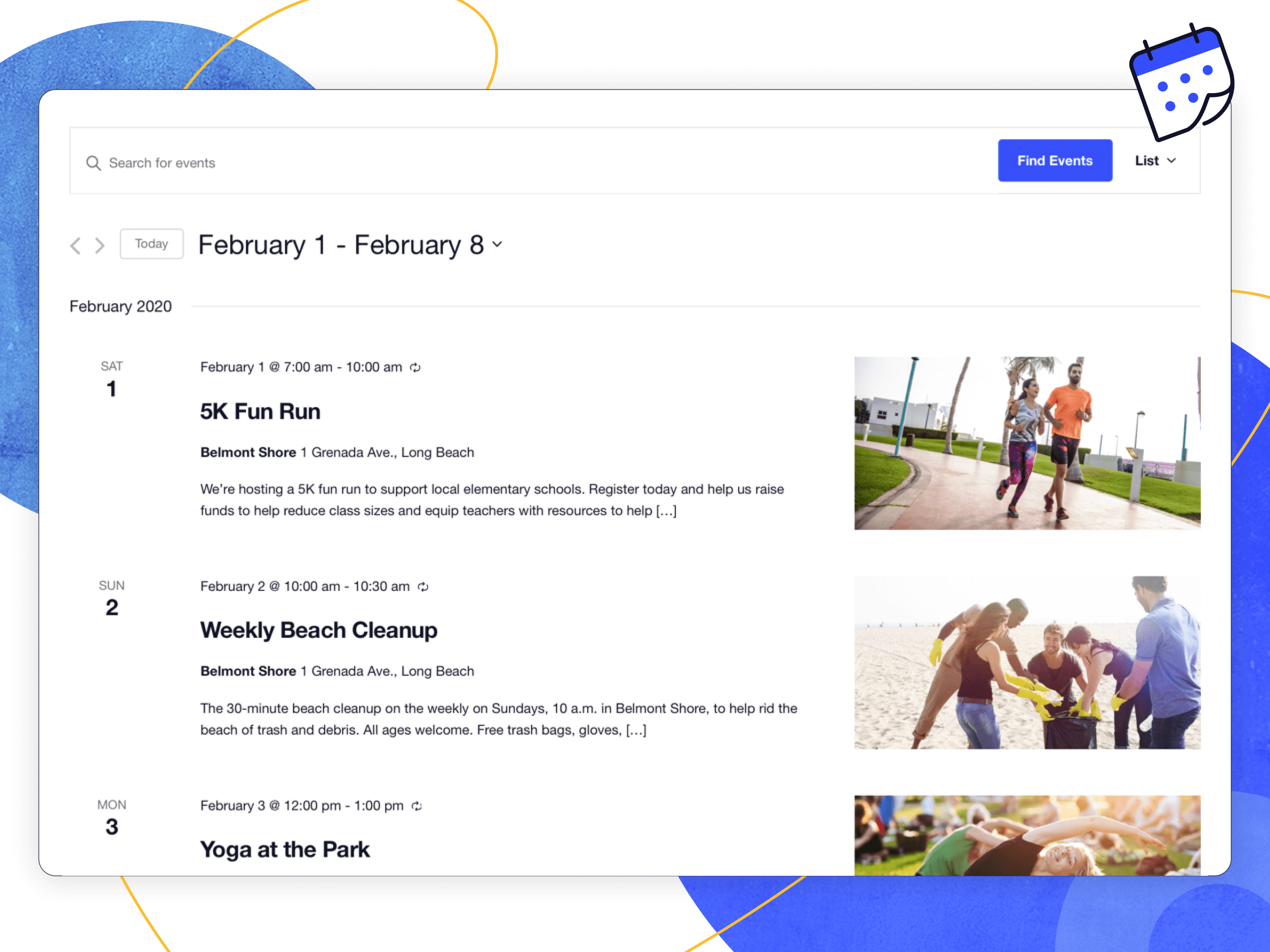
Easily create and manage an events calendar on your WordPress site with The Events Calendar free plugin. Whether your events are in-person or virtual events, this WordPress calendar plugin boasts professional features backed by our world-class team of developers and designers.
See more videos on our YouTube channel
Packed with loads of features, The Events Calendar is ready to go out of the box. It’s also extensible, easy to use, and completely customizable.
📅 The #1 Calendar for WordPress
See the calendar in action on our demo experience. Just getting started? Read through the New User Primer to get set up.
Looking for additional features like recurring events, ticket sales, user-submitted events, automatic imports, and more?
Check out Events Calendar Pro, Event Aggregator, and more add-ons.
🔌🎨 Plug and Play or Customize
The Events Calendar is built to work out of the box. Simply install the plugin, configure your settings, and start creating events in minutes.
Want to add your personal touch? Use The Events Calendar as the foundation for customization. Personalize to your heart’s content with the help of a skeleton stylesheet, partial template overrides, template tags, hooks and filters, careful documentation, and a library of free extensions.
The opening of the plugin's own description. The full text, installation notes and changelog are on its WordPress.org page.
First, make sure that you’re running the latest version of The Events Calendar. If you’re running Events Calendar PRO or any other add-ons, make sure those are current / running the latest code as well.
The most common issues we see are either plugin or theme conflicts. You can test if a plugin or theme is conflicting by manually deactivating other plugins until just The Events Calendar is running on your site.
Users of the free The Events Calendar should post their questions in the plugin’s WordPress.org forum, which we visit about once a week. Please make sure to read our sticky post providing an overview of the support we provide free users BEFORE posting. If you find you’re not getting support in as timely a fashion as you wish, you might want to consider purchasing a license for Events Calendar Pro.
The Events Calendar is our cornerstone plugin, and it’s required in order to run any of our premium calendar add-ons, including Events Calendar Pro, Community Events, Filter Bar, and others.
In other words, Events Calendar Pro runs alongside The Events Calendar and enhances it with extra features, including recurring events, additional calendar views, calendar shortcodes, advanced widgets, custom event fields and…
The following add-ons are available for The Events Calendar:
Yes! The Events Calendar has a built-in CSV import tool. If you want to step it up and automatically import events from Google Calendar, Meetup, Eventbrite and more, check out Event Aggregator.
You’ll want to use our Event Tickets plugin for that. This free plugin works alongside The Events Calendar and lets you create RSVPs and tickets for events. Event Tickets integrates with PayPal so you can collect payments for tickets, while our premium solution, Event Tickets Plus fully integrates with WooCommerce or Easy Digital Downloads.
Events calendar and booking system: bookings, reservations, appointments, scheduling, event registration, tickets and recurring events.

#496 by installs
Experience the power of automation within WordPress: Connect 1,600+ apps, automate manual tasks, and unlock your full potential. Get started now!

#744 by installs
Add Google Calendar events to your WordPress site in minutes. Beautiful calendar displays. Mobile responsive.

#771 by installs
Show or hide Elementor widgets, containers, columns, and pages based on user role, date, device, and many other powerful conditions.

#861 by installs
Complete Import & Export solution for Posts, Pages, Custom Posts, Users, Taxonomies, Comments, and more.
Read from the WordPress.org plugin API on , when WordPress 7.1.4 was the current release. WordPress.org rounds active installs into buckets. These are the directory's figures, not my verdict, and I haven't tested this plugin. The author takes donations at their donate page.