
#122 by installs
Extendify
The best WordPress templates, pattern, and layout library with 1,000+ designs built for the Gutenberg block editor.
- Installs
- 500,000+
- Rating
- 4.7 (10)
- Updated
- 9 days ago

Qi Blocks is the largest collection of Gutenberg blocks developed by Qode Interactive.
| Last updated | October 22, 2026Updated in the last 3 months |
|---|---|
| Tested up to | WordPress 7.1.4Covers WordPress 7.1.4, the current release |
| Needs WordPress | 6.3 or newer |
| Needs PHP | 7.4 or newer |
| First published | September 6, 2022 |
| Support, last two months | 0 of 1 threads resolved (0%) |
5.0 / 5 from 5 reviews
| 5 stars | 5 |
|---|---|
| 4 stars | 0 |
| 3 stars | 0 |
| 2 stars | 0 |
| 1 star | 0 |
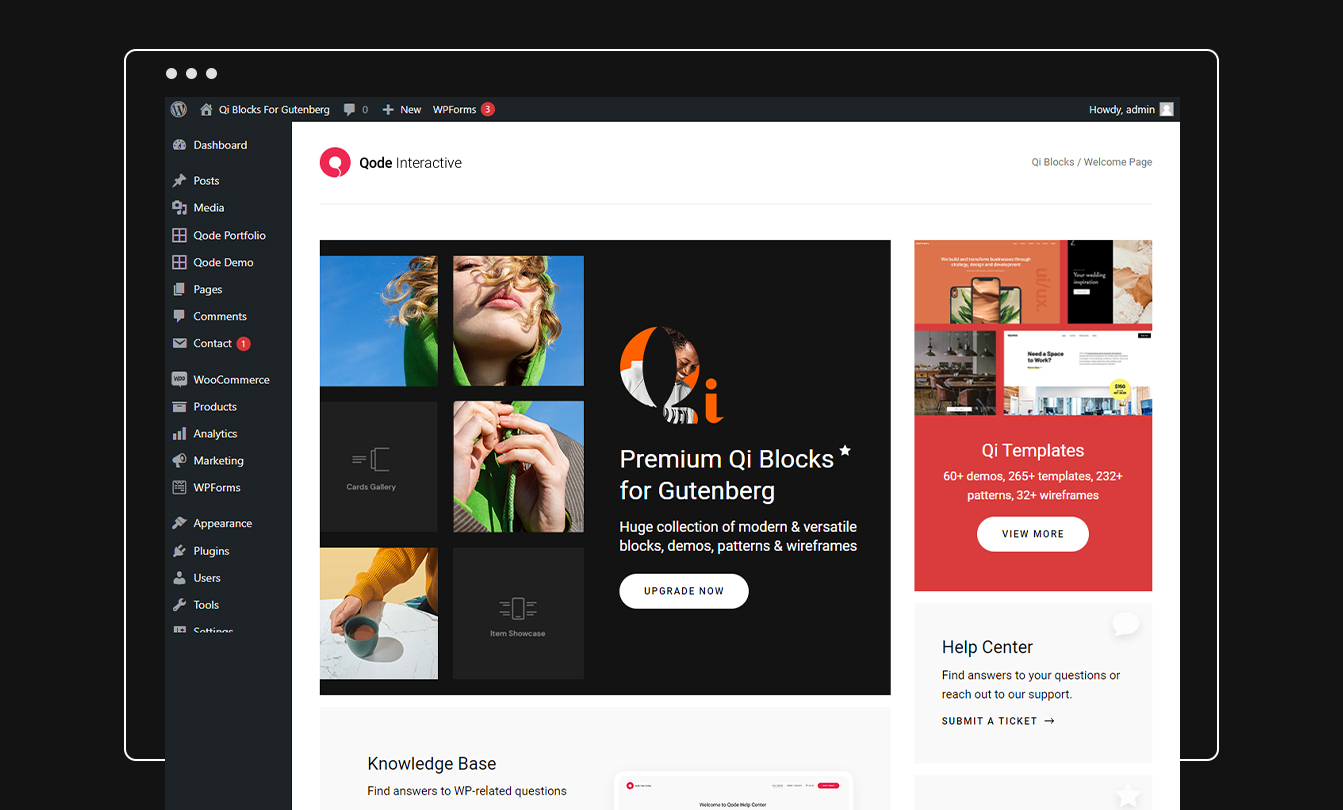
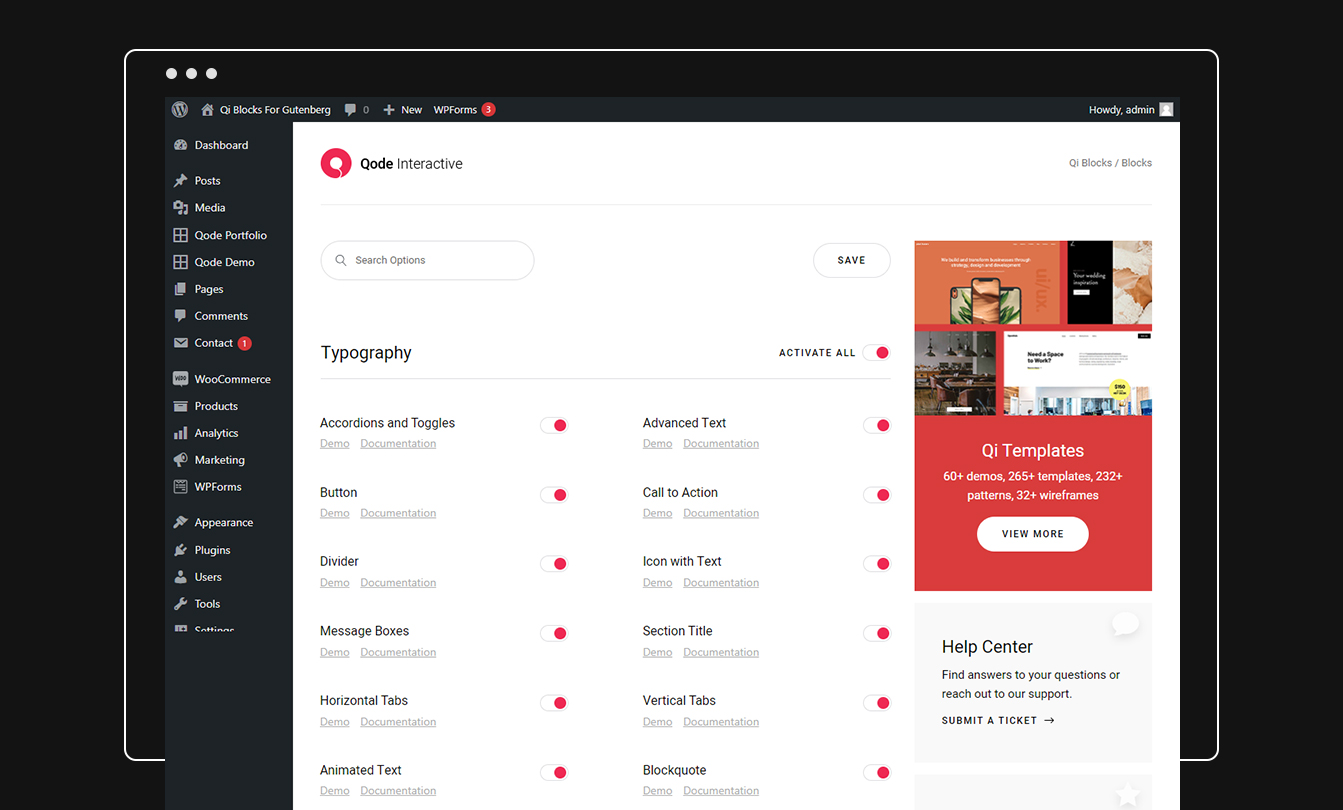
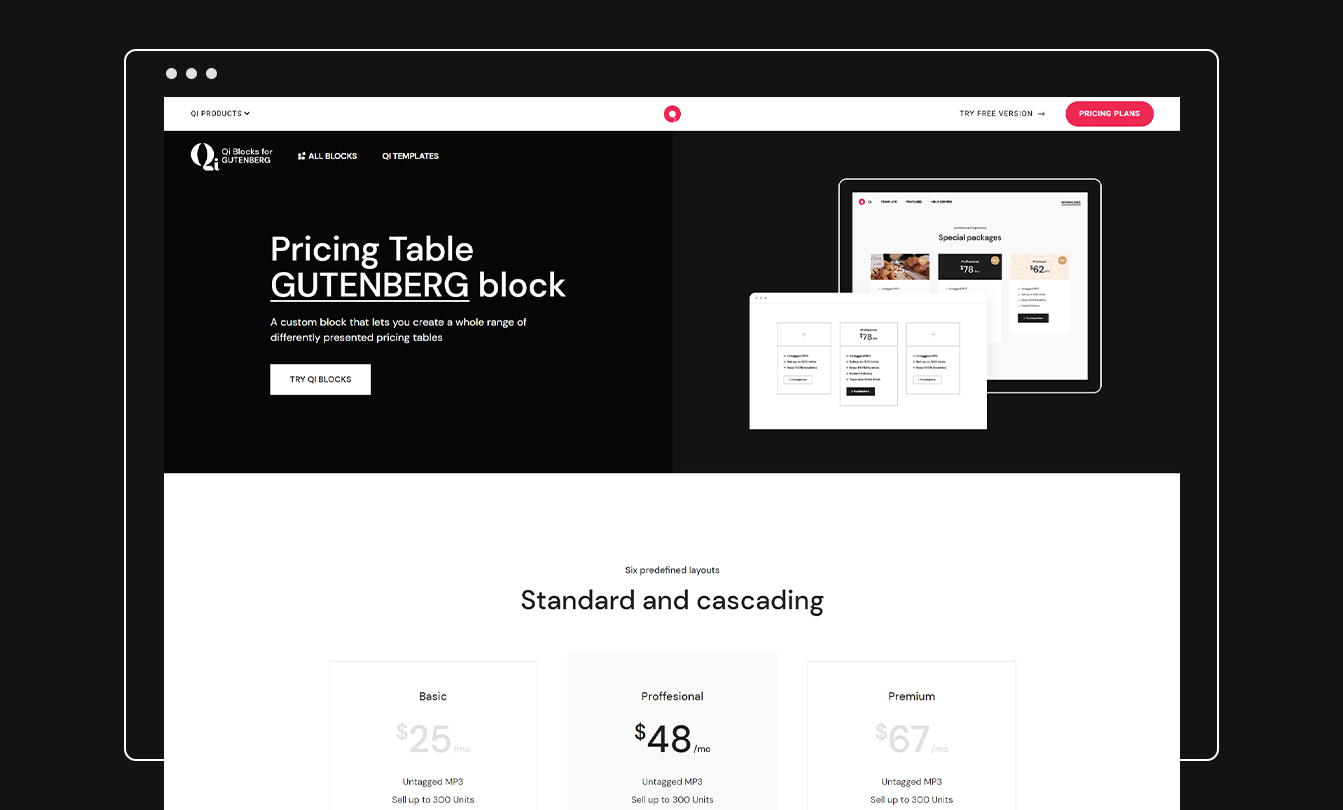
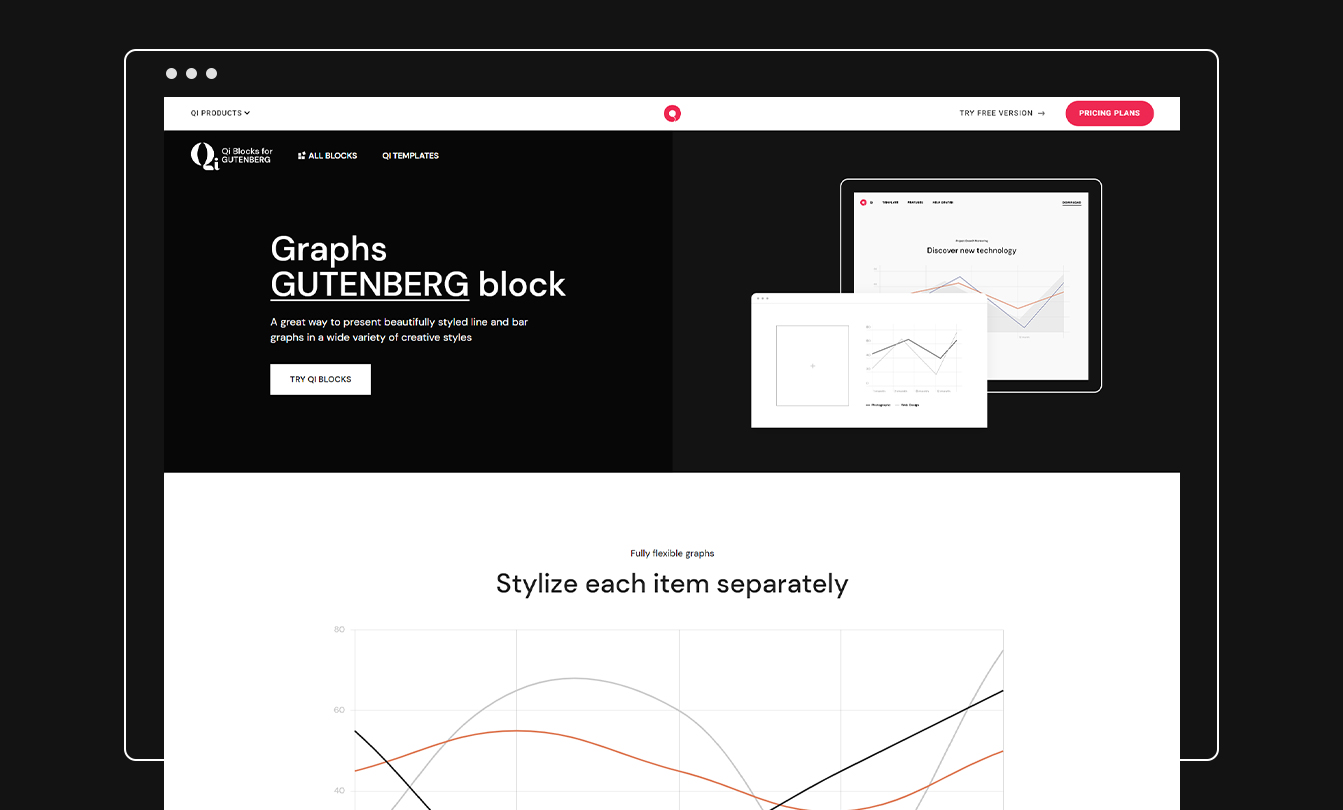
Qi Blocks is the largest collection of Gutenberg blocks developed by one of the most acclaimed WordPress development teams and winners of multiple awards in the field of design, Qode Interactive. The base version of the plugin comes with 48 carefully designed custom blocks with a never-before-seen number of options, while the Qi Blocks Premium gives you a total of 81 flexible, option-rich custom blocks for Gutenberg.
All the blocks and templates bear that authentic aesthetic touch Qode Interactive is known for, all while providing you with a simple and completely flexible way for creating any type of website you set out to.
In addition to this, you can also upgrade your copy of the plugin with the Qi Templates plugin and enhance your website making potential with an astounding collection of 550+ readymade and beautifully designed modern website layouts, including complete website demos, templates, patterns and wireframes.
Open-ended Customization
Not only do you get one of the largest collections of custom blocks for Gutenberg, but you’ll also be presented with an unprecedented number of options for each block. We put special emphasis on customization, allowing you to modify every single aspect of each element, all while keeping the entire experience straightforward, intuitive and easy to manage.
The Largest Collection of Gutenberg Blocks
The opening of the plugin's own description. The full text, installation notes and changelog are on its WordPress.org page.
There are two ways you can install Qi Blocks plugin.
You can install the plugin from your WordPress dashboard:
1. Navigate to your WordPress Dashboard -> Plugins -> Add New
2. Search for Qi Blocks plugin
3. Install and Activate Qi Blocks from your Plugins page.
Or you can install it directly from WordPress.org
1. Locate and download Qi Blocks on wordpress.org
You can use Qi Blocks, and blocks in general, only with block-based WordPress themes. An example of a block-based WordPress theme is WordPress’ default theme Twenty Twenty-Two, released with WordPress 5.9.
We create our plugins using coding conventions and best practices that ensure a minimal impact on your website’s performance.
If you require assistance while using the Qi Blocks plugin, you can visit the support forum on WordPress.org, or you can submit a ticket and our support agents will respond to you as soon as possible.
All of the plugins we develop are well-documented, and you can search our help center for many useful guides and answers to your questions. We also create video tutorials for our blocks and make them readily available on our YouTube channel. With the premium license, you can access our premium support service.
With the free version, you only get the taste of what Qi Block can let you do with your website. With the premium version, you can supercharge your creativity with additional, premium blocks, and enjoy the benefits of regular updates and access to premium support.
#122 by installs
The best WordPress templates, pattern, and layout library with 1,000+ designs built for the Gutenberg block editor.
300+ free WordPress website templates, page templates & block patterns. A starter sites library for Elementor, Gutenberg & any theme.

#63 by installs
Gutenberg blocks for existing Spectra websites. Maintained, stable, and fully supported — no action needed on your part.

#102 by installs
20+ Gutenberg Blocks with endless options, enabling top-notch efficiency for high-performance dynamic website creation.

#146 by installs
Essential elements for modern websites. Add buttons, sliders, heroes, maps, images, carousels, features, icons, more. Create dynamic pages easily.
Quickly create WordPress pages with 20+ blocks, 100+ ready-to-import designs, and advanced editor extensions. It’s website building, Lego-style!
Read from the WordPress.org plugin API on , when WordPress 7.1.4 was the current release. WordPress.org rounds active installs into buckets. These are the directory's figures, not my verdict, and I haven't tested this plugin.

