
#102 by installs
Kadence Blocks — Page Builder Toolkit for Gutenberg Editor
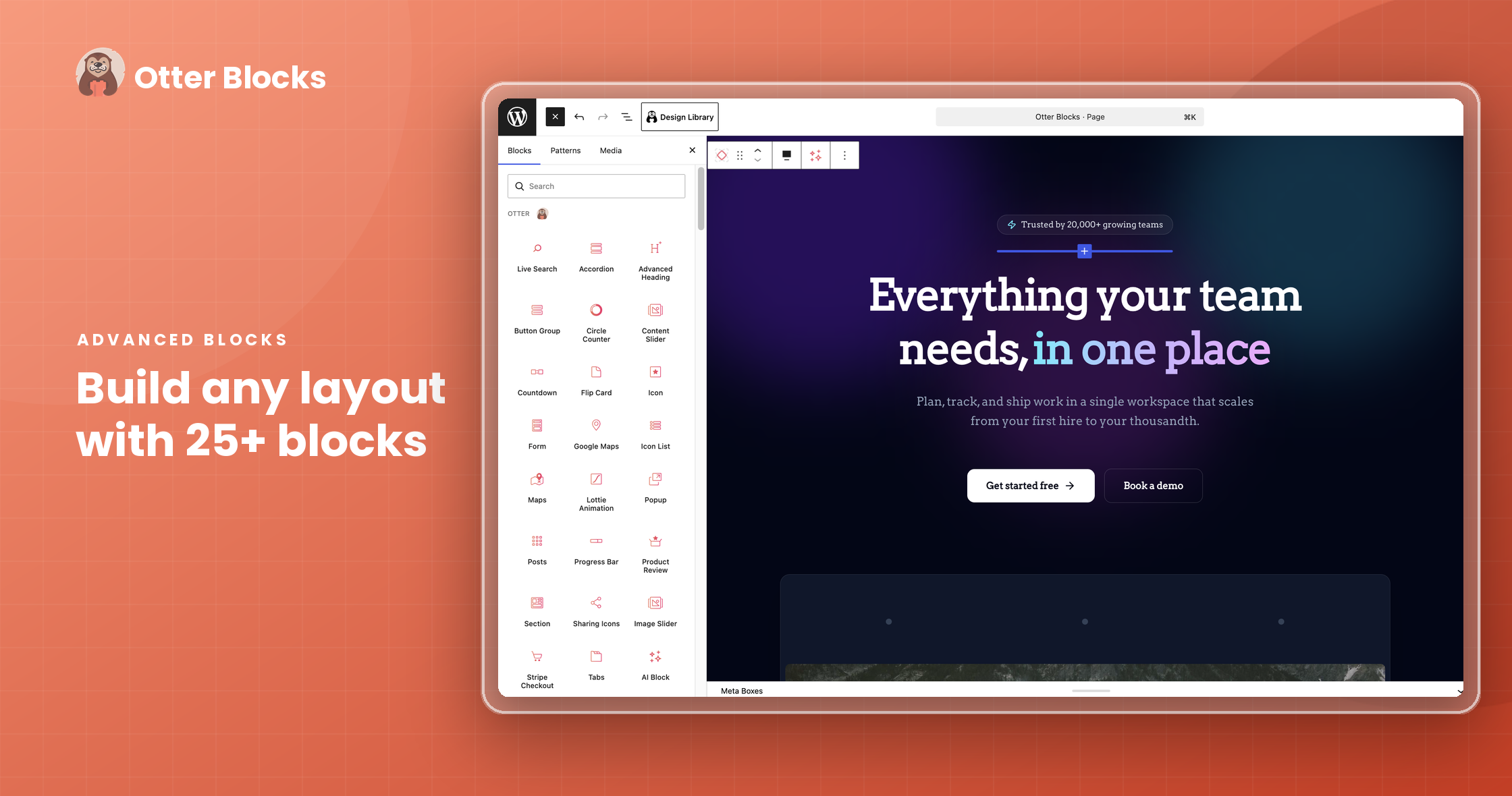
20+ Gutenberg Blocks with endless options, enabling top-notch efficiency for high-performance dynamic website creation.
- Installs
- 600,000+
- Rating
- 4.8 (333)
- Updated
- 3 days ago

Quickly create WordPress pages with 20+ blocks, 100+ ready-to-import designs, and advanced editor extensions. It’s website building, Lego-style!
| Last updated | October 19, 2026Updated in the last 3 months |
|---|---|
| Tested up to | WordPress 7.1.4Covers WordPress 7.1.4, the current release |
| Needs WordPress | 6.6 or newer |
| Needs PHP | 5.6 or newer |
| First published | October 17, 2018 |
| Support, last two months | 4 of 4 threads resolved (100%) |
4.7 / 5 from 251 reviews
| 5 stars | 218 |
|---|---|
| 4 stars | 14 |
| 3 stars | 9 |
| 2 stars | 2 |
| 1 star | 8 |
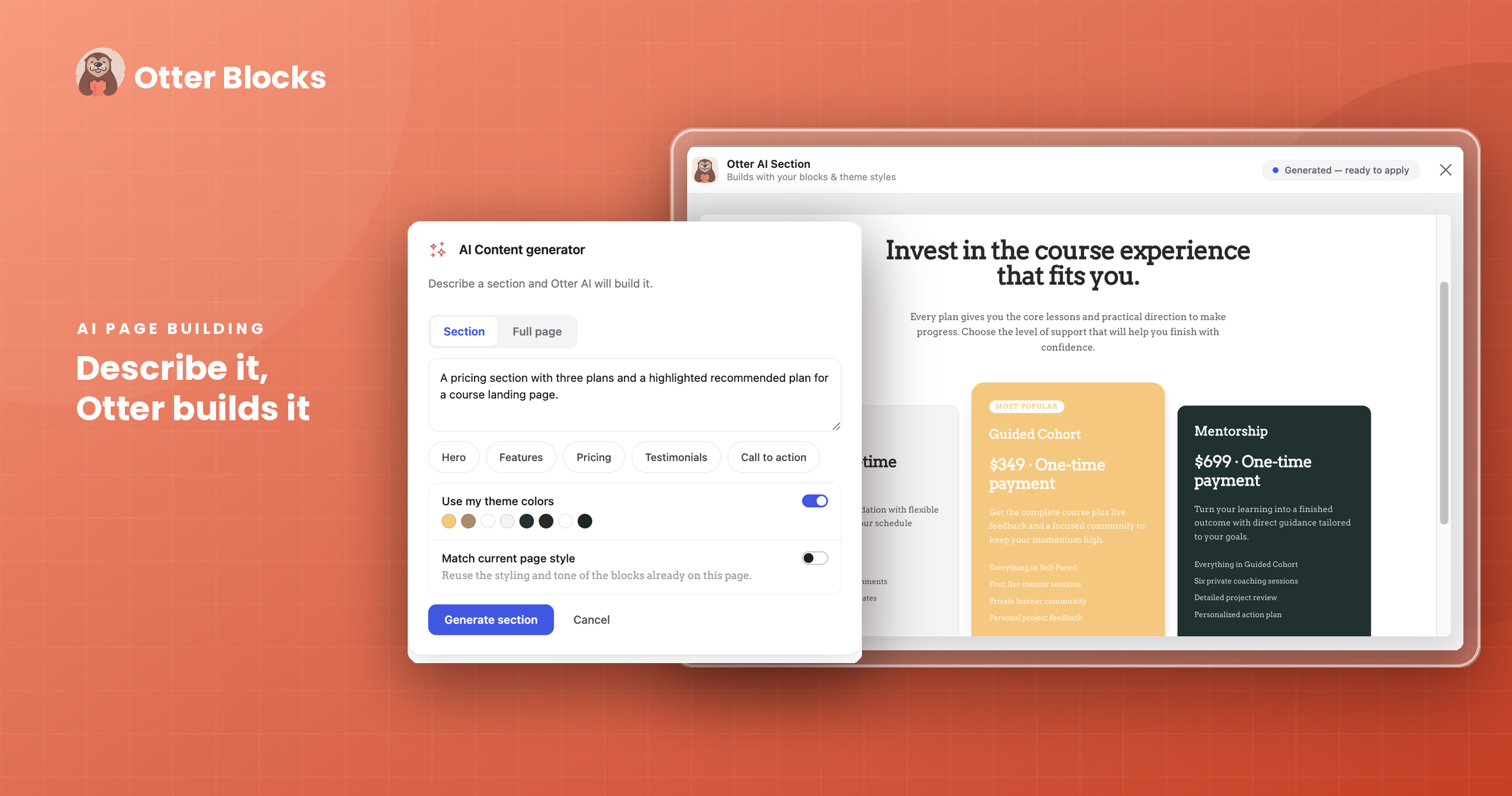
Otter is a Gutenberg Blocks page builder plugin that adds extra functionality to the WordPress Block Editor (also known as Gutenberg) for a better page-building experience without the need for traditional page builders like Elementor and Divi.
Quick Links 🔗
With Otter Blocks, You Get Access To
For all blocks including third-party blocks present on your website.
The Custom CSS block feature makes it possible to directly customize the CSS properties of any Gutenberg block on the page, while the Animation feature makes it quick and easy to add animations to any block to enhance the appeal of your different page blocks and sections.
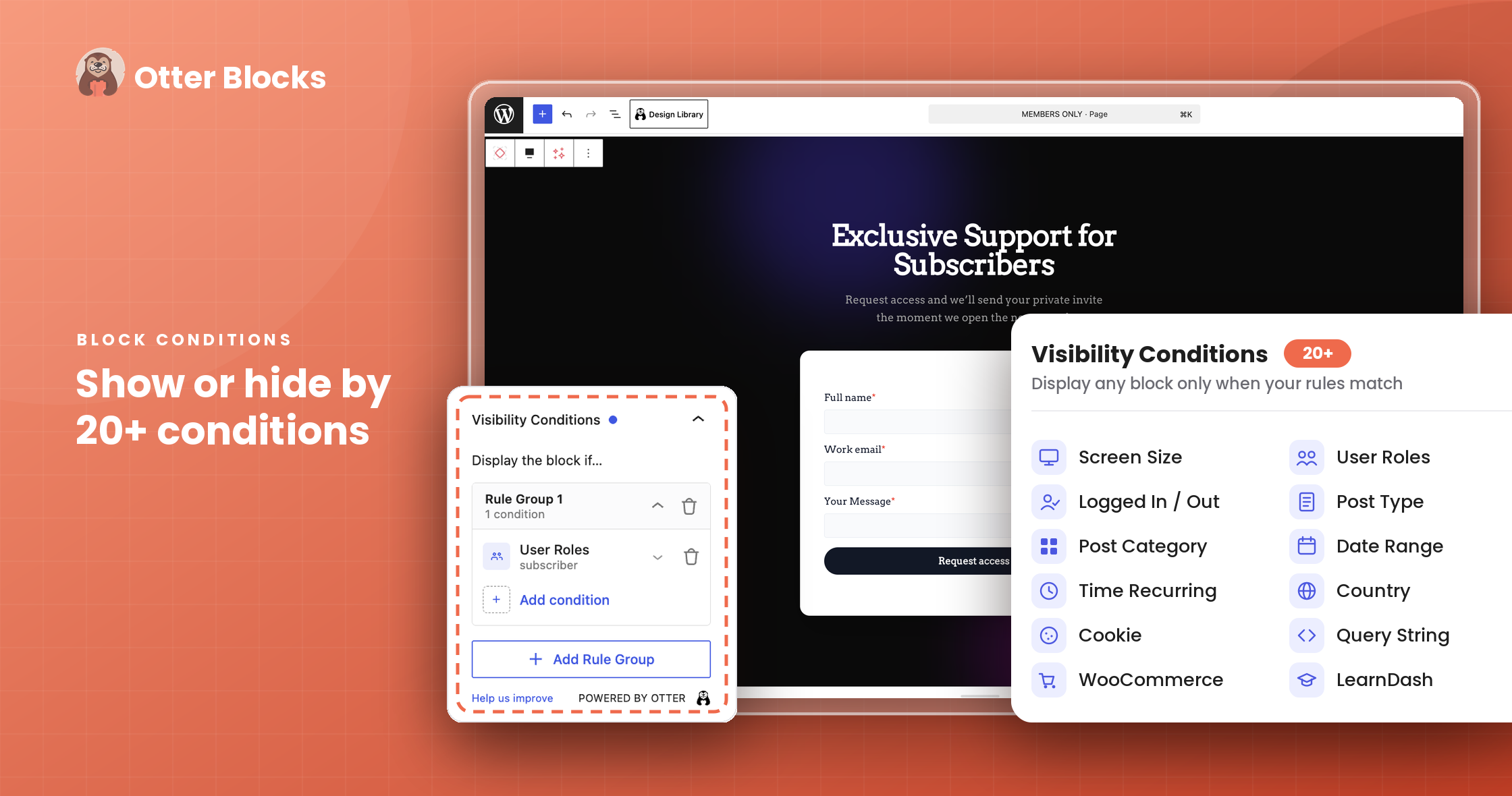
With the Visibility Conditions feature by Otter, you can set which conditions should be met for your chosen blocks to be displayed on the page.
The opening of the plugin's own description. The full text, installation notes and changelog are on its WordPress.org page.
Otter comes in both free and premium versions. The premium version offers a wider variety of blocks and multiple options to customize them, compared to the free version.
Otter provides blocks for Gutenberg, the default WordPress editor, and page builder.
Sure, Otter is compatible with any WordPress theme.
If you encounter any difficulties or if you have questions about Otter, you can create a ticket on our support forum. Also, feel free to check our documentation to find out more about the features within the plugin and how to use it to its full potential.
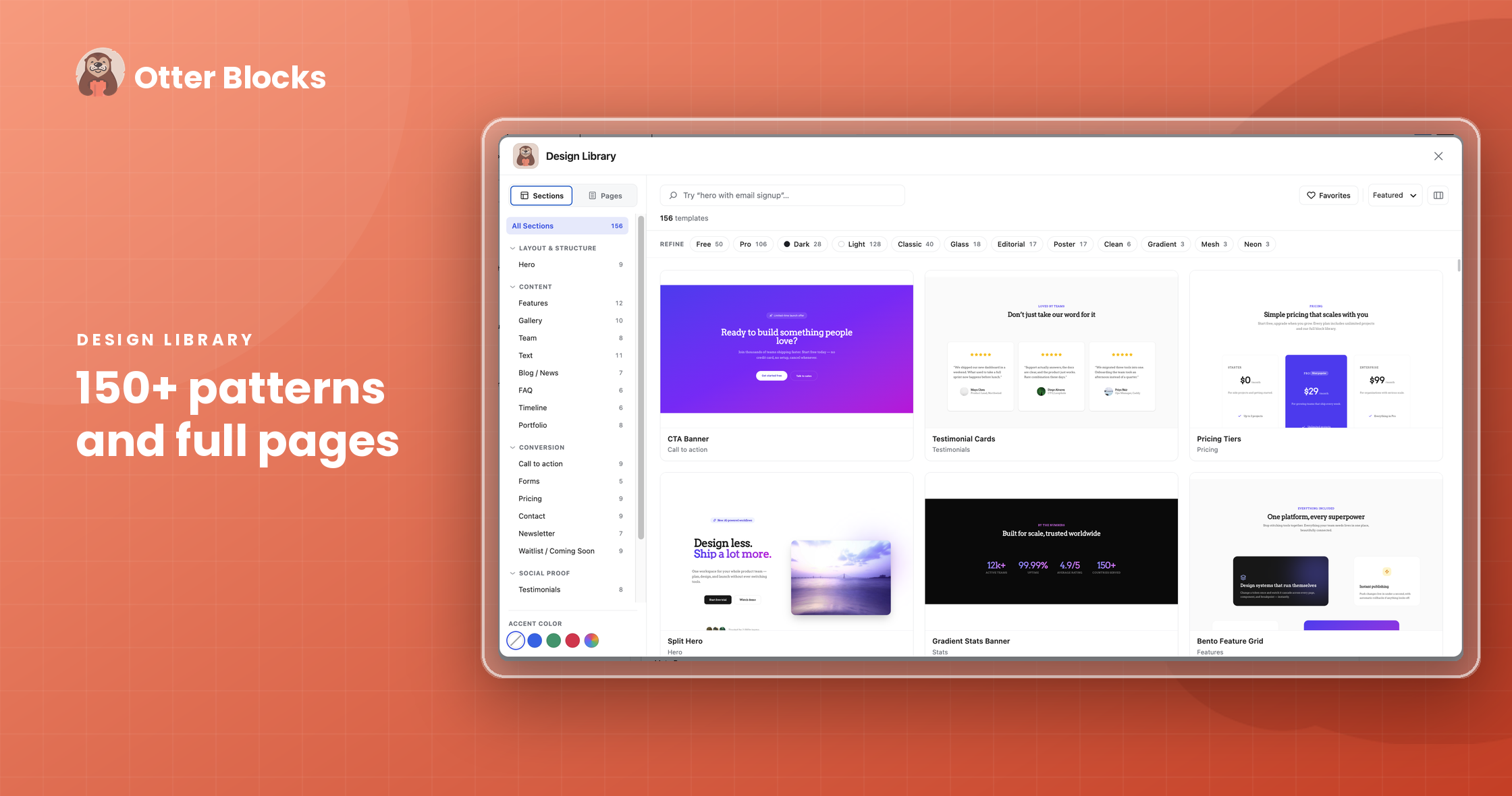
The Patterns have been designed to make it easier for you to build your site using predefined blocks that can be then customized according to your needs. You can take a look at our dedicated documentation to find out all you need to know about the Patterns.
Plugin security is a core priority for us. If you identify a potential vulnerability, we ask that you disclose it responsibly.
Please follow the reporting protocols outlined on our Security Page.
Version 3.2.8 (2026-10-19)
#102 by installs
20+ Gutenberg Blocks with endless options, enabling top-notch efficiency for high-performance dynamic website creation.

#181 by installs
CoBlocks is a suite of page builder WordPress blocks for Gutenberg, with 10+ new blocks and a true page builder experience with rows and columns.

#333 by installs
The complete website builder for the WordPress block editor. Build professional sites faster with powerful blocks, block styles, and a global design s …

#63 by installs
Gutenberg blocks for existing Spectra websites. Maintained, stable, and fully supported — no action needed on your part.

#216 by installs
A small collection of lightweight WordPress blocks that can accomplish nearly anything.

#527 by installs
Using the power of AI, Kubio gives you a head start by generating a first draft of your website, which you can further customize to your liking.
Read from the WordPress.org plugin API on , when WordPress 7.1.4 was the current release. WordPress.org rounds active installs into buckets. These are the directory's figures, not my verdict, and I haven't tested this plugin.