#258 by installs
Nginx Helper
Cleans nginx's fastcgi/proxy cache or redis-cache whenever a post is edited/published. Also does a few more things.
- Installs
- 200,000+
- Rating
- 4.4 (31)
- Updated
- 52 days ago

Permalink Manager extends WordPress’s native permalink functionality, giving you more control over URL structures for custom post types, and taxonomie …
| Last updated | October 13, 2026Updated in the last 3 months |
|---|---|
| Tested up to | WordPress 7.1.4Covers WordPress 7.1.4, the current release |
| Needs WordPress | 5.3.0 or newer |
| Needs PHP | 5.4 or newer |
| First published | January 9, 2016 |
| Support, last two months | 1 of 1 threads resolved (100%) |
4.8 / 5 from 176 reviews
| 5 stars | 162 |
|---|---|
| 4 stars | 3 |
| 3 stars | 2 |
| 2 stars | 0 |
| 1 star | 9 |
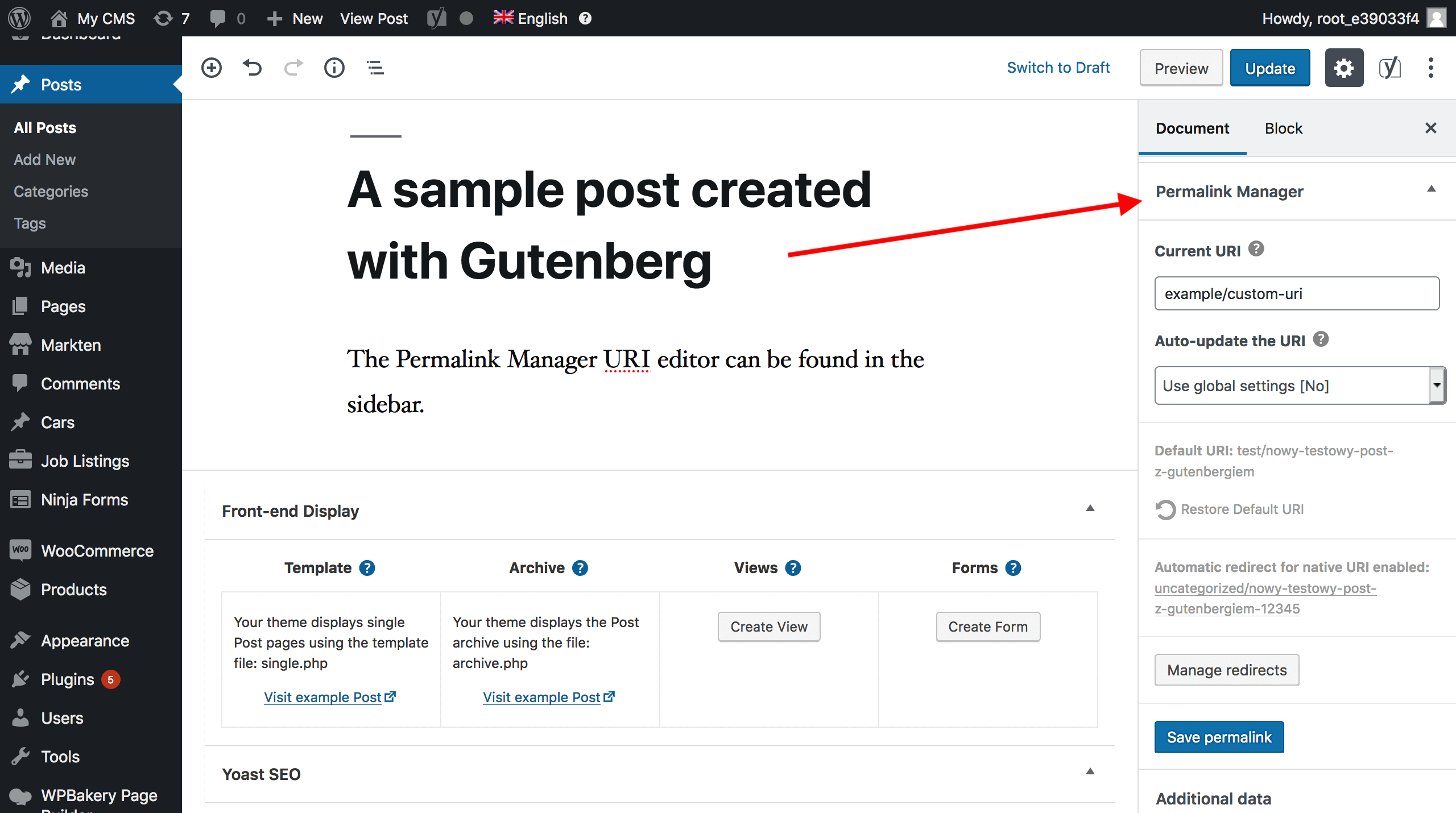
Permalink Manager gives you more control over WordPress URLs, allowing you to customize URLs directly from the admin dashboard without requiring custom code. You can define a custom permalink structure for any content type or edit individual permalinks separately.
The plugin supports all custom post types and taxonomies and works with popular plugins such as WooCommerce, ACF, WPML, and Polylang.
The free version lets you customize permalinks for posts, pages, and custom post types. With the Pro version, you can also manage permalinks for categories, tags, and custom taxonomies.
Permalink Manager automatically redirects old and duplicate URLs to the correct page, helping prevent broken links and 404 errors.
Buy Permalink Manager Pro | Quickstart guide | Documentation
What You Can Do With Permalink Manager
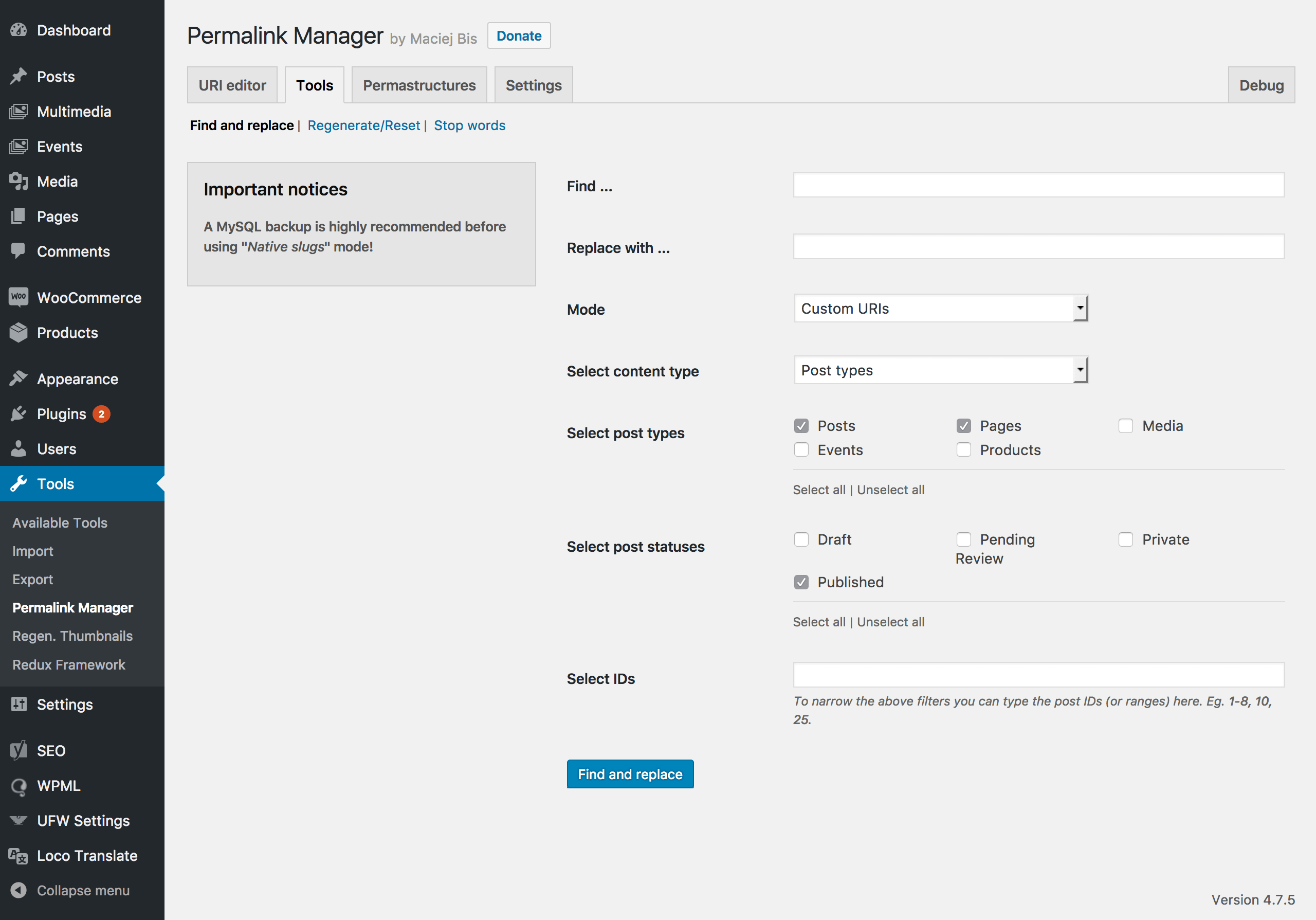
For a consistent and SEO-friendly URL structure, you may customize and change the permalink of each post, page, and custom post type item. Categories, tags & custom taxonomies terms permalinks can be edited in Permalink Manager Pro.
The Permastructures settings let you override the default permalink structure and define a custom URL format using available tags, including %custom_post_type% and %custom_taxonomy%.
The opening of the plugin's own description. The full text, installation notes and changelog are on its WordPress.org page.
Yes. Permalink Manager automatically redirects the native permalinks (the URLs WordPress uses before the plugin is activated or after it is disabled) to the custom permalinks. Read more about the plugin’s redirect functions.
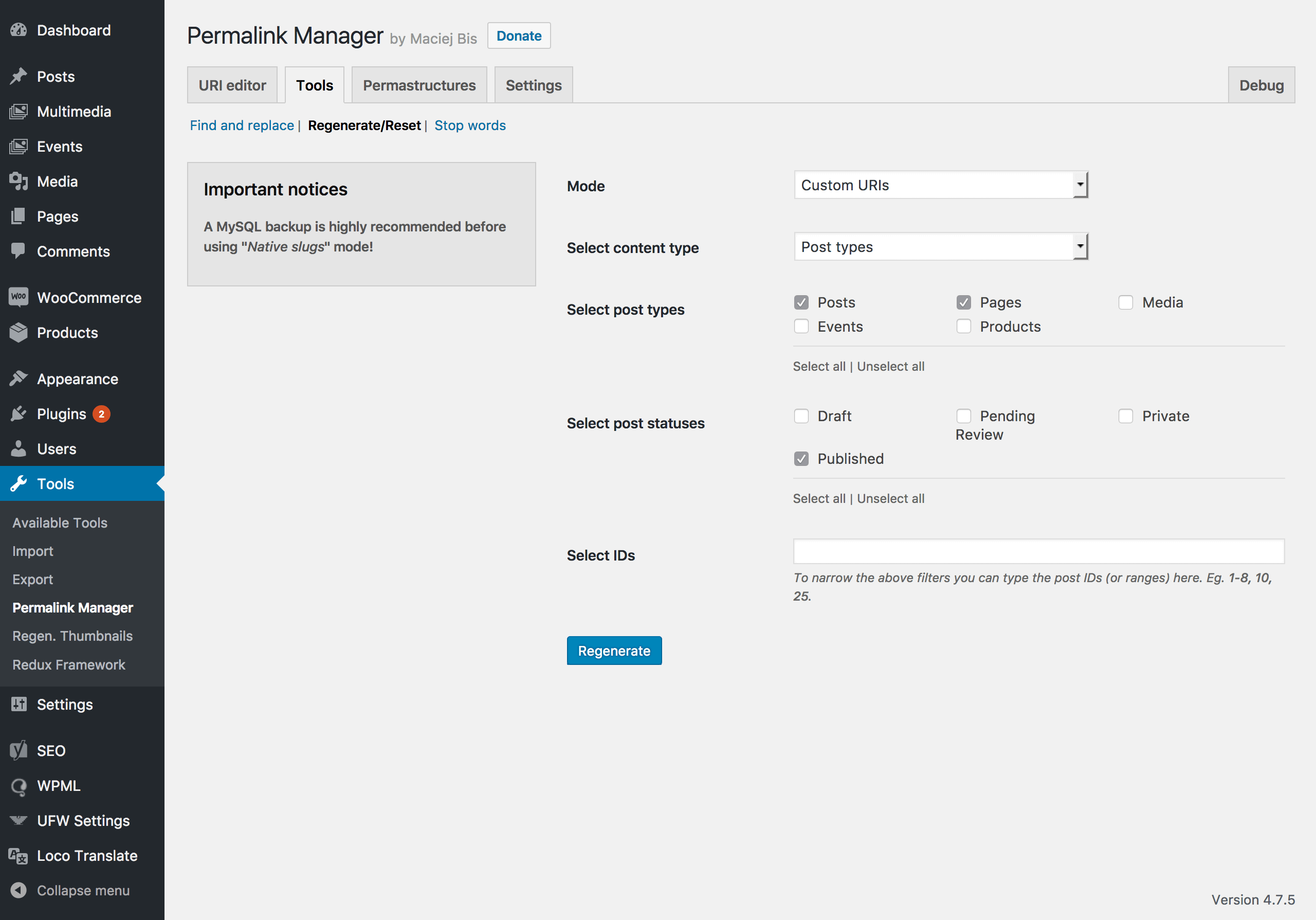
Set a new format without the base slug for that post type in Permastructures, then regenerate the existing permalinks. The step-by-step tutorial walks through the process.
This requires Permalink Manager Pro, which supports WooCommerce products, categories, tags and attributes. See how to remove /product/ and /product-category/ from WooCommerce URLs.
Yes, if you use WPML or Polylang. You can translate the slugs and set a separate Permastructure for each language. Full instructions for multilingual permalinks.
Permalink Manager is optimized for standard WordPress websites that typically have fewer than a few thousand URLs. It stores all custom permalinks in a single database row, so the plugin can process URLs with just one database query and keep the impact on page load times to a minimum.
Yes, it is possible if you are using either WPML or Polylang. You can find the full instructions here.

#258 by installs
Cleans nginx's fastcgi/proxy cache or redis-cache whenever a post is edited/published. Also does a few more things.

#270 by installs
Edit the permalink of custom post type.

#409 by installs
A powerful WordPress plugin for full URL control. Set custom permalinks, auto-redirects, and use dynamic tags for ideal site structure and SEO.
Remove Category URL strips the /category/ base from your category URLs, turning something like /category/my-category/ into simply /my-category/.

#909 by installs
Convert Greek characters to Latin on all your site's permalinks instantly.
Read from the WordPress.org plugin API on , when WordPress 7.1.4 was the current release. WordPress.org rounds active installs into buckets. These are the directory's figures, not my verdict, and I haven't tested this plugin. The author takes donations at their donate page.