AIOSEO is the WordPress SEO plugin. Boost SEO rankings with AI SEO tools, schema, meta descriptions, XML sitemaps & rank tracking.
- Installs
- 2+ million
- Rating
- 4.7 (5.2K)
- Updated
- 9 days ago

A powerful WordPress plugin for full URL control. Set custom permalinks, auto-redirects, and use dynamic tags for ideal site structure and SEO.
| Last updated | October 13, 2026Updated in the last 3 months |
|---|---|
| Tested up to | WordPress 7.1.4Covers WordPress 7.1.4, the current release |
| Needs WordPress | 5.9 or newer |
| Needs PHP | 7.4 or newer |
| First published | November 1, 2008 |
| Support, last two months | 4 of 4 threads resolved (100%) |
4.1 / 5 from 116 reviews
| 5 stars | 80 |
|---|---|
| 4 stars | 10 |
| 3 stars | 3 |
| 2 stars | 2 |
| 1 star | 21 |
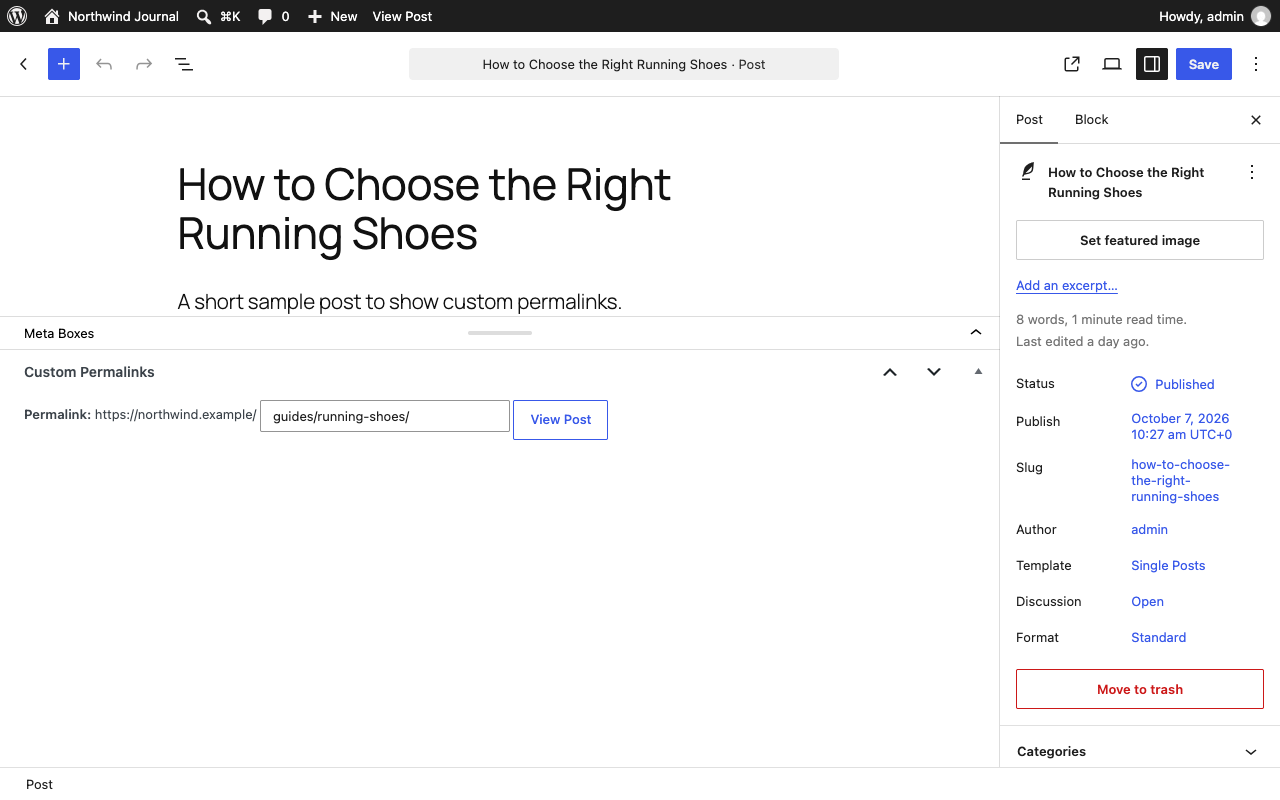
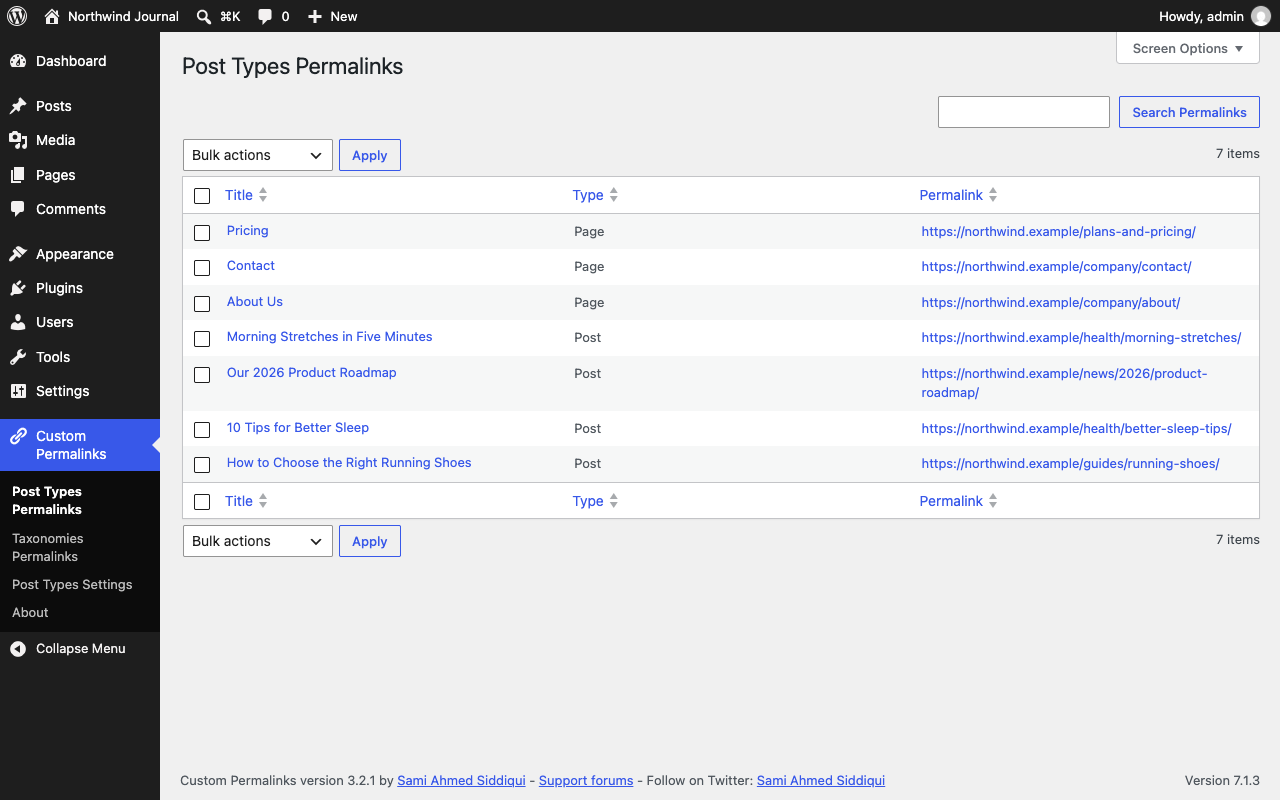
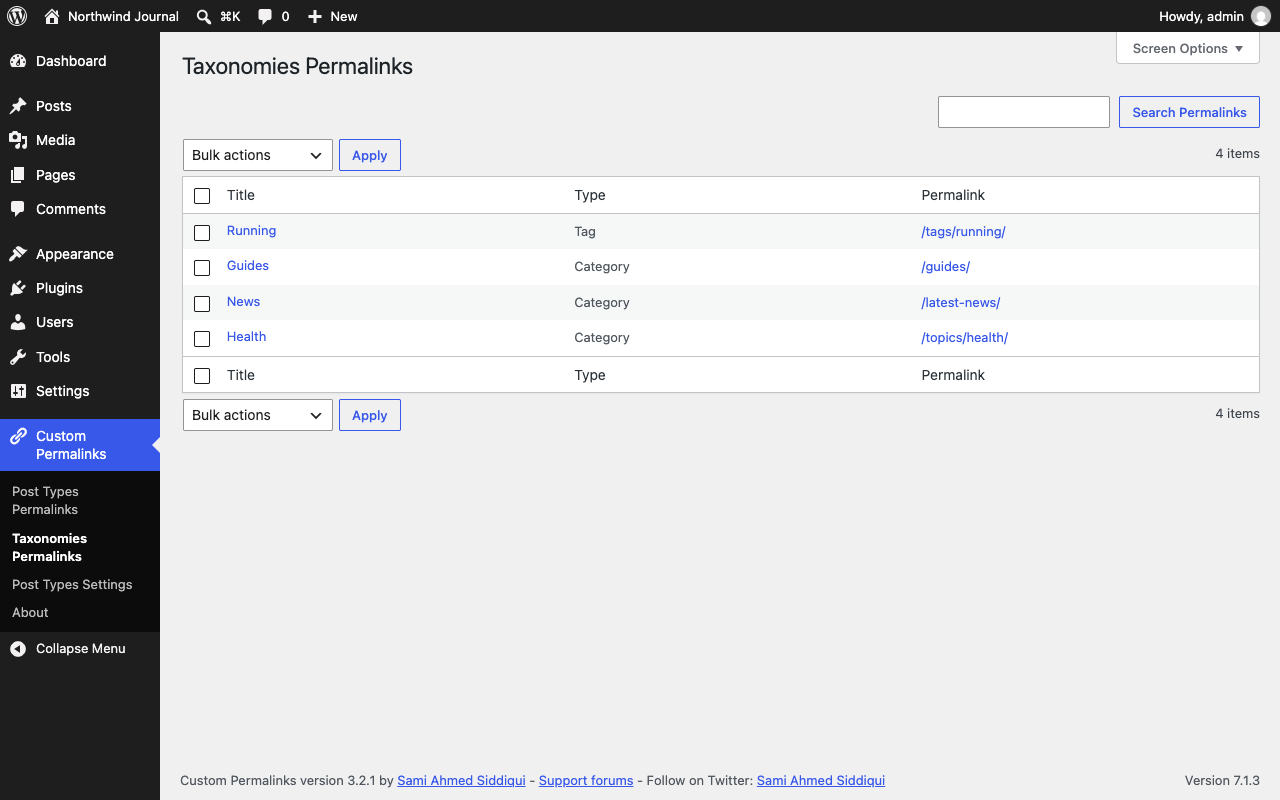
You want to take control of your WordPress site’s URLs? The Custom Permalinks plugin gives you the power to set unique, custom URLs for any post, page, tag, or category. This means you can design your site’s structure exactly how you envision it, rather than being limited by WordPress’s default settings. When you set a custom permalink, the original post URL will be automatically redirected to your new, customized URL.
Key Features
The opening of the plugin's own description. The full text, installation notes and changelog are on its WordPress.org page.
Custom Permalinks automatically redirects the original (default) URL to your new custom permalink, so existing links, bookmarks, and search engine rankings keep working.
It shouldn’t hurt it — since the original URL redirects to the new one, search engines and existing backlinks continue to resolve correctly. Using clean, descriptive custom permalinks can also make your URLs more readable, which is generally good for SEO.
Yes. Custom Permalinks supports posts, pages, any public custom post type, and categories/tags (and other custom taxonomy terms).
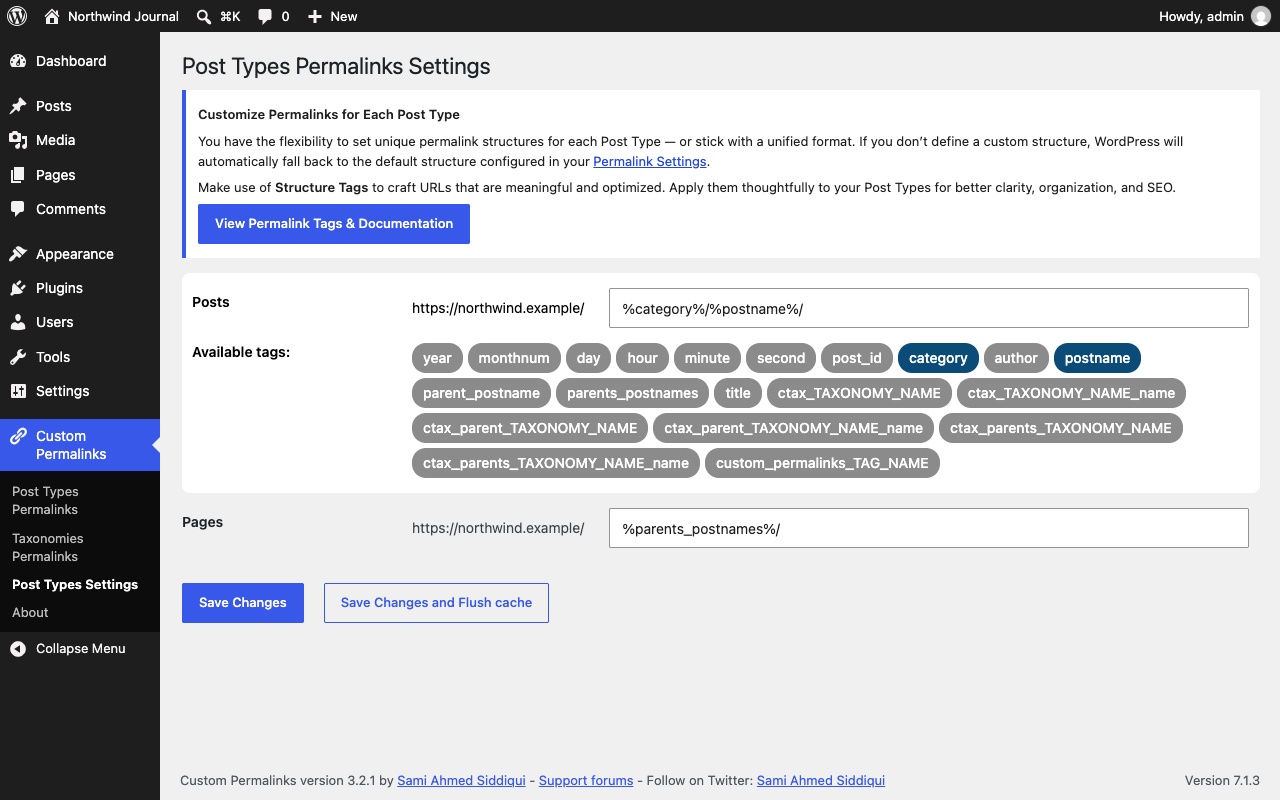
Yes. You can set an individual custom permalink on any public custom post type, or define an automatic permalink structure for the entire post type from Custom Permalinks > Post Types Settings.
Yes, the plugin is compatible with both WPML and Polylang, including translated posts that each have their own custom permalink.
Yes. Permalinks in non-Latin scripts, such as Arabic, Thai, Cyrillic, or Chinese, work as you type them. Browsers request these URLs percent-encoded, and Custom Permalinks matches them either way.
AIOSEO is the WordPress SEO plugin. Boost SEO rankings with AI SEO tools, schema, meta descriptions, XML sitemaps & rank tracking.

#635 by installs
Redirect 404 missing pages to the homepage using SEO 301 redirection. Super lightweight!
Remove Category URL strips the /category/ base from your category URLs, turning something like /category/my-category/ into simply /my-category/.

#965 by installs
Automatically Redirect any 404 page to a Similar Post based on the Title Post Type & Taxonomy using 301 or 302 Redirects!
Real-time SEO guidance, schema, and AI built in. Help search engines and AI systems understand your content. All AI tools included, no hidden fees.

#5 by installs
All-in-one unbeatable acceleration & PageSpeed improvement: caching, image/CSS/JS optimization...
Read from the WordPress.org plugin API on , when WordPress 7.1.4 was the current release. WordPress.org rounds active installs into buckets. These are the directory's figures, not my verdict, and I haven't tested this plugin.